
ParityDeals Onboarding
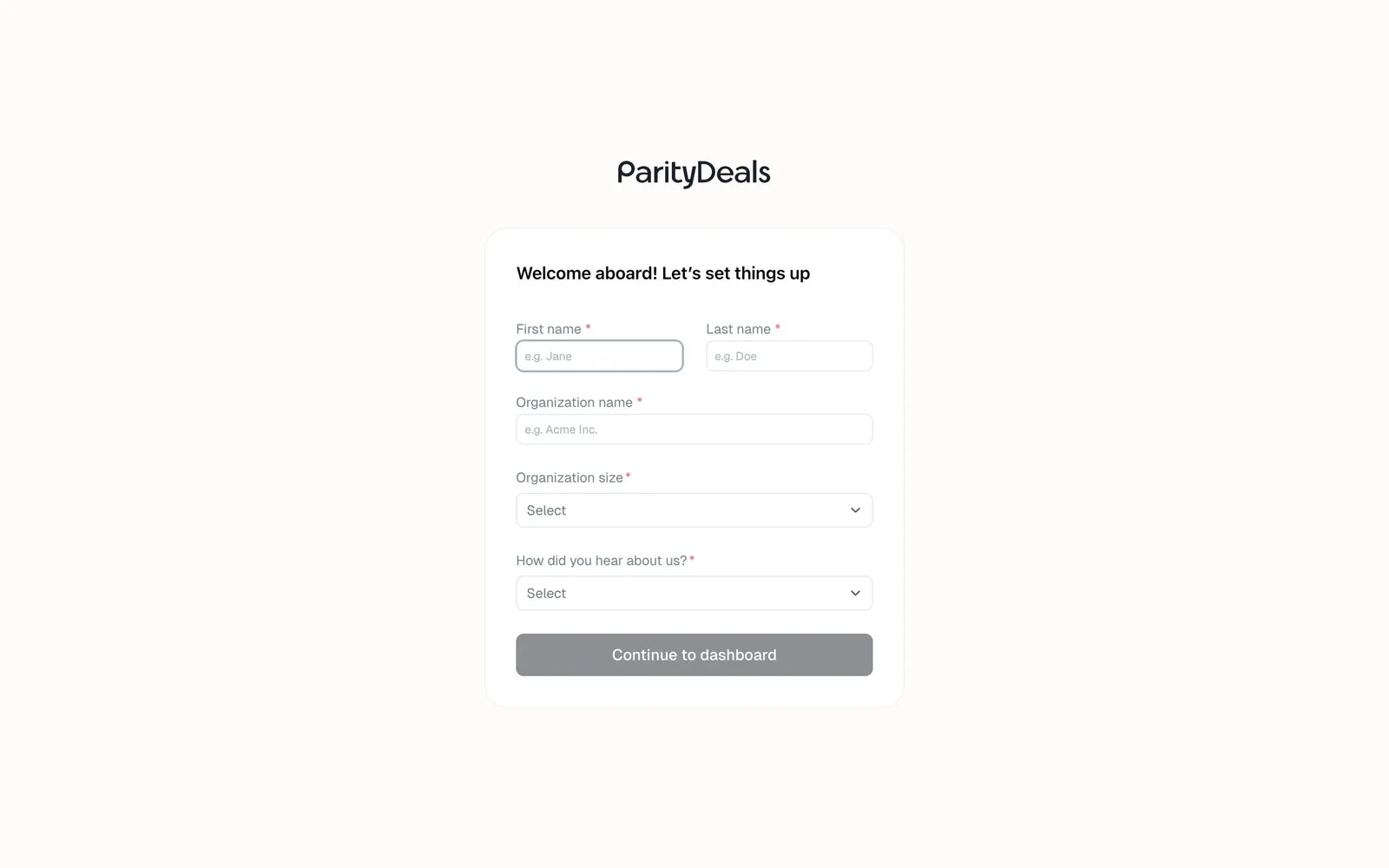
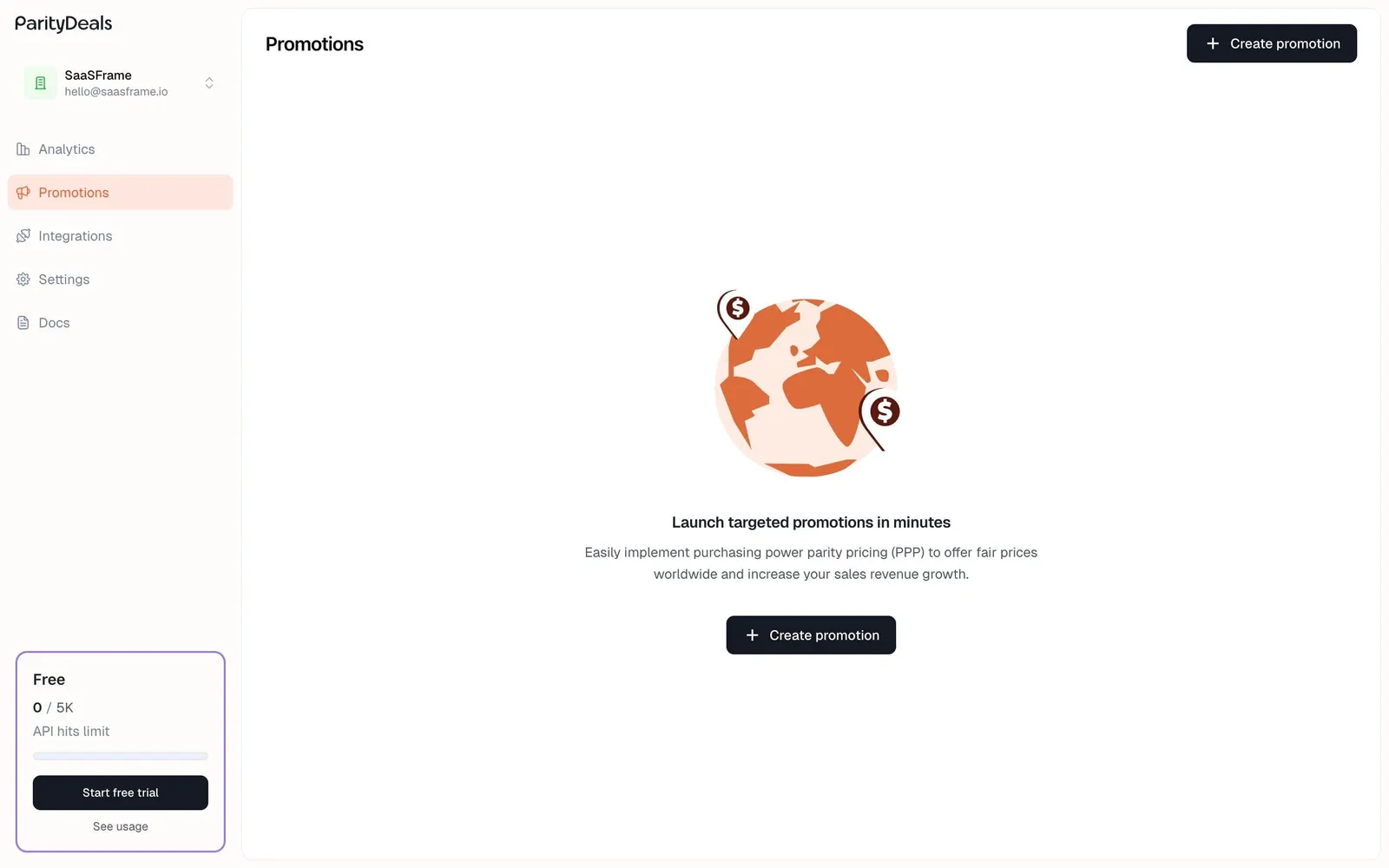
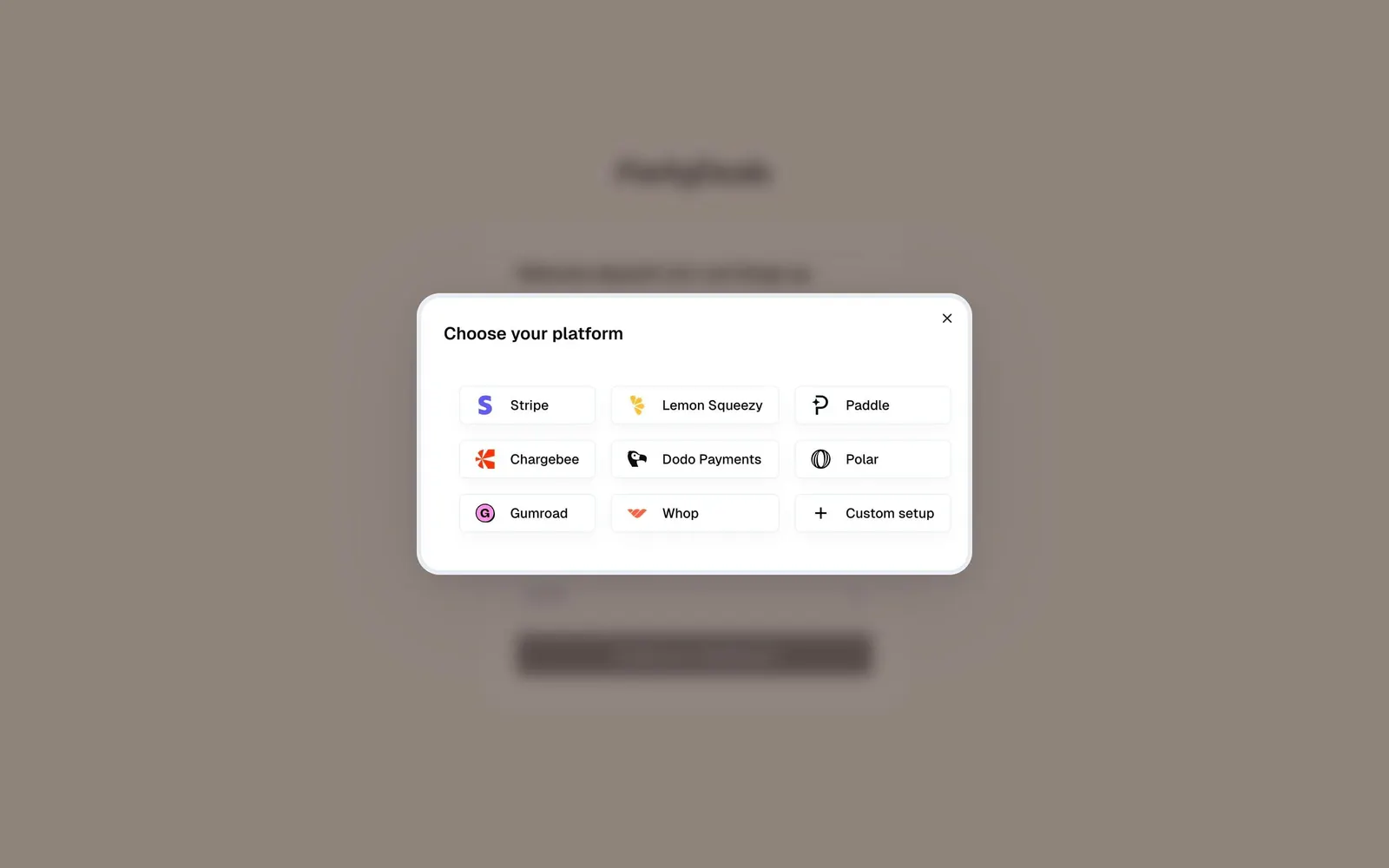
ParityDeals sets up a new account with one short form, lands on an empty promotions page and opens a platform picker to create the first promotion. Cream backgrounds, white cards and an orange globe illustration keep the three steps light.
Follow ParityDeals’s onboarding flow step by step: 3 real screens captured from the live product, from onboarding setup to select platform. Use ← → to move between steps, and open any screen to see it in full.