 SaaSFrame
2 more steps in this flow
Free accounts see the first 3 steps of each flow. Pro unlocks every step of every flow, plus every screen, section and Copy in Figma.
Neon Create a Postgres Project
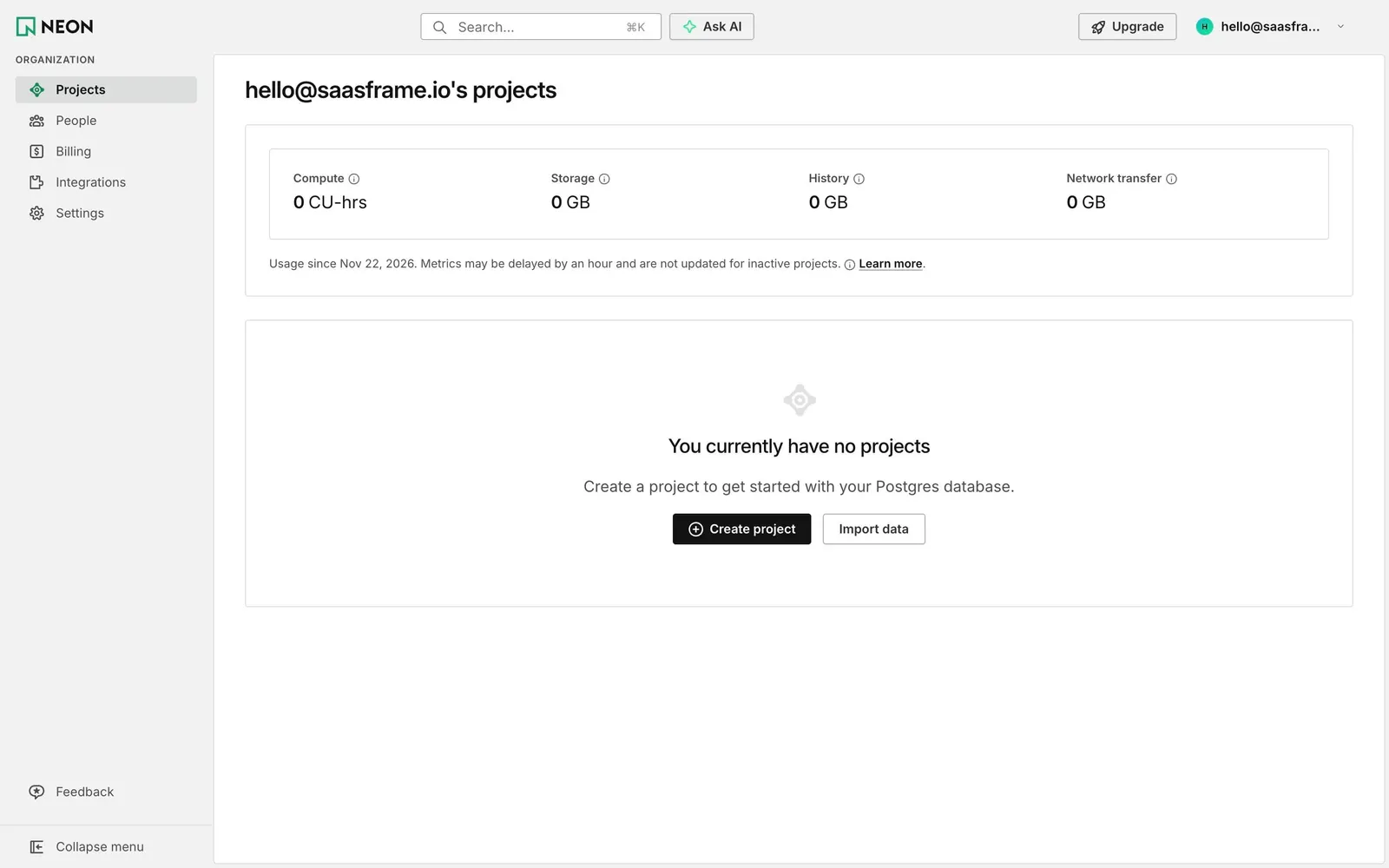
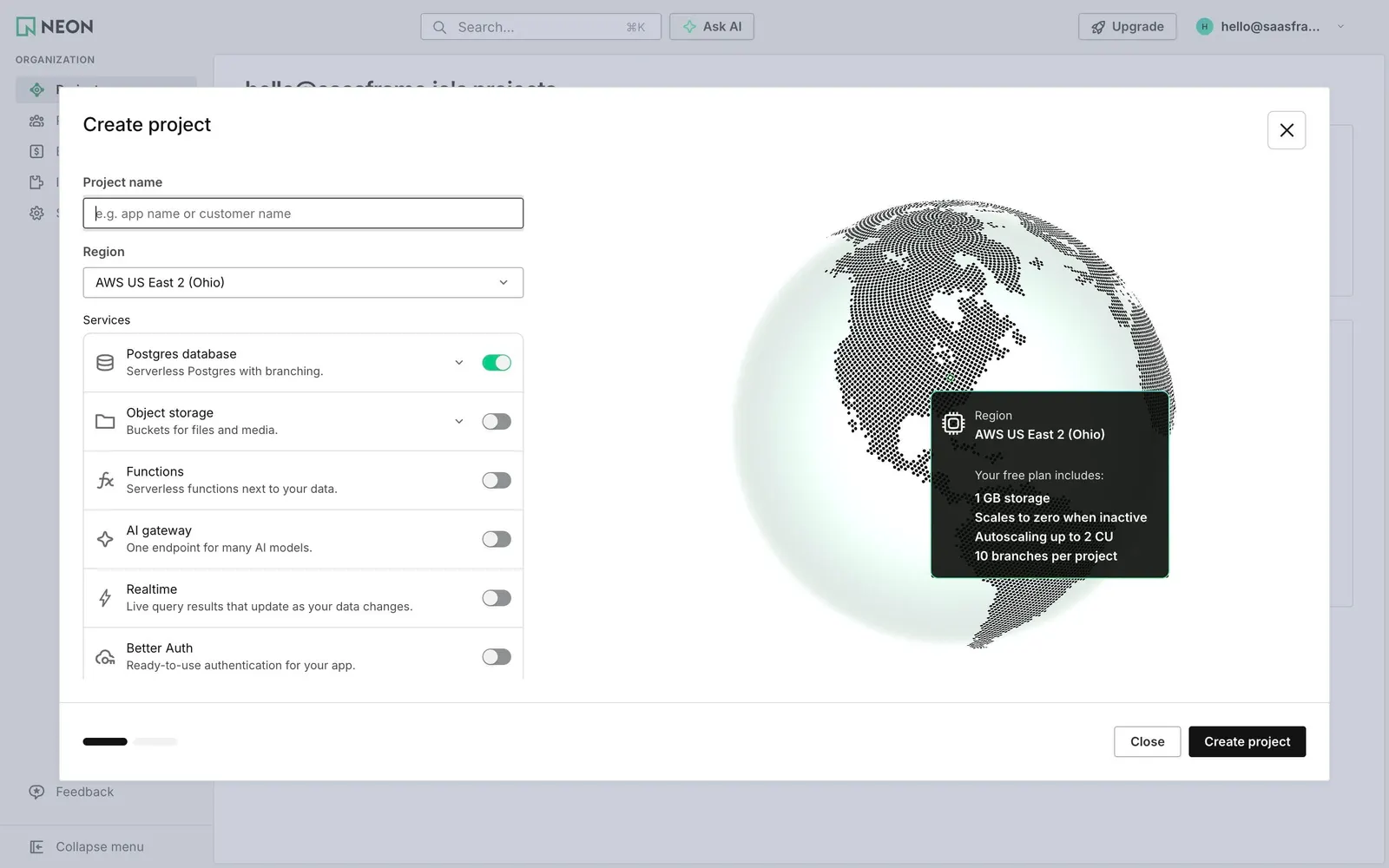
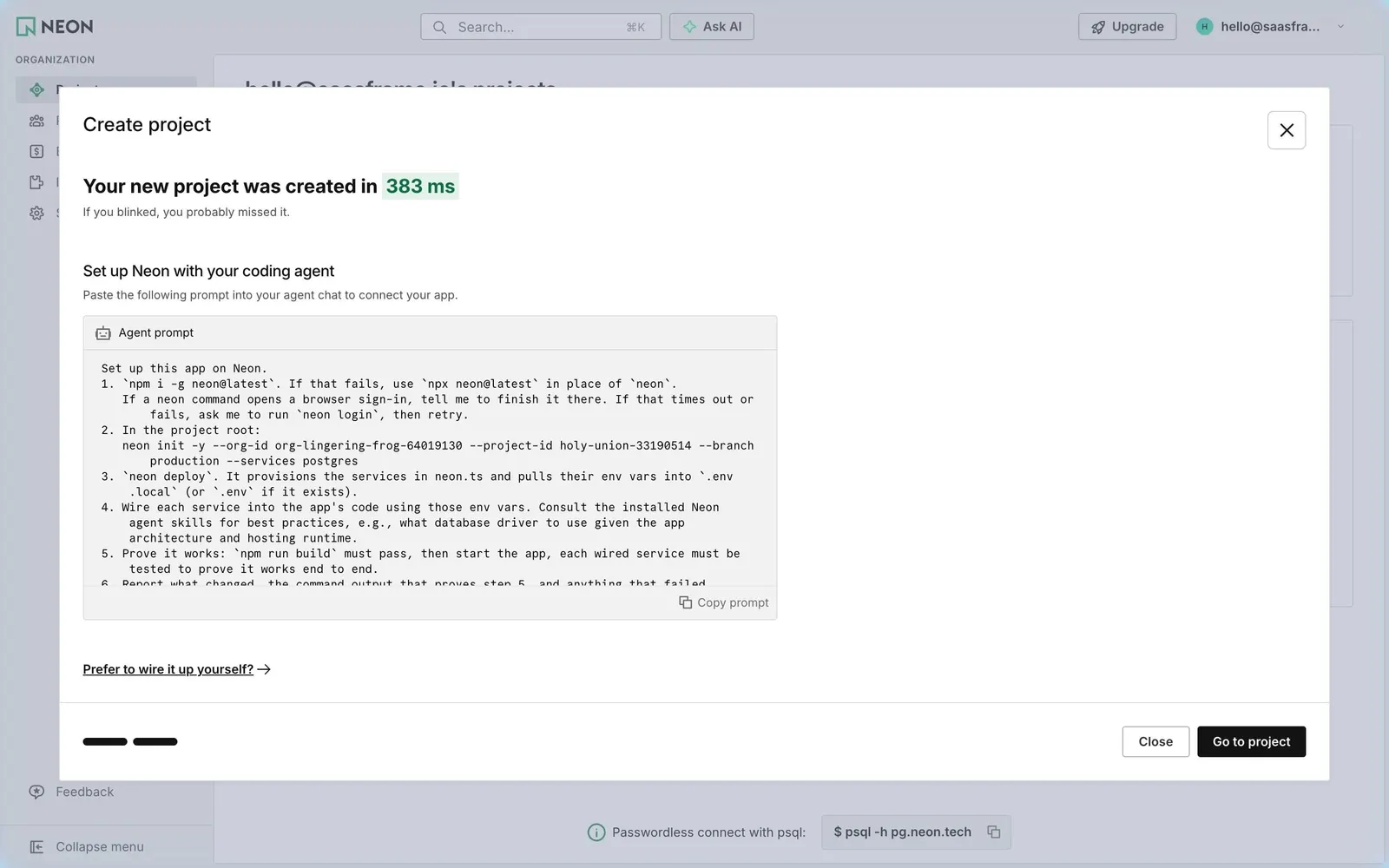
Neon's first-project flow goes from an empty project list to a connection string in five screens: the empty state, a two-step Create project modal with a region globe and service toggles, a success step that times the creation and hands setup to a coding agent, the branch overview, and the Connect dialog. The modals keep the console's thin borders and black primary buttons, with Neon green reserved for toggles, timing and status.
Follow Neon’s create a postgres project flow step by step: 5 real screens captured from the live product, from projects empty state to connect to branch. Use ← → to move between steps, and open any screen to see it in full.