SaaSFrame
SaaSFrame Pro
3 more steps in this flow
Free accounts see the first 3 steps of each flow. Pro unlocks every step of every flow, plus every screen, section and Copy in Figma.
Mixpanel Sign Up Flow
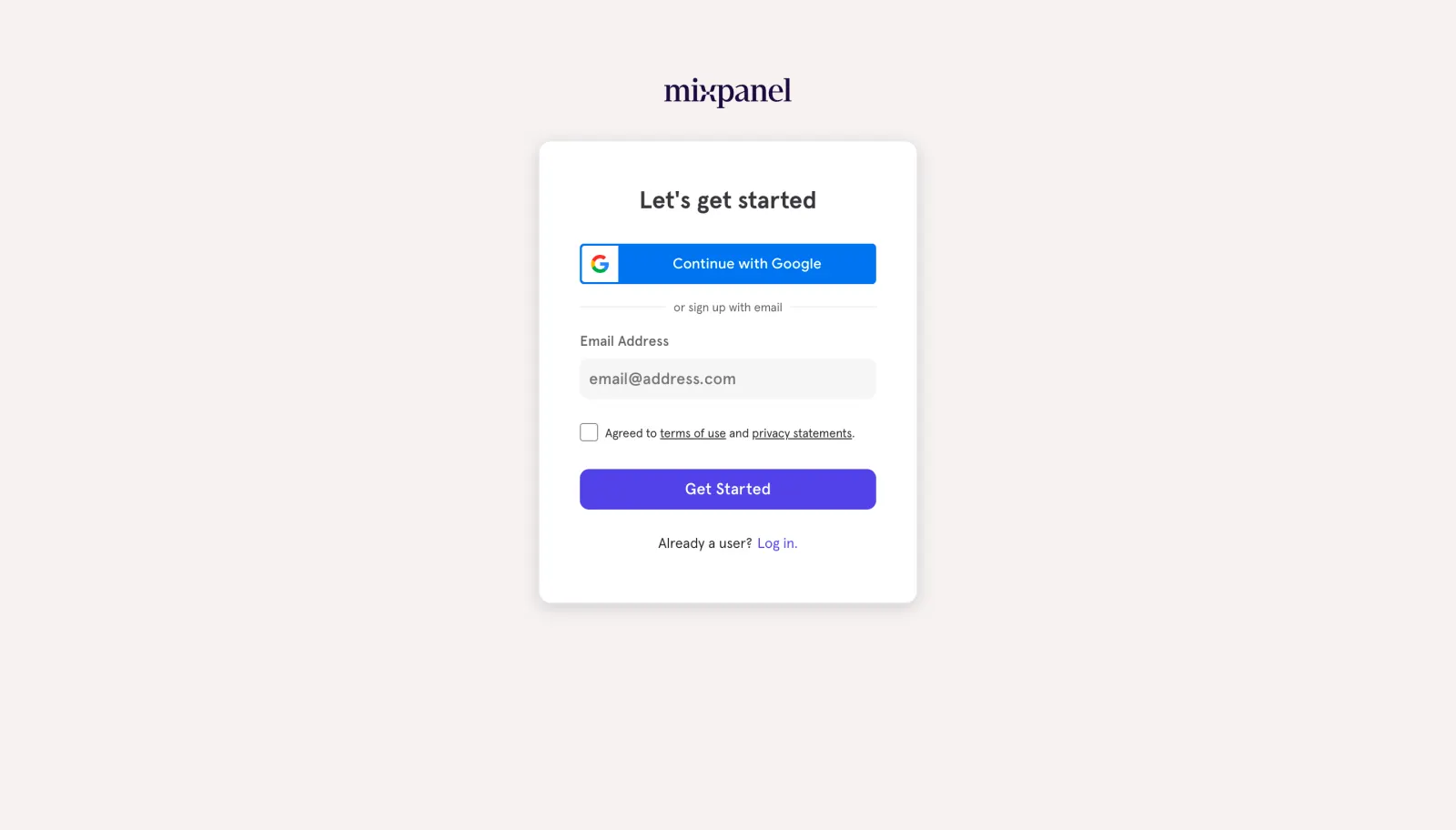
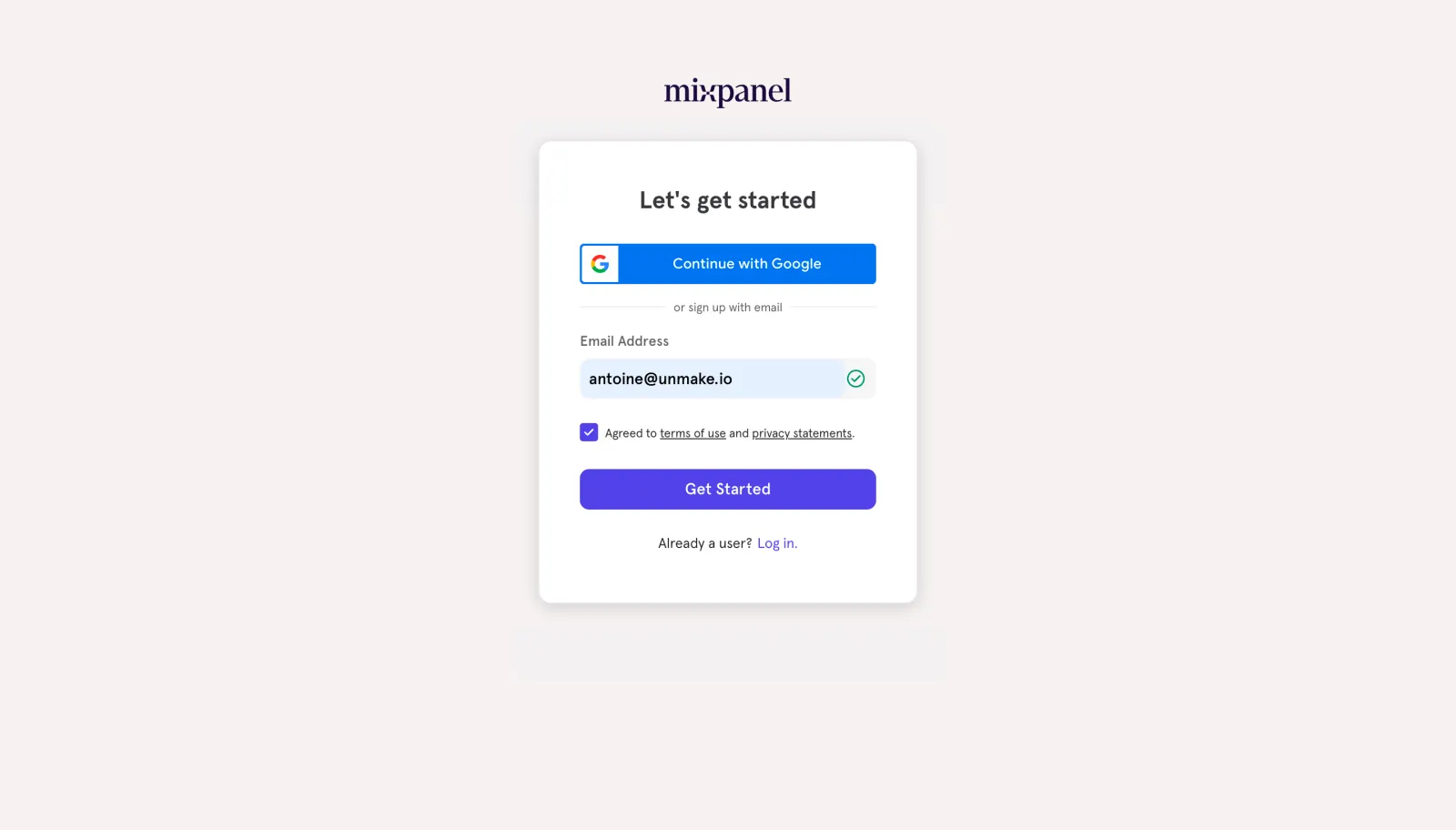
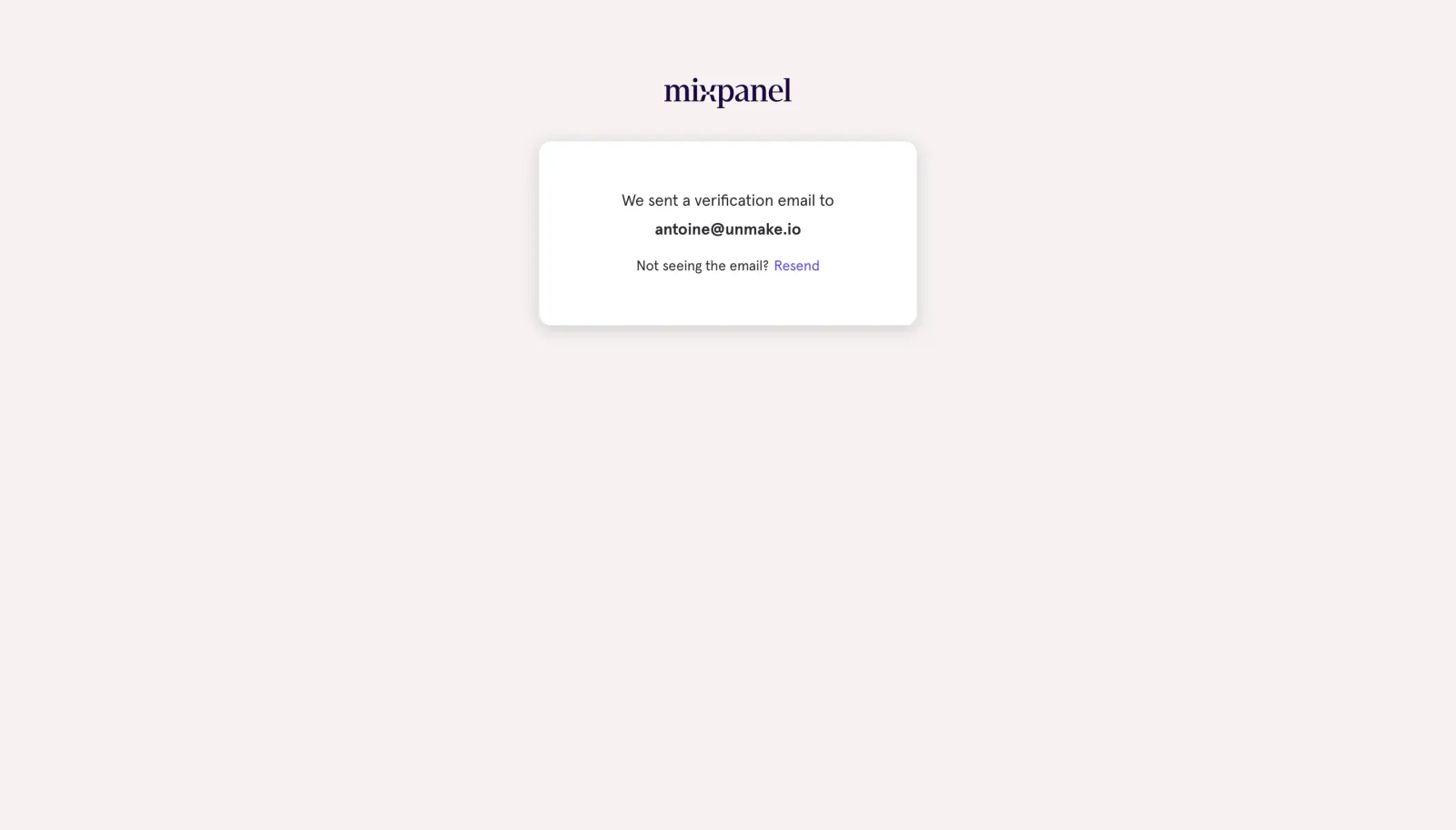
Mixpanel's sign up flow moves from a compact email card to account setup screens with isometric purple illustrations. After a Google or email form and a verification notice, work type is chosen from pill-shaped chips and the organization form asks for a data center region. The last step opens the app on a setup page listing data source integrations as logo tiles.
Follow Mixpanel’s sign up flow flow step by step: 6 real screens captured from the live product, from sign up flow: signup form to account setup: implement mixpanel. Use ← → to move between steps, and open any screen to see it in full.
Steps in this flow
More flows from Mixpanel
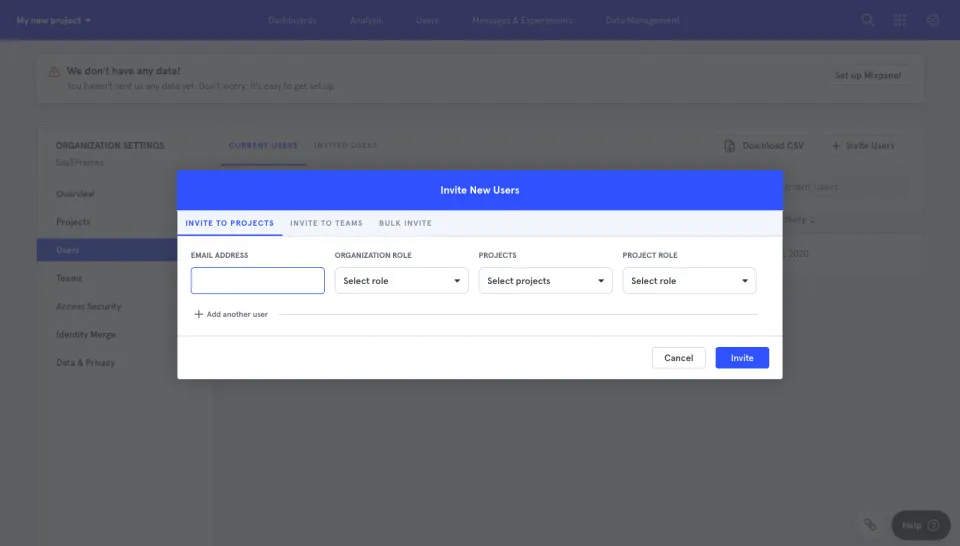
All Mixpanel Mixpanel Invite Team Members
1 screen