SaaSFrame
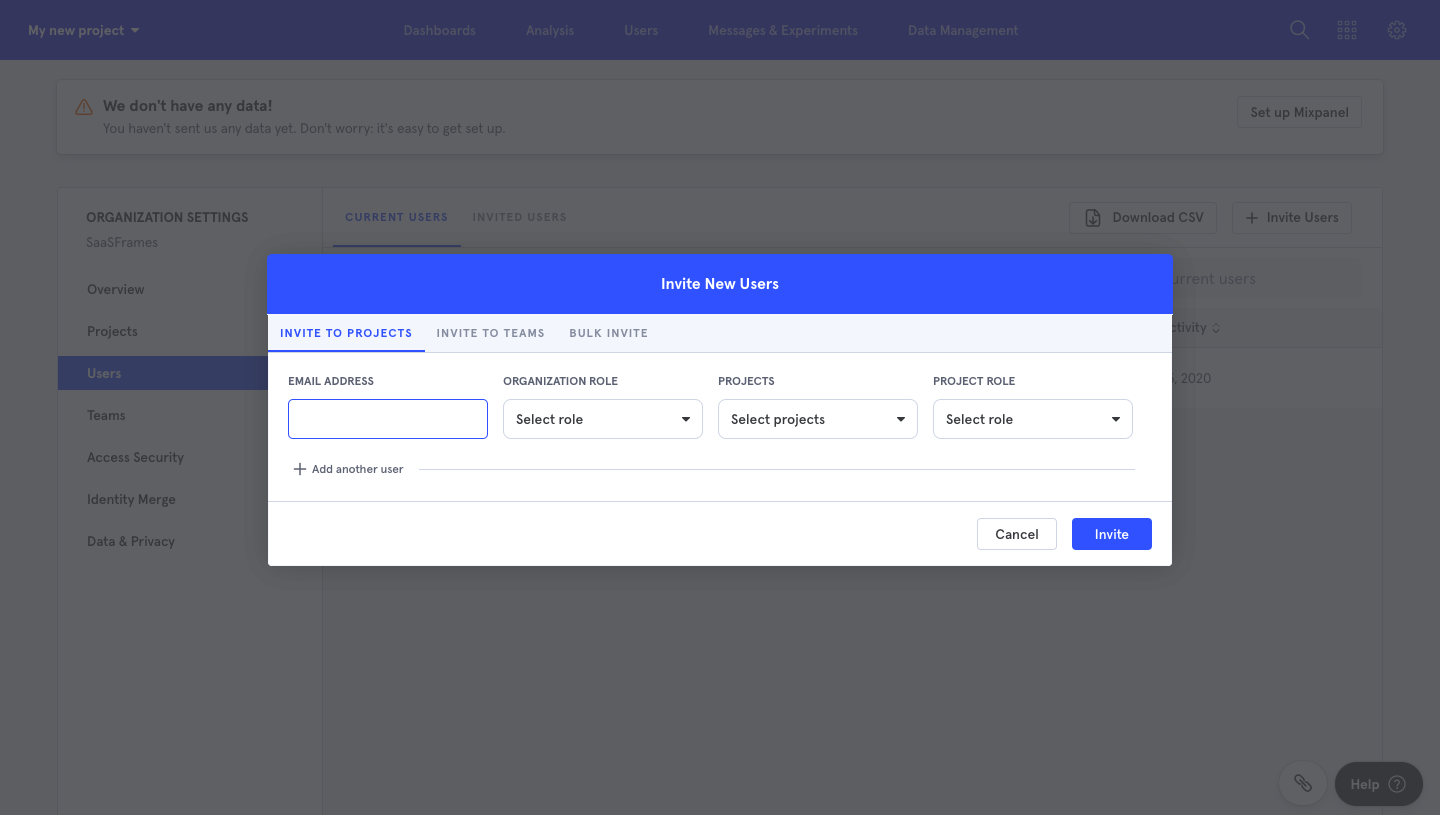
Mixpanel Invite Team Members
Mixpanel's invite flow sends an organization invitation from a settings modal to the recipient's inbox in two steps. The modal sets email, organization role, projects and project role in a single row of dropdowns under a blue header with tabs. The email centers a large headline over a white card with one blue accept button and a short product explainer.
Follow Mixpanel’s invite team members flow step by step: 1 real screens captured from the live product, from invite team members to invite team members. Use ← → to move between steps, and open any screen to see it in full.
Steps in this flow
More flows from Mixpanel
All Mixpanel Mixpanel Sign Up Flow
6 screens