 SaaSFrame
4 more steps in this flow
Free accounts see the first 3 steps of each flow. Pro unlocks every step of every flow, plus every screen, section and Copy in Figma.

Mine Onboarding
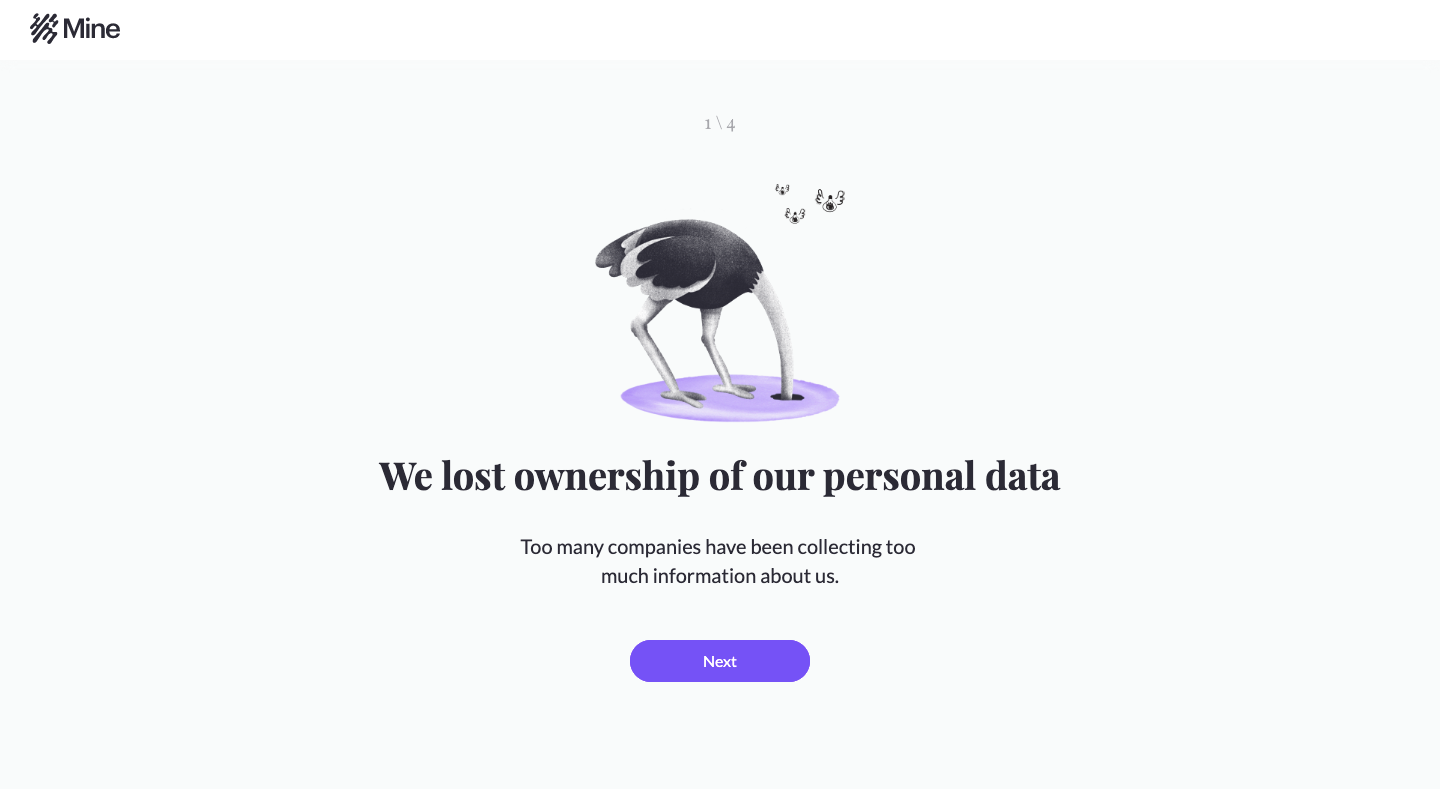
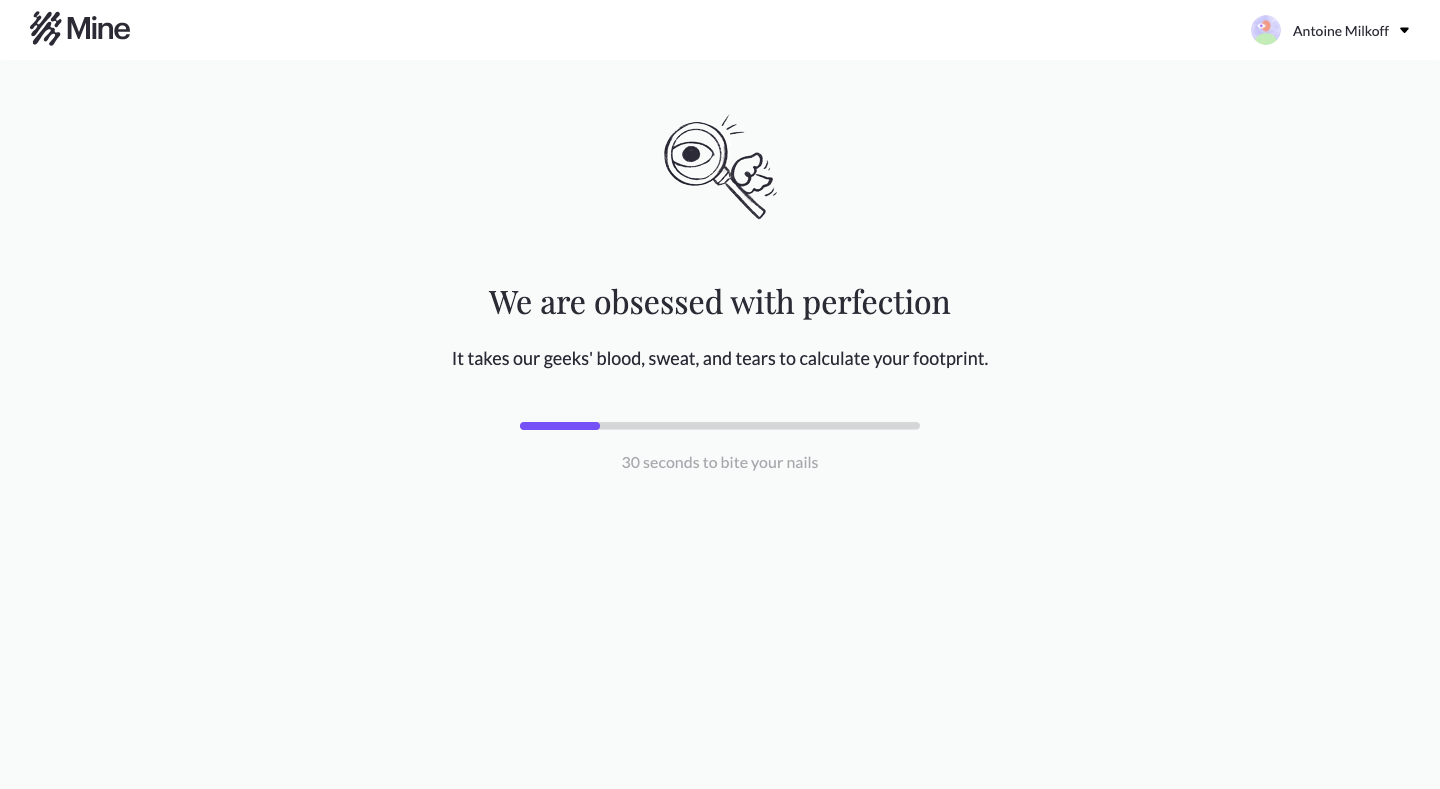
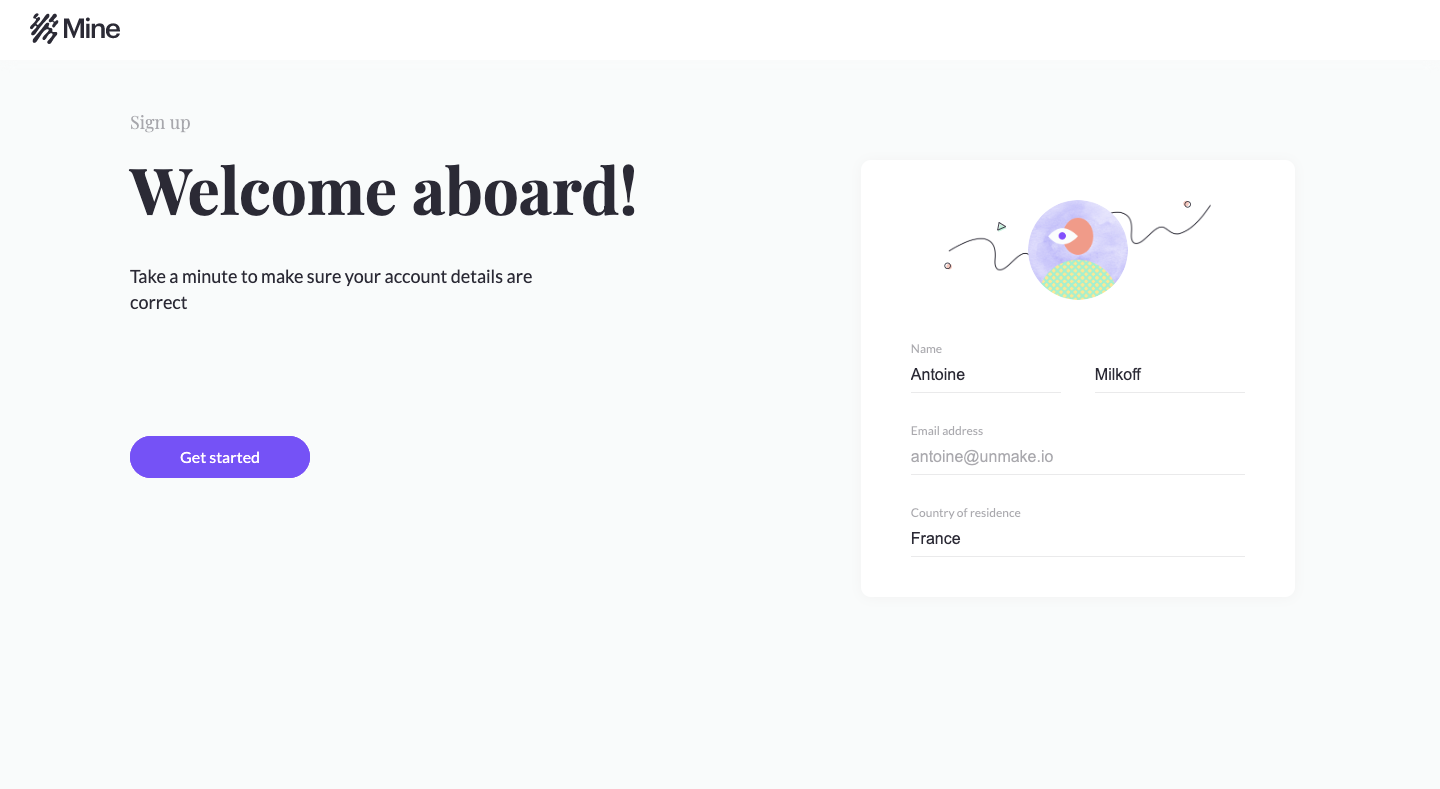
Mine's onboarding flow explains data ownership and inbox scanning through calm, centered screens built around hand-drawn ostrich illustrations. Seven light grey steps share one layout: illustration, serif headline, short copy and a violet pill button. A progress bar shows the footprint calculation, a slider asks you to guess how many companies hold your data, and sign-in sits on a split screen with a large sketch.
Follow Mine’s onboarding flow step by step: 7 real screens captured from the live product, from user onboarding: data ownership intro to user onboarding: product promise. Use ← → to move between steps, and open any screen to see it in full.