SaaSFrame
4 more steps in this flow
Free accounts see the first 3 steps of each flow. Pro unlocks every step of every flow, plus every screen, section and Copy in Figma.
Help Scout User Onboarding
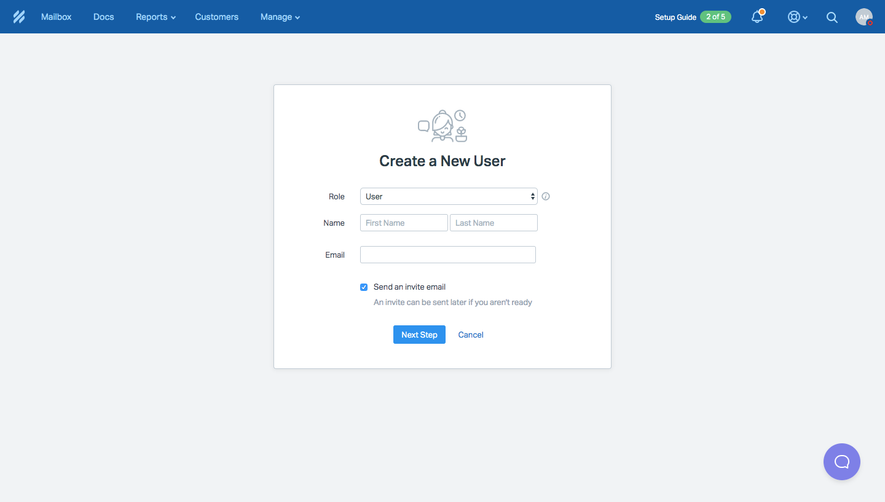
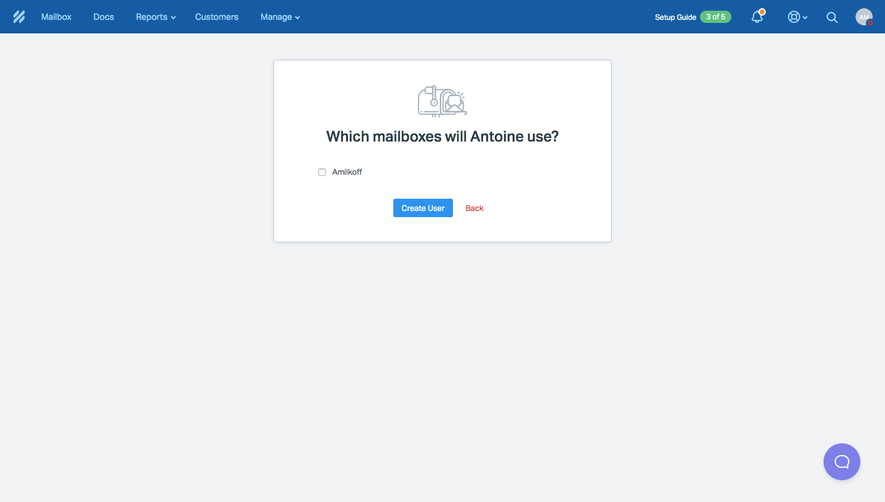
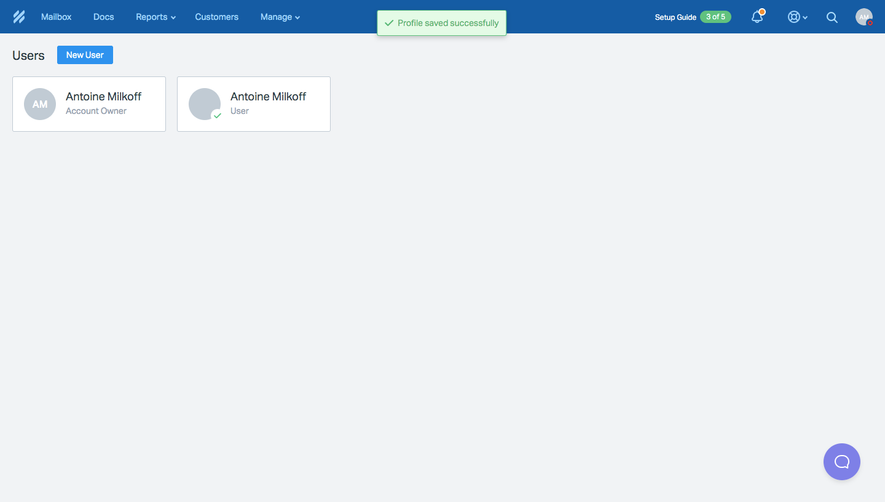
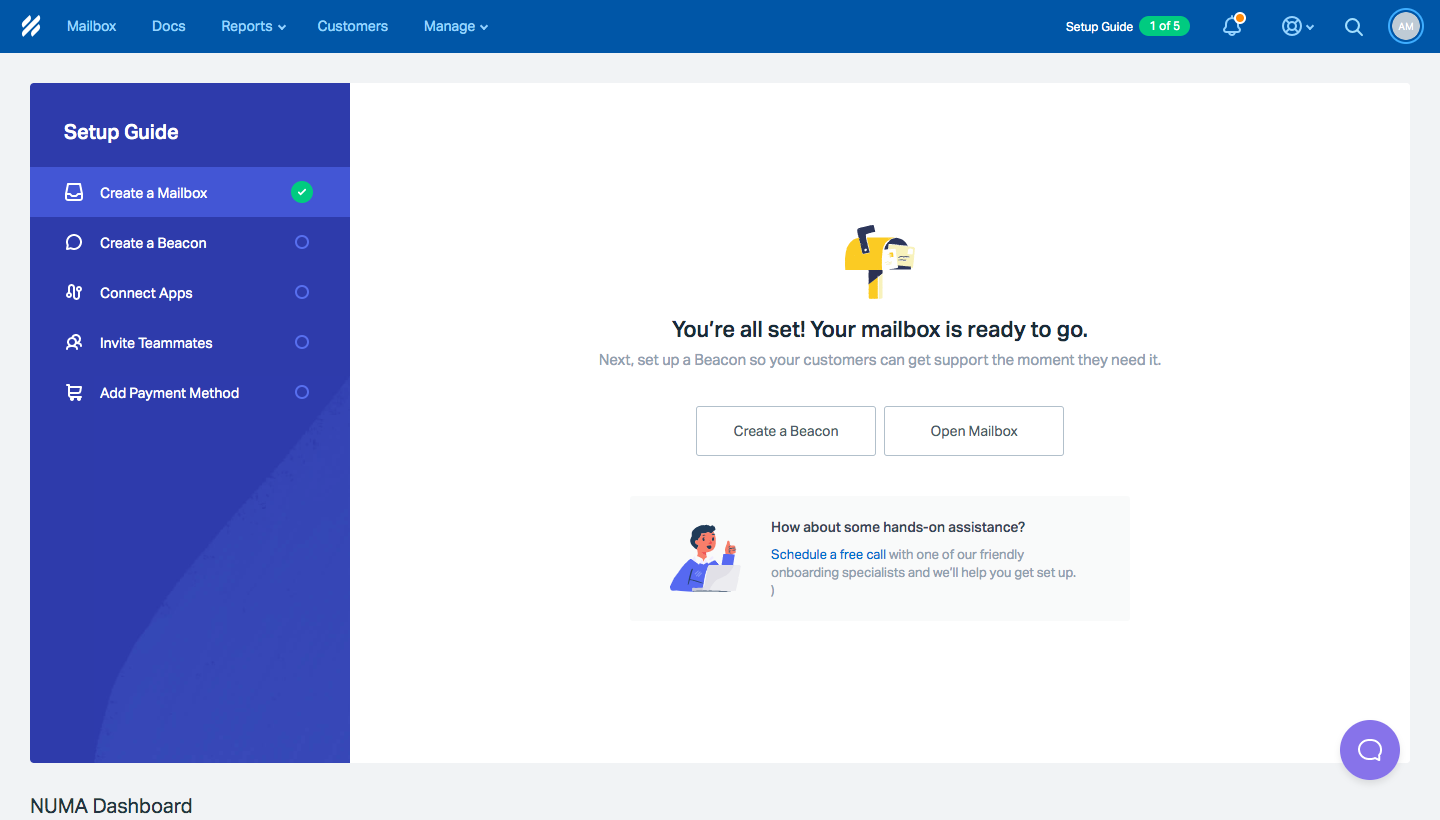
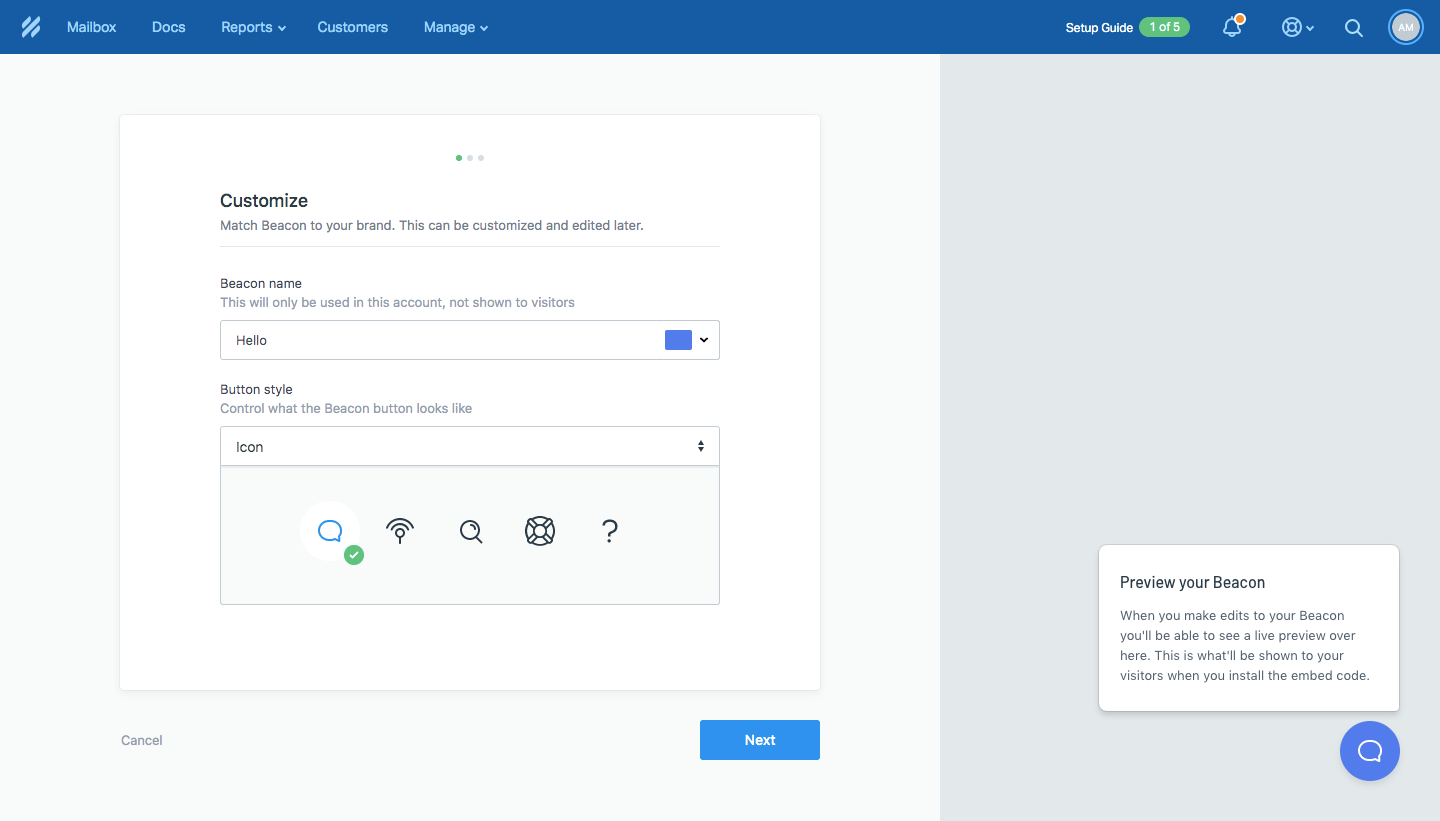
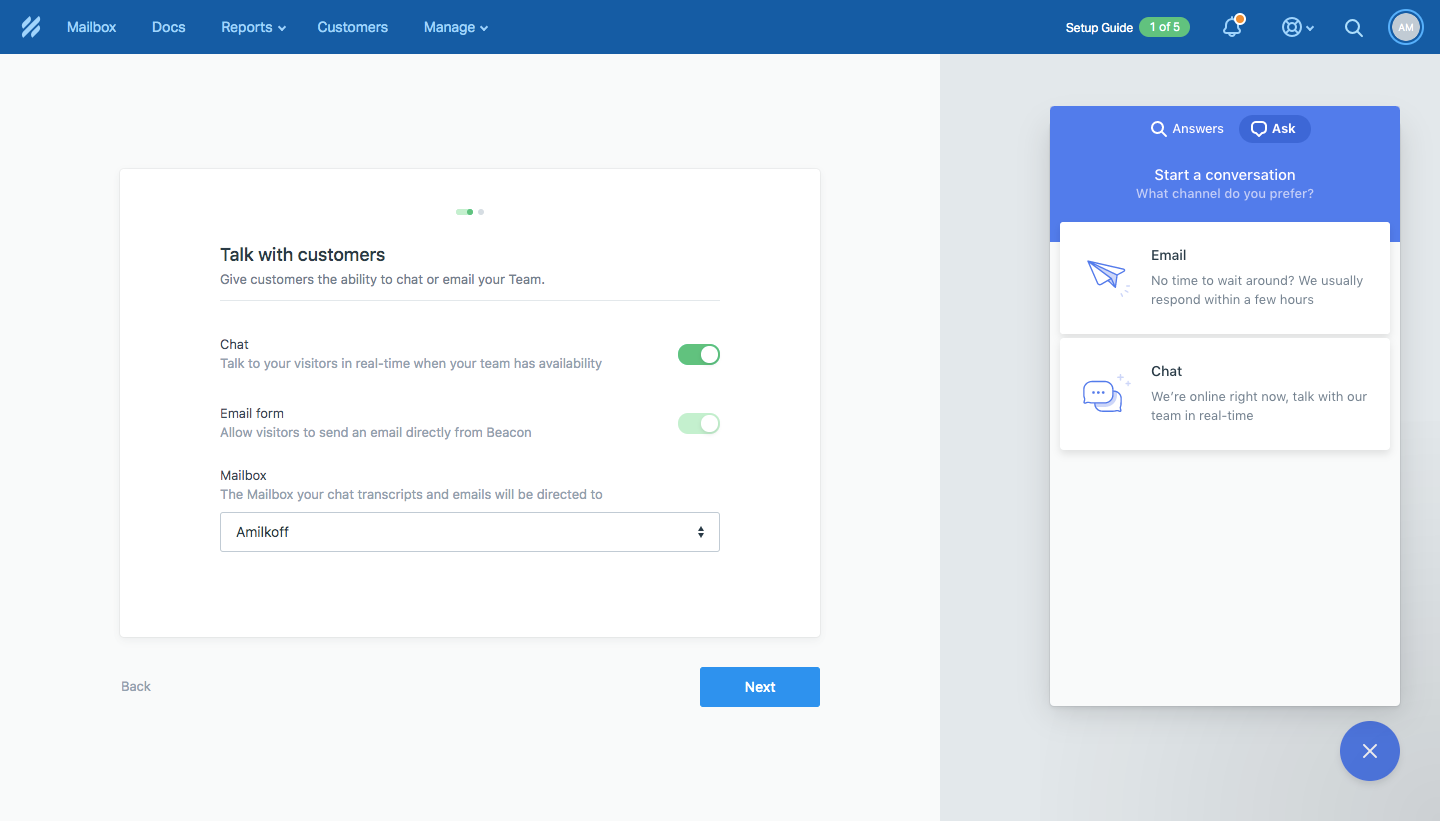
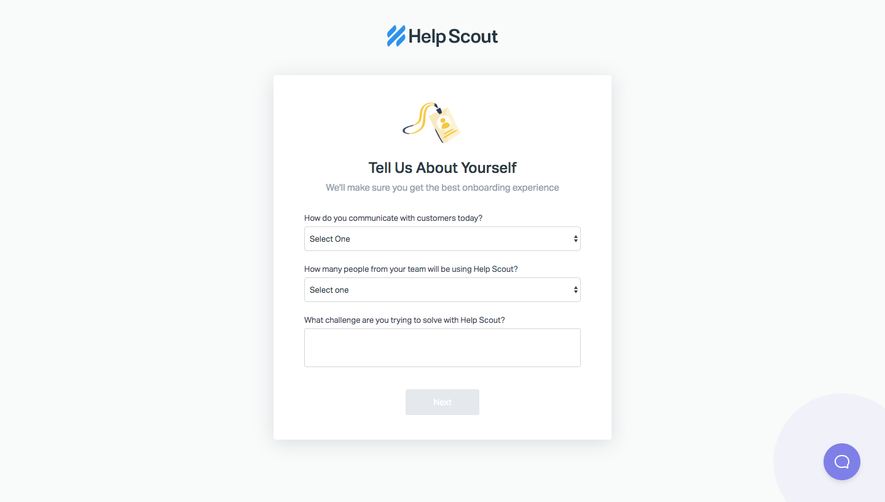
Help Scout's onboarding walks a new account through a seven-step setup guide, from customizing the Beacon widget to confirming a plan. A persistent blue sidebar checklist ticks off each task in green as you go. Beacon steps split the page between a settings form and a live widget preview, while later steps use logo tiles for app connections, a chat illustration for invites and a pricing card.
Follow Help Scout’s user onboarding flow step by step: 7 real screens captured from the live product, from user onboarding: setup guide to user onboarding: confirm plan. Use ← → to move between steps, and open any screen to see it in full.
Steps in this flow
More flows from Help Scout
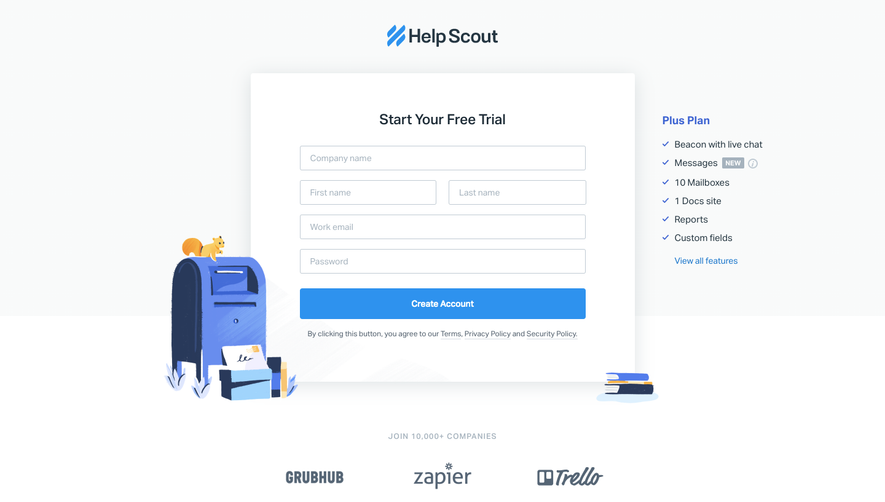
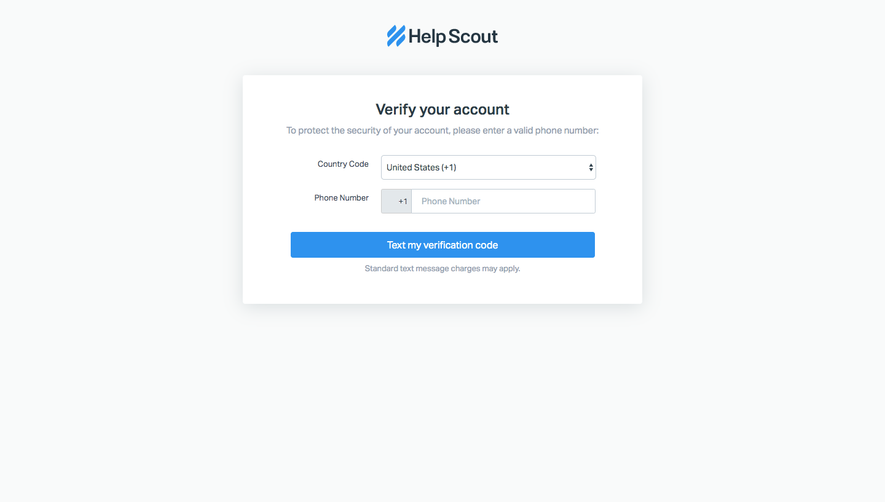
All Help Scout Help Scout Sign Up Flow
5 screens
Help Scout Invite Team Members
4 screens