SaaSFrame
2 more steps in this flow
Free accounts see the first 3 steps of each flow. Pro unlocks every step of every flow, plus every screen, section and Copy in Figma.
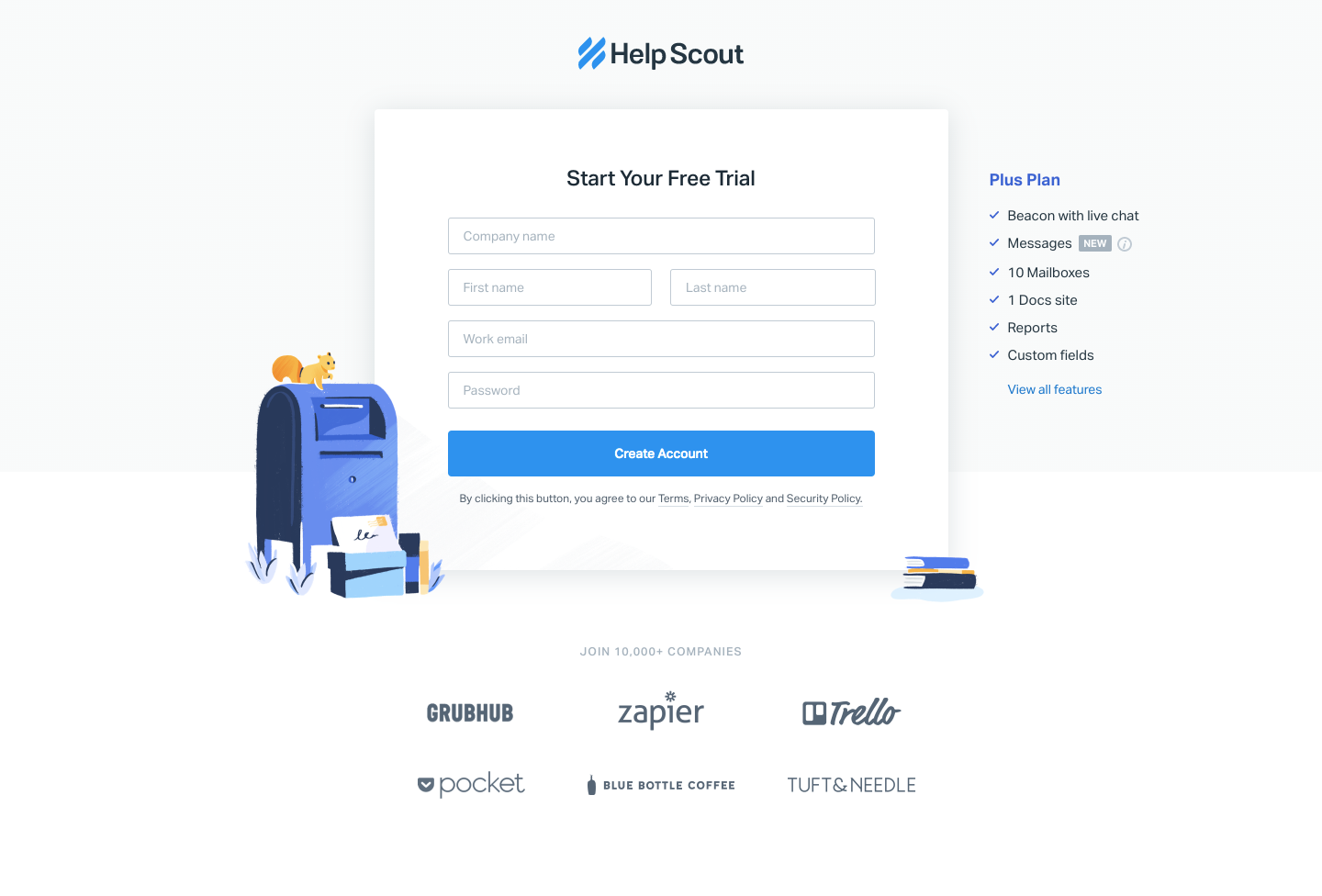
Help Scout Sign Up Flow
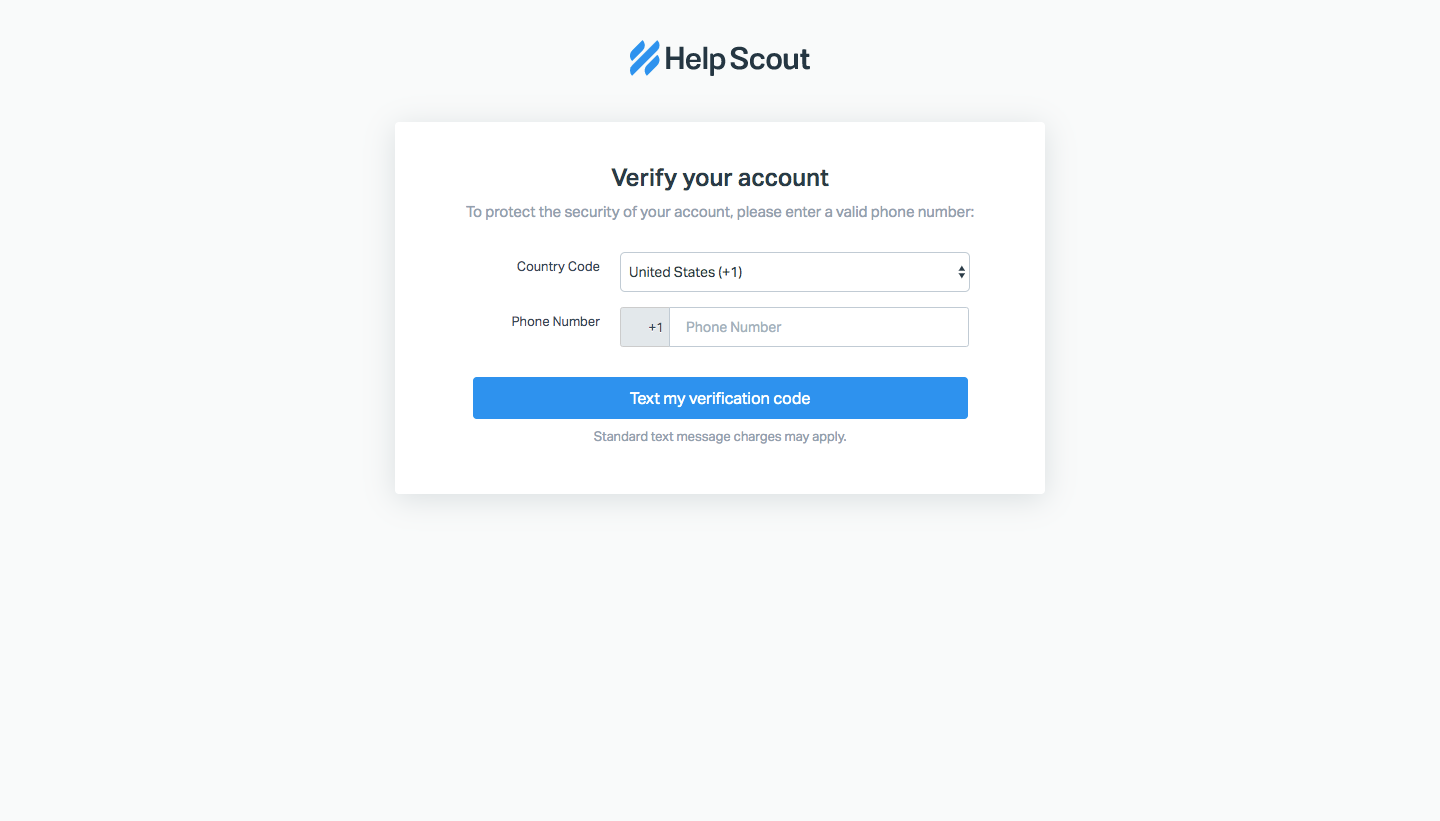
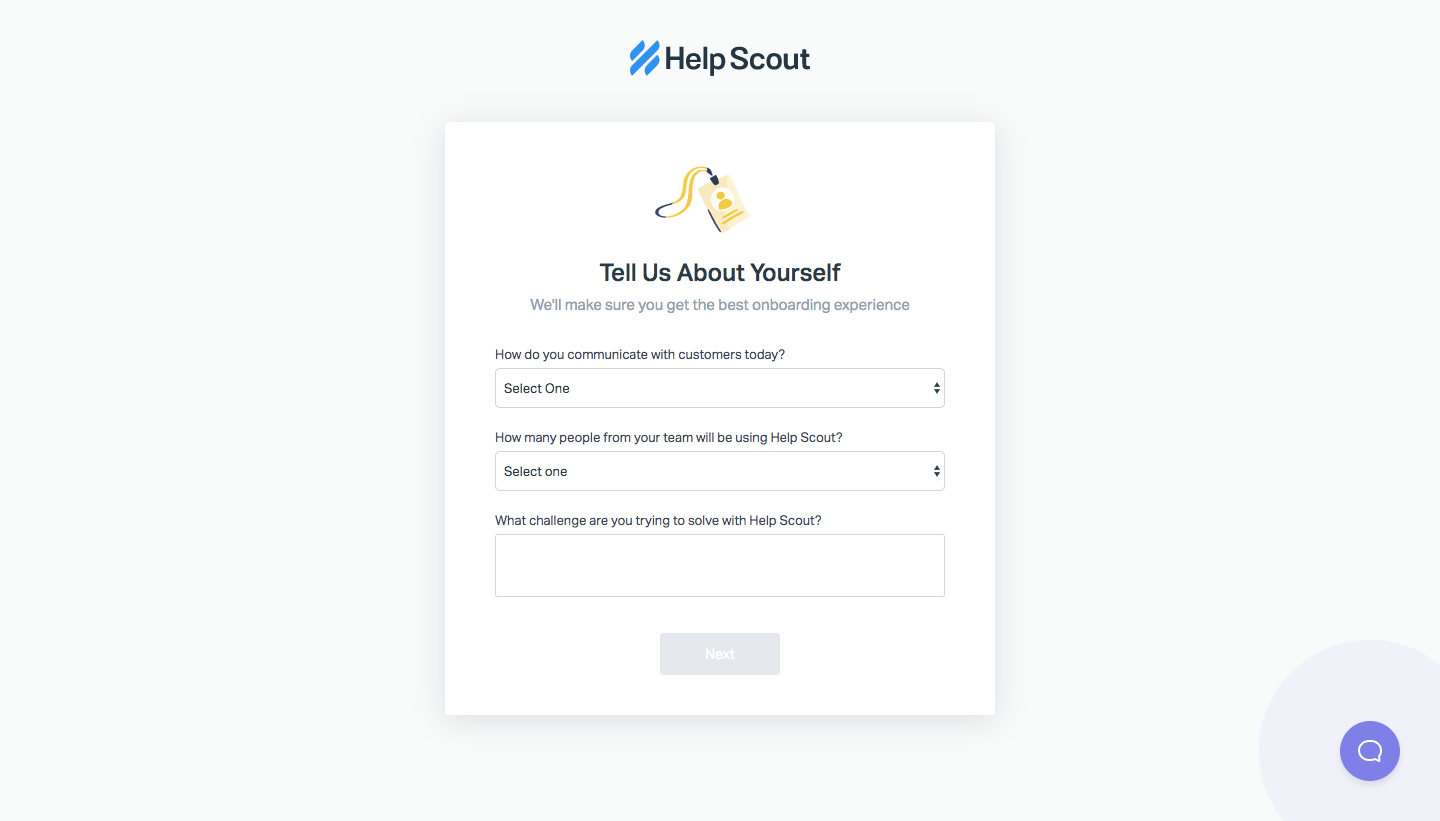
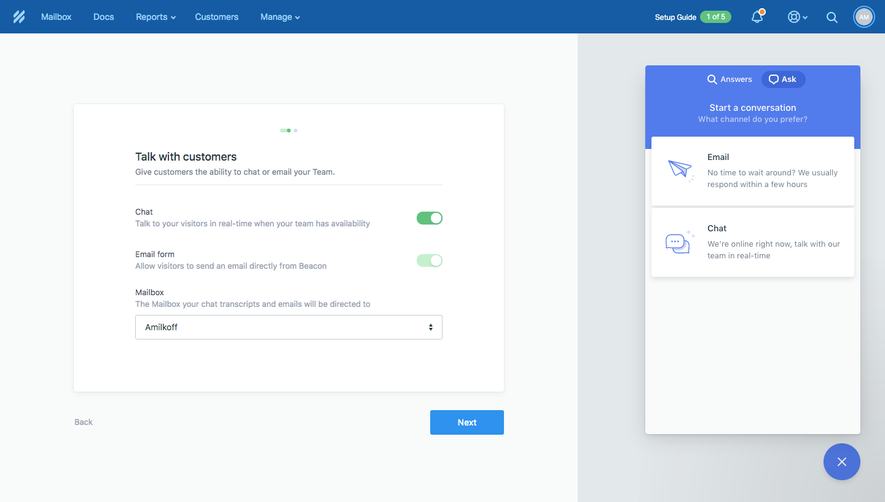
Help Scout's sign-up flow turns a free-trial form into a ready mailbox in five screens of centered white cards with small yellow illustrations. The first form sits beside a plan feature list and a mailbox illustration, followed by phone verification and an about-you survey with dropdowns. A mailbox creation step leads to the setup guide dashboard, celebrated with confetti and two next-action buttons.
Follow Help Scout’s sign up flow flow step by step: 5 real screens captured from the live product, from sign up page to sign up flow: mailbox ready. Use ← → to move between steps, and open any screen to see it in full.
Steps in this flow
More flows from Help Scout
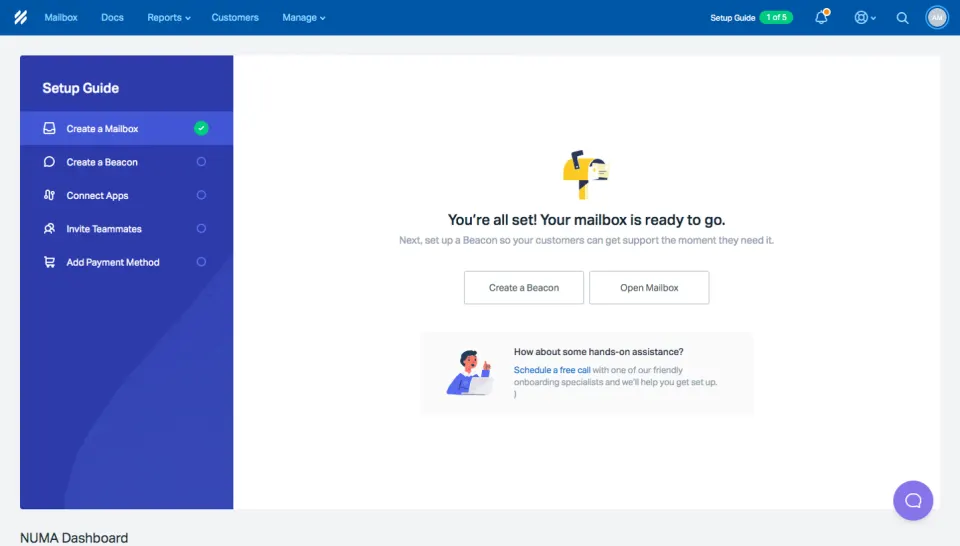
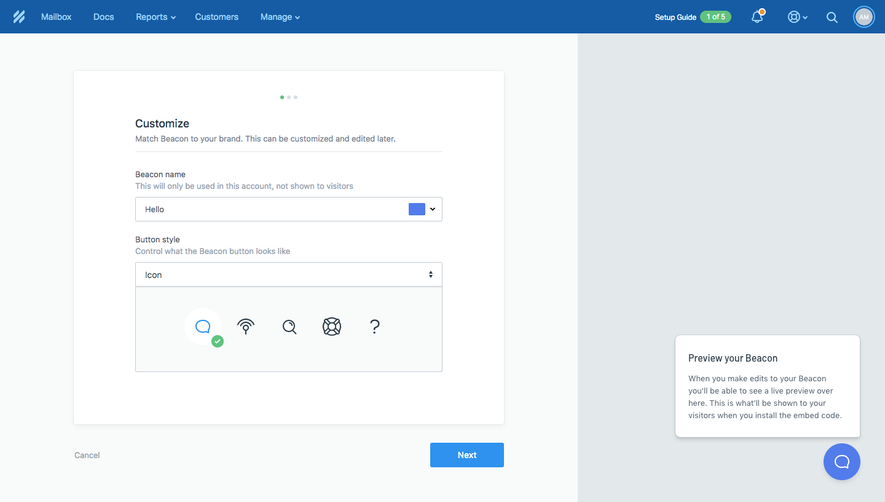
All Help Scout Help Scout User Onboarding
7 screens
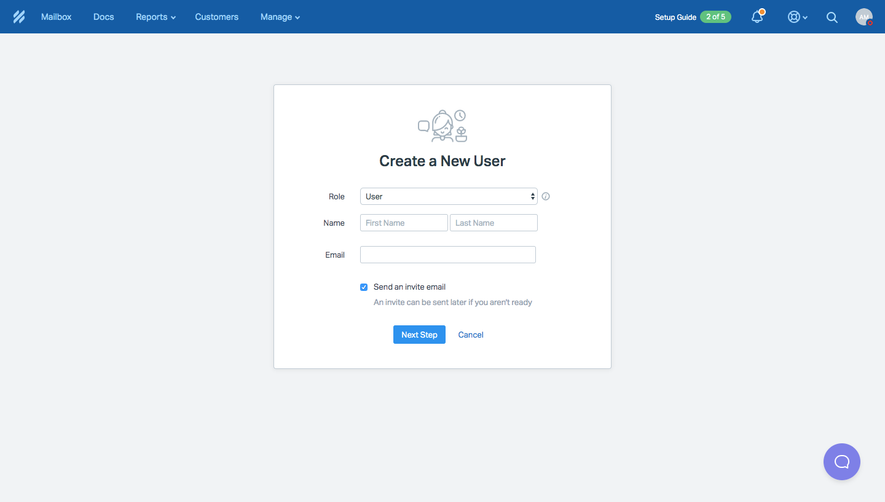
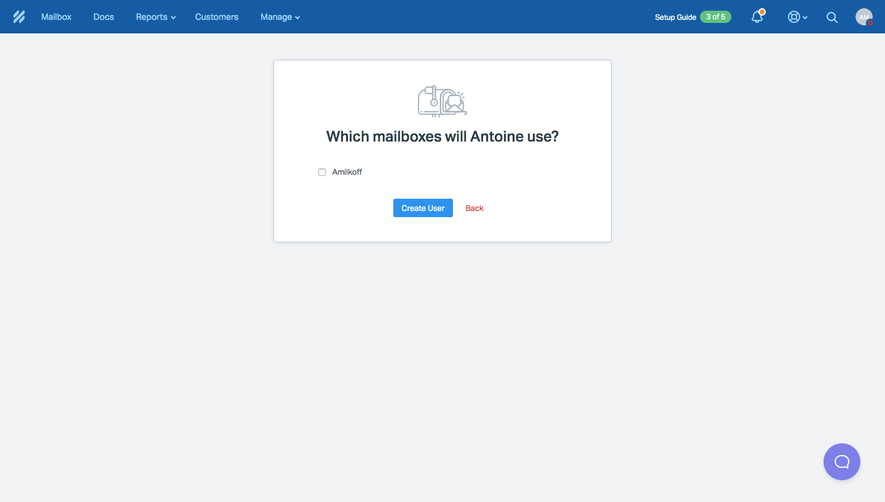
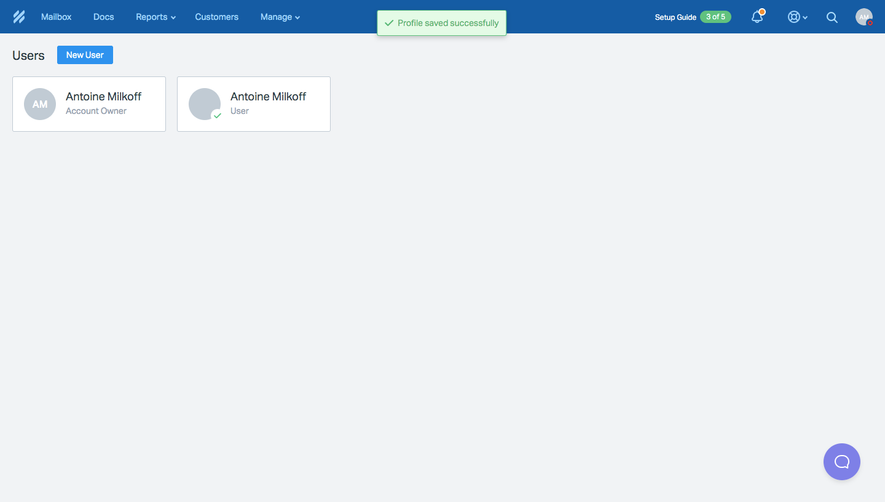
Help Scout Invite Team Members
4 screens