SaaSFrame
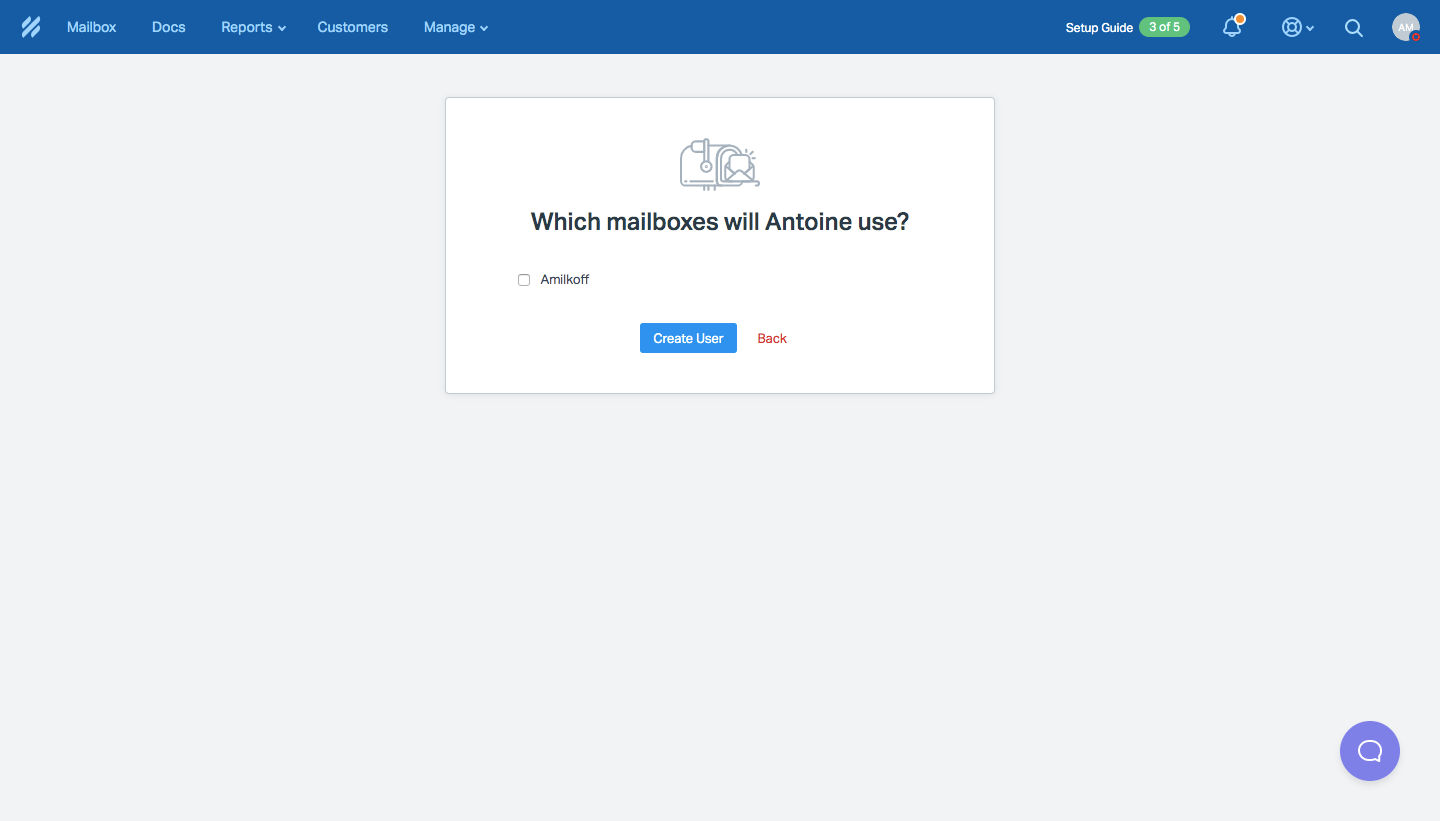
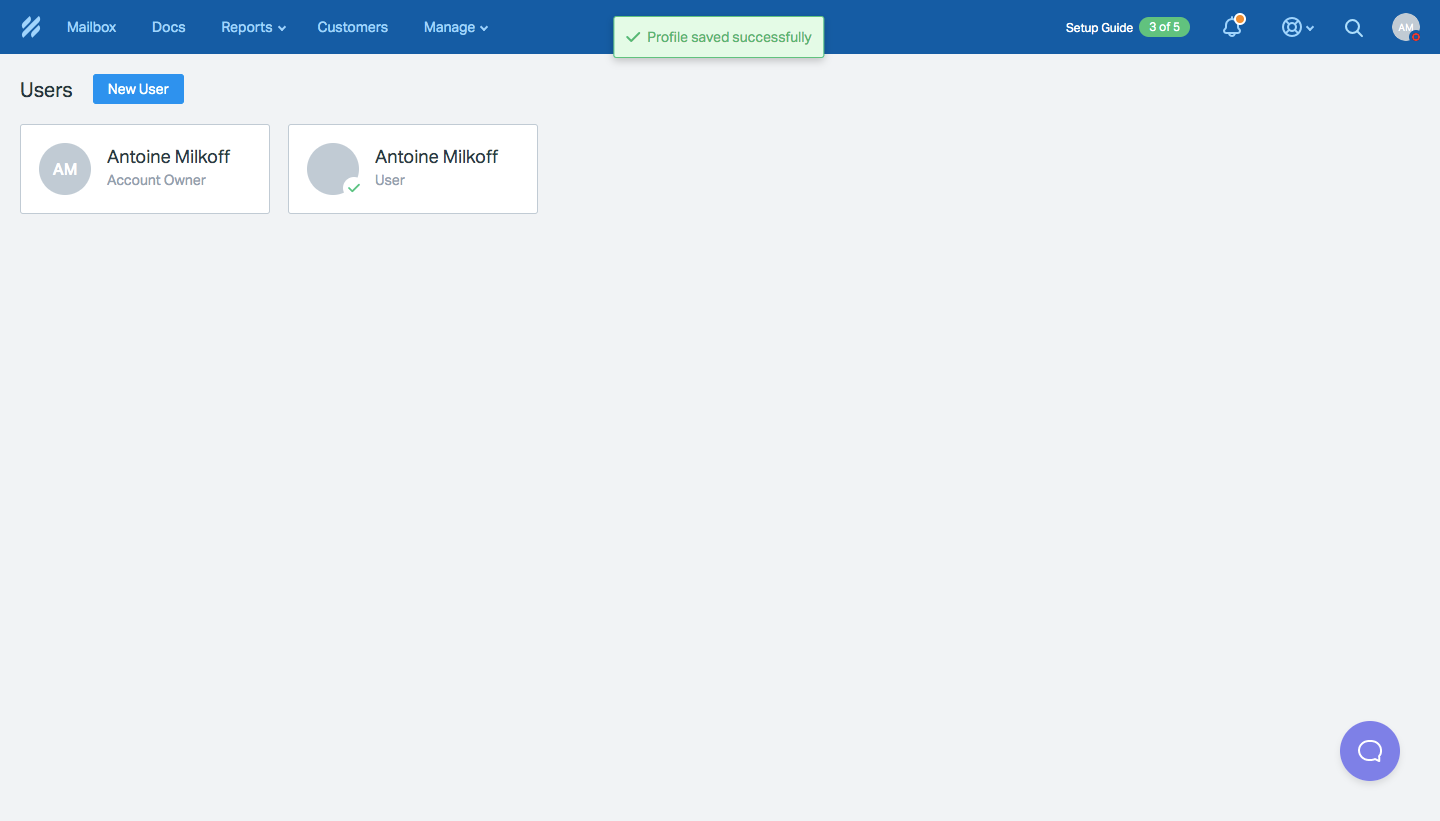
1 more step in this flow
Free accounts see the first 3 steps of each flow. Pro unlocks every step of every flow, plus every screen, section and Copy in Figma.
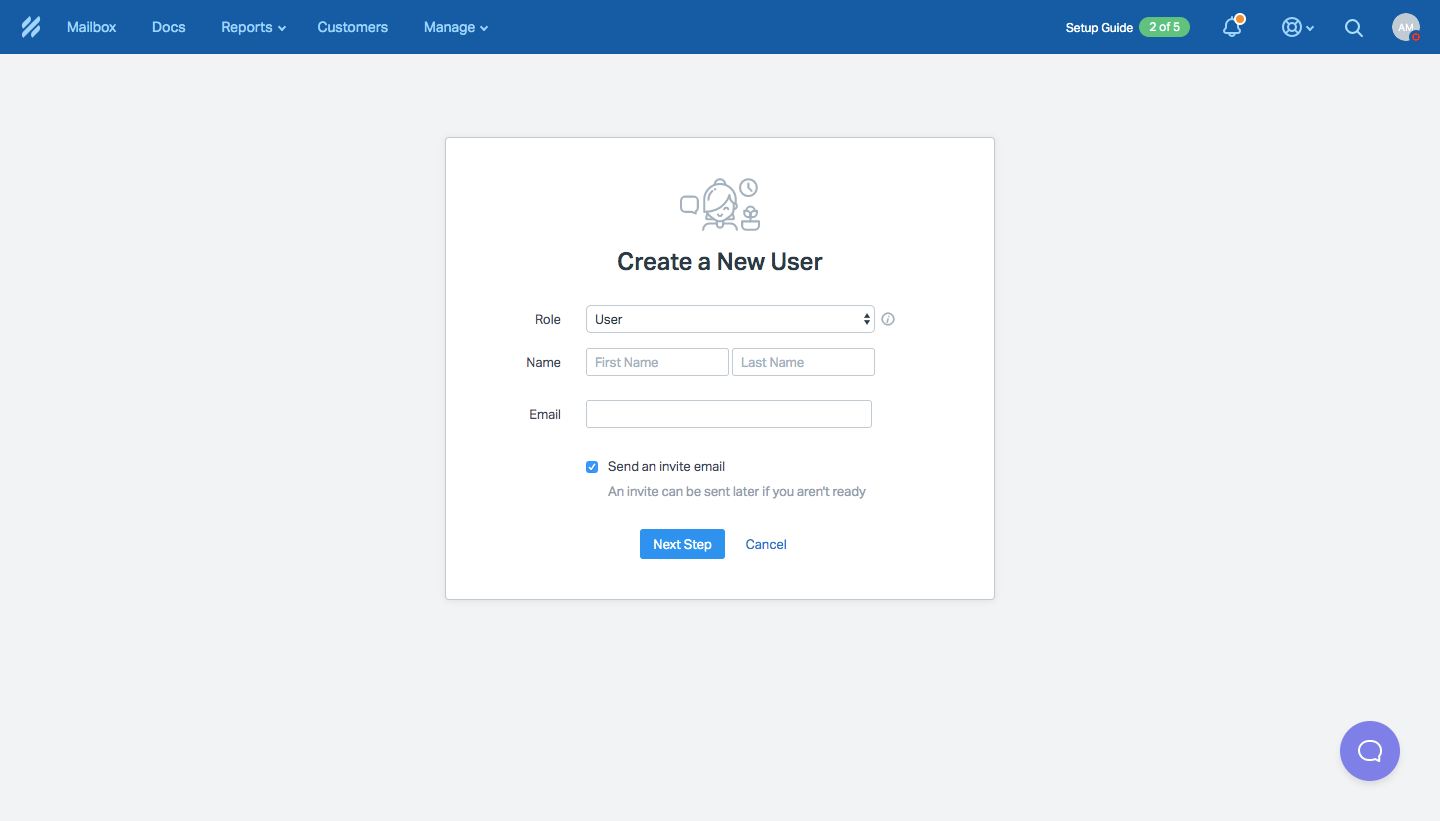
Help Scout Invite Team Members
Help Scout's team invitation flow adds a user from inside the app, picks their mailbox access and ends with the welcome email they receive. Two small centered cards on a grey canvas hold a role, name and email form, then a mailbox checkbox with a blue Create User button. A users grid with a green success toast follows, and the email pairs a blue Create a Password button with a handwritten sign-off.
Follow Help Scout’s invite team members flow step by step: 4 real screens captured from the live product, from invite team members: new user form to invite team members: invitation email. Use ← → to move between steps, and open any screen to see it in full.
Steps in this flow
More flows from Help Scout
All Help Scout Help Scout Sign Up Flow
5 screens
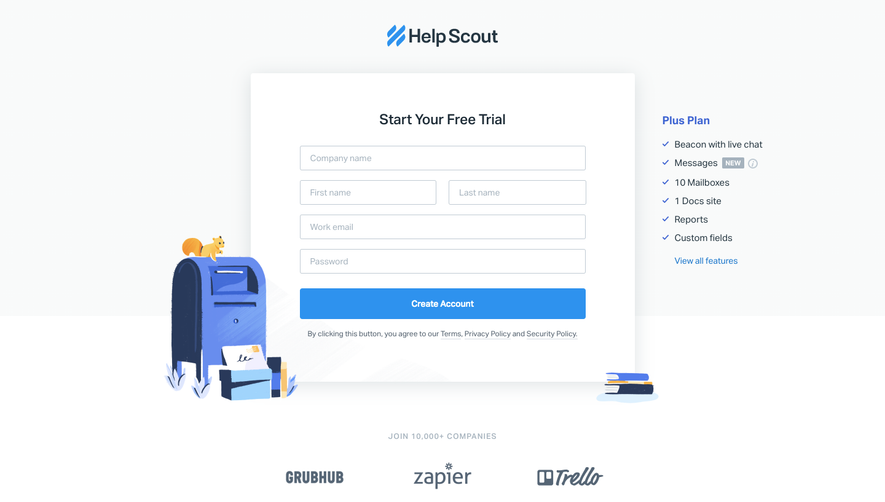
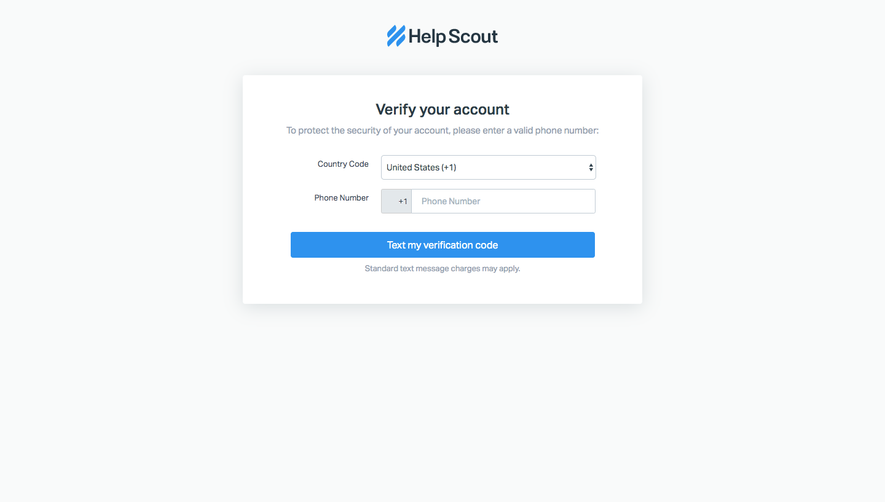
Help Scout User Onboarding
7 screens