
SaaSFrame Pro
2 more steps in this flow
Free accounts see the first 3 steps of each flow. Pro unlocks every step of every flow, plus every screen, section and Copy in Figma.
GitBook Onboarding
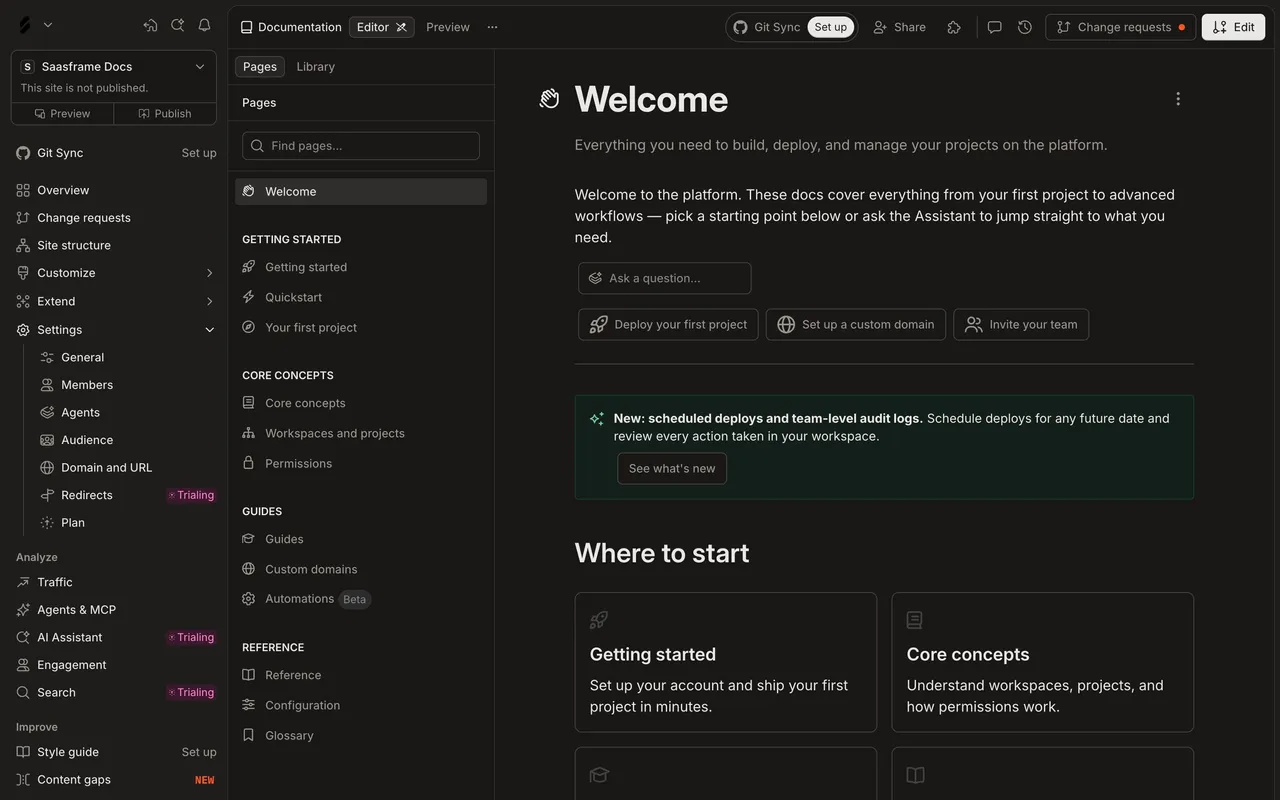
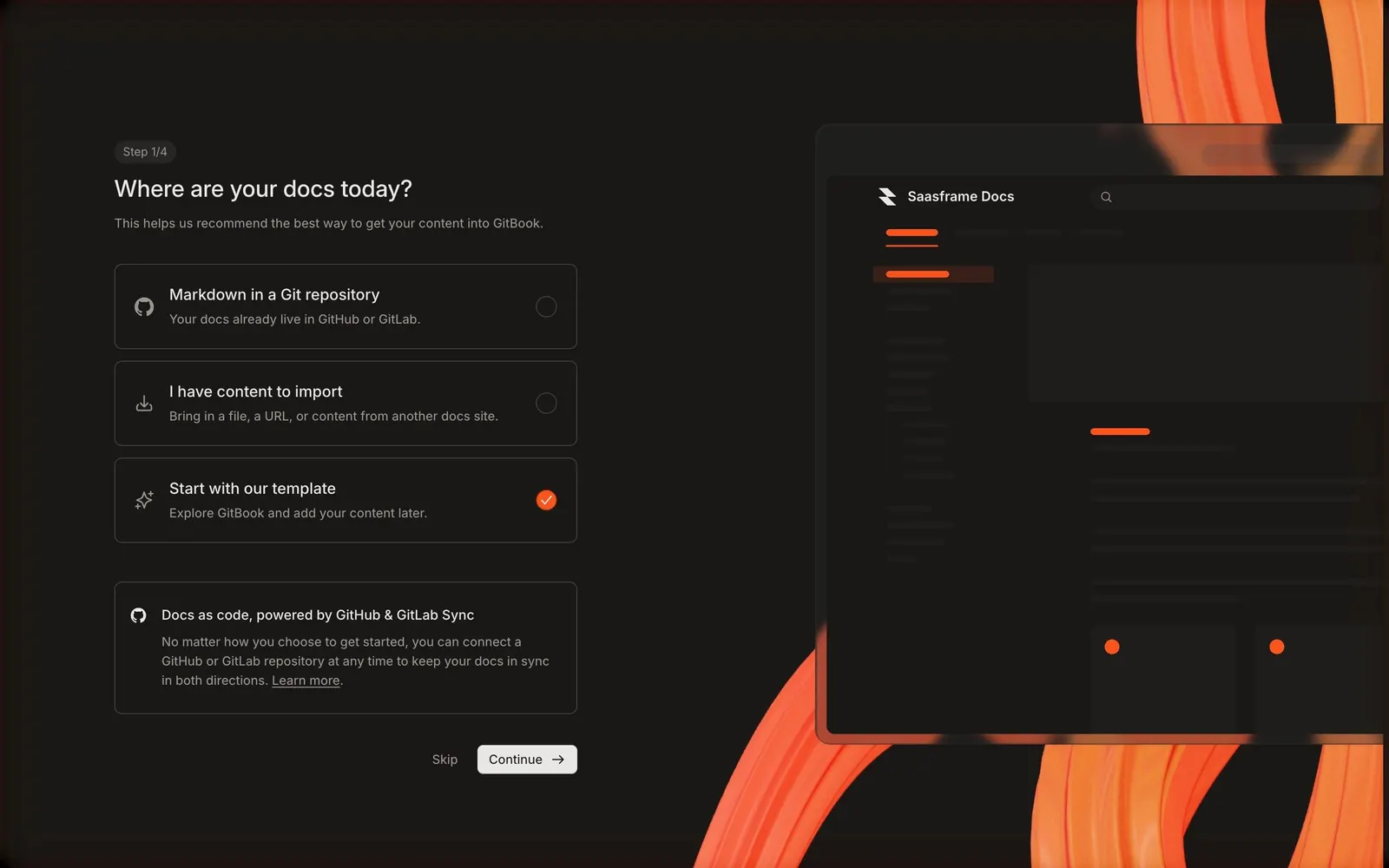
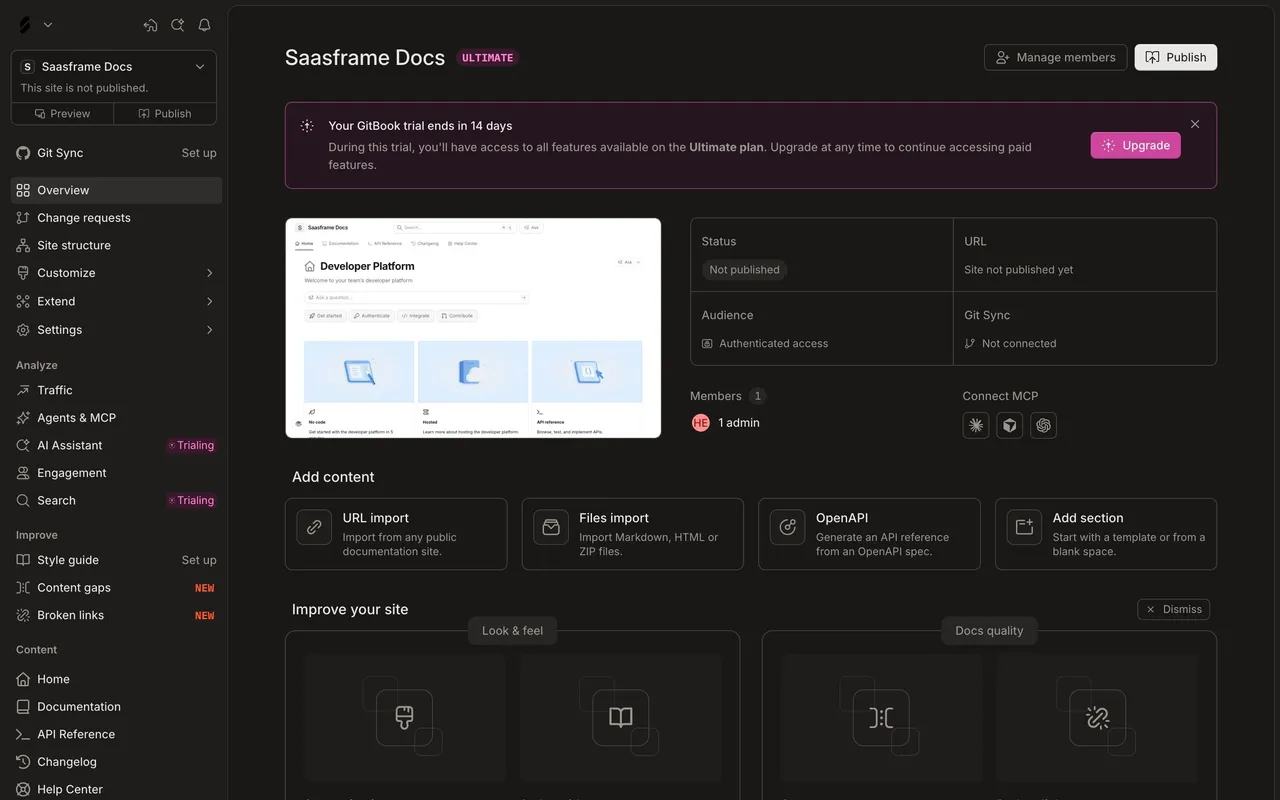
GitBook's onboarding names the organization, asks where the docs live today, who should see them and which features matter, then lands on the new site's overview. The black screens with orange ribbons show a skeleton of the docs site that fills in as the answers are given.
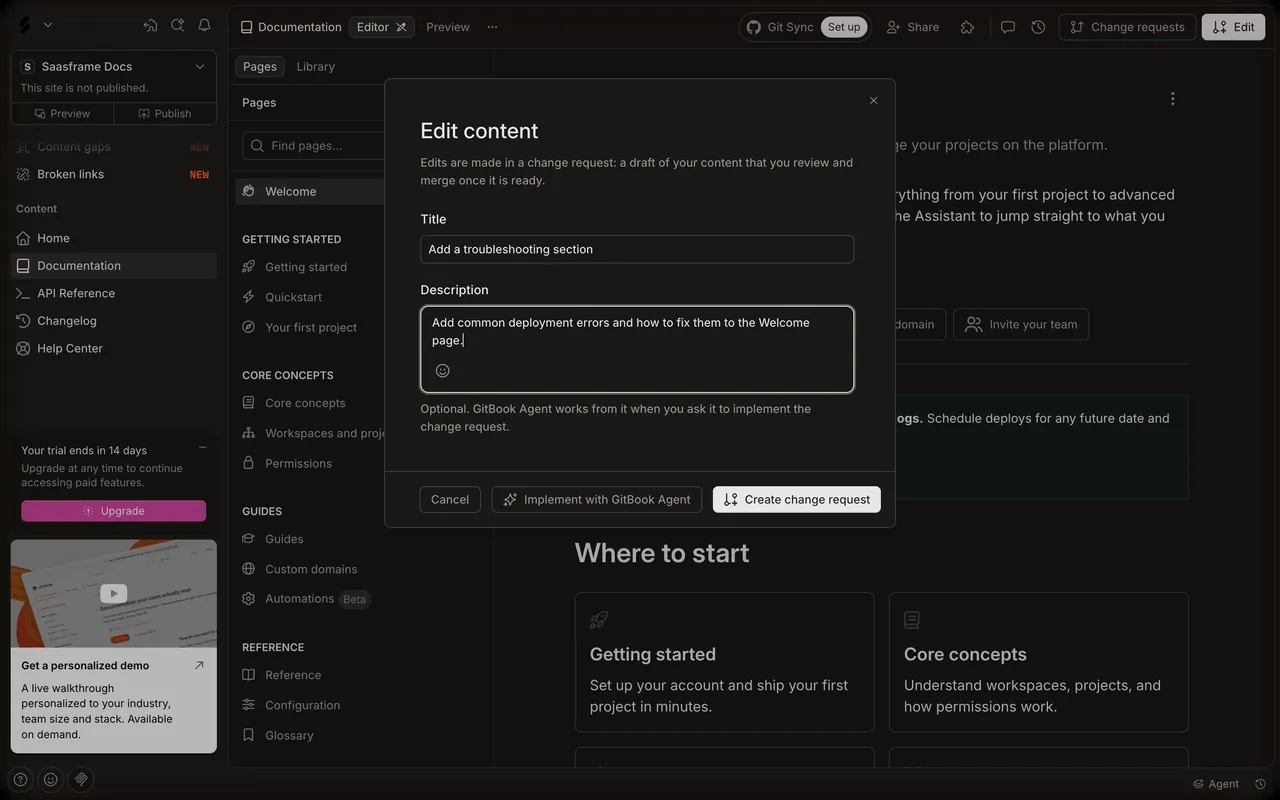
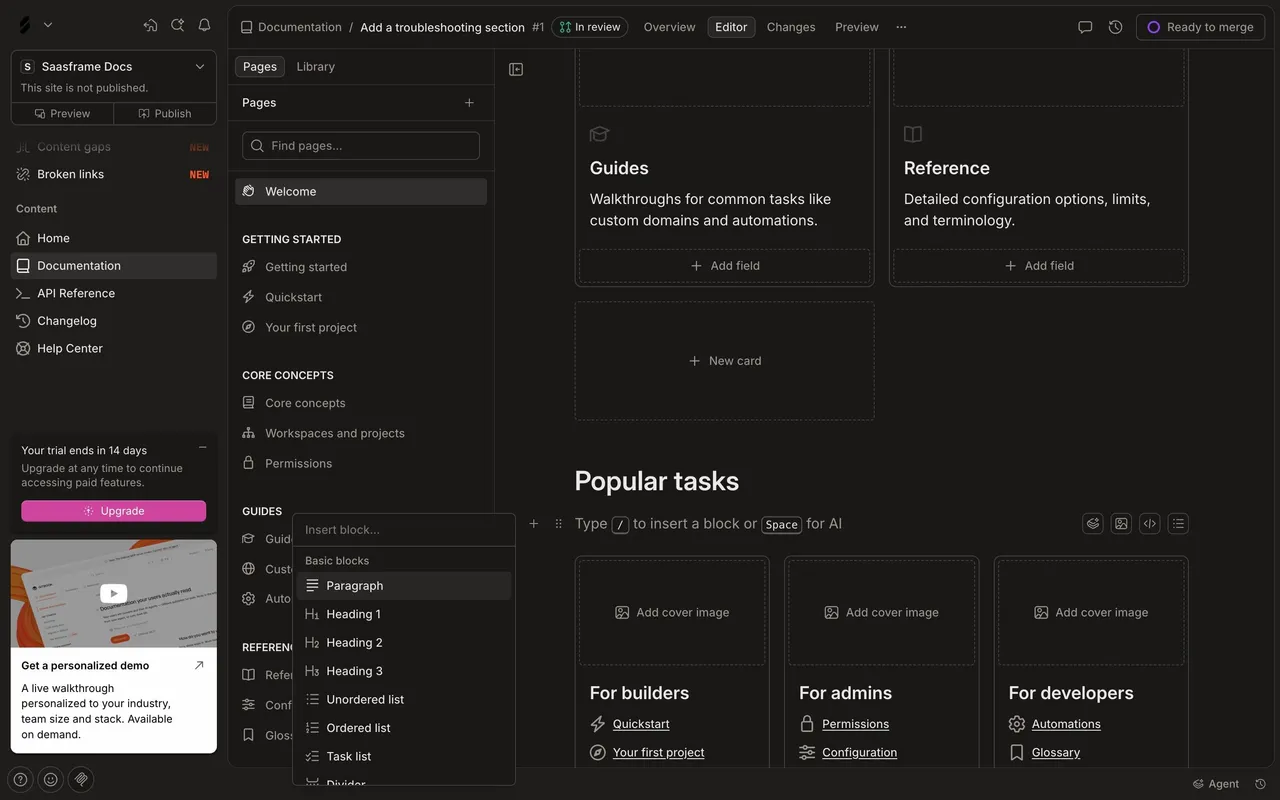
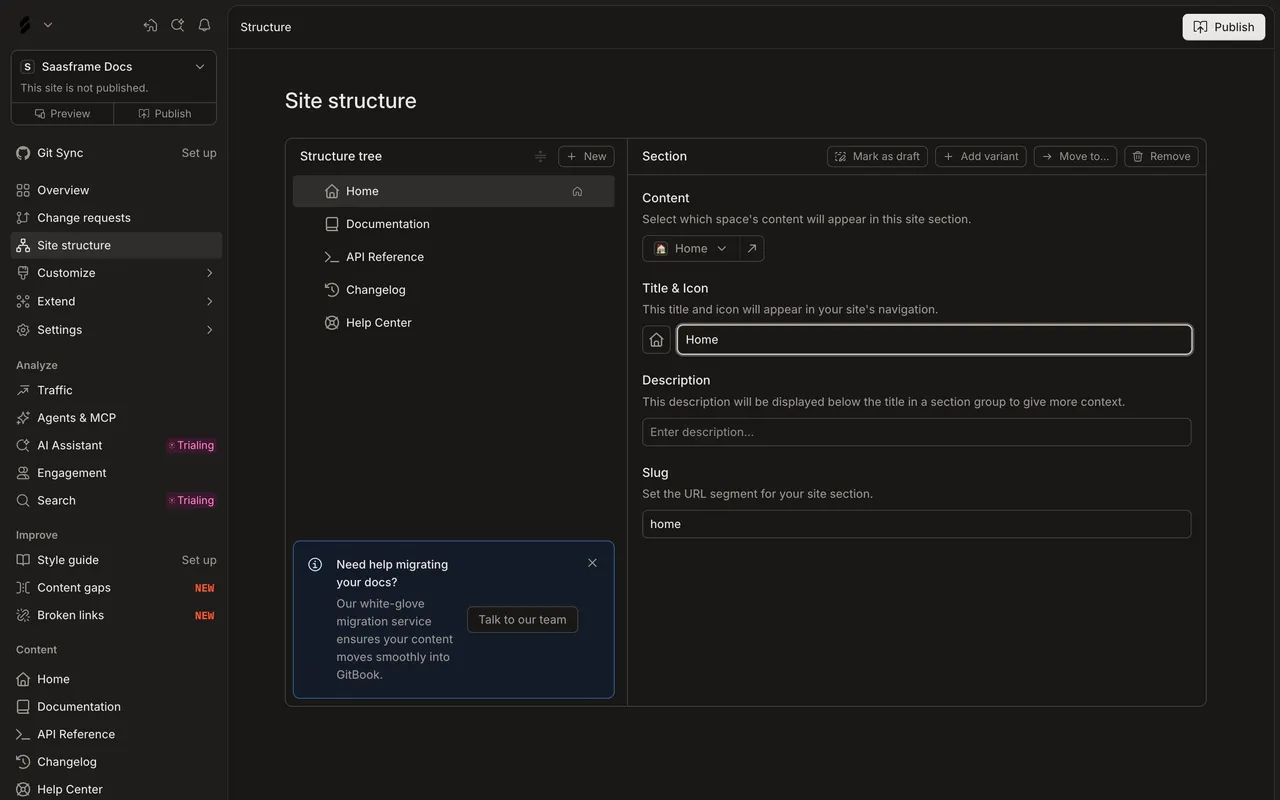
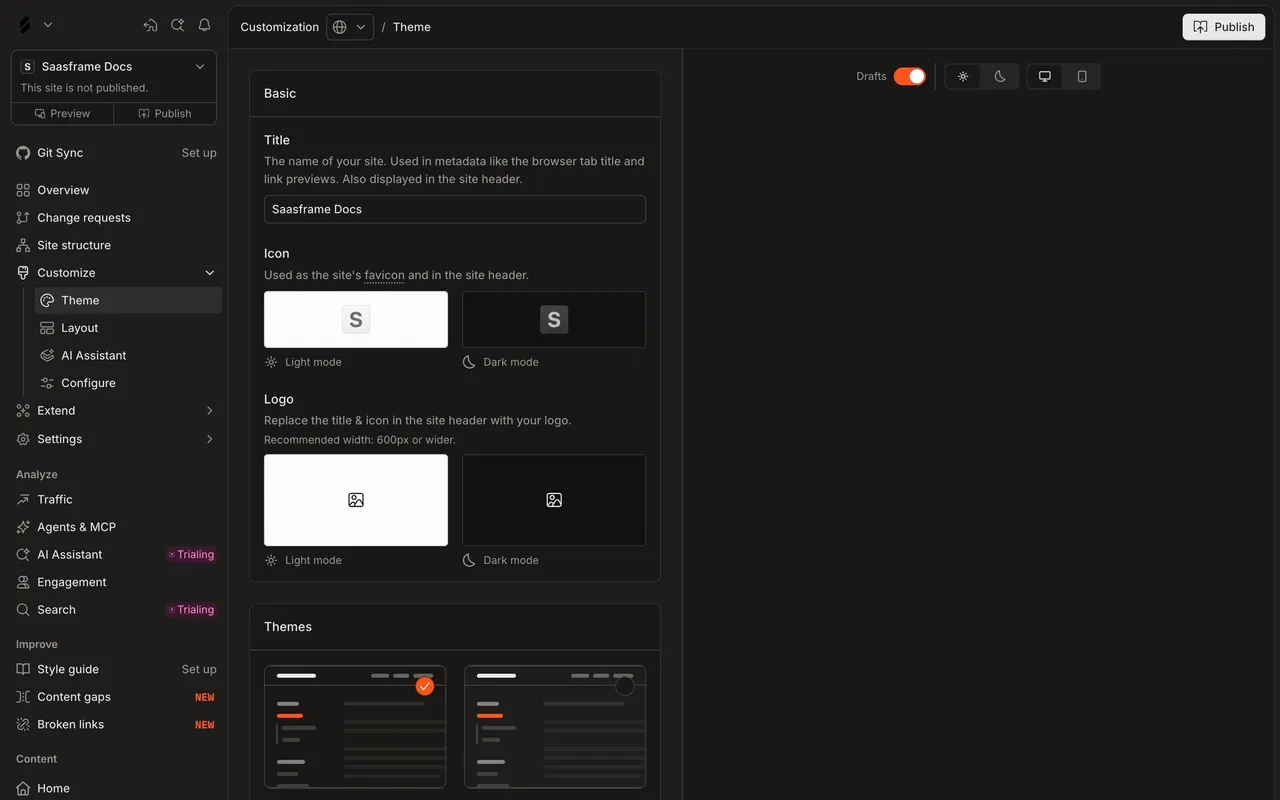
Follow GitBook’s onboarding flow step by step: 5 real screens captured from the live product, from onboarding organization name to site overview. Use ← → to move between steps, and open any screen to see it in full.
Steps in this flow
More flows from GitBook
All GitBook GitBook Customizing a Docs Site
6 screens
GitBook Editing Docs with a Change Request
5 screens