SaaSFrame Pro
3 more steps in this flow
Free accounts see the first 3 steps of each flow. Pro unlocks every step of every flow, plus every screen, section and Copy in Figma.
GitBook Customizing a Docs Site
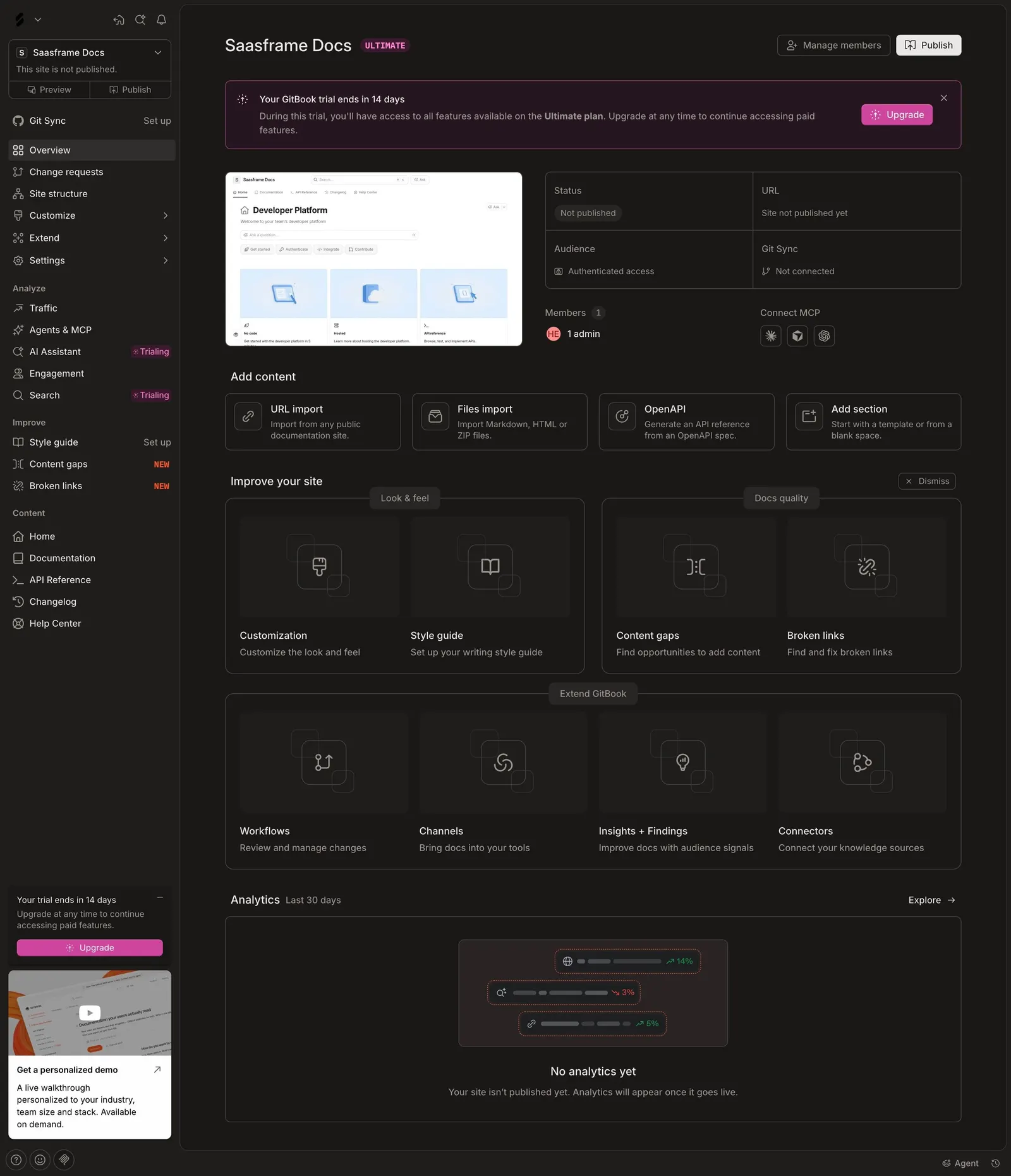
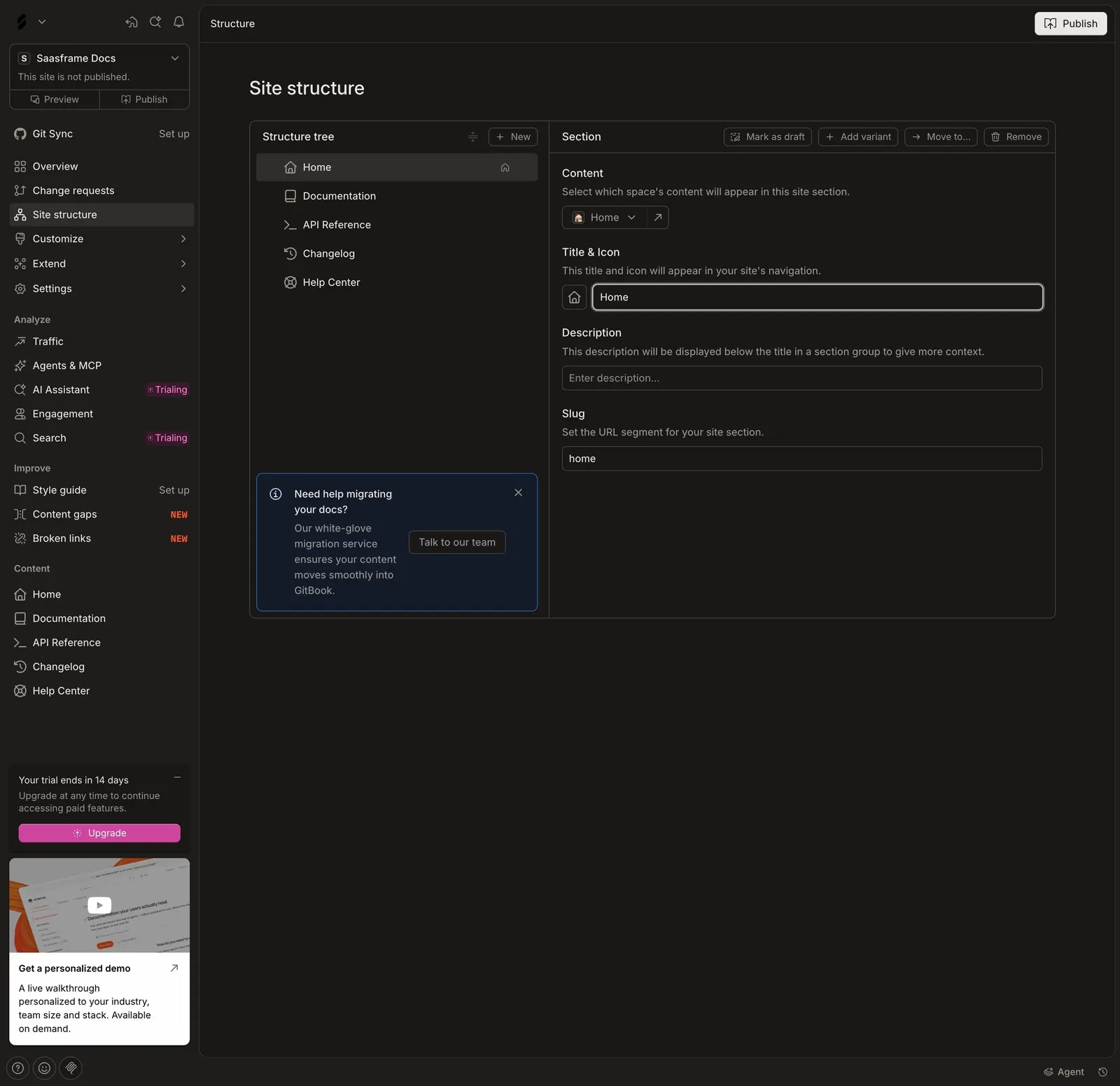
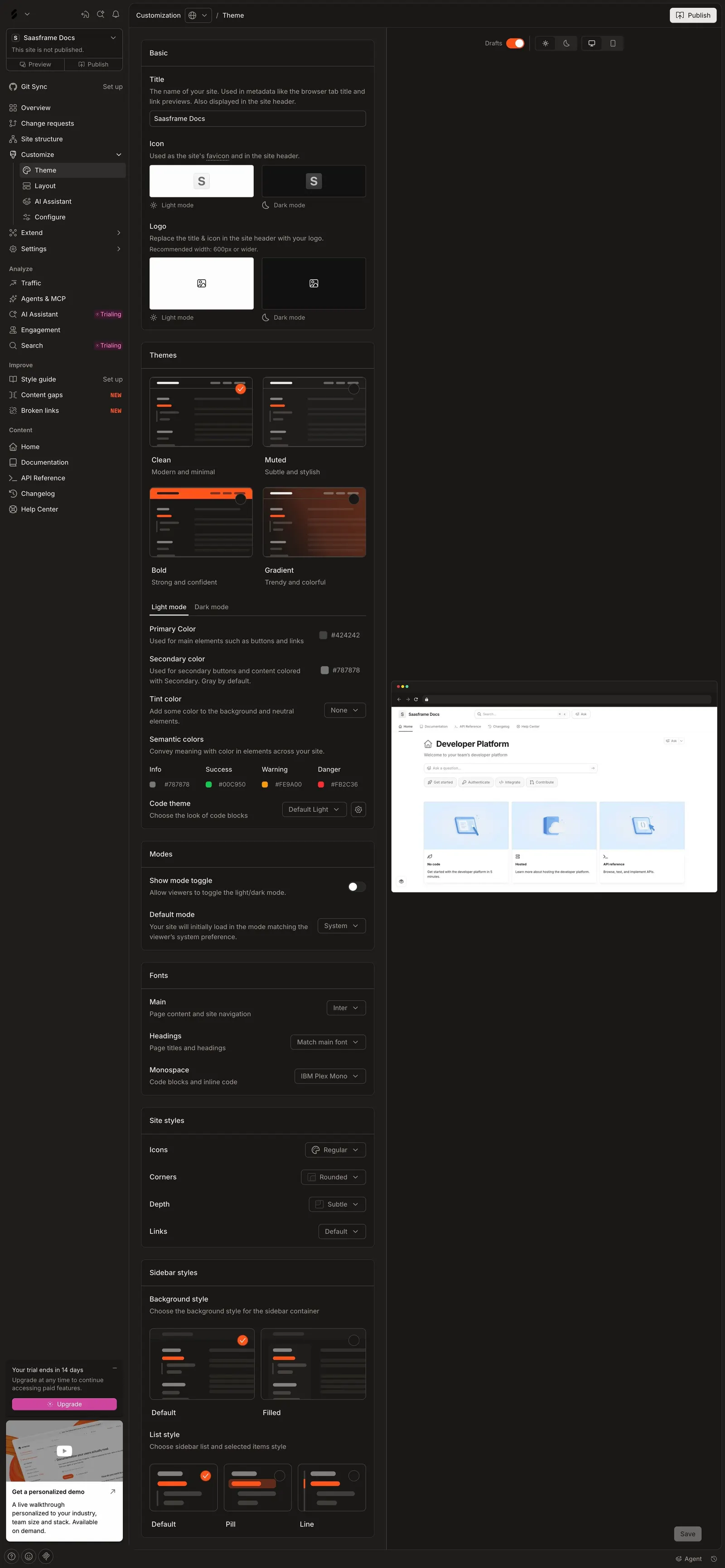
This flow sets up a GitBook docs site: the overview, the section structure, theme and layout customization with a live preview, then the audience and domain settings. Settings stay in a dark column on the left while a light preview window shows the site.
Follow GitBook’s customizing a docs site flow step by step: 6 real screens captured from the live product, from site overview to domain settings. Use ← → to move between steps, and open any screen to see it in full.
Steps in this flow
More flows from GitBook
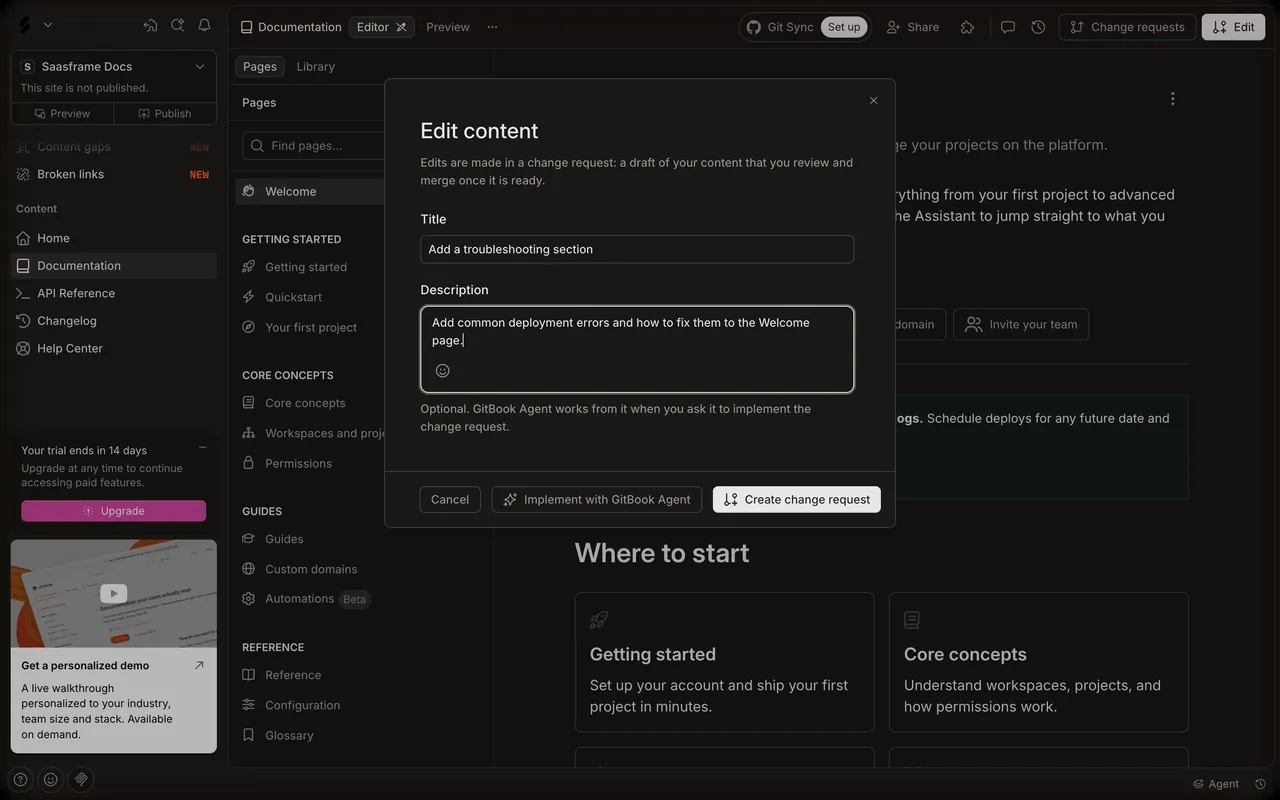
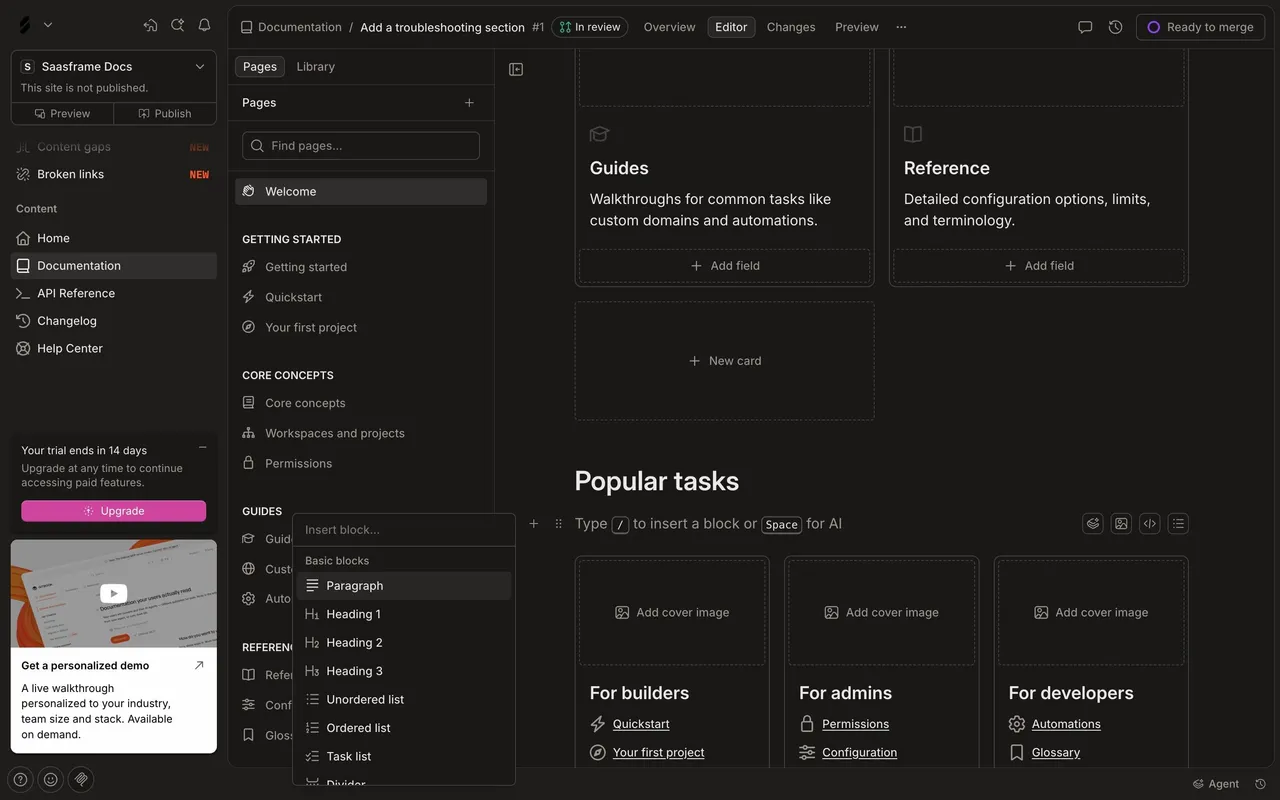
All GitBook GitBook Editing Docs with a Change Request
5 screens
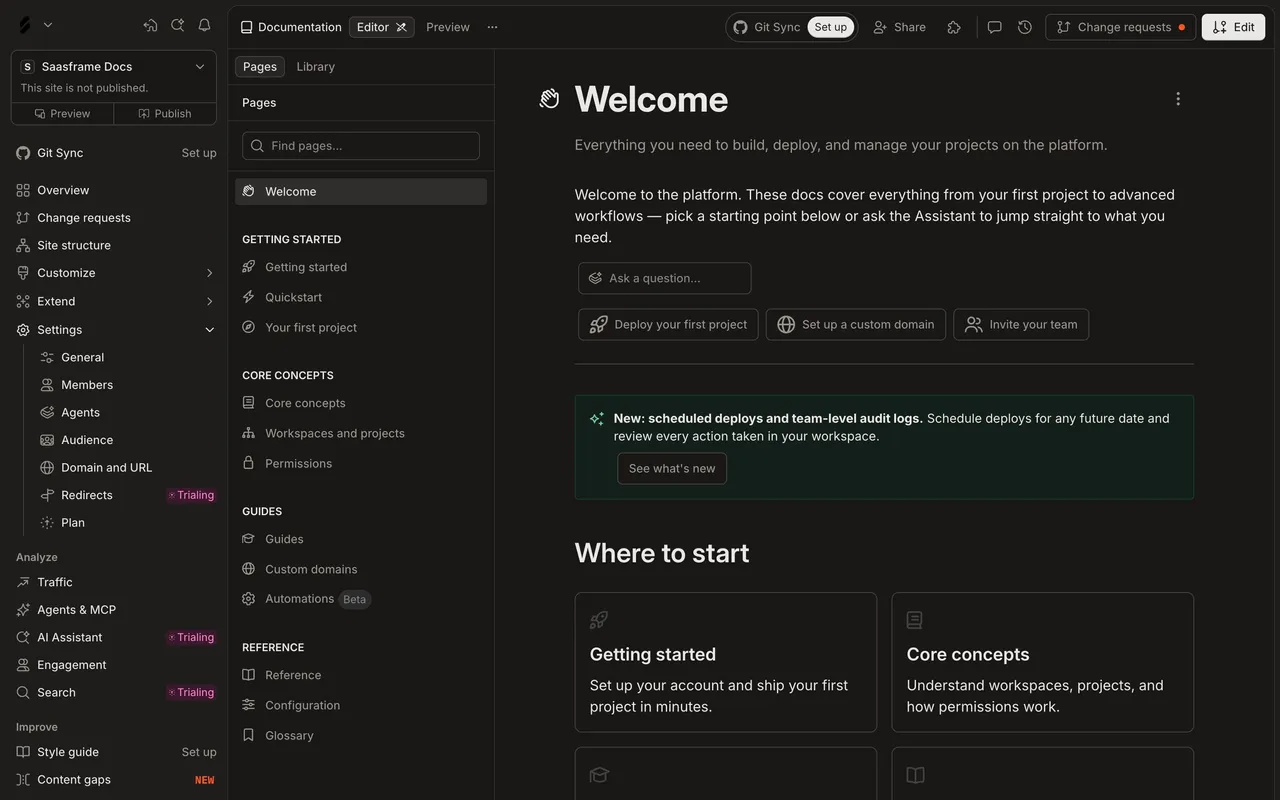
GitBook Onboarding
5 screens