SaaSFrame
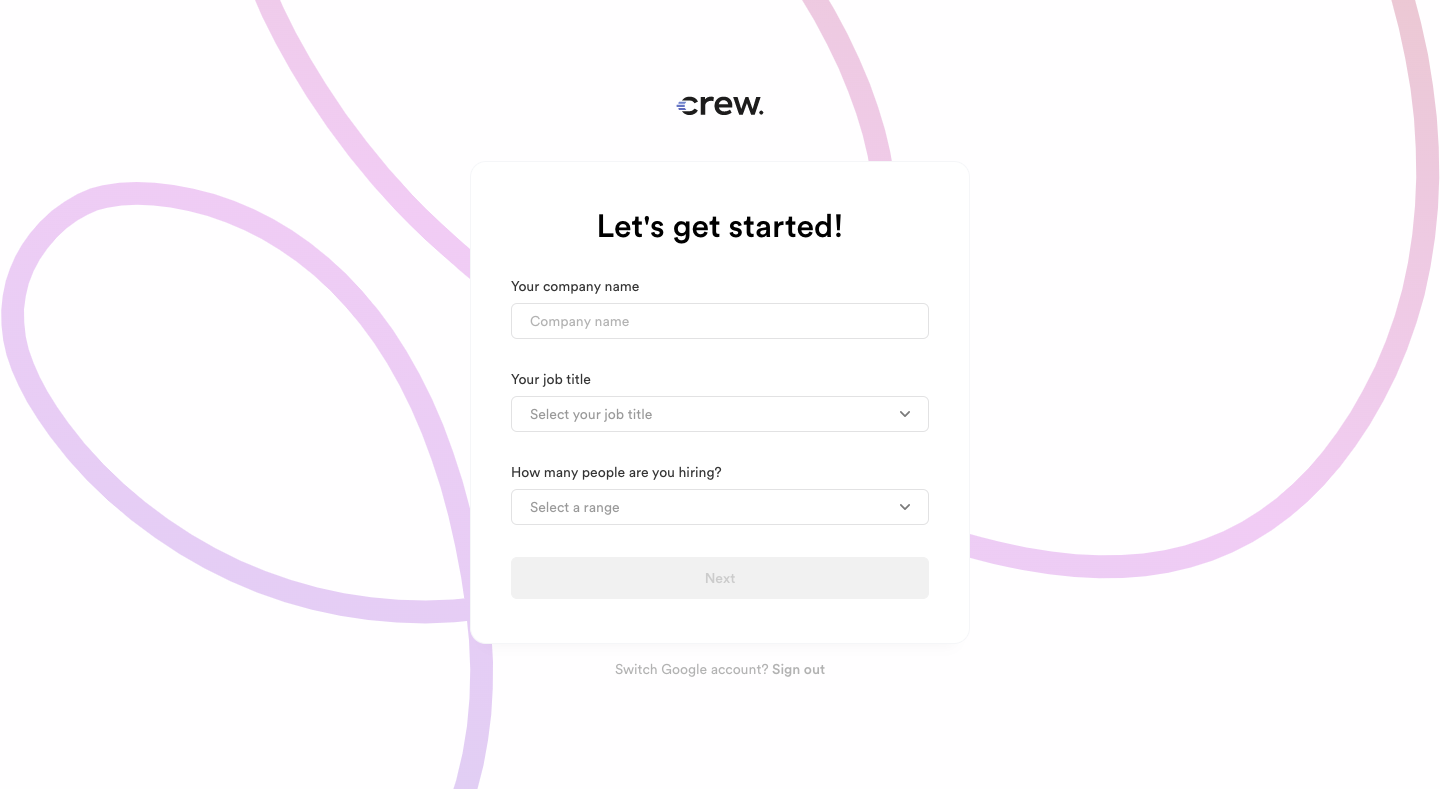
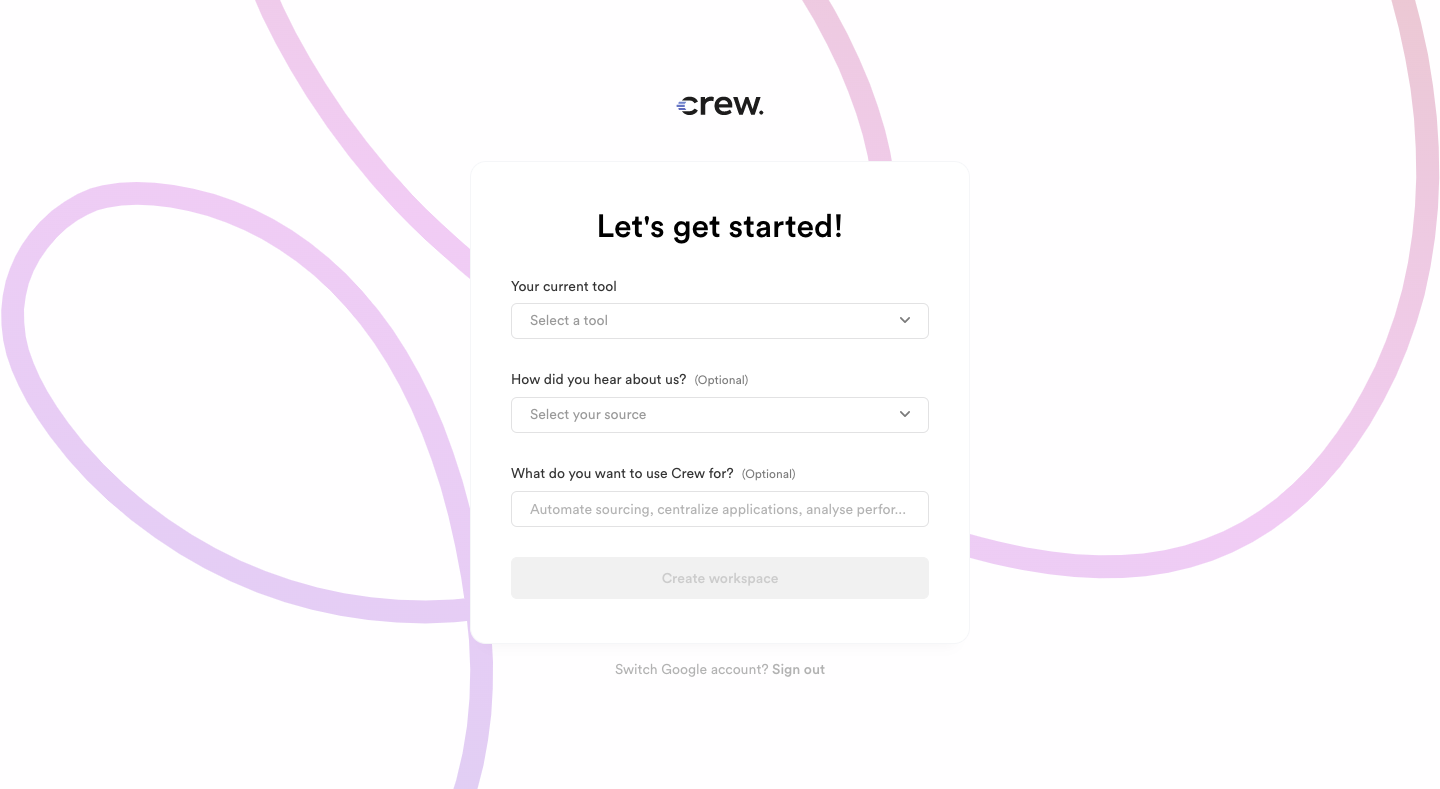
4 more steps in this flow
Free accounts see the first 3 steps of each flow. Pro unlocks every step of every flow, plus every screen, section and Copy in Figma.
Crew Onboarding Flow
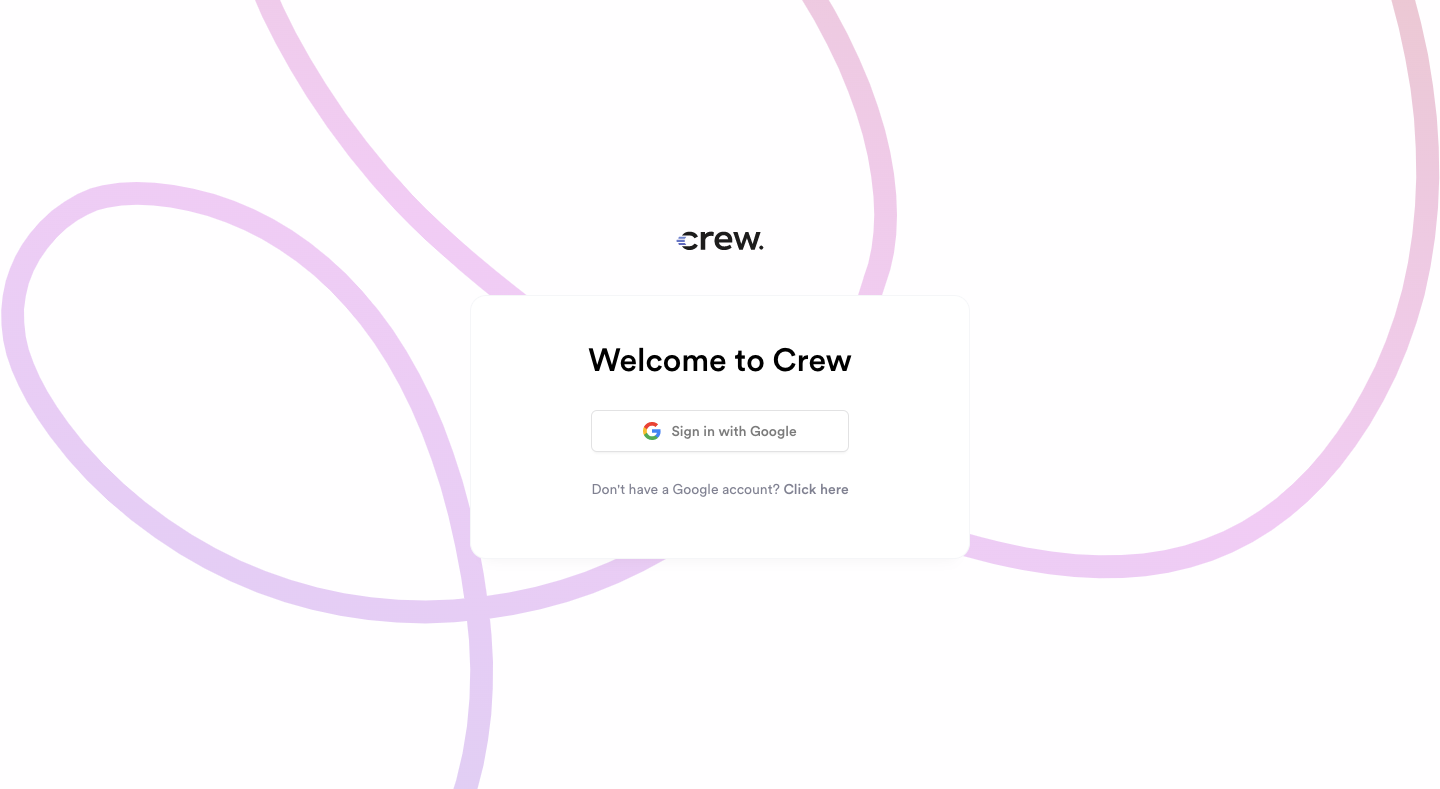
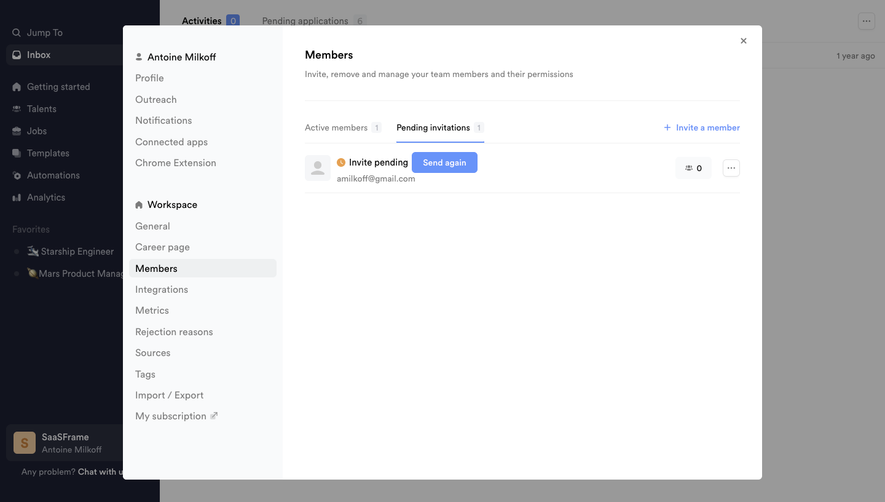
Crew's onboarding goes from Google sign-in to a guided getting-started page in seven screens with soft purple line art. Sign-up forms sit centered over looping lavender strokes with dropdown questions. Inside the app, a dark sidebar frames a greeting and a horizontal four-step stepper, and each step pairs short copy and a blue button with a product screenshot or a handwritten annotation.
Follow Crew’s onboarding flow flow step by step: 7 real screens captured from the live product, from sign up page: google sign-in to user onboarding: set up workspace. Use ← → to move between steps, and open any screen to see it in full.
Steps in this flow
More flows from Crew
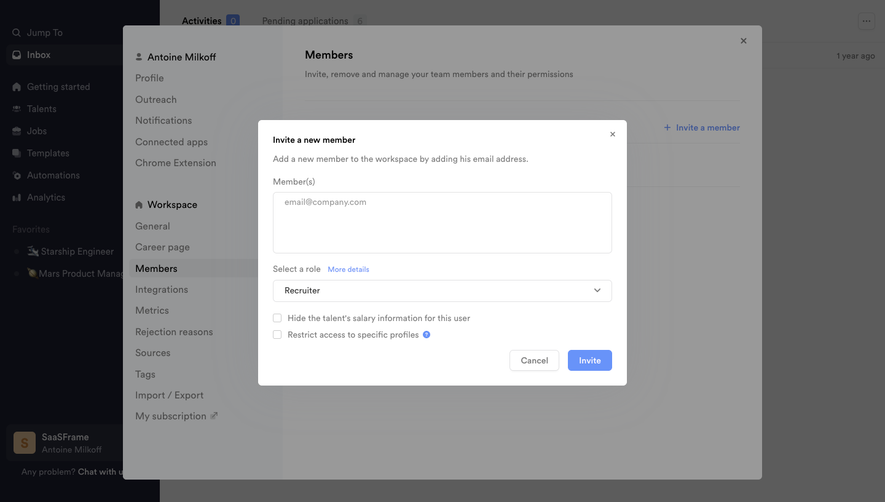
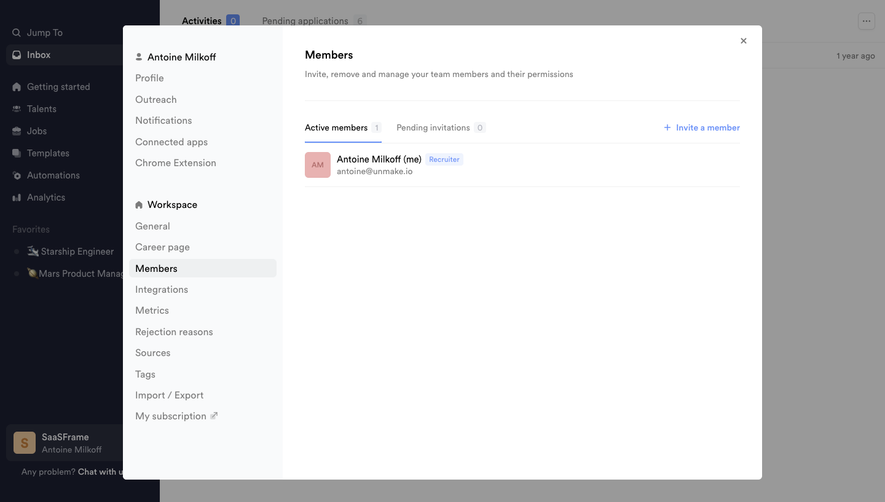
All Crew Crew Invite Team Members
3 screens
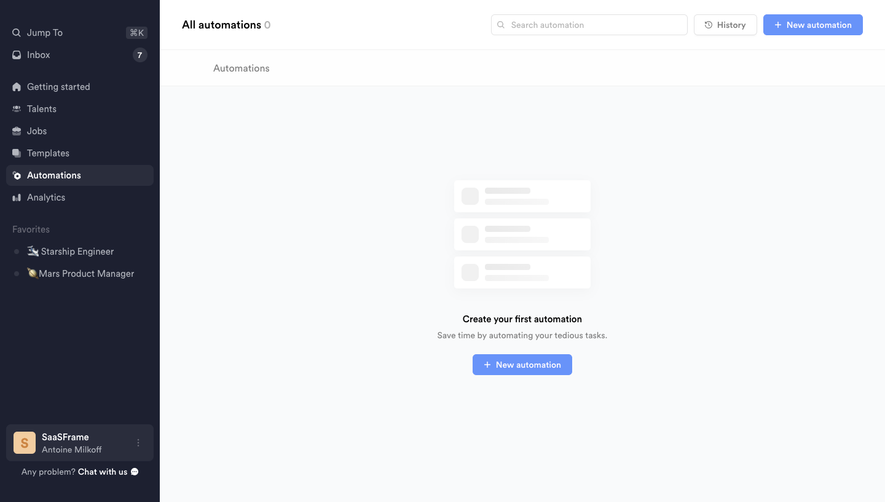
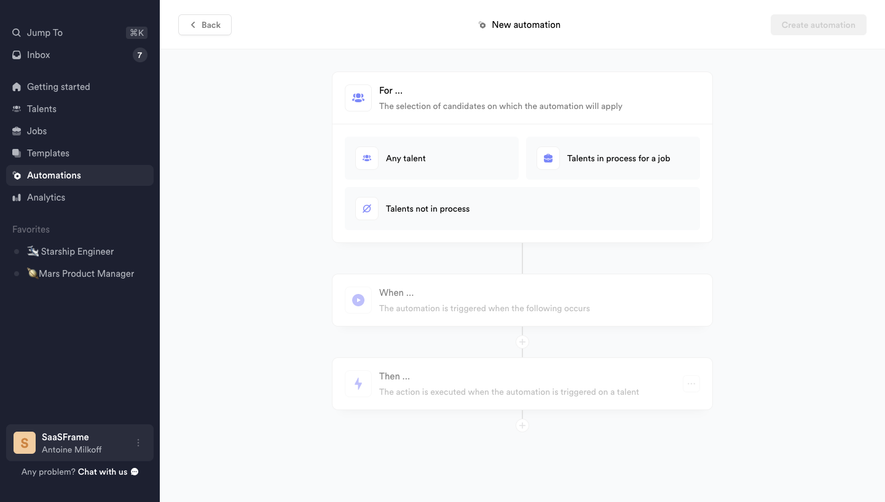
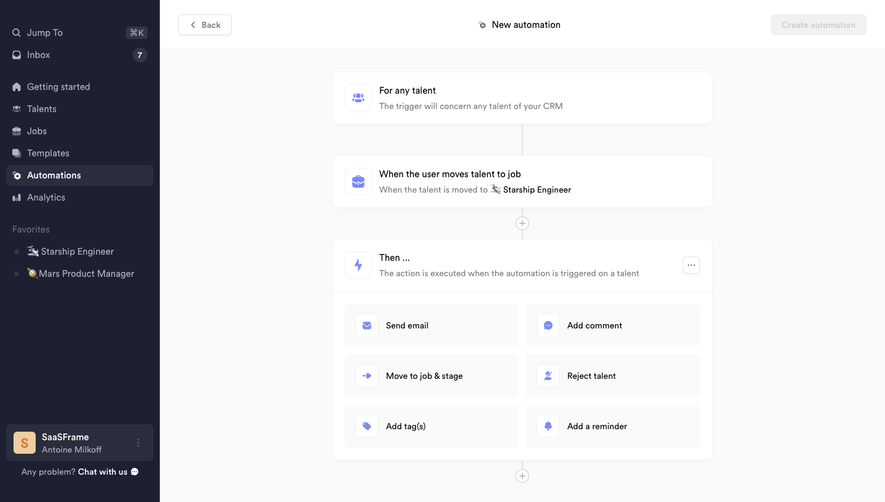
Crew Create automation
3 screens