SaaSFrame
Crew Create automation
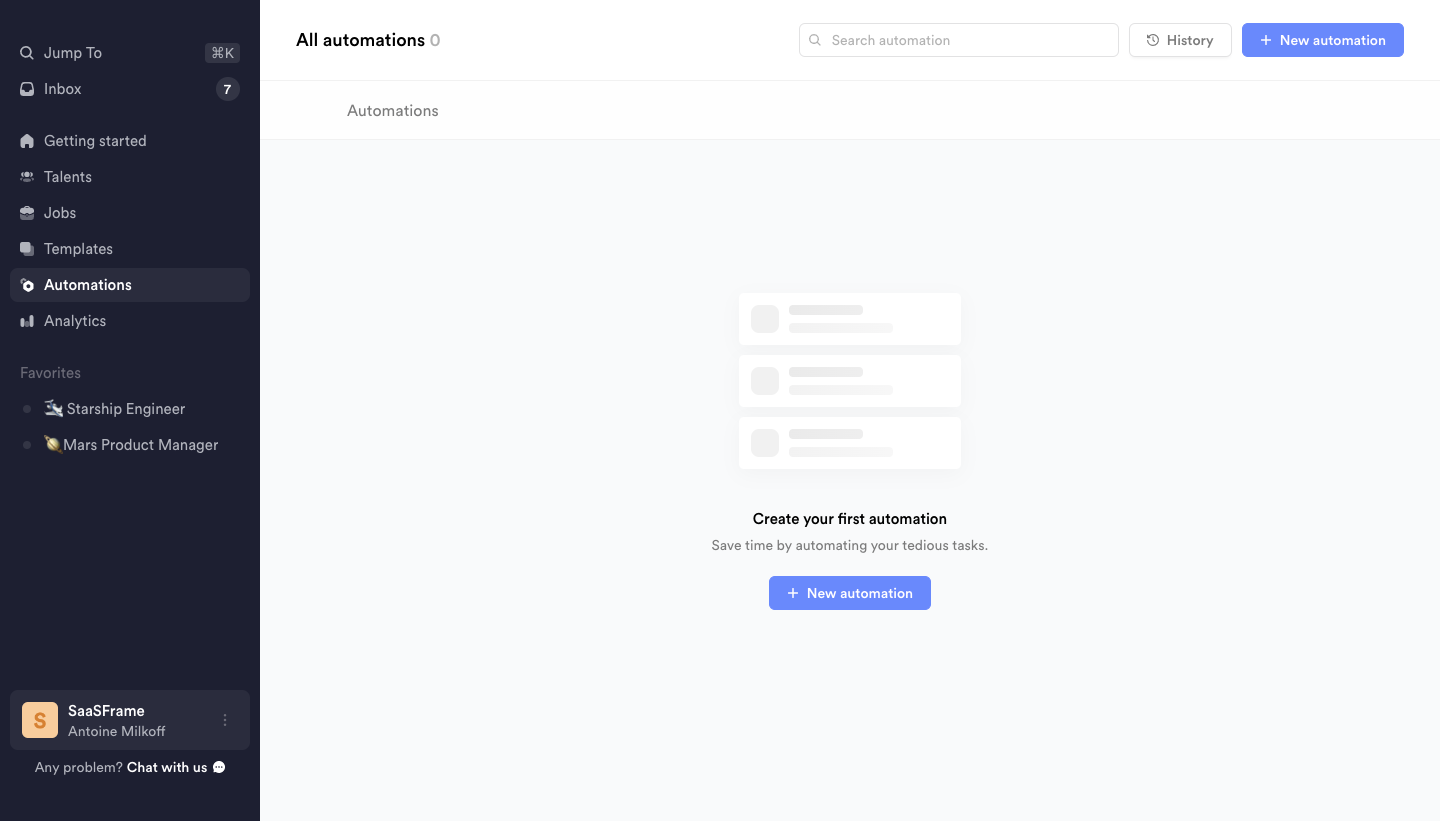
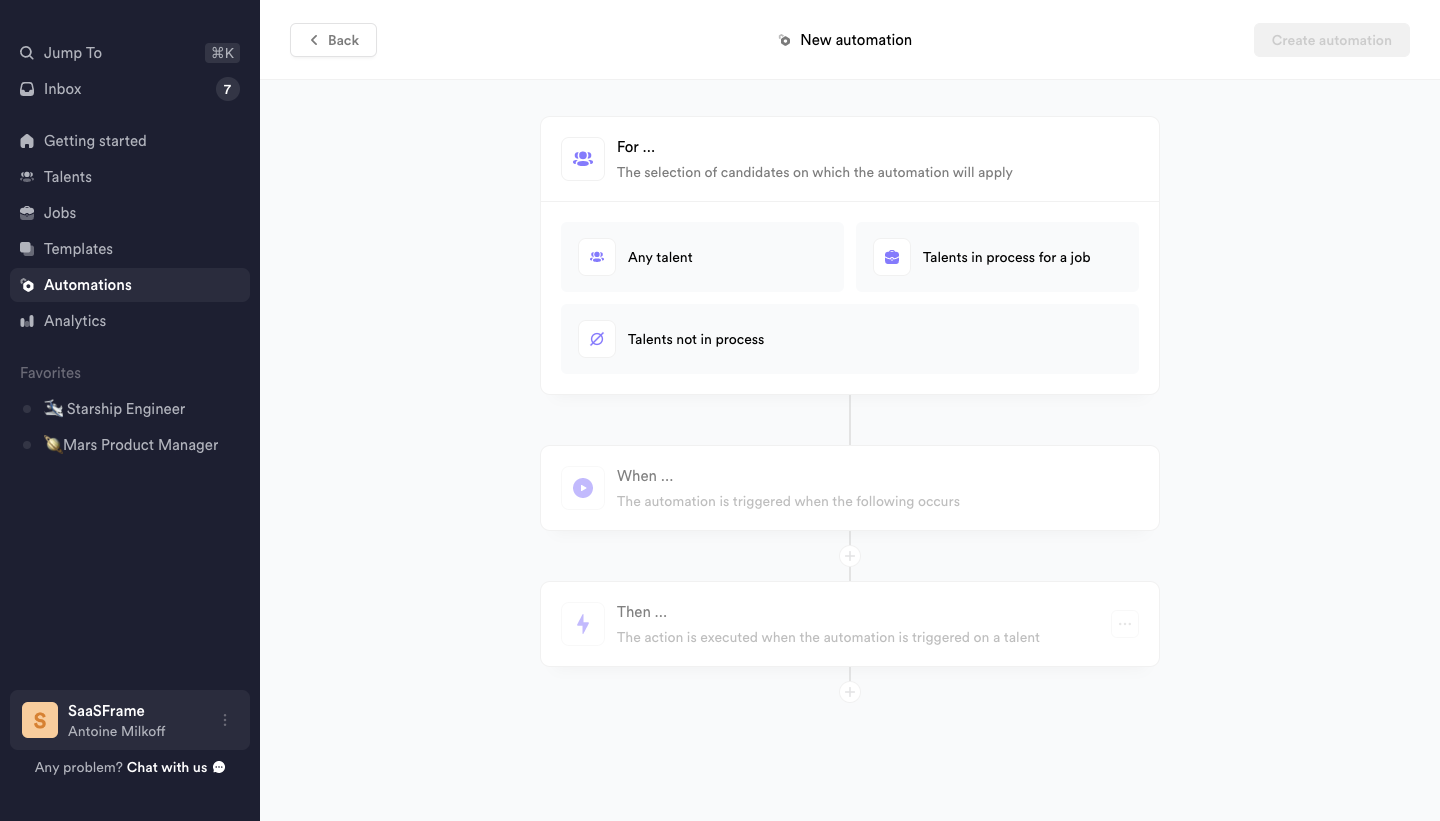
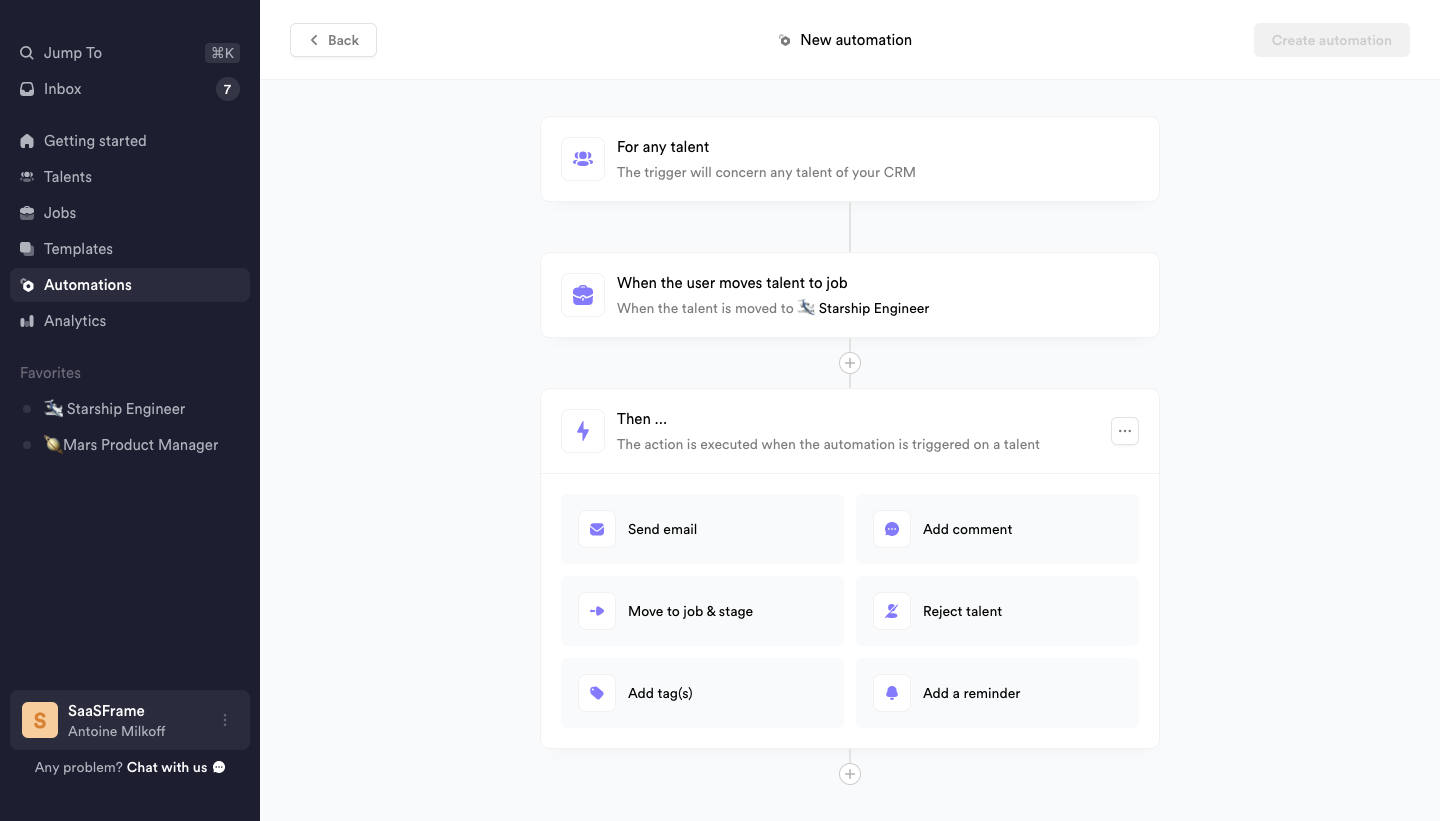
Crew's create automation flow goes from an empty list to a trigger-and-action builder in three light screens with a dark sidebar. The empty state shows skeleton rows above a blue button. The builder stacks For, When and Then cards along a vertical connector, with options laid out as a two-column grid of icon buttons such as send email, add comment or move to a job.
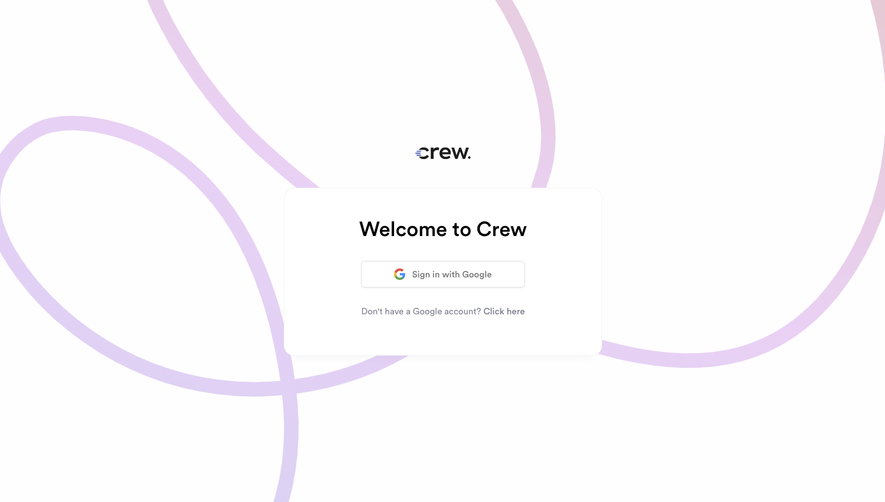
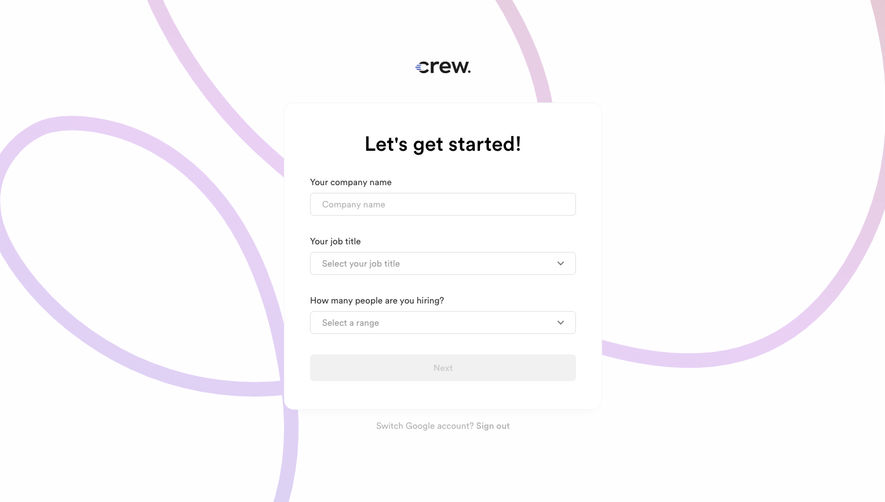
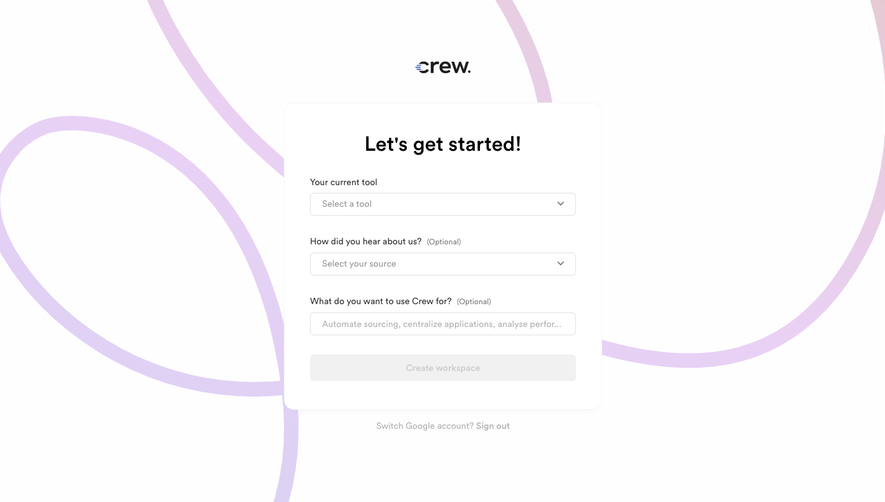
Follow Crew’s create automation flow step by step: 3 real screens captured from the live product, from create automation: empty list to create automation: choose action. Use ← → to move between steps, and open any screen to see it in full.
Steps in this flow
More flows from Crew
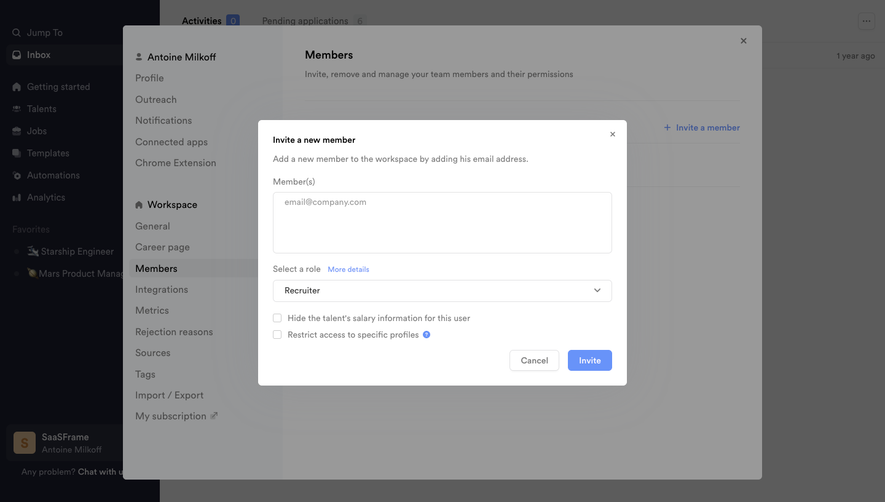
All Crew Crew Invite Team Members
3 screens
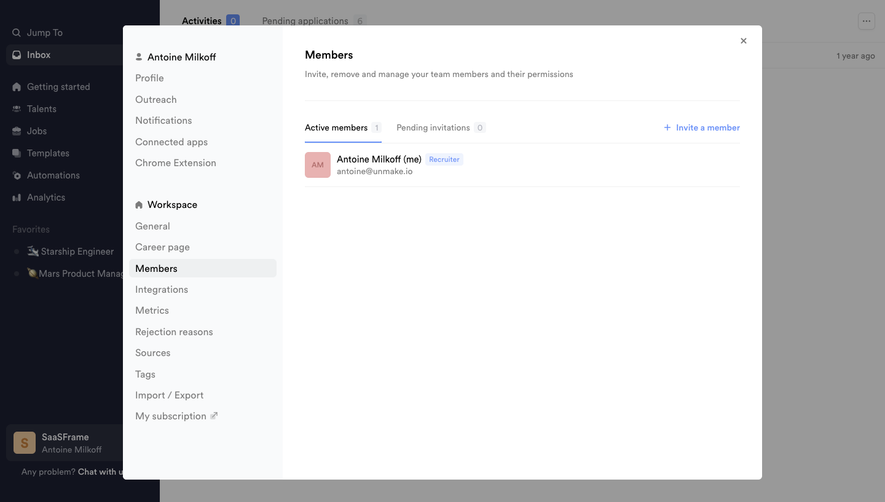
Crew Onboarding Flow
7 screens