SaaSFrame Pro
3 more steps in this flow
Free accounts see the first 3 steps of each flow. Pro unlocks every step of every flow, plus every screen, section and Copy in Figma.
Clay Onboarding
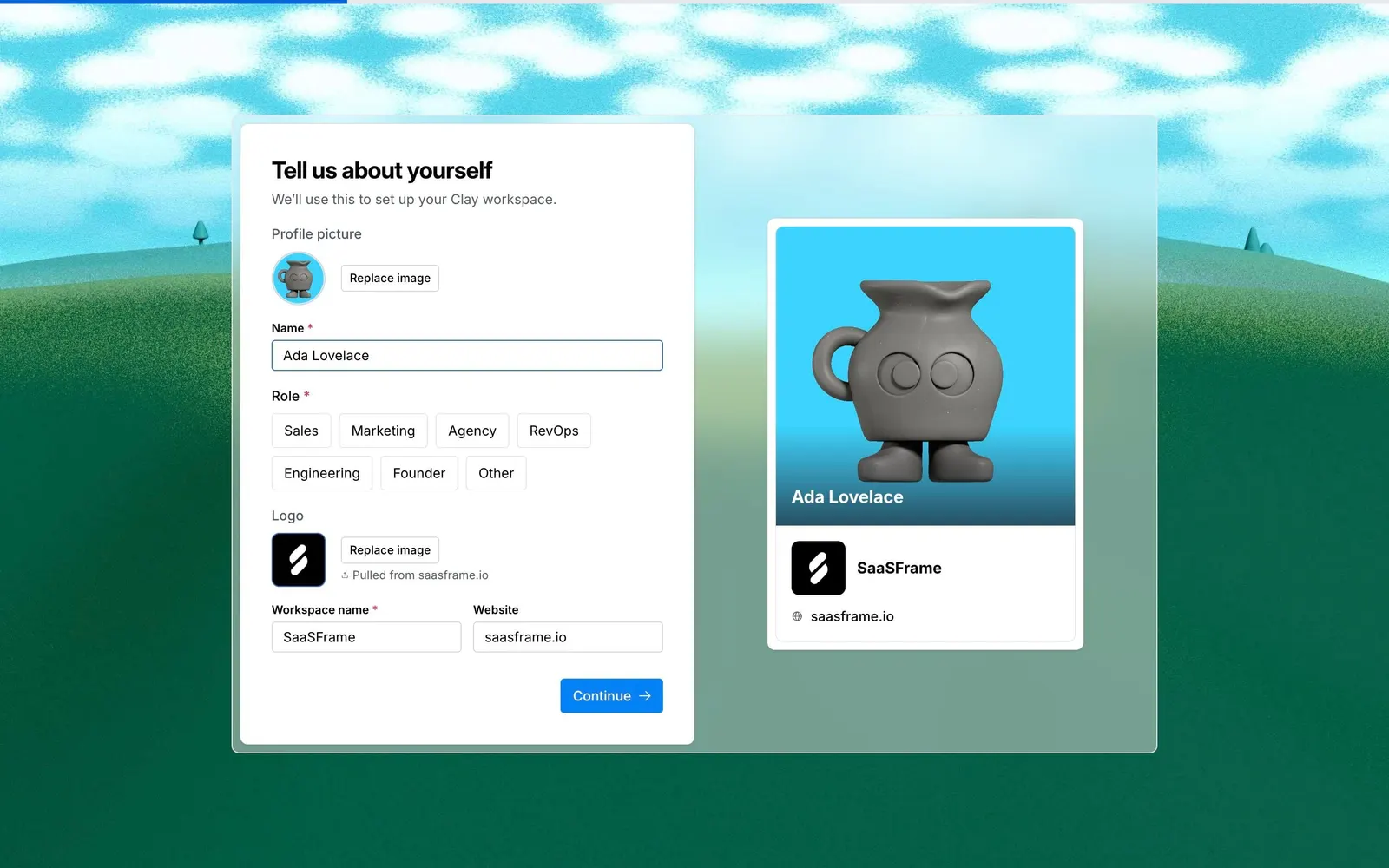
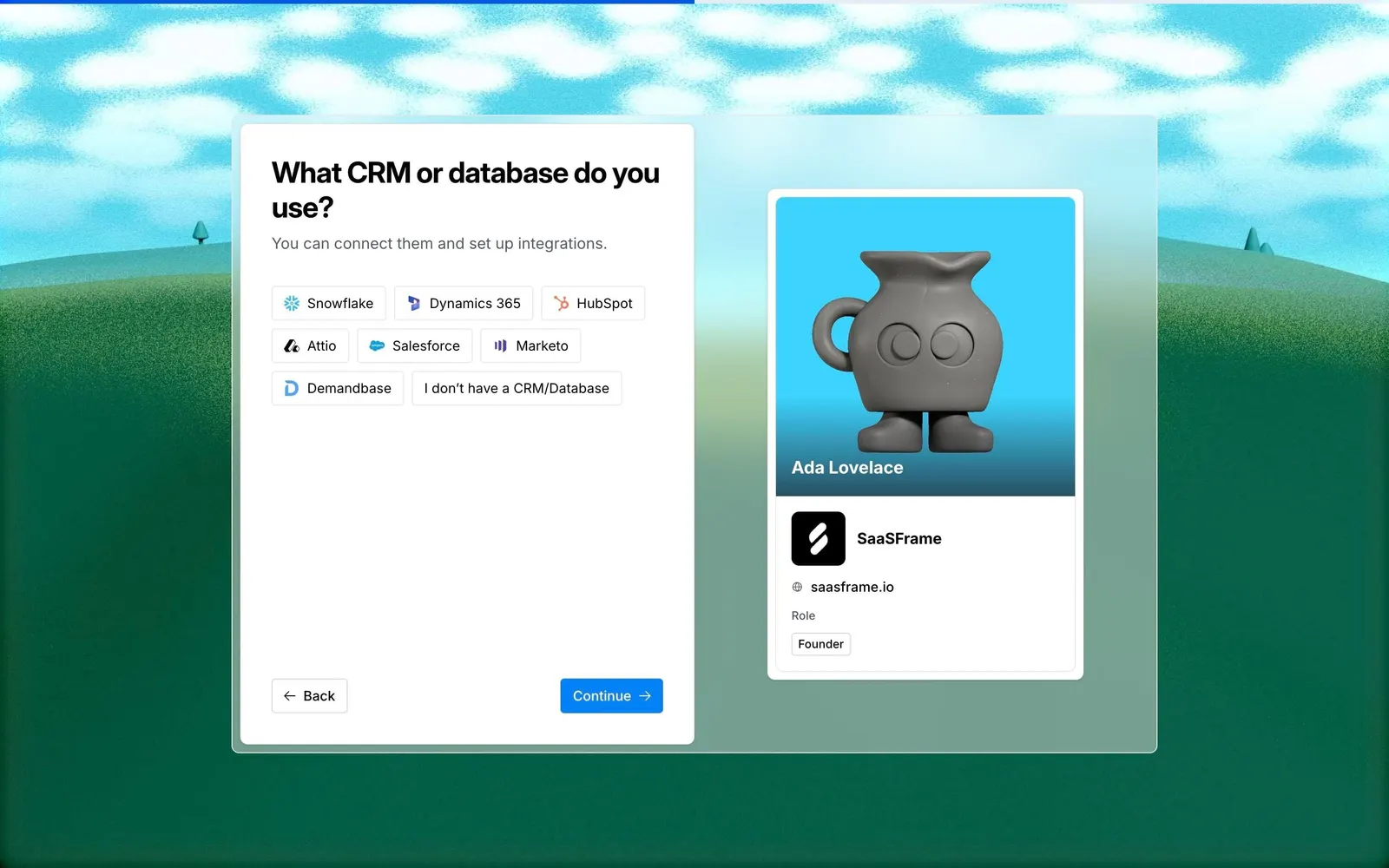
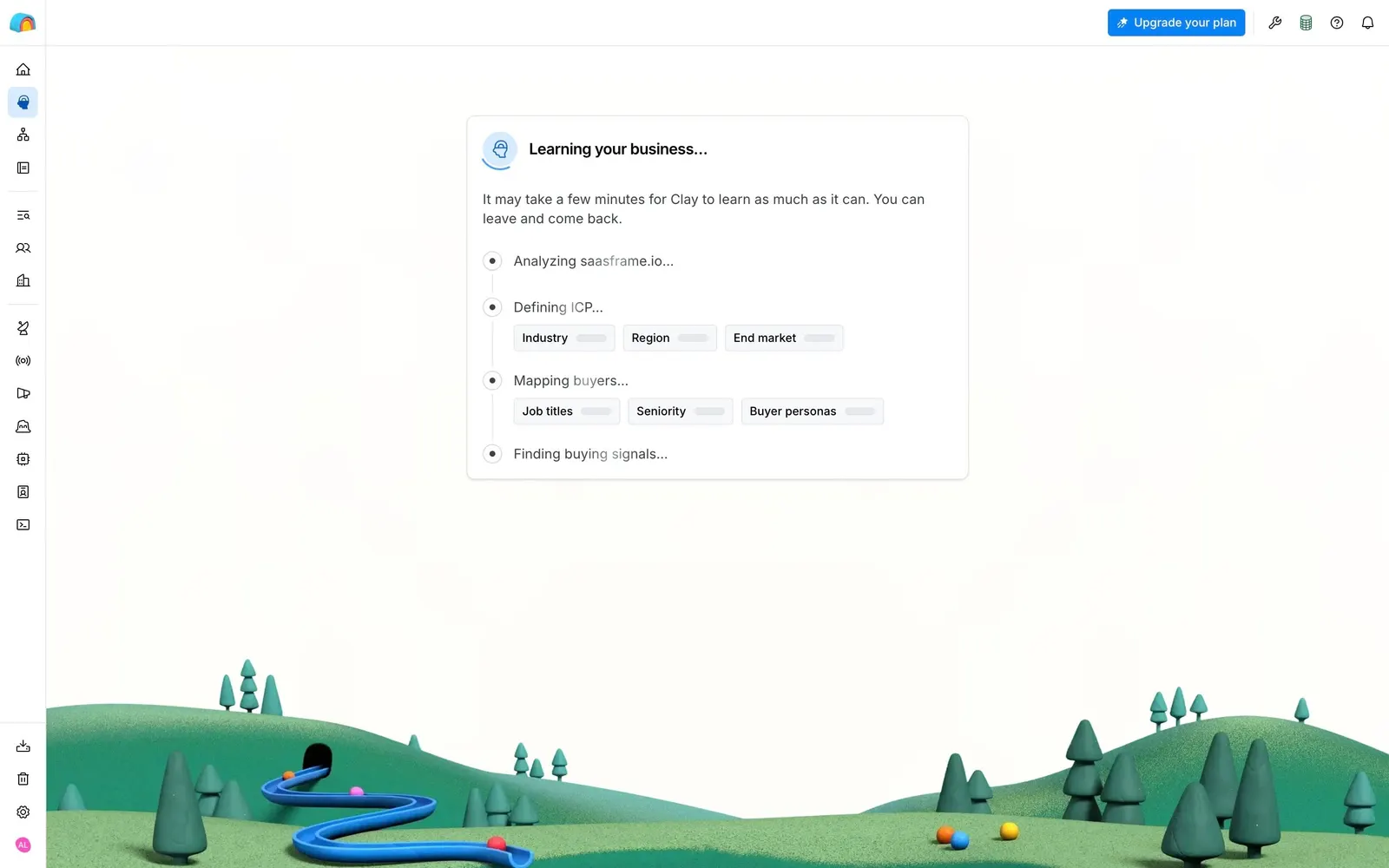
Clay's onboarding goes from a profile form with a live preview card to a CRM question, a loading step that learns the business, a first-problem modal and a first prospect search. White form cards sit on sculpted clay landscapes, and each choice is paired with a preview of its result.
Follow Clay’s onboarding flow step by step: 6 real screens captured from the live product, from onboarding profile setup to onboarding step 5. Use ← → to move between steps, and open any screen to see it in full.