About this screen
Layout
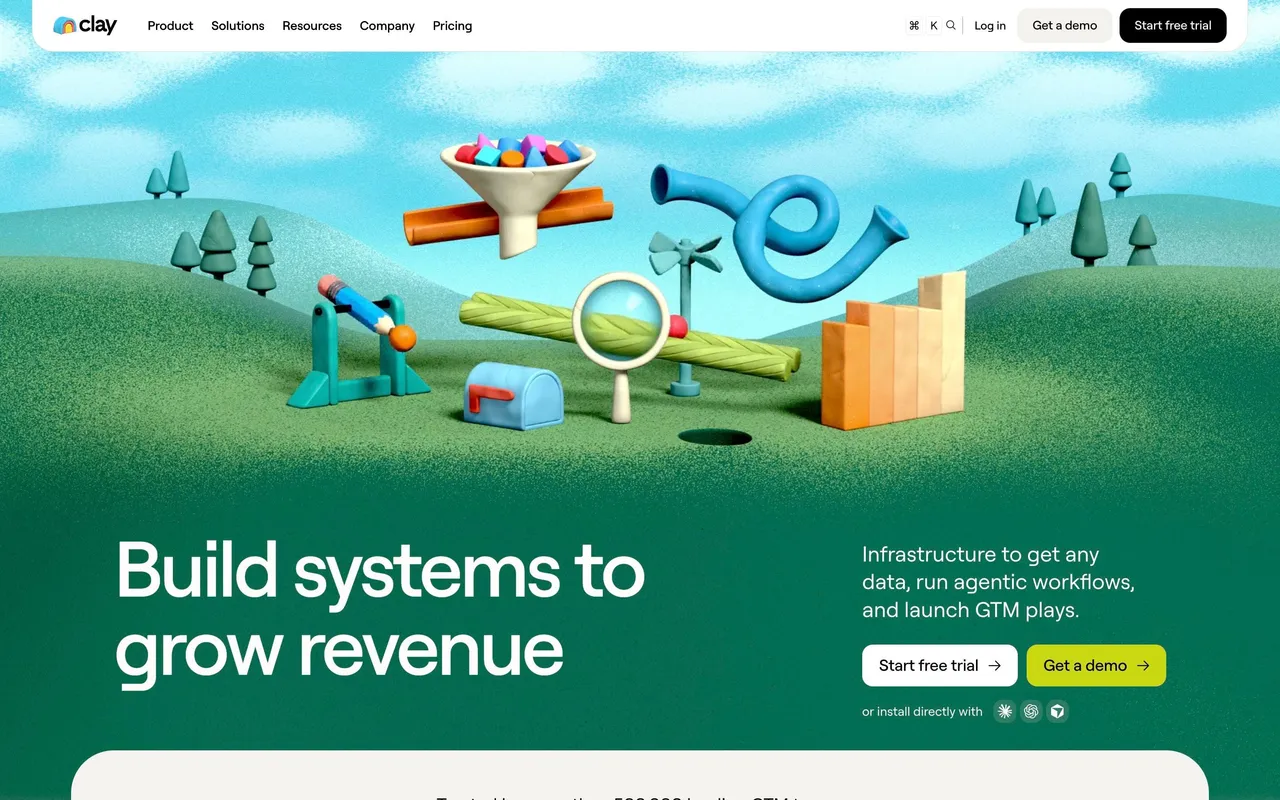
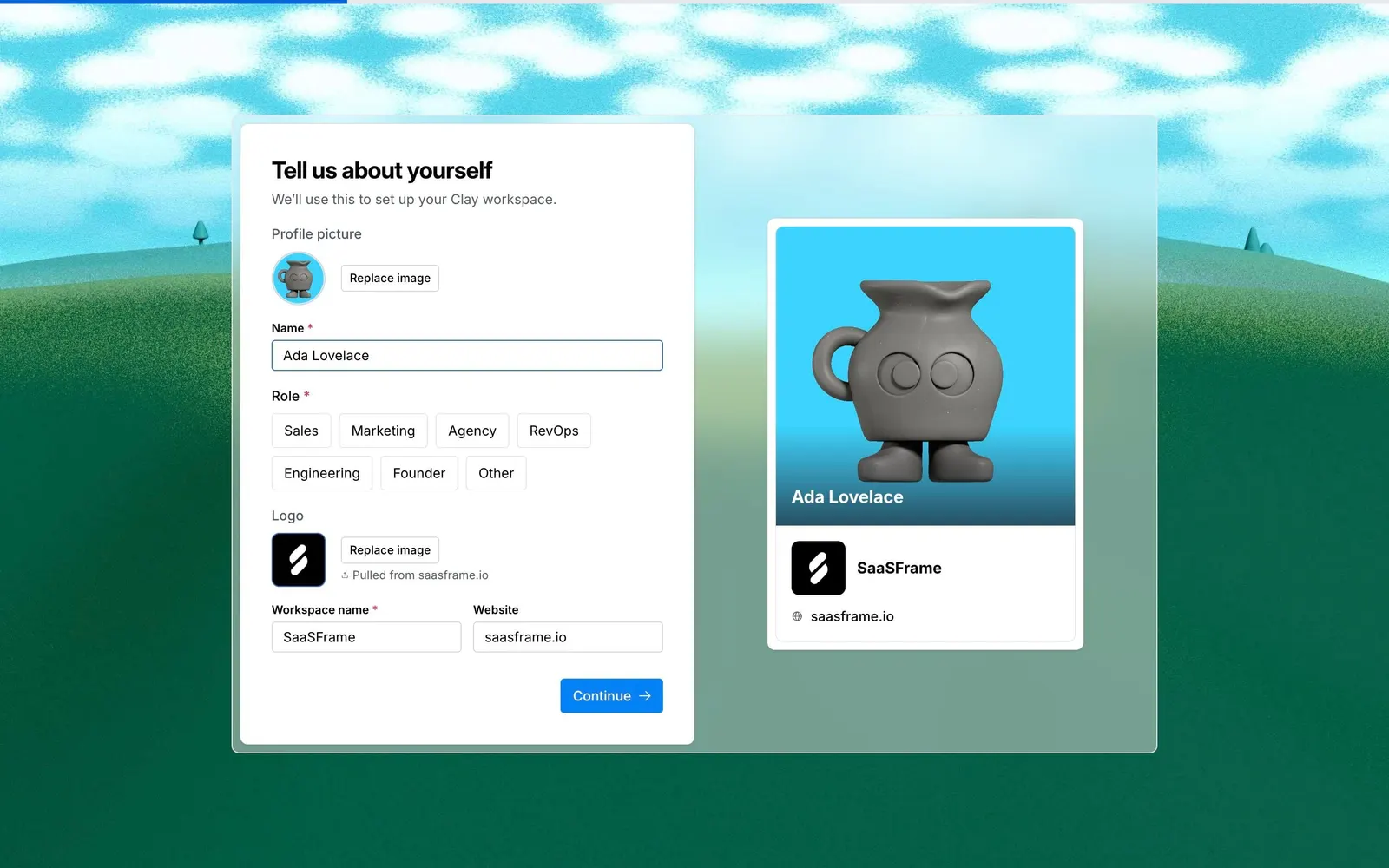
A white form card floats over a full-screen illustrated sky and green hill; a live preview card on the right shows the profile as it fills in.
Content
The first onboarding step asks for a profile picture, name, role, company logo, workspace name and website.
Notable details
The logo is pulled automatically from the website domain. The preview card pairs a clay character with the workspace identity, so typing feels like building a badge.