SaaSFrame
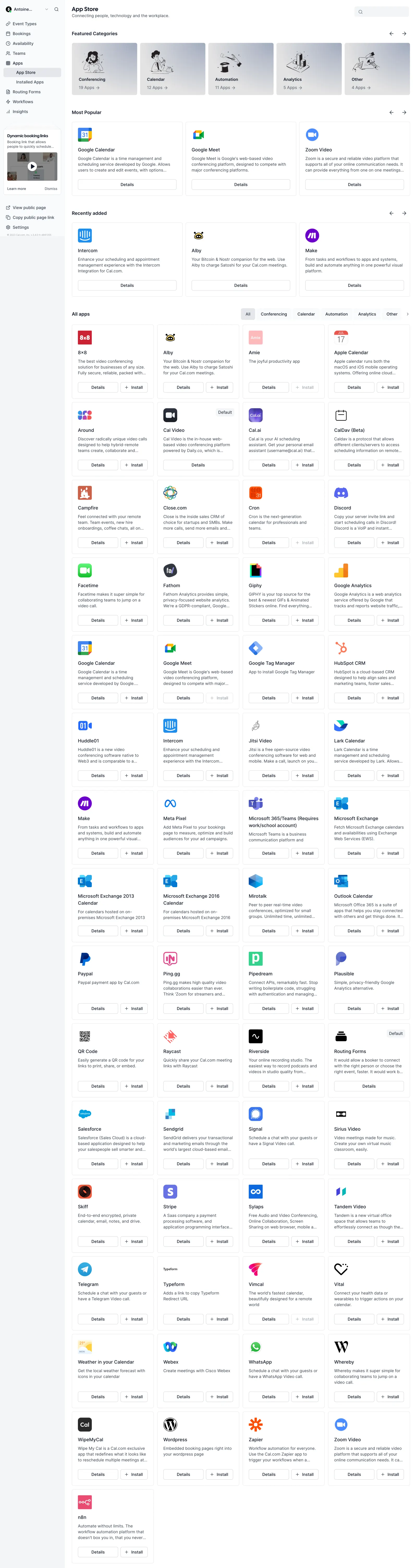
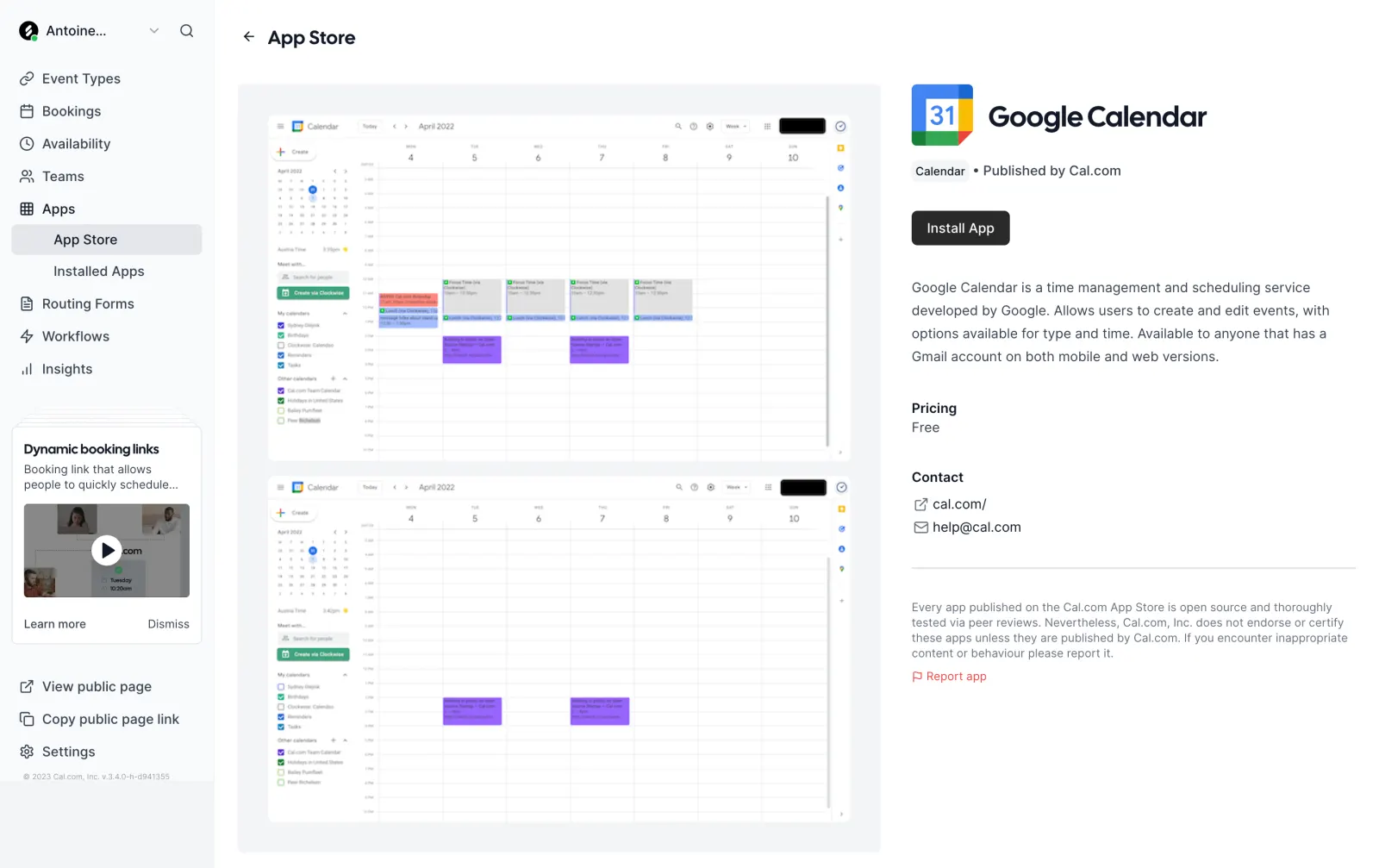
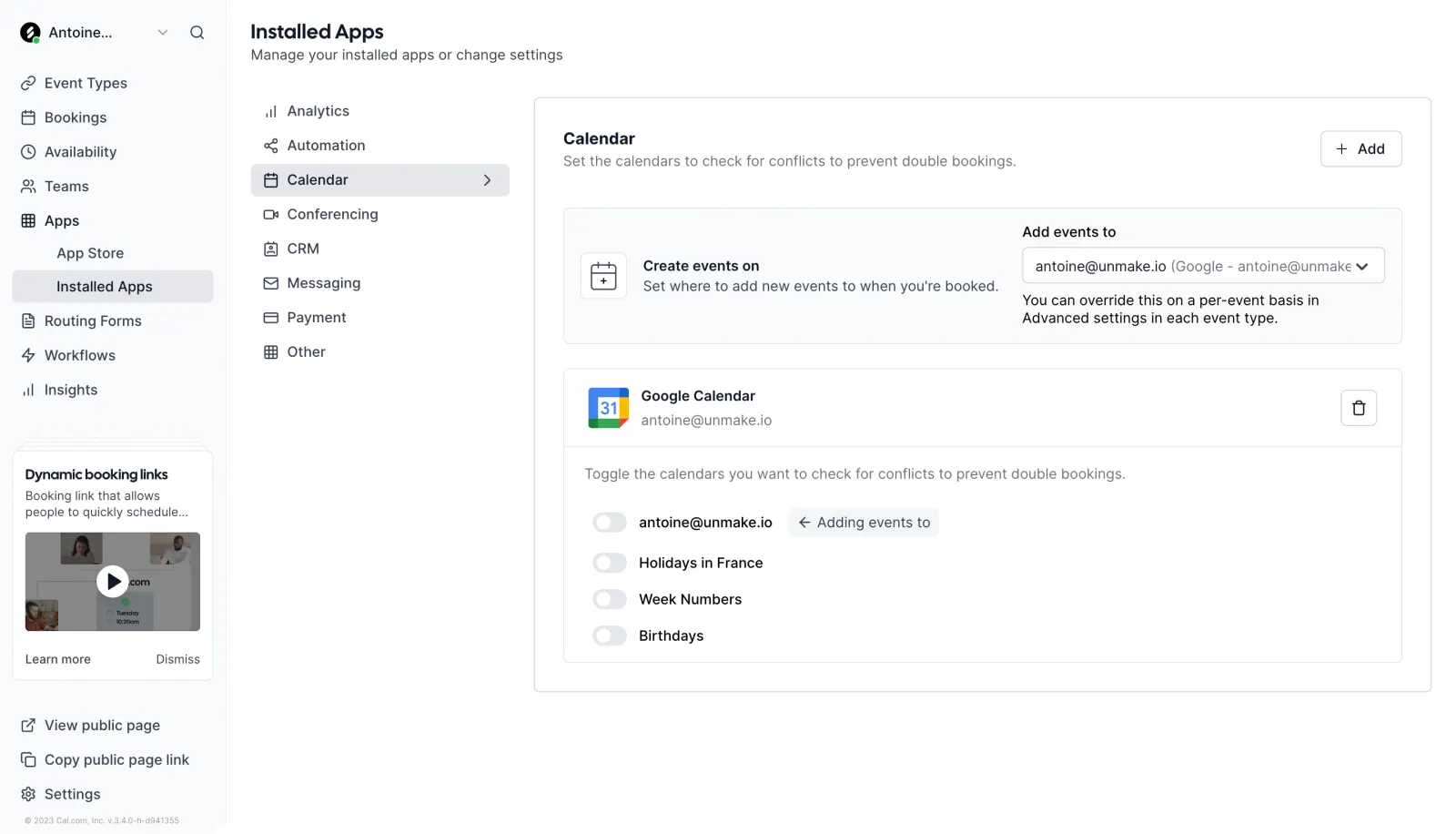
Cal.com Connect Third-Party App
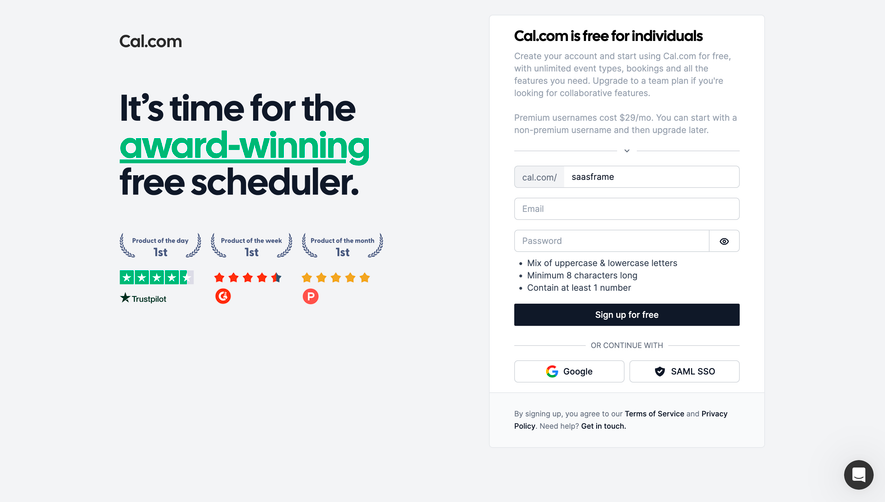
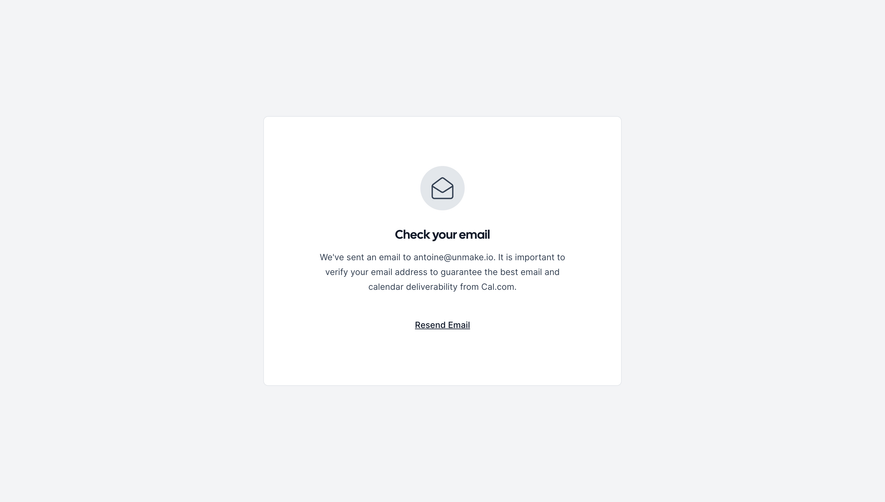
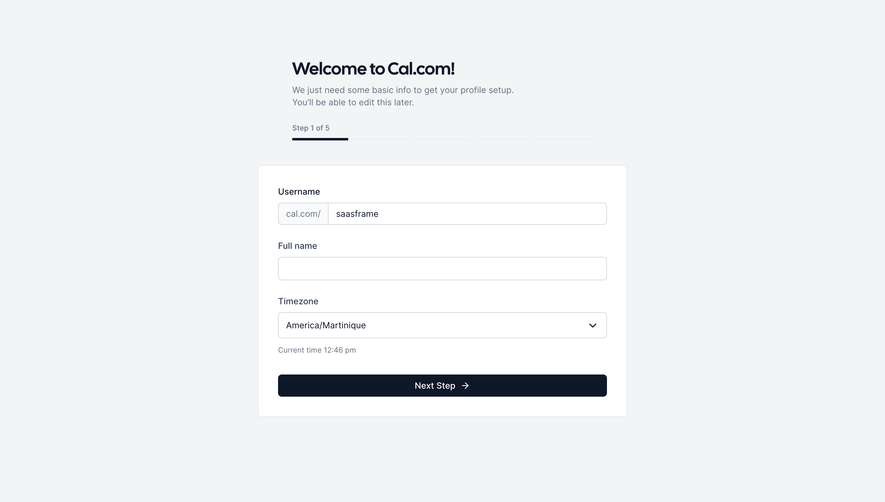
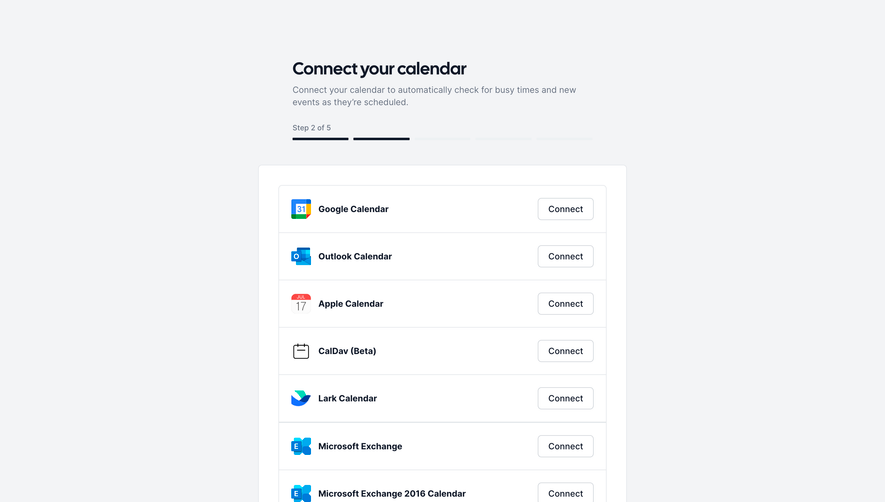
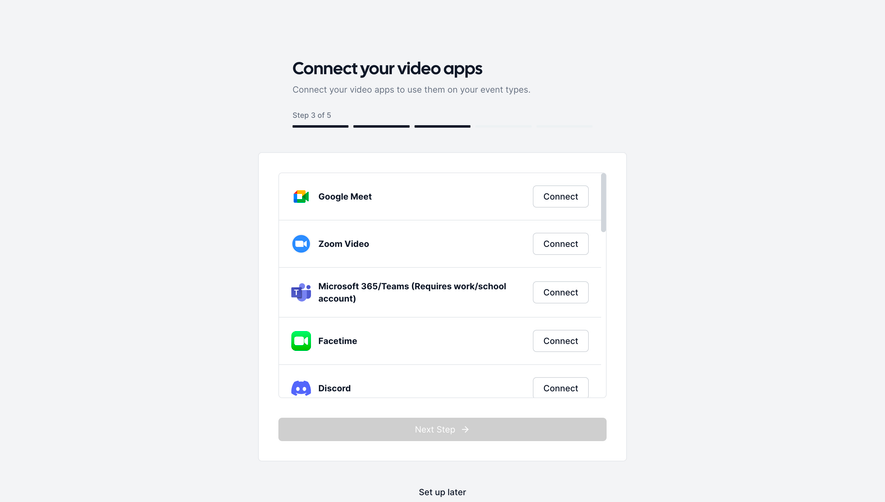
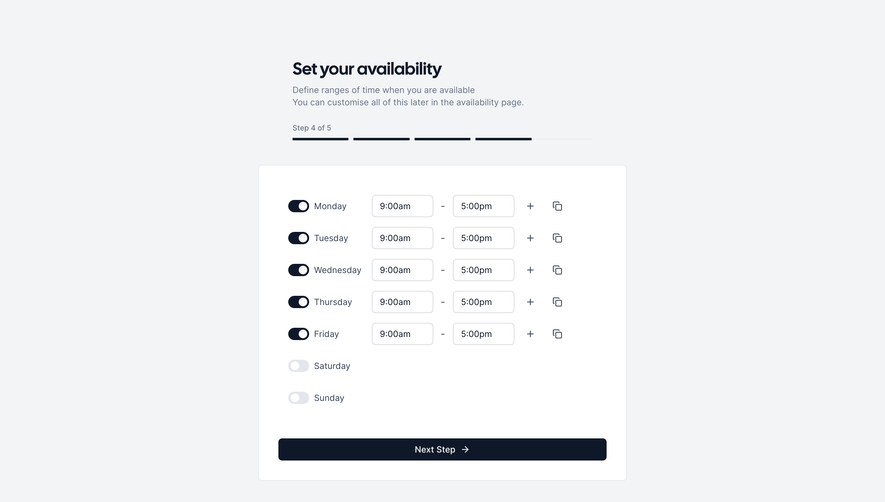
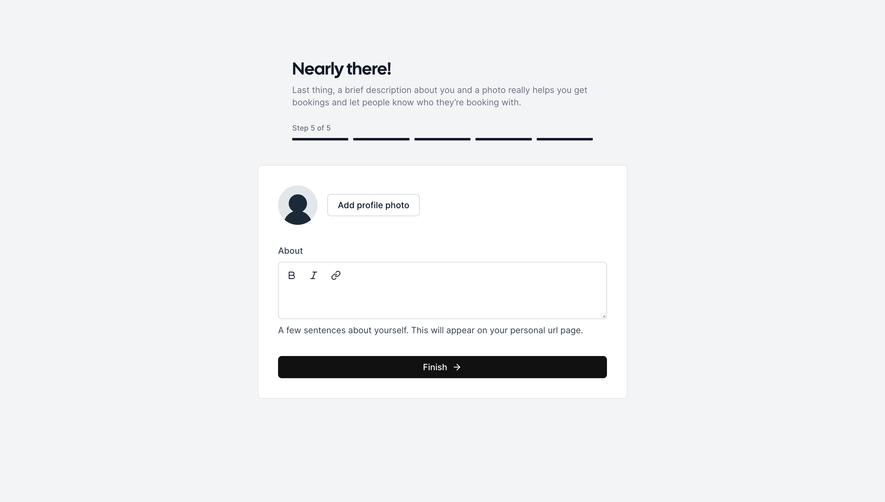
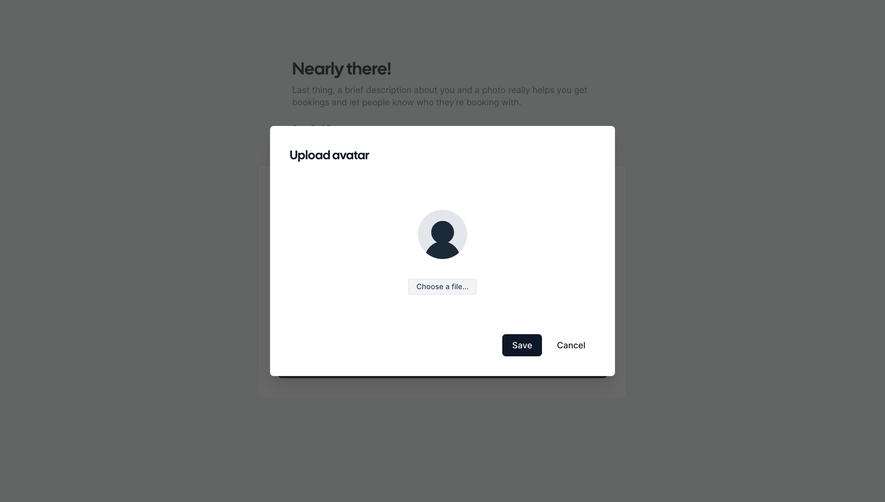
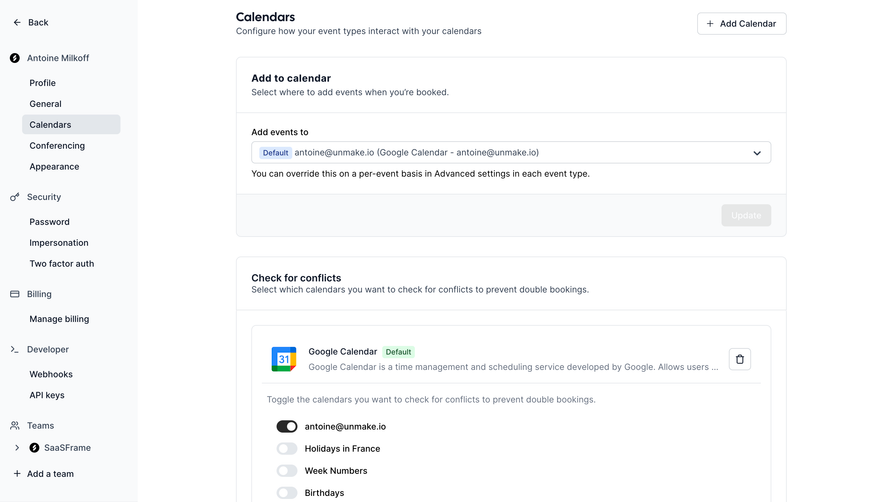
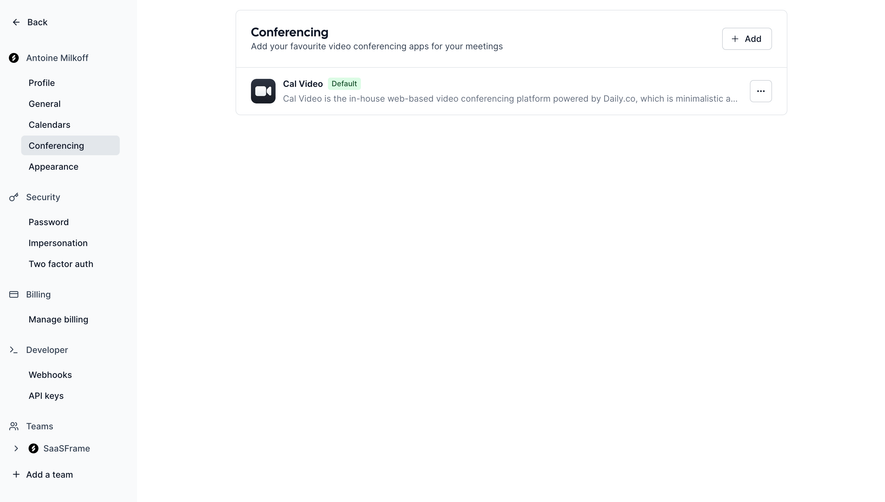
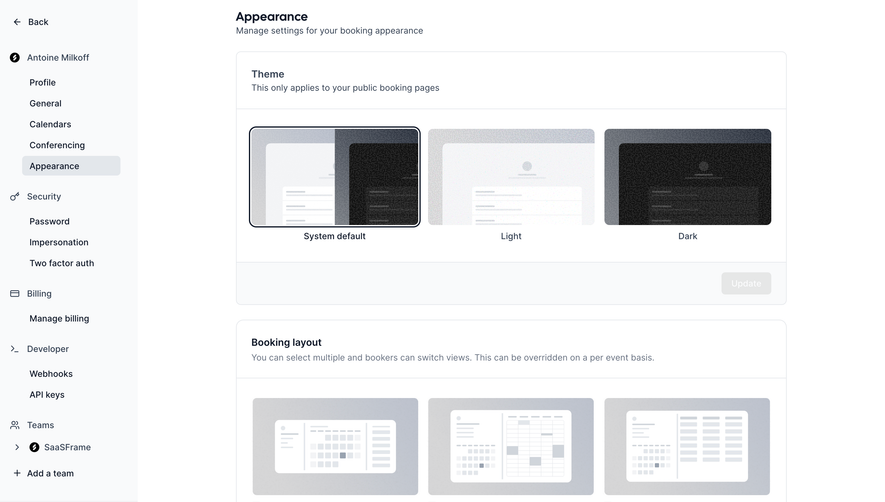
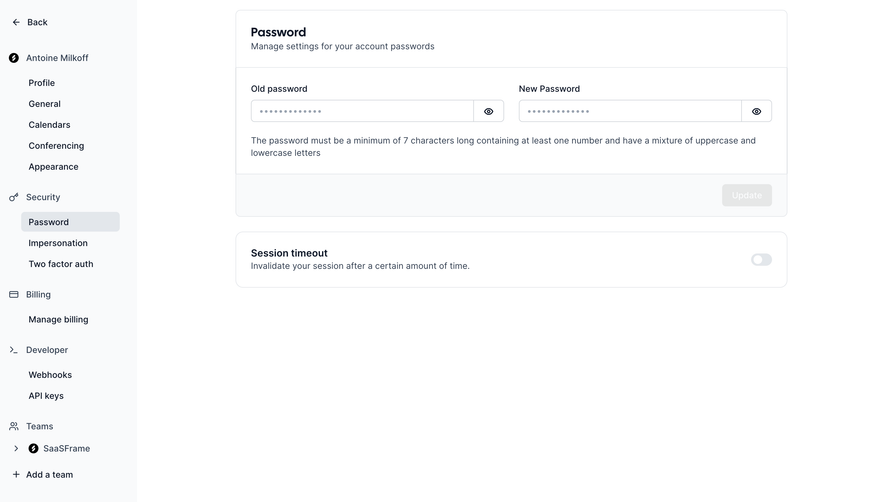
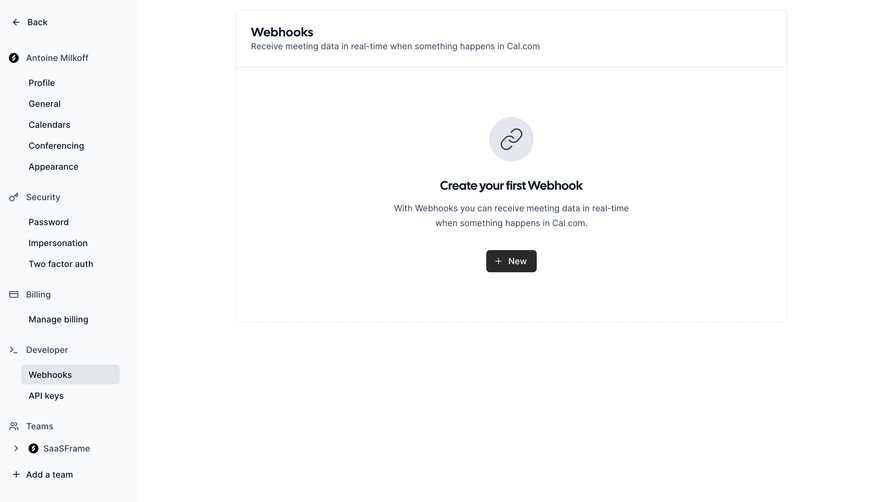
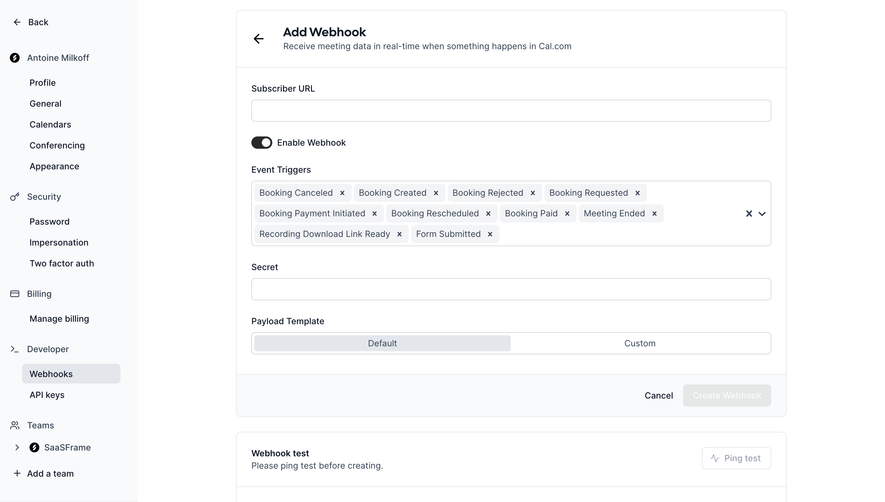
Follow Cal.com’s connect third-party app flow step by step: 3 real screens captured from the live product, from app store to connected calendar. Use ← → to move between steps, and open any screen to see it in full.
Steps in this flow
More flows from Cal.com
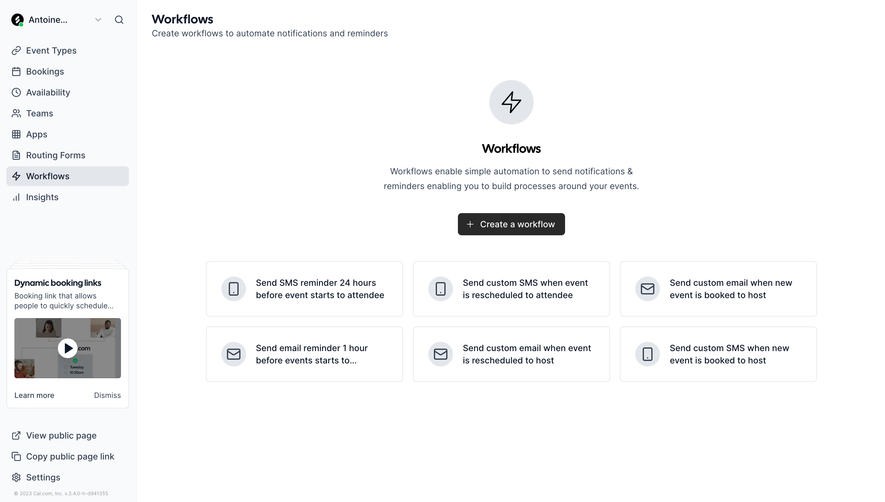
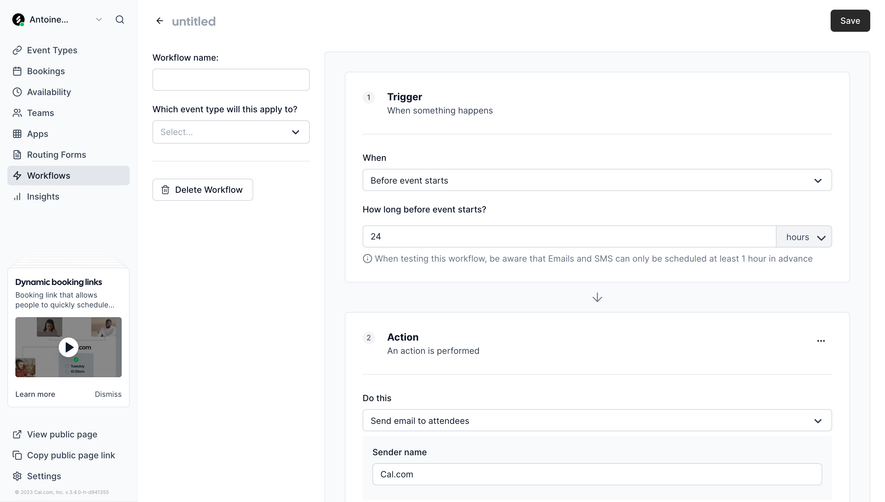
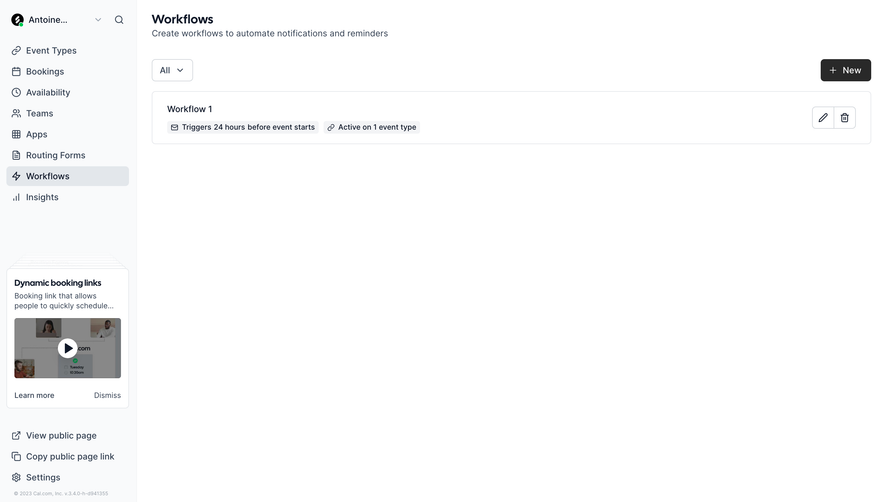
All Cal.com Cal.com Create a workflow
3 screens
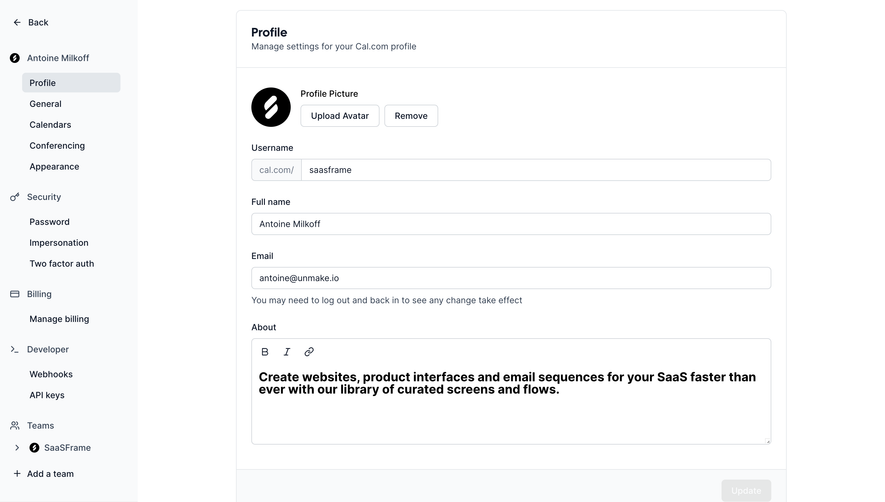
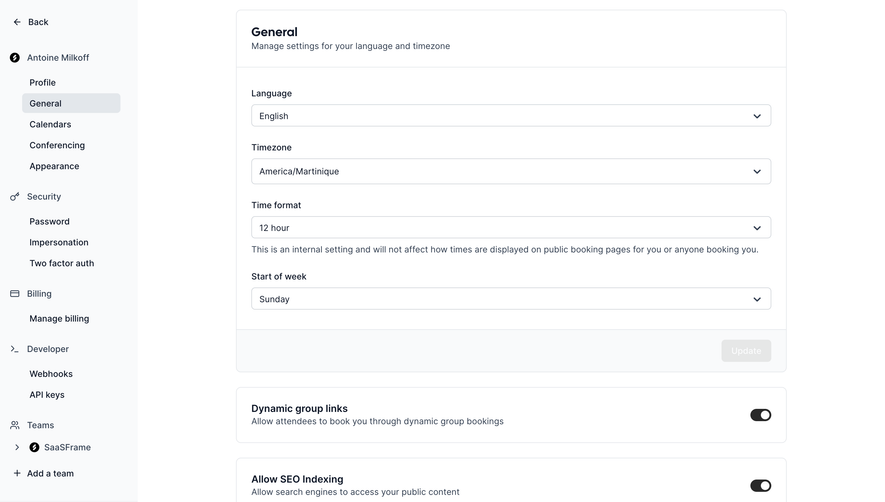
Cal.com Settings
9 screens
Cal.com Create An Account
10 screens