1 more step in this flow
Free accounts see the first 3 steps of each flow. Pro unlocks every step of every flow, every screen and section, plus the MCP for your AI tools and the Chrome extension.
Arc Setup Multi-Factor Authentication
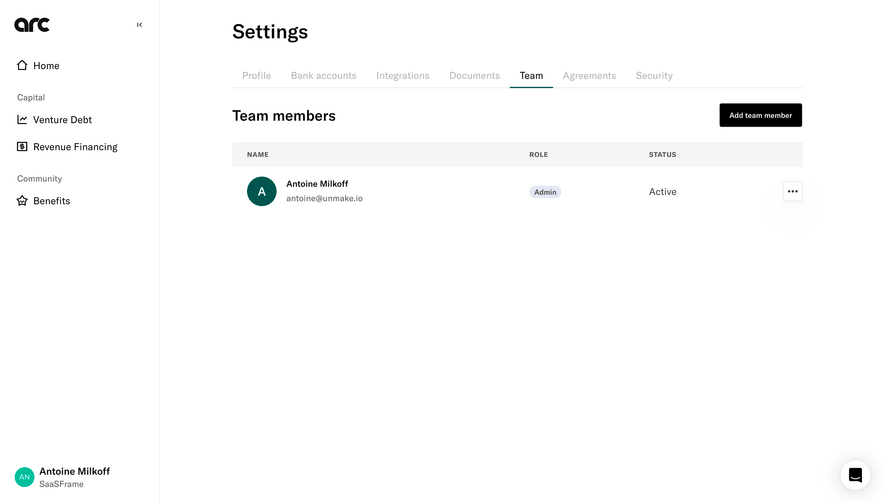
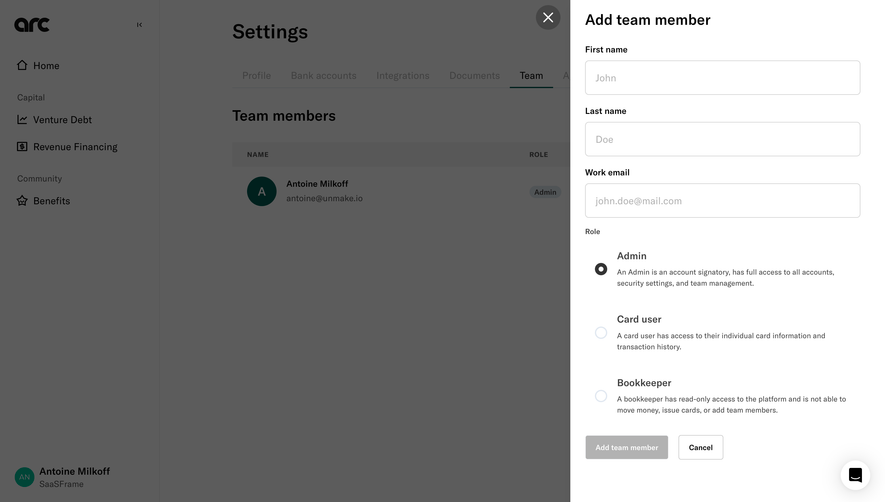
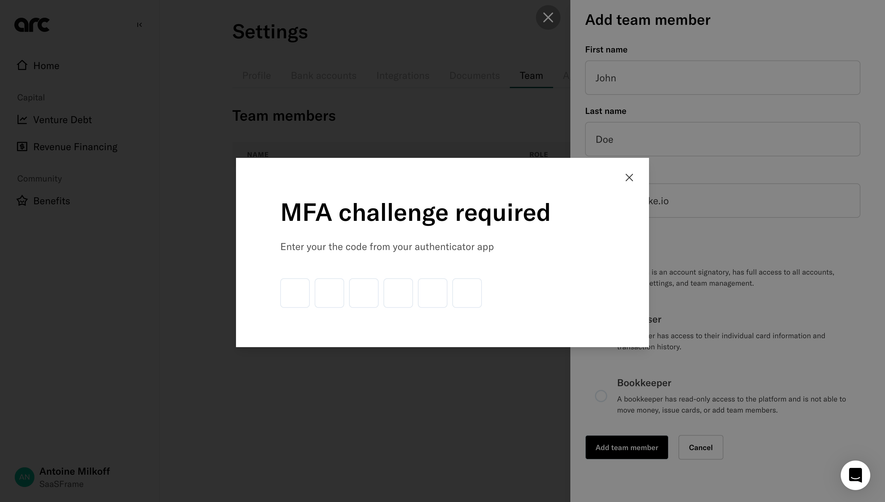
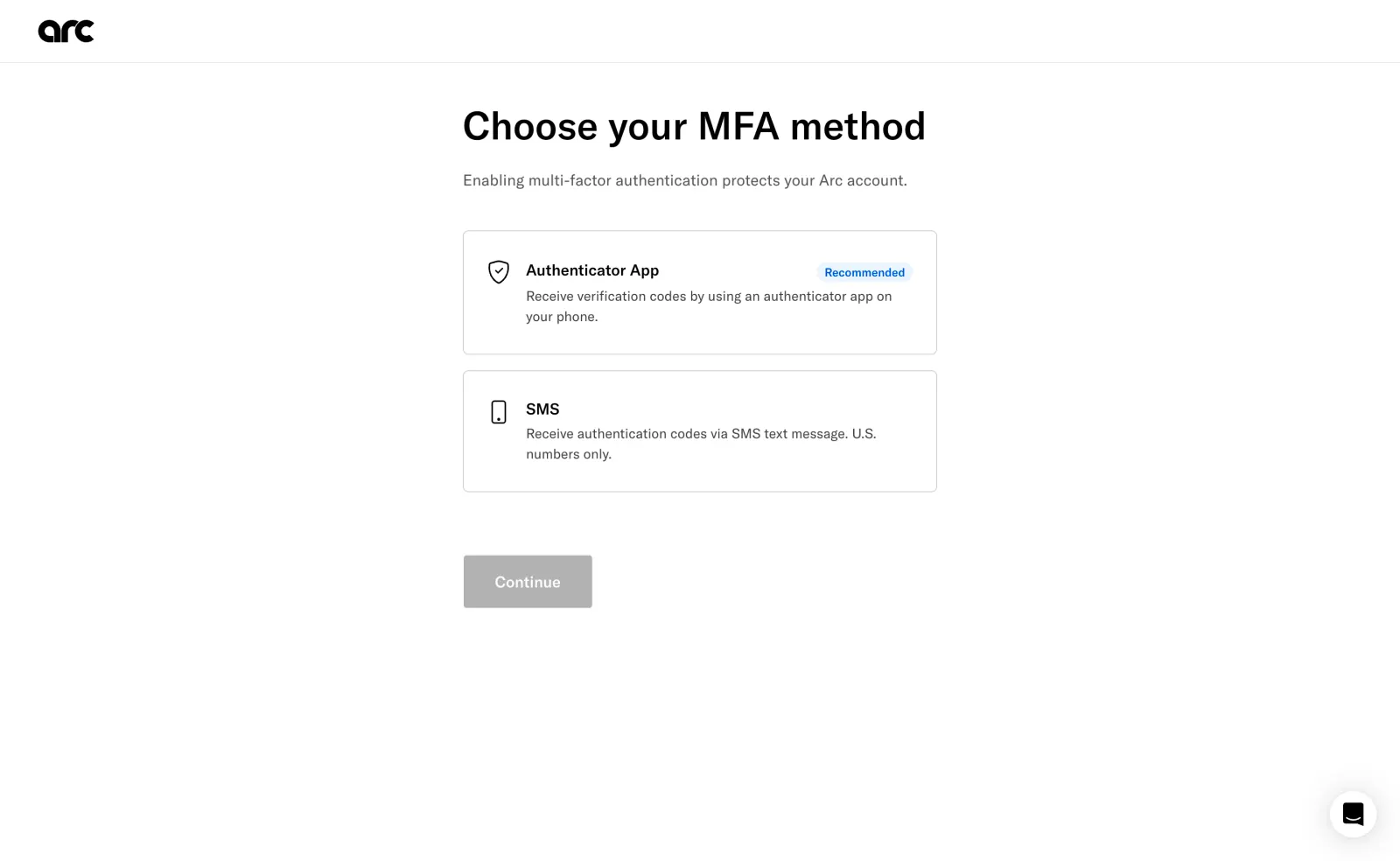
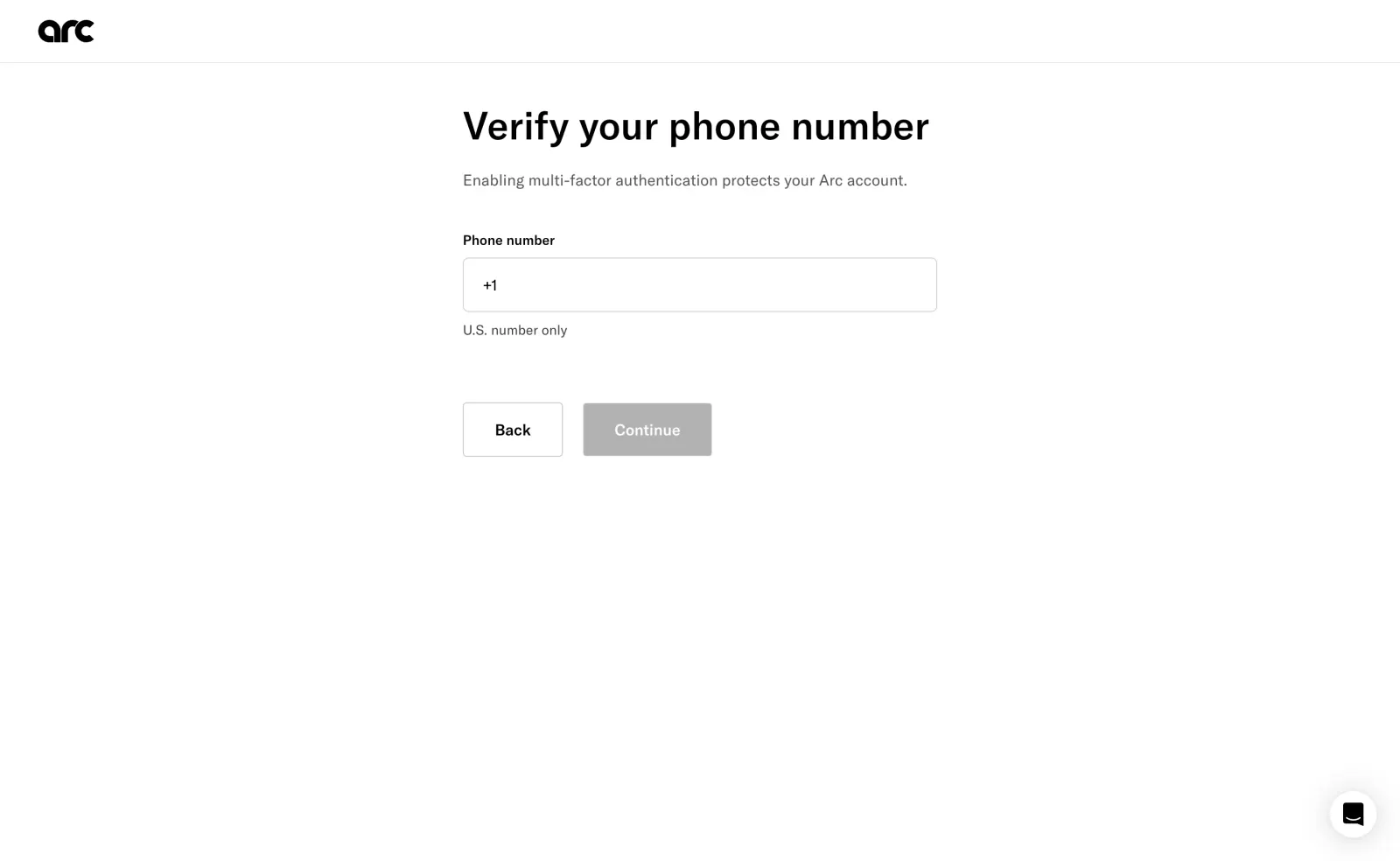
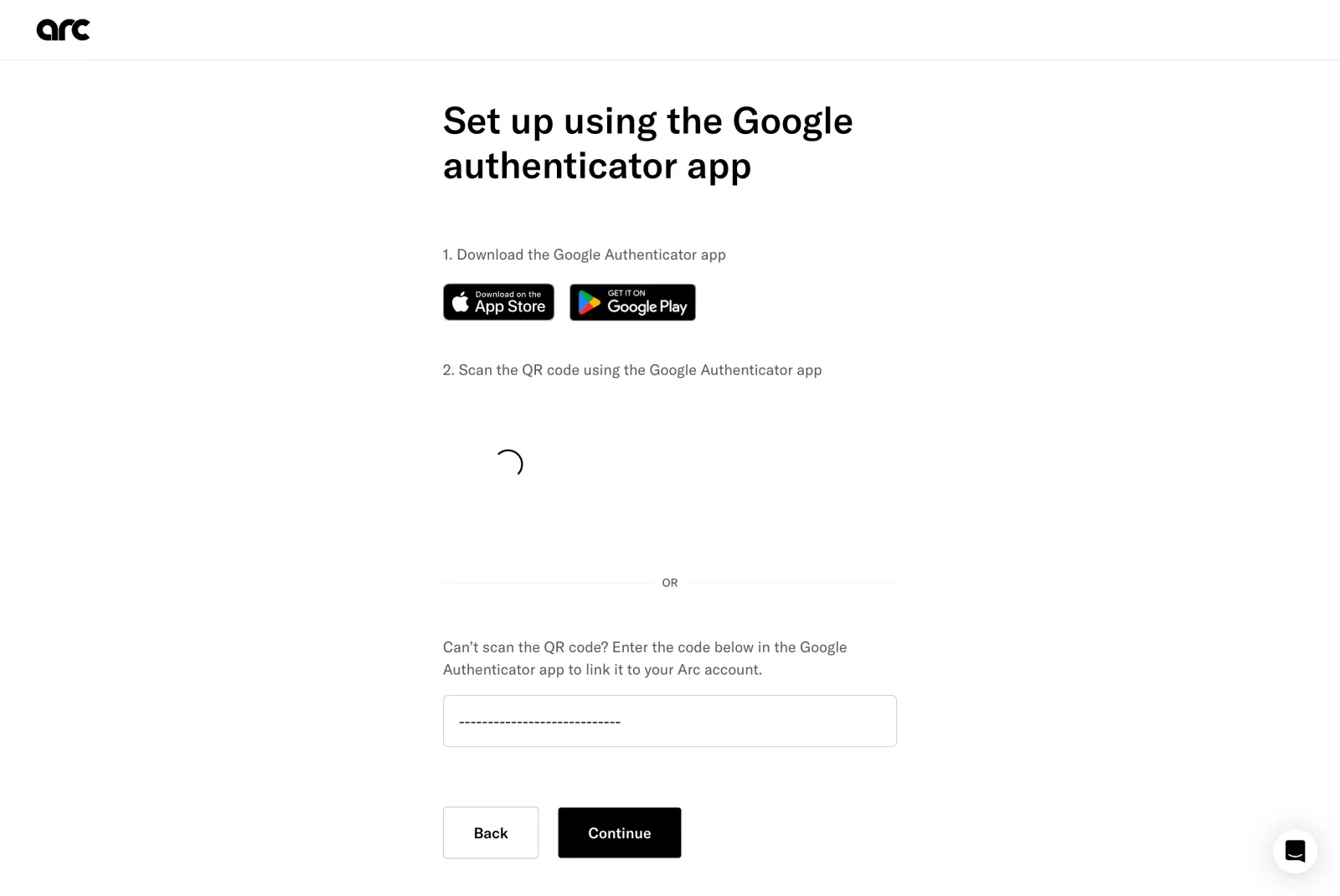
Arc's multi-factor setup flow lets you choose between an authenticator app and SMS, in four minimal white pages. Options appear as two outlined cards with a Recommended badge, and the next screens show a phone field, app store buttons with a QR code area, and a six-box code entry with a remember-device checkbox. Each step keeps one heading and a short helper line.
Follow Arc’s setup multi-factor authentication flow step by step: 4 real screens captured from the live product, from choose mfa method to setup mfa: set up mfa. Use ← → to move between steps, and open any screen to see it in full.
Steps in this flow
More flows from Arc
All Arc Arc Legal Application
11 screens

Arc Invite Team Members
4 screens