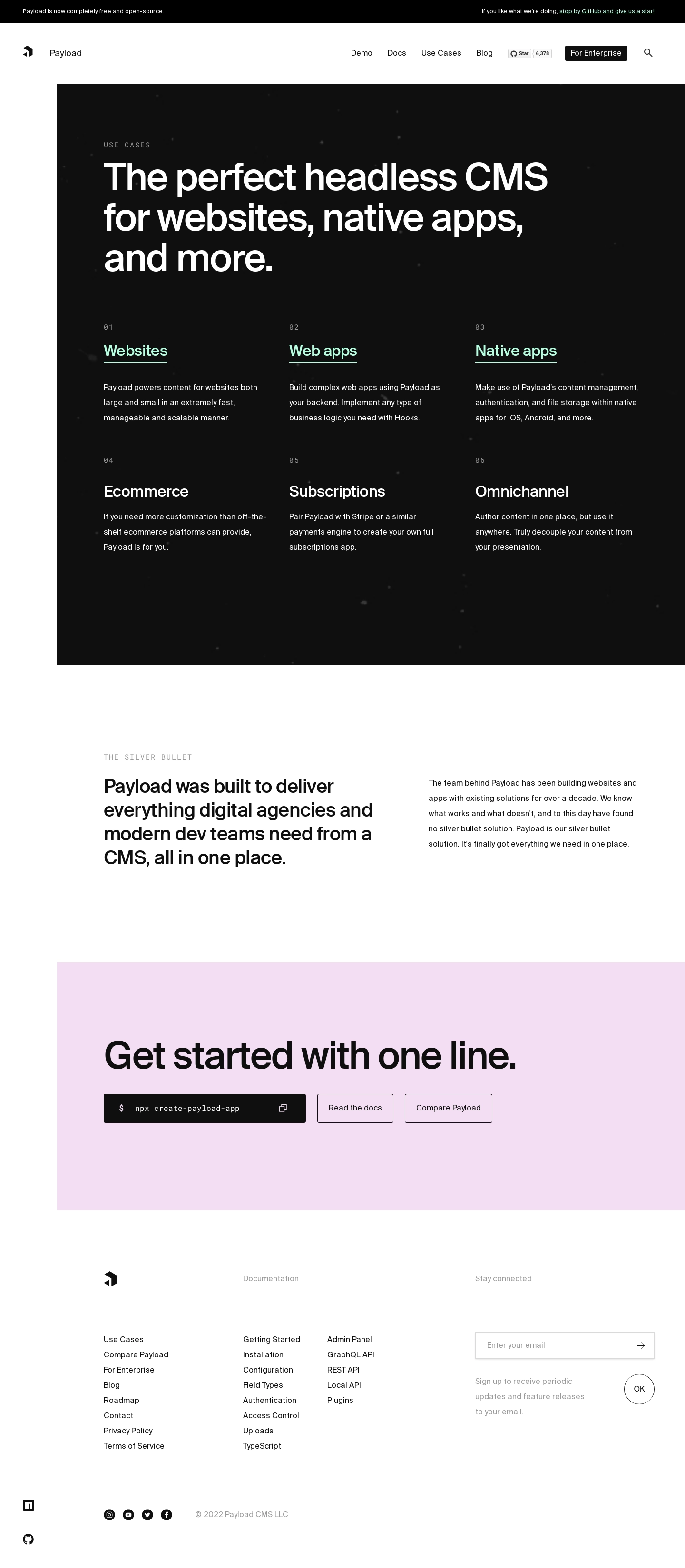
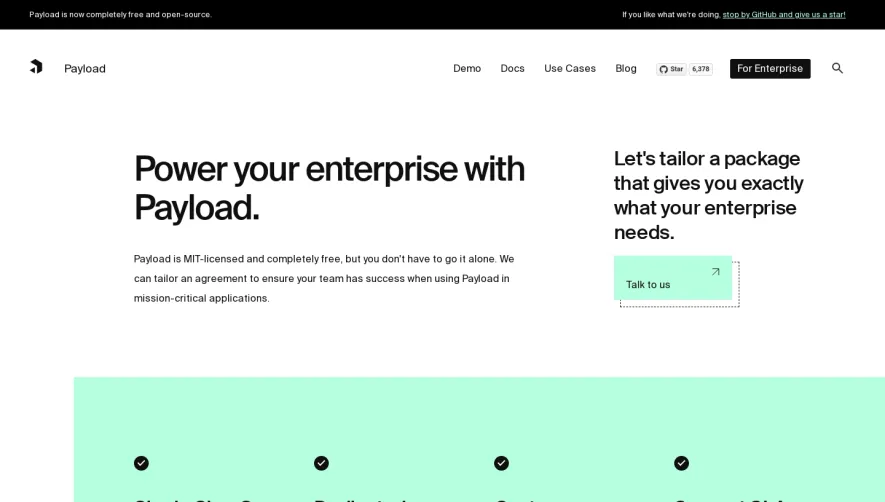
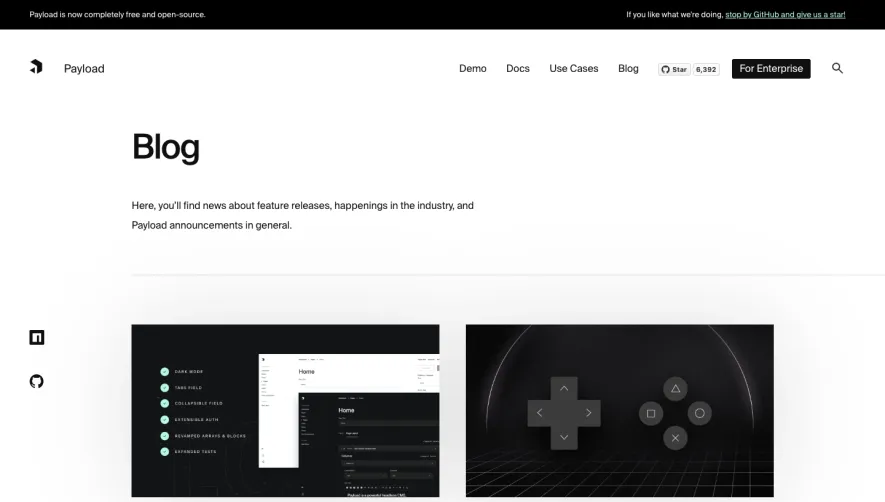
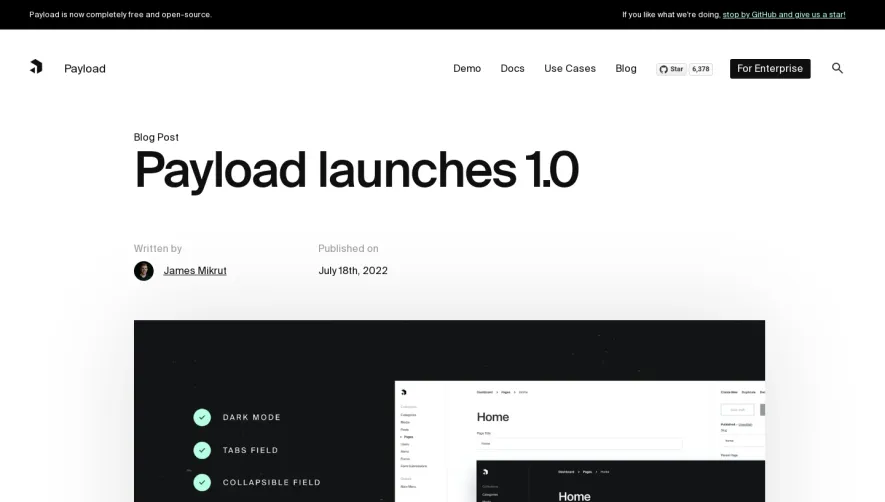
1. Header Section: The header section of the page contains the PayloadCMS logo and a navigation menu with links to other pages on the site. 2. Hero Section: This section contains an image that showcases the benefits of using the PayloadCMS solution. This section also has a displayed headline and a button that prompts users to learn more. 3. Use Case Sections: The bulk of the page is dedicated to individual sections that describe the unique use cases that the PayloadCMS solution serves. Each section includes a header image that represents the use case, followed by a headline and several paragraphs of text explaining how the solution can be used in that specific scenario. The section ends with a call-to-action button that urges users to schedule a demo. 4. Benefits Section: The next section highlights the benefits of using PayloadCMS with a few bullet points and an accompanying graphic. 5. Testimonials Section: This section includes a few testimonials from satisfied clients, along with their pictures and company names. 6. Integrations Section: The next section explains how the PayloadCMS solution can be integrated with other tools, such as Zapier, to enable automated workflows. 7. Pricing Section: The page ends with a section that lists the various pricing tiers for the PayloadCMS solution, along with a button that lets users create an account.
 SaaSFrame