SaaSFrame

About this screen
Usage limits
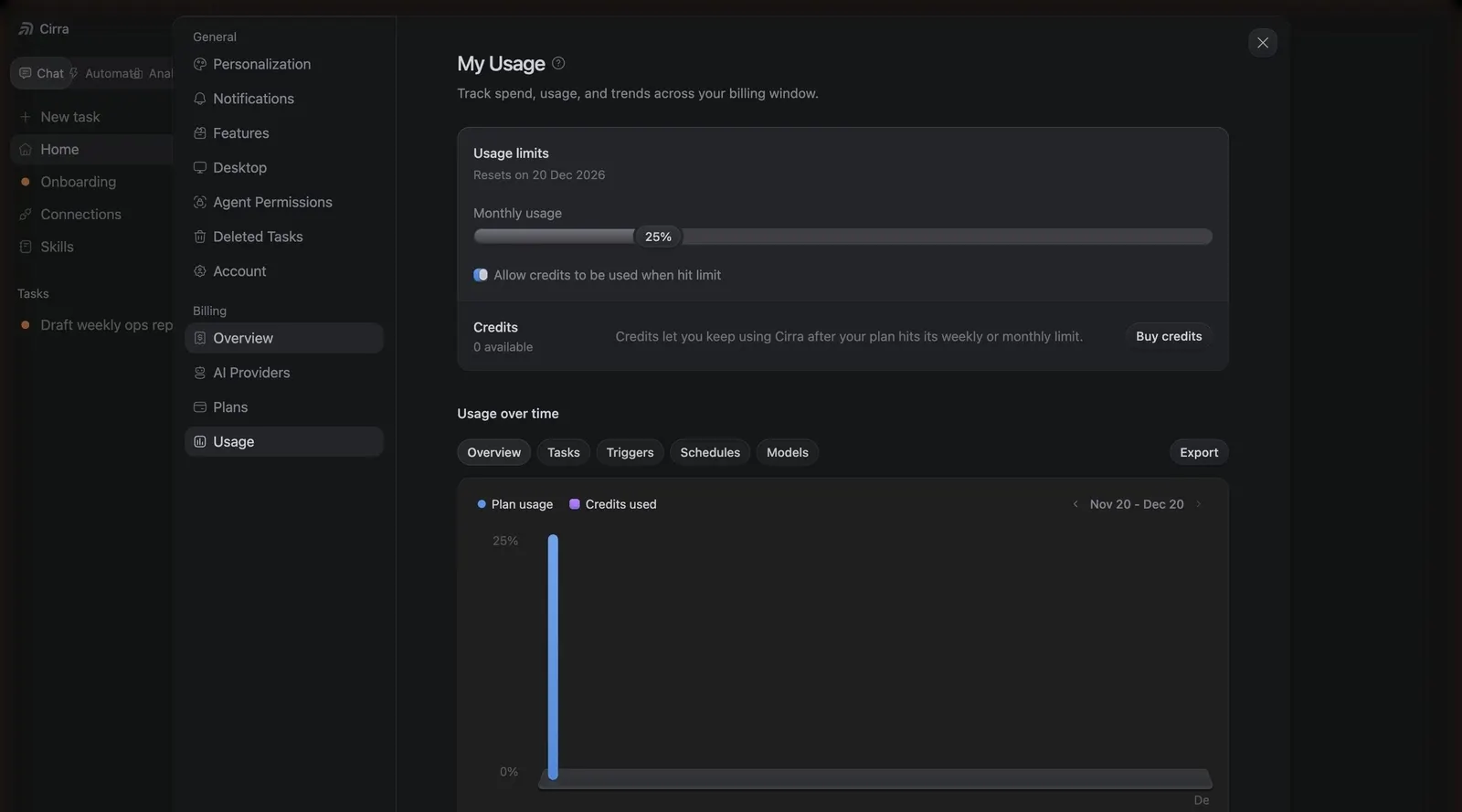
In the settings modal, "My Usage" opens with a "Usage limits" card: a monthly usage bar at 25%, a checkbox to use credits when the plan limit is hit, and a "Credits" row with a "Buy credits" button.
Usage over time
Tabs ("Overview", "Tasks", "Triggers", "Schedules", "Models") and an "Export" button head a chart of plan usage and credits used.
Usage chart
The chart plots plan usage against credits used for the current billing window, with a single blue bar on the first day and a 0–25% scale.