SaaSFrame
MindCloud Cirra Add Connection
 MindCloudIntegrations and workflow automation
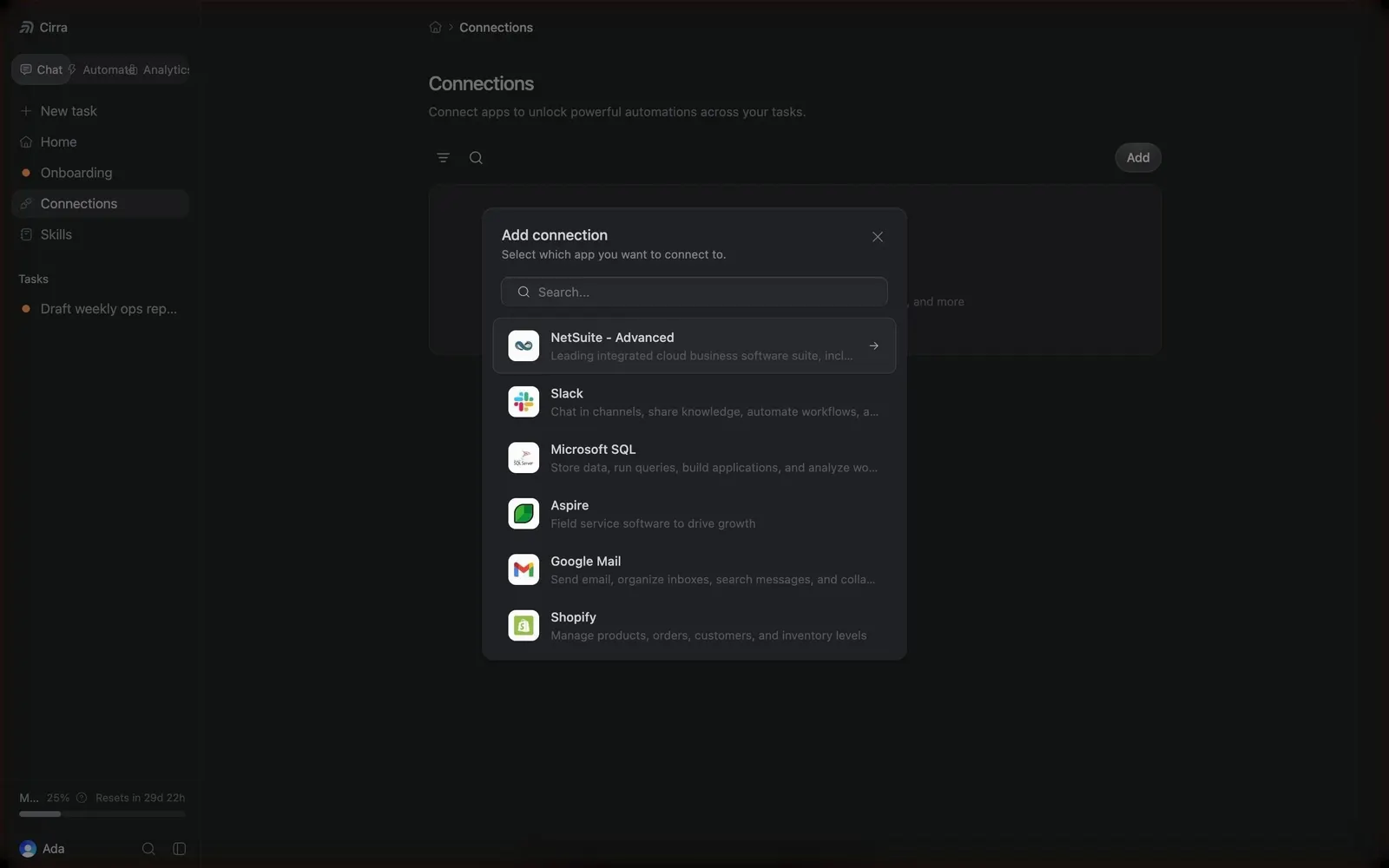
About this screen
Add connection modal
Over a dimmed Connections page, a centered dark modal titled "Add connection" asks "Select which app you want to connect to" and opens with a search field.
App list
Rows pair a white app icon with name and short description: "NetSuite - Advanced" (expanded with a chevron), Slack, Microsoft SQL, Aspire, Gmail and Shopify.
Close
A small close icon sits in the modal's top right corner.