About this screen
Layout
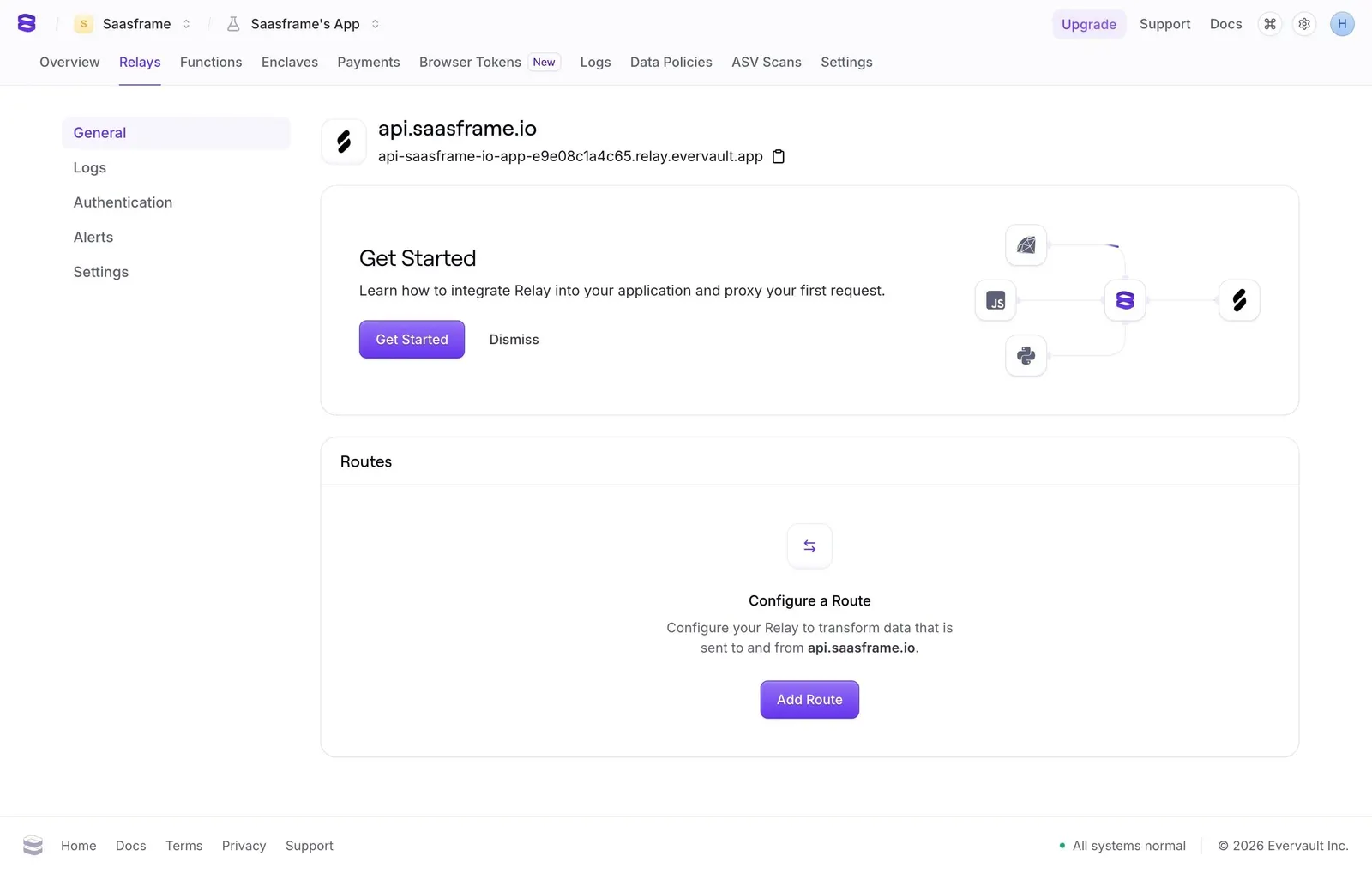
Relay page with a left sub-navigation and stacked cards.
Content
Relay api.saasframe.io with its relay domain and copy button, a Get Started card with an integration diagram, and an empty Routes card with Add Route.
Notable details
A small node diagram shows SDKs flowing through the relay to the destination. The sub-navigation of a relay lists General, Logs, Authentication, Alerts and Settings. The Get Started card can be dismissed, and its text says it explains how to integrate Relay into an application and proxy a first request. The empty Routes card names the destination in bold in its message, tying the action to this relay.