SaaSFrame
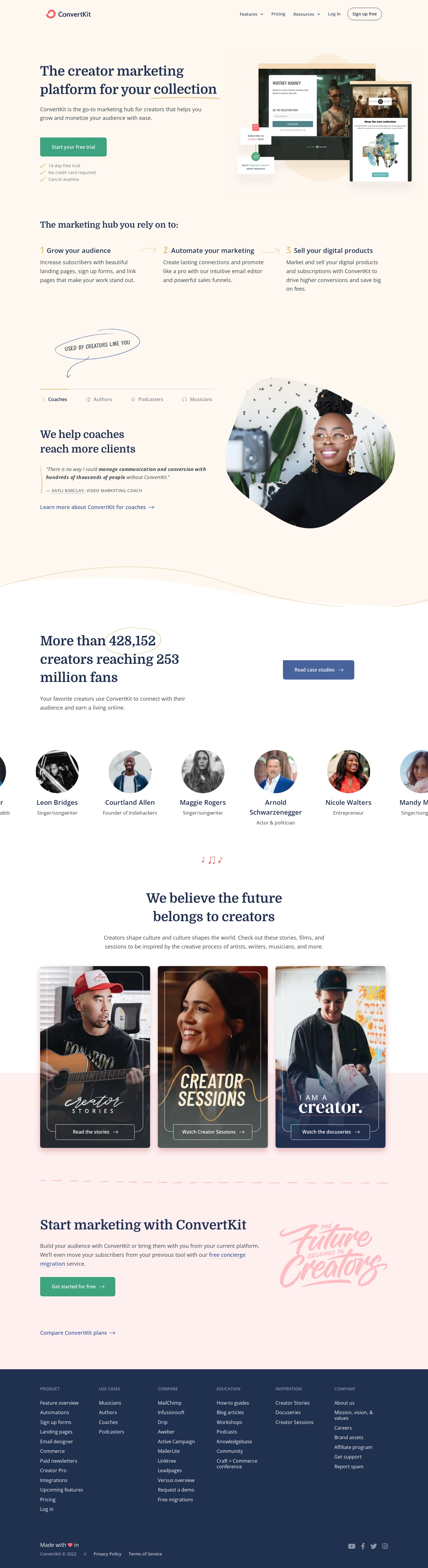
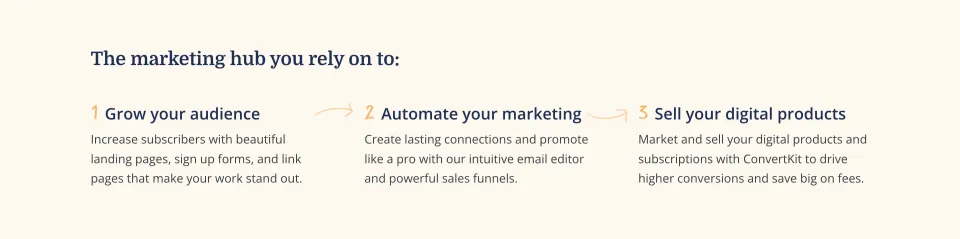
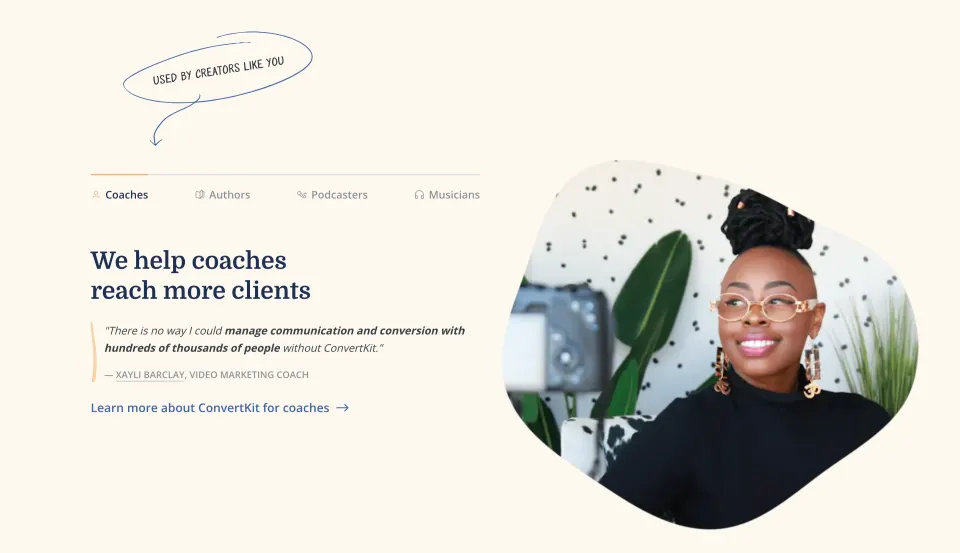
1. Header: The header includes the company logo, a navigation menu with links to various pages of the website, and buttons for signing up and logging in. 2. Hero Section: The hero section has a large image on the left, with the headline "Email Marketing for Online Creators," followed by a brief paragraph and a green button prompting users to start their free trial. 3. Features Section: The features section highlights the key features of ConvertKit, such as email automation, customizable opt-in forms, and landing pages. The section includes three images, each with a headline and supporting text. 4. Testimonials Section: The testimonials section includes customer reviews and success stories, with a background image and a call-to-action button to join ConvertKit. 5. How it Works Section: The "how it works" section outlines the steps to get started with ConvertKit, with a simple and clean design. The text is accompanied by screenshots and illustrations. 6. Pricing Section: The pricing section compares the different pricing plans for ConvertKit, including a "forever free" plan with basic features. 7. About ConvertKit Section: This section provides information about the company, including its mission, team, and values. It includes a video introduction and a call-to-action button to learn more. 8. Footer: The footer includes links to various pages of the website, as well as social media icons and legal links. It also includes a newsletter opt-in form and a button to login or sign up. Overall, the website has a simple and clean design, with a focus on highlighting the key features and benefits of ConvertKit. The use of customer testimonials and clear call-to-action buttons helps to encourage users to sign up for the service.