Chronicle Brand Kit Overview
 ChronicleAI presentations with interactive blocks
About this screen
A brand on one board
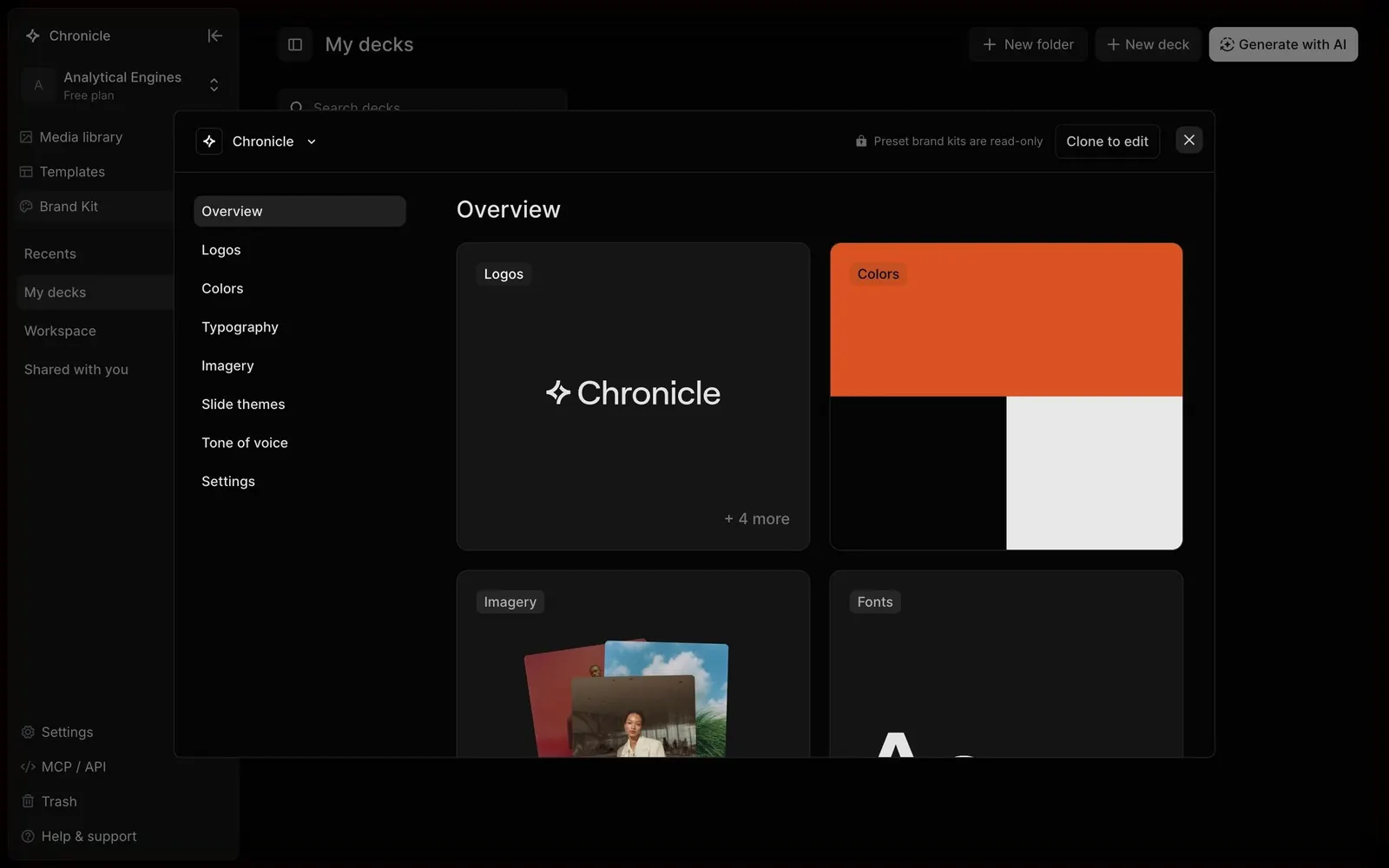
The Brand Kit dialog opens on Overview: tiles for Logos (the Chronicle wordmark, "+ 4 more"), Colors (orange, black and light grey blocks), Imagery and Fonts.
Sections on the left
Logos, Colors, Typography, Imagery, Slide themes, Tone of voice and Settings are listed beside the board.
Presets are read-only
A note explains that preset brand kits cannot be edited, with "Clone to edit" as the way to make it yours.