Found in 0 flow
No items found.

Upgrade to SaaSFrame Pro now to see similar examples.

Monthly

$14 /month

Billed $14 monthly
Browse all screens & flows
Filter and search screens & flows
Bookmark items
Access Figma files
Access mobile versions
Join now

Quarterly

$12 /month

Billed $36 quarterly
Browse all screens & flows
Filter and search screens & flows
Bookmark items
Access Figma files
Access mobile versions
Join now

Yearly

$10 /month

Billed $120 yearly
Browse all screens & flows
Filter and search screens & flows
Bookmark items
Access Figma files
Access mobile versions
Join now

Biggest SaaS library.

Browse website pages, product interfaces and emails from a growing library of hundreds of SaaS.

Desktop & mobile versions.

Switch from desktop to mobile versions to see how the best designers make websites responsive.
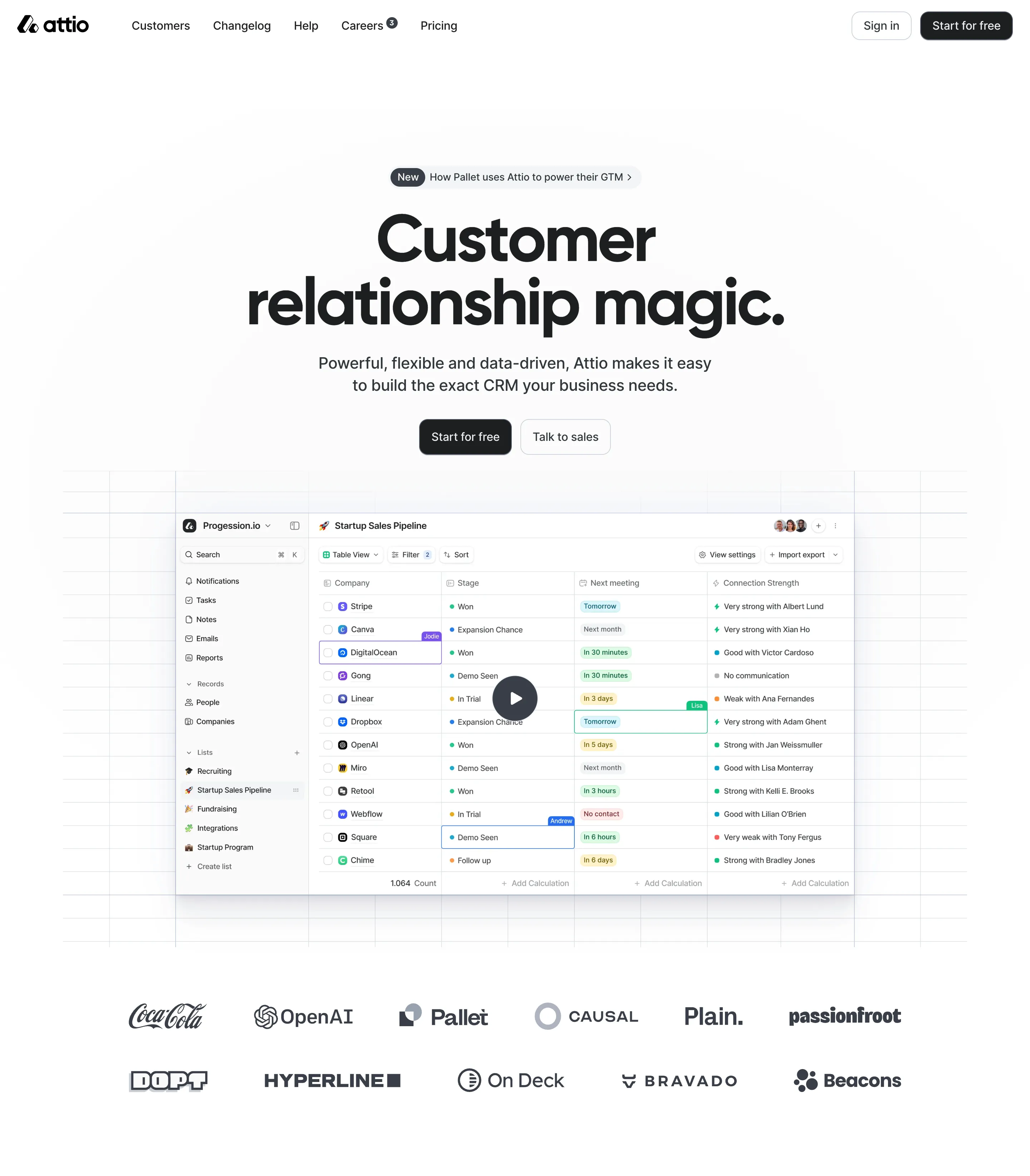
Access the Figma files.

You like a design? Download the Figma file of any website page you see on SaaSFrame.

Advanced filtering.

Use filters to find the design or copywriting inspiration that you need in seconds.
Thank you! Your submission has been received!
Oops! Something went wrong while submitting the form.

Let it flow.

Discover the user journey of the best SaaS with interfaces organized in flows.
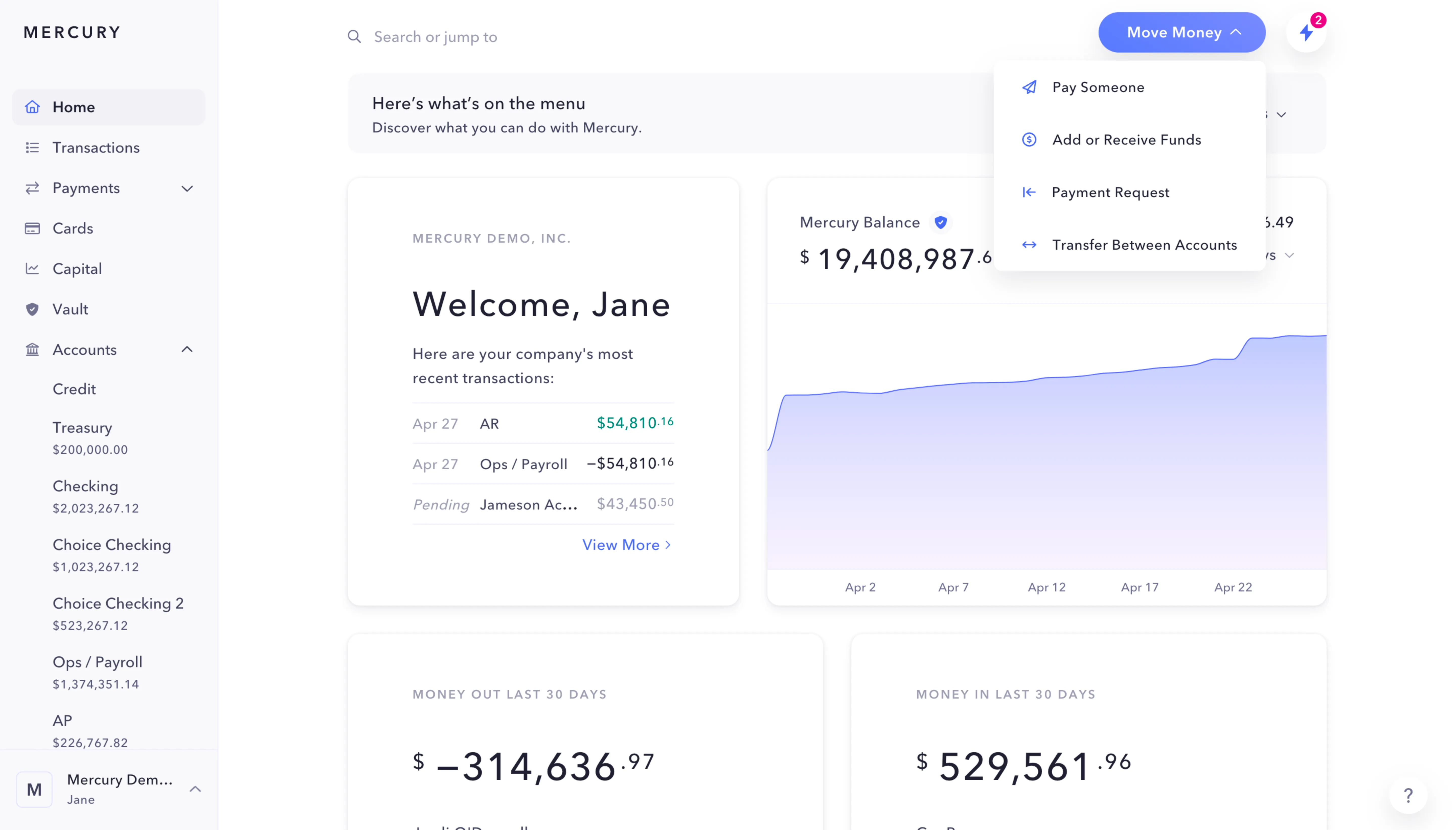
Save design inspirations.

Bookmark screens and flows so you can find them any time you need it.
โŒ˜
B
BOOKMARK DESIGN
Start your design
research
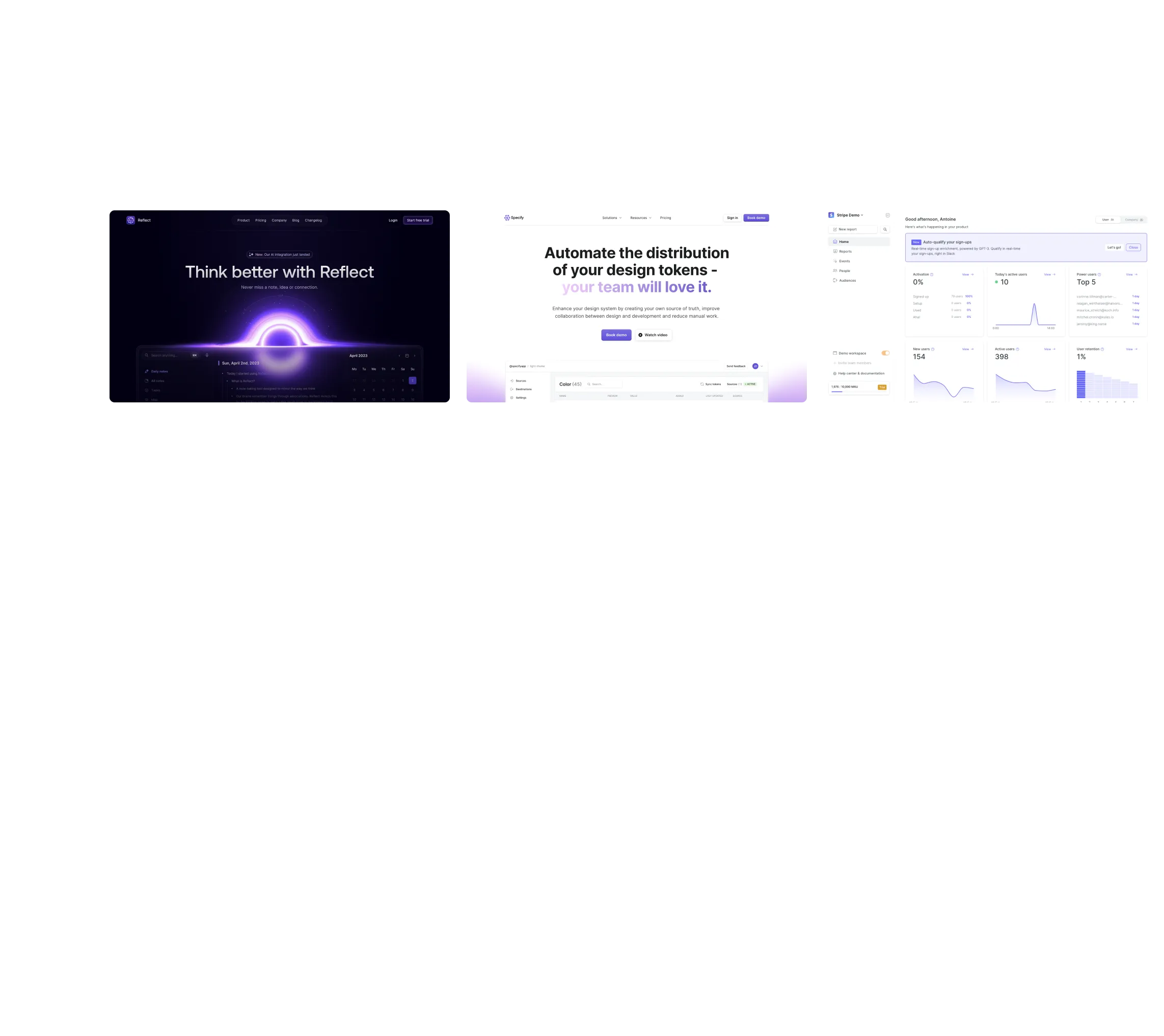
Three website screenshots showing a design tool and distribution dashboard for design tokens, promoting ease and automation.

How do you process payment?

SaaSFrame subscriptions are sold on Lemon Squeezy, a secured online selling platform for creators.

What about future updates and versions?

SaaSFrame gets updated all the time! Every new update and version will immediately be made available to all SaaSFrame users.

Can you send me an invoice?

You can generate an invoice on your Lemon Squeezy portal once you purchased SaaSFrame. You will find the link in the order confirmation email.

How can I cancel my membership subscription?

You can cancel your membership subscription at any moment on your profile page.โ€

Can I get a refund?

If you're not satisfied, you can ask for a refund within 7 days. Just send me an email at antoine[at]unmake[dot]io

I have another question.

You can send me an email at antoine[at]unmake[dot]io, I'll be happy to help with any questions.

No items found.

Checkout.com Risk Analytics Structure

Overall Style and Aesthetic

The Fraud Detection Performance page on Checkout.comโ€™s SaaS dashboard exudes a modern, minimalist professionalism. A restrained use of color, abundant white space, and crisp lines create a polished lookโ€”perfect for enterprise users seeking clarity and trust. The tone is sleek and serious, emphasizing reliability and data-driven confidence.

Layout and Structure

This page follows a modular dashboard layout, prioritizing actionable data over marketing content. The navigation is anchored at the top, with the main content divided into well-defined panels: filters, performance metrics, charts, and tables. Thereโ€™s no hero section or pricing table; instead, the structure immerses users directly in critical insights, minimizing distractions.

Visual Elements

Interactive charts and data visualizationsโ€”primarily bar graphs and line chartsโ€”serve as focal points, featuring smooth animations as data loads or filters update. Icons are clean and functional, supporting quick comprehension of complex statistics. Subtle drop-shadows and border radii on cards add depth without overcrowding the page.

Color Palette and Typography

A sophisticated palette of soft grays, azure blues, and accent greens highlights key information. Primary CTAs and alerts use bold, accessible colors for visibility. Typography employs a geometric sans-serif for easy reading, with font weights and sizing that create a clear information hierarchyโ€”from headers to fine-print data labels.

User Experience Patterns

UX patterns favor efficiency: sticky top navigation, responsive layouts, and contextual tooltips ensure power users can parse and act on data rapidly. Filter controls and export options stand out unobtrusively. Scroll interactions are smooth, and data cards reorganize fluidly to suit various screen sizes.

Unique or Notable Design Choices

A standout feature is the real-time data animation in chartsโ€”delivering instant feedback as parameters shift. The page balances data density with legibility, avoiding overwhelming the user while communicating actionable insights. The overall feel generates trust and expertise, suitable for decision makers and analysts alike.