No items found.
Subject
Category
Patterns
No items found.
Tech Stack
Added on
April 9, 2024
Found in 1 flow

Upgrade to SaaSFrame Pro now to see similar examples.

Monthly

$14 /month

Billed $14 monthly
Browse all screens & flows
Filter and search screens & flows
Bookmark items
Access Figma files
Access mobile versions
Join now

Quarterly

$12 /month

Billed $36 quarterly
Browse all screens & flows
Filter and search screens & flows
Bookmark items
Access Figma files
Access mobile versions
Join now

Yearly

$10 /month

Billed $120 yearly
Browse all screens & flows
Filter and search screens & flows
Bookmark items
Access Figma files
Access mobile versions
Join now

Biggest SaaS library.

Browse website pages, product interfaces and emails from a growing library of hundreds of SaaS.

Desktop & mobile versions.

Switch from desktop to mobile versions to see how the best designers make websites responsive.
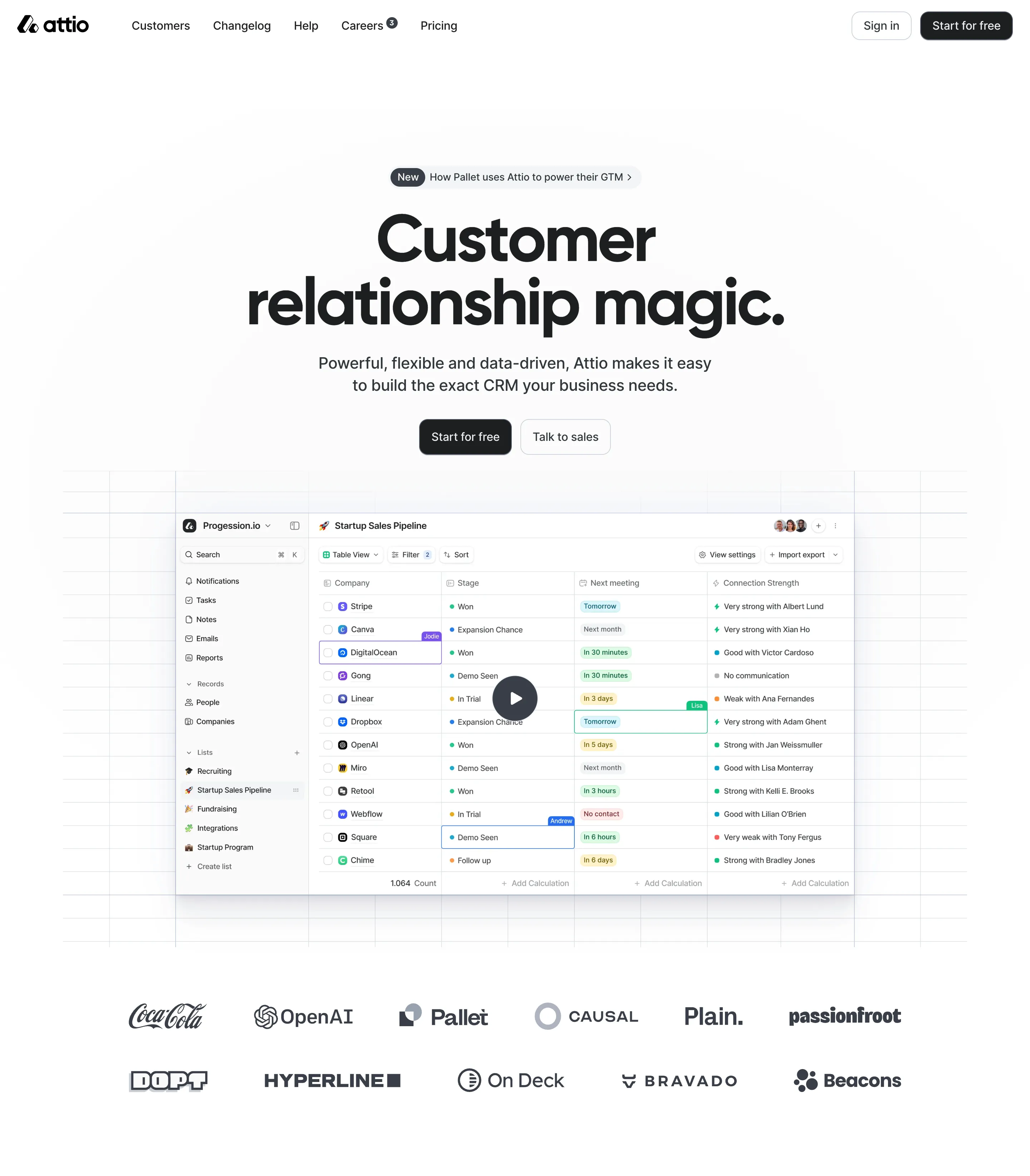
Access the Figma files.

You like a design? Download the Figma file of any website page you see on SaaSFrame.

Advanced filtering.

Use filters to find the design or copywriting inspiration that you need in seconds.
Thank you! Your submission has been received!
Oops! Something went wrong while submitting the form.

Let it flow.

Discover the user journey of the best SaaS with interfaces organized in flows.
Save design inspirations.

Bookmark screens and flows so you can find them any time you need it.
โŒ˜
B
BOOKMARK DESIGN
Start your design
research
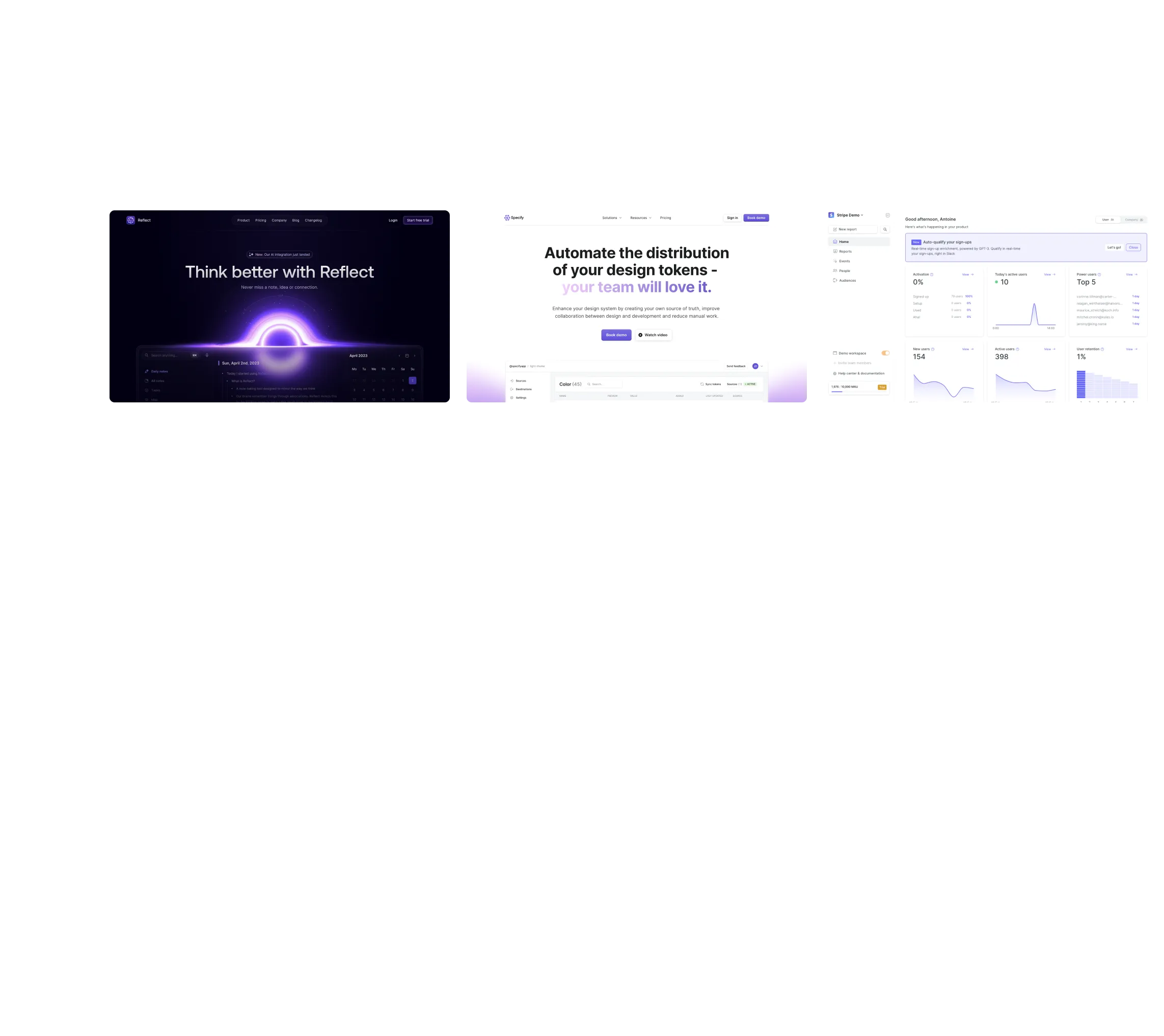
Three website screenshots showing a design tool and distribution dashboard for design tokens, promoting ease and automation.

How do you process payment?

SaaSFrame subscriptions are sold on Lemon Squeezy, a secured online selling platform for creators.

What about future updates and versions?

SaaSFrame gets updated all the time! Every new update and version will immediately be made available to all SaaSFrame users.

Can you send me an invoice?

You can generate an invoice on your Lemon Squeezy portal once you purchased SaaSFrame. You will find the link in the order confirmation email.

How can I cancel my membership subscription?

You can cancel your membership subscription at any moment on your profile page.โ€

Can I get a refund?

If you're not satisfied, you can ask for a refund within 7 days. Just send me an email at antoine[at]unmake[dot]io

I have another question.

You can send me an email at antoine[at]unmake[dot]io, I'll be happy to help with any questions.

No items found.

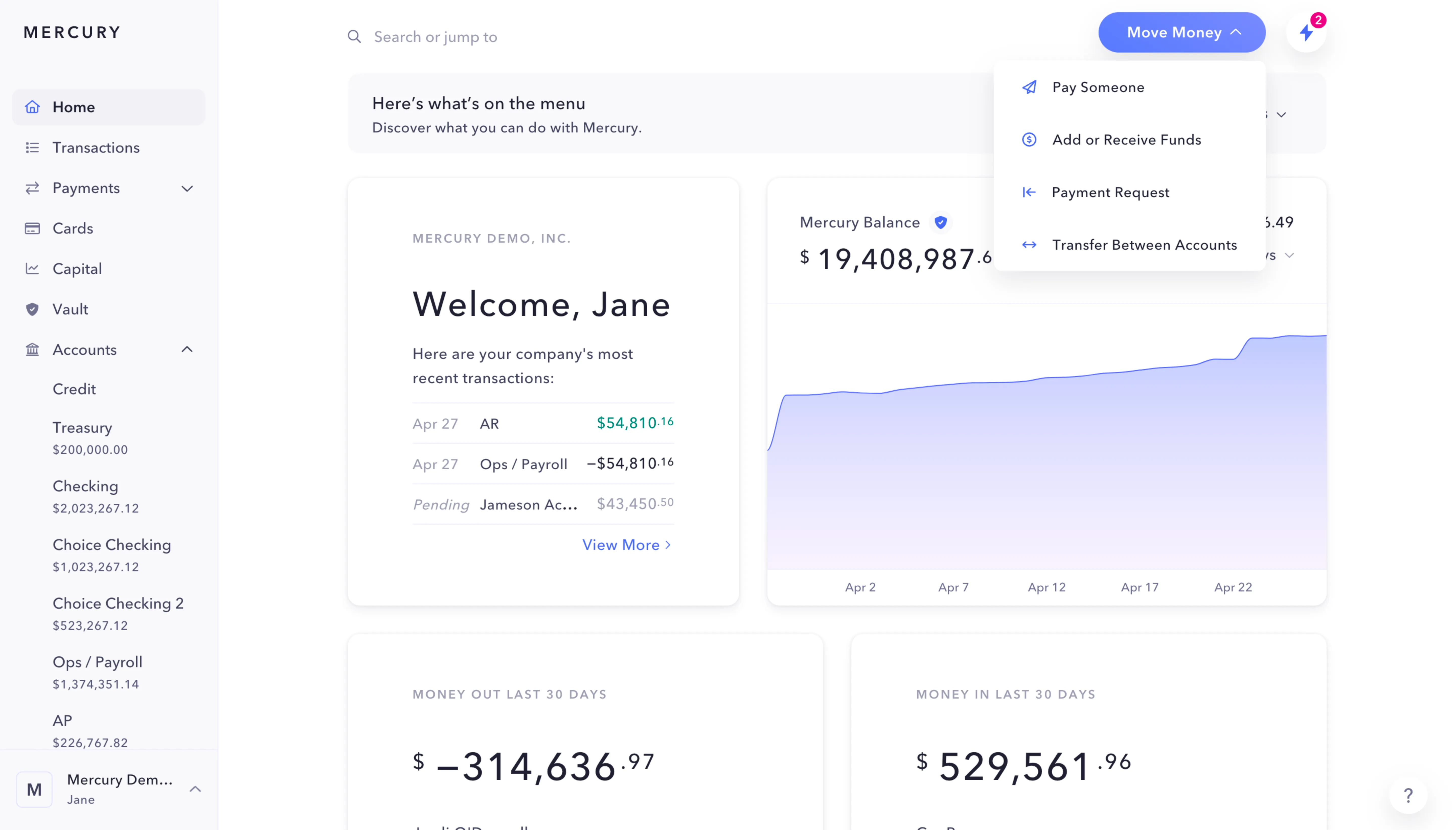
Checkout.com Balances Structure

Overall Style and Aesthetic

The Checkout.com Funds Balances page epitomizes modern minimalism with a focus on clarity and professionalism. The interface avoids visual clutter, employing abundant white space that projects confidence and ease of use. Subtle gradients and crisp edges underscore a tech-forward aesthetic, appealing specifically to business users seeking reliability and efficiency.

Layout and Structure

There is no traditional hero or promotional banner; the design jumps straight to the functional dashboard, placing key account balances and recent transactions front and center. The top navigation bar remains sticky, ensuring core functions are always accessible. The page segments content smartly: navigation sidebar, main summary panel, and tabbed content for balance viewsโ€”all organized logically for high usability and quick decision-making.

Visual Elements

The interface relies on vector icons and micro-interactions over heavy imagery or animation, contributing to a lightning-fast experience. Key metrics are visualized with simple graphs and badges, aiding at-a-glance understanding without distraction. Interactive elements (like toggles and menus) use soft shadows and subtle movement, keeping the experience dynamic yet unobtrusive.

Color Palette and Typography

A sophisticated, monochrome palette with blue accents governs the site. Primary colors (deep slate, white, azure blue) promote trust and data legibility. Typography is guided by geometric sans-serifs, delivering a sharply modern impression. Font hierarchy is pronounced, ensuring headings, balances, and secondary information are immediately distinguishable.

User Experience Patterns & Unique Choices

Persistent navigation, clear data grouping, and visible CTAs foster confidence and intuitiveness. Filtering, time range selection, and export features feel effortless and are never more than a click away. The dashboardโ€™s restraint stands outโ€”it delivers complex financial tools in a calm, understandable interface, conveying innovation through its streamlined, user-first approach.