SaaSFrame
Cartesia Pro Voice Clone
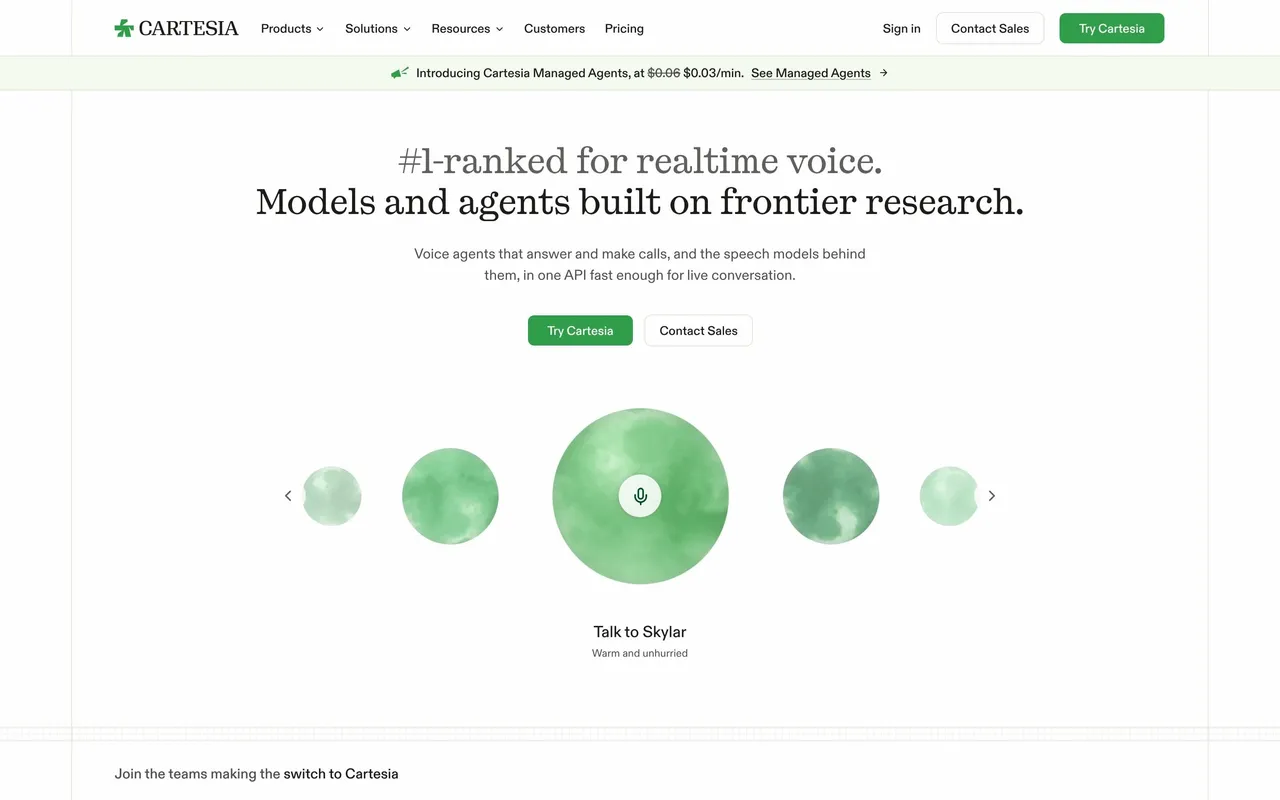
 CartesiaReal-time voice AI models for developers
About this screen
The feature explained before the upgrade
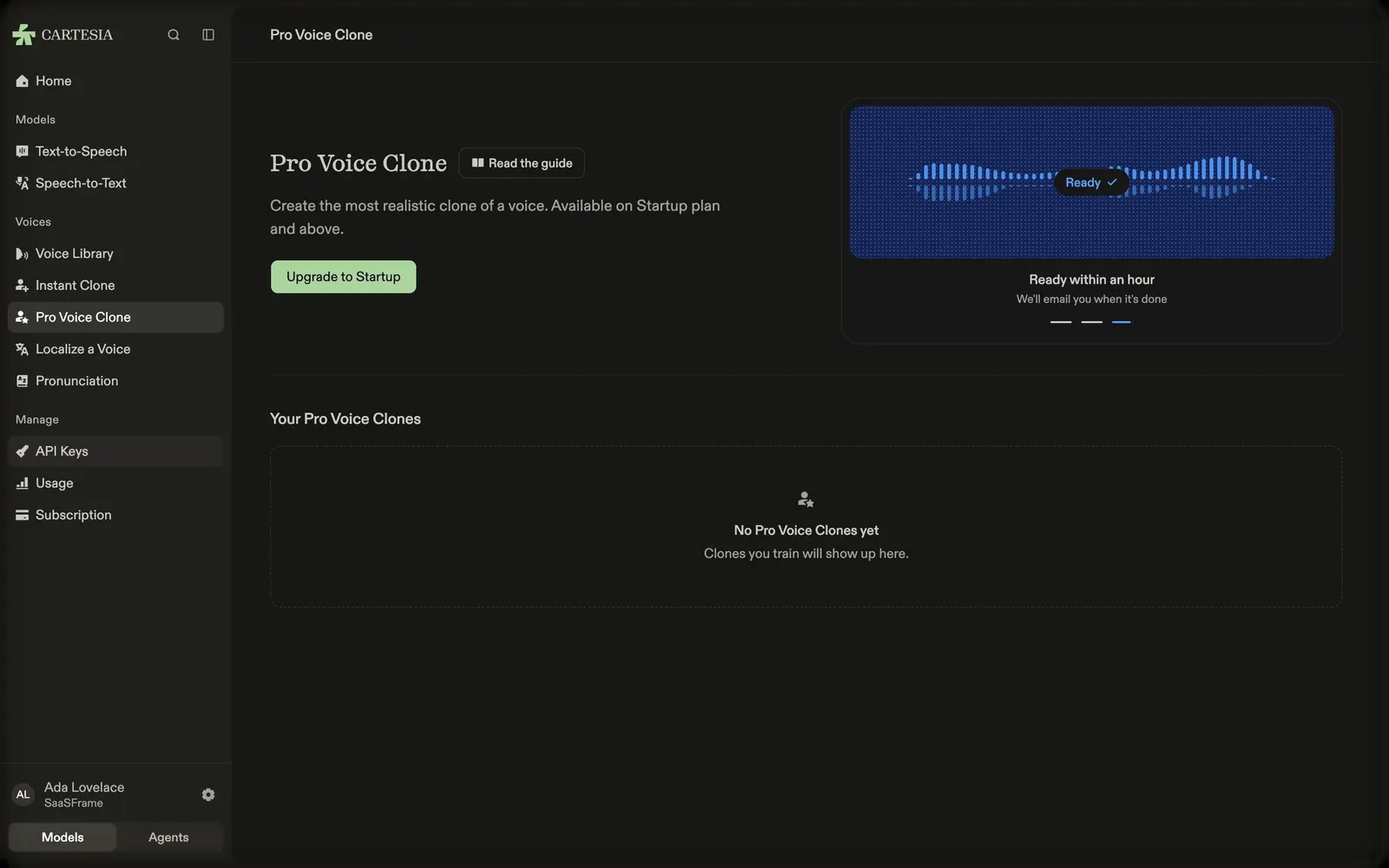
Cartesia's Pro Voice Clone page opens with the title, a "Read the guide" chip, "Create the most realistic clone of a voice. Available on Startup plan and above." and a green "Upgrade to Startup" button.
Requirements in a mini carousel
On the right, a dark card shows a white waveform with a recording prompt ("Hi, I'm recording my voice to create a realistic clone.") and rotates through requirements such as "One speaker, one language" with tips on cleaning the audio, with dots below.
An empty list waiting
"Your Pro Voice Clones" sits below a divider with an empty state: a person icon, "No Pro Voice Clones yet" and "Clones you train will show up here."