Part of User Onboarding
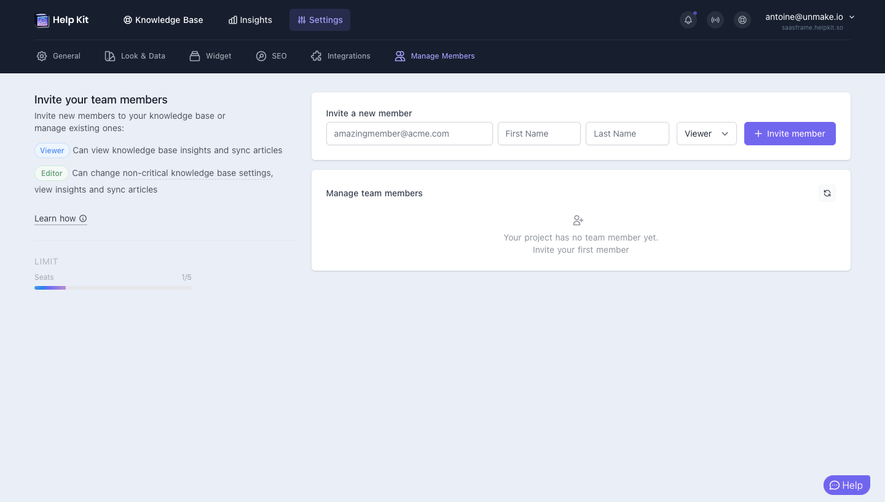
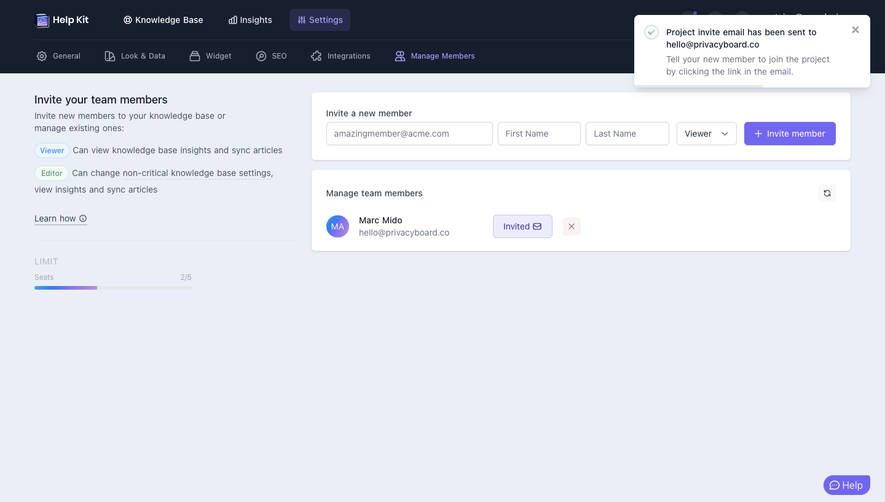
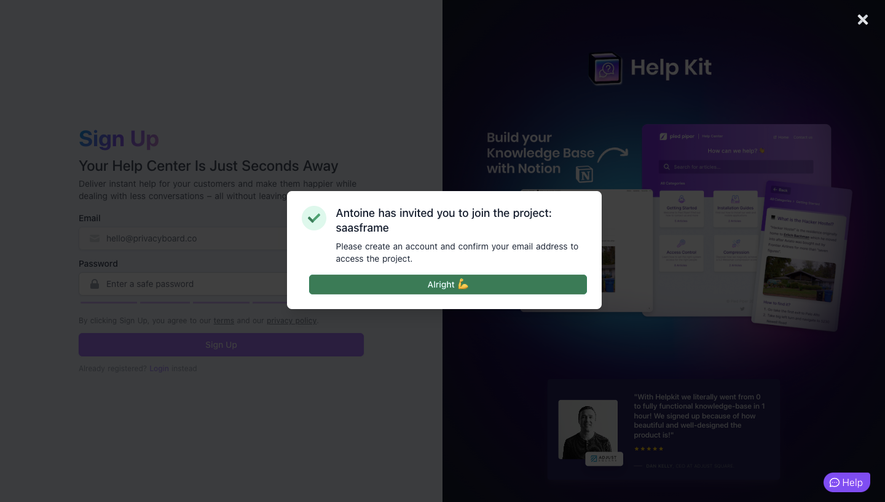
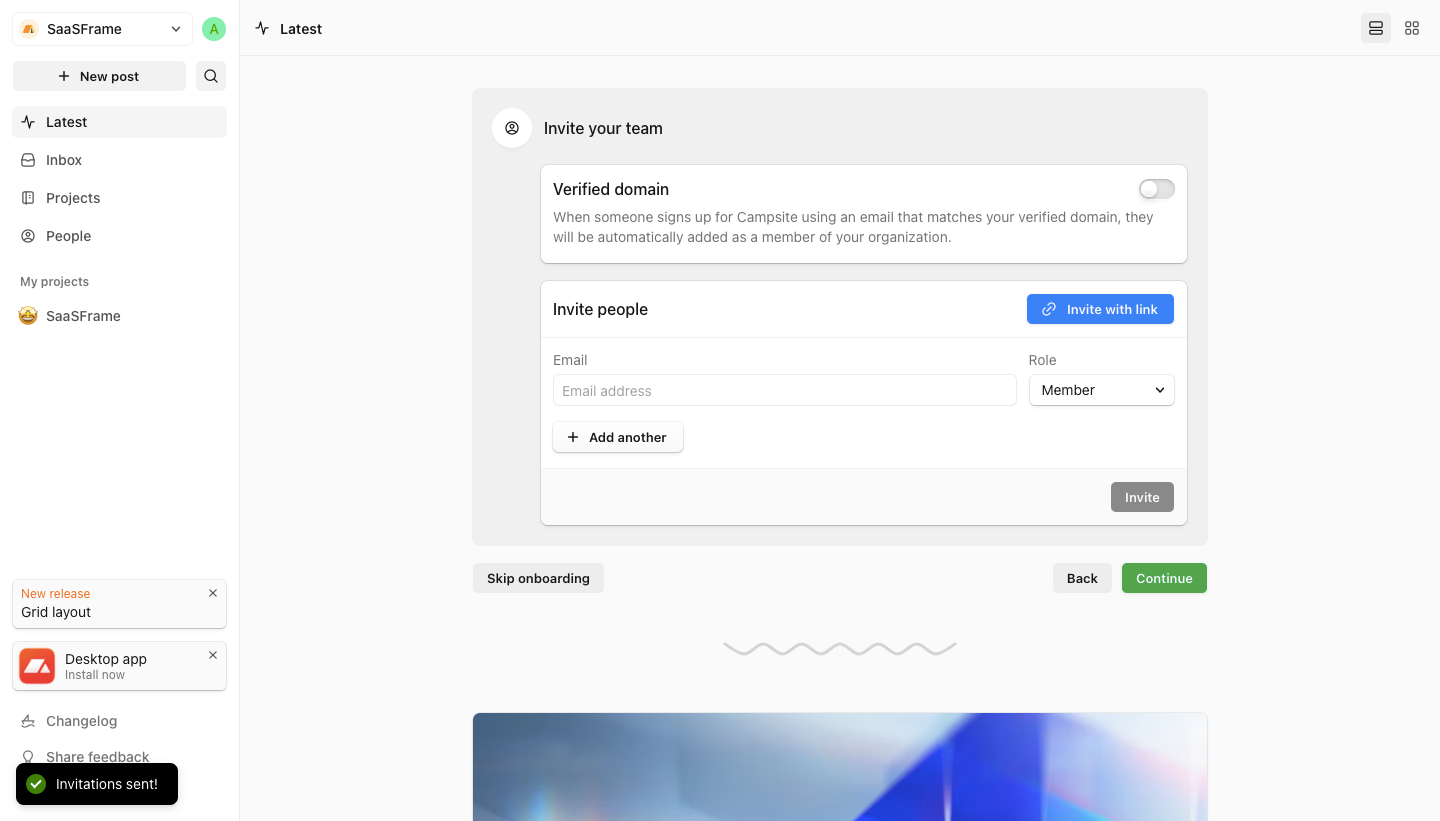
Campsite Invite Team Members: Invitations Sent
 CampsiteWhere teams share work in progress
Captured 2023Campsite may have changed this screen since.
About this screen
Back to the form
The "Invite your team" card is reset with an empty email field and the "Member" role.
Feedback
A black toast with a green check reads "Invitations sent!" at the bottom left over the sidebar.
Next
"Back" and green "Continue" buttons let you move on.