Calendly Availability
 CalendlyScheduling links for meetings
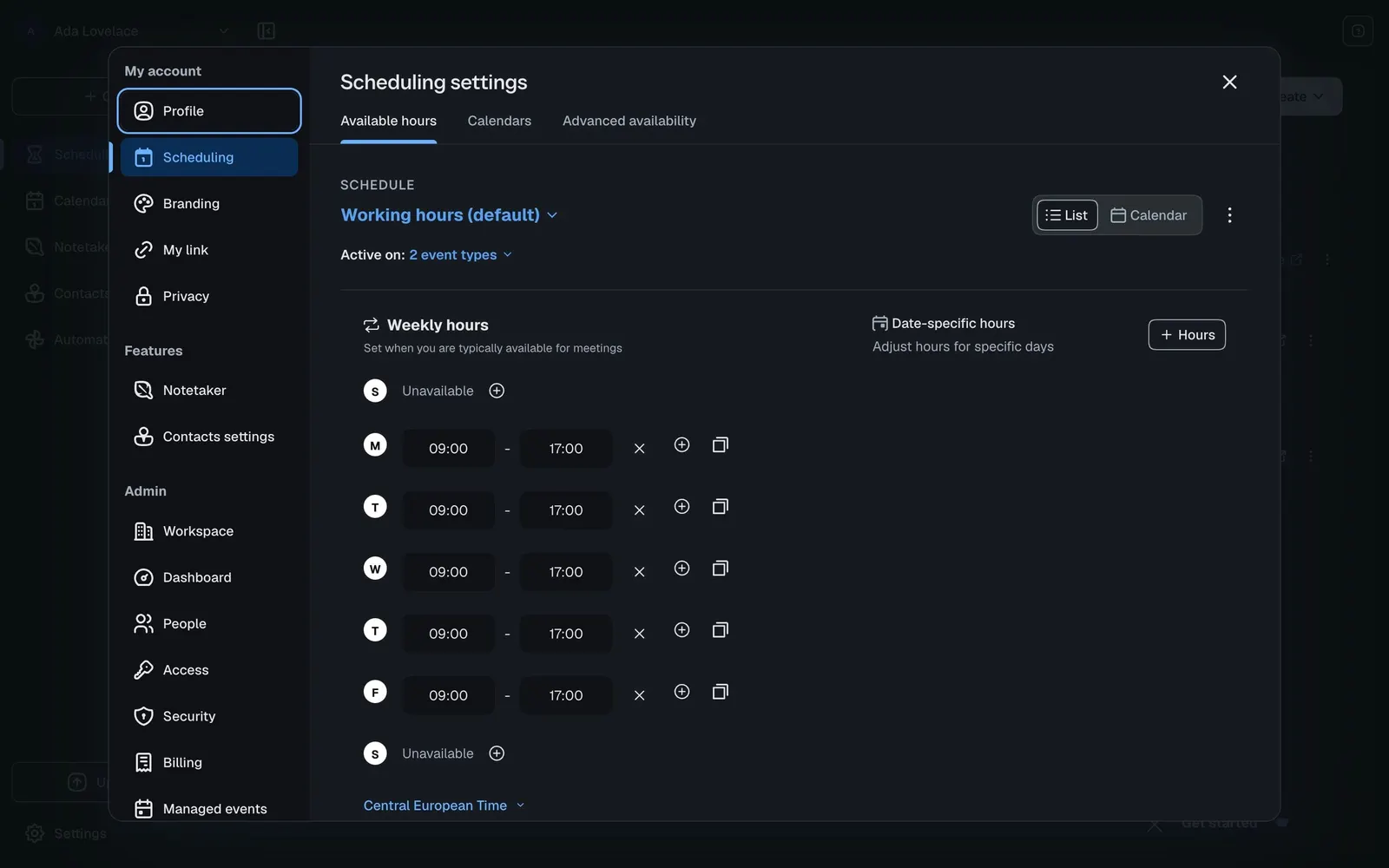
About this screen
Availability inside settings
Scheduling settings opens as a large dialog with its own navigation (Profile, Scheduling, Branding, My link, Privacy, then features and admin).
Named schedules
"Working hours (default)" is active on two event types; weekly hours list each day with time ranges and copy icons, and date-specific hours sit in a second column.
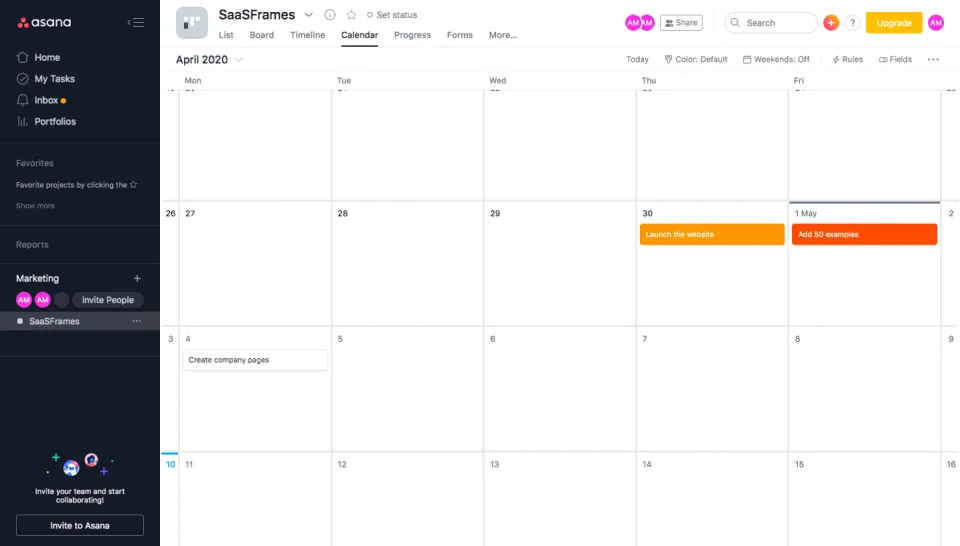
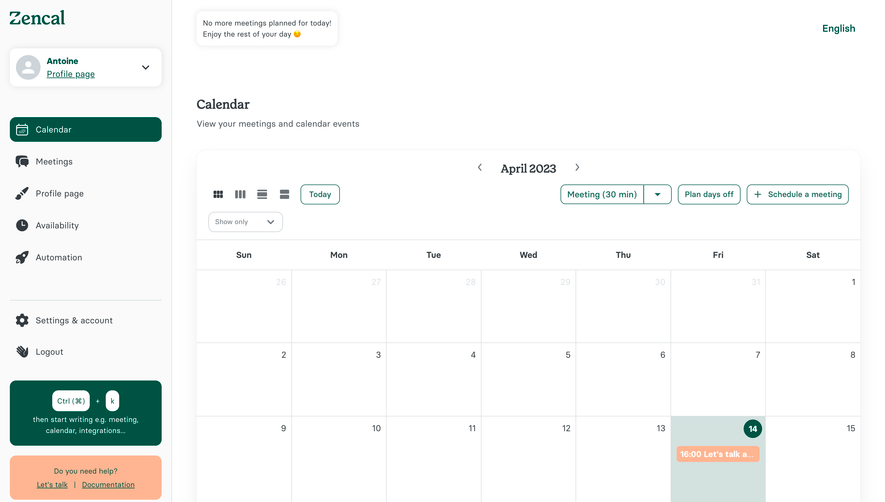
List or calendar
A toggle switches between list and calendar views of the schedule.