
xAI Starting a Project in Grok
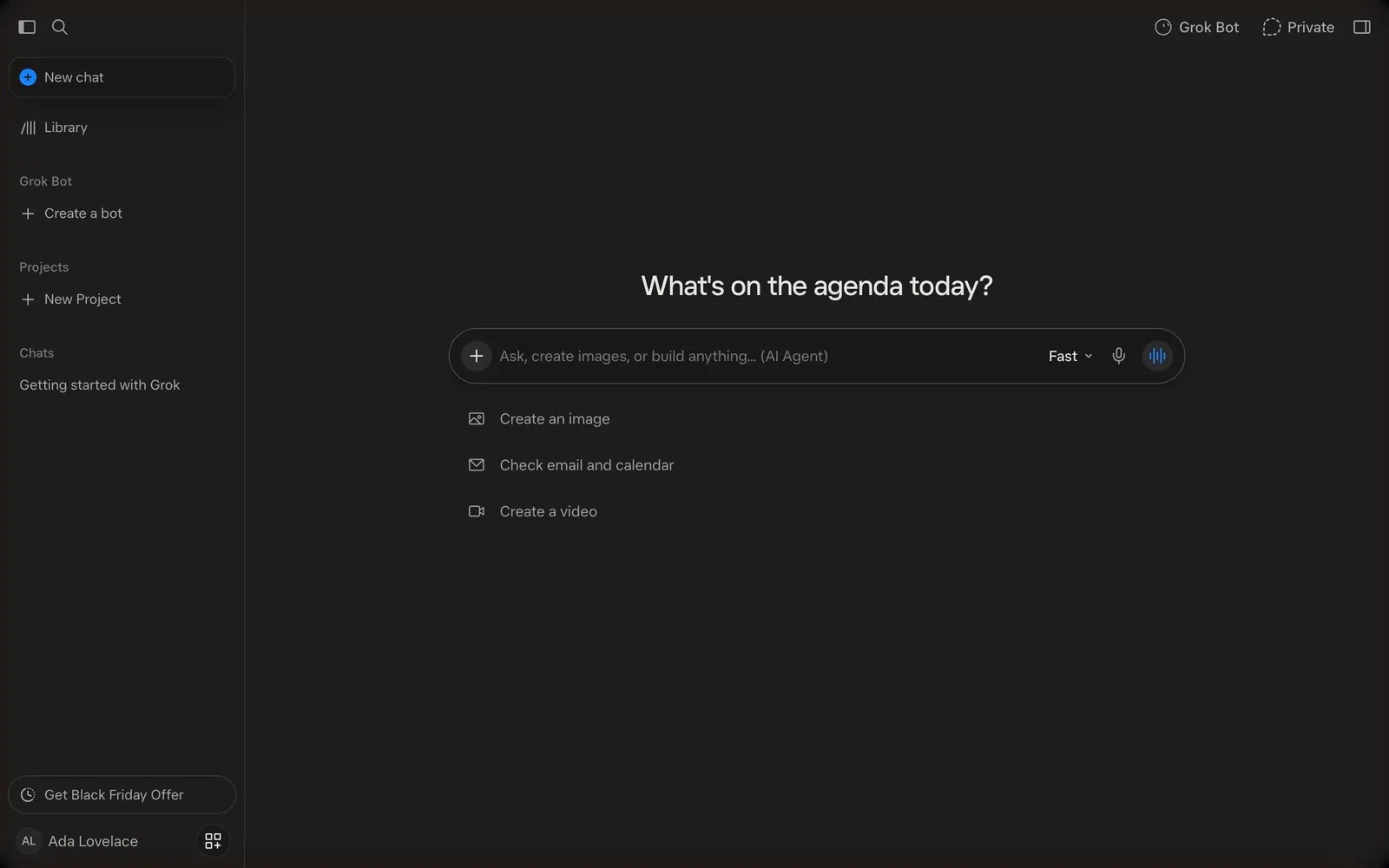
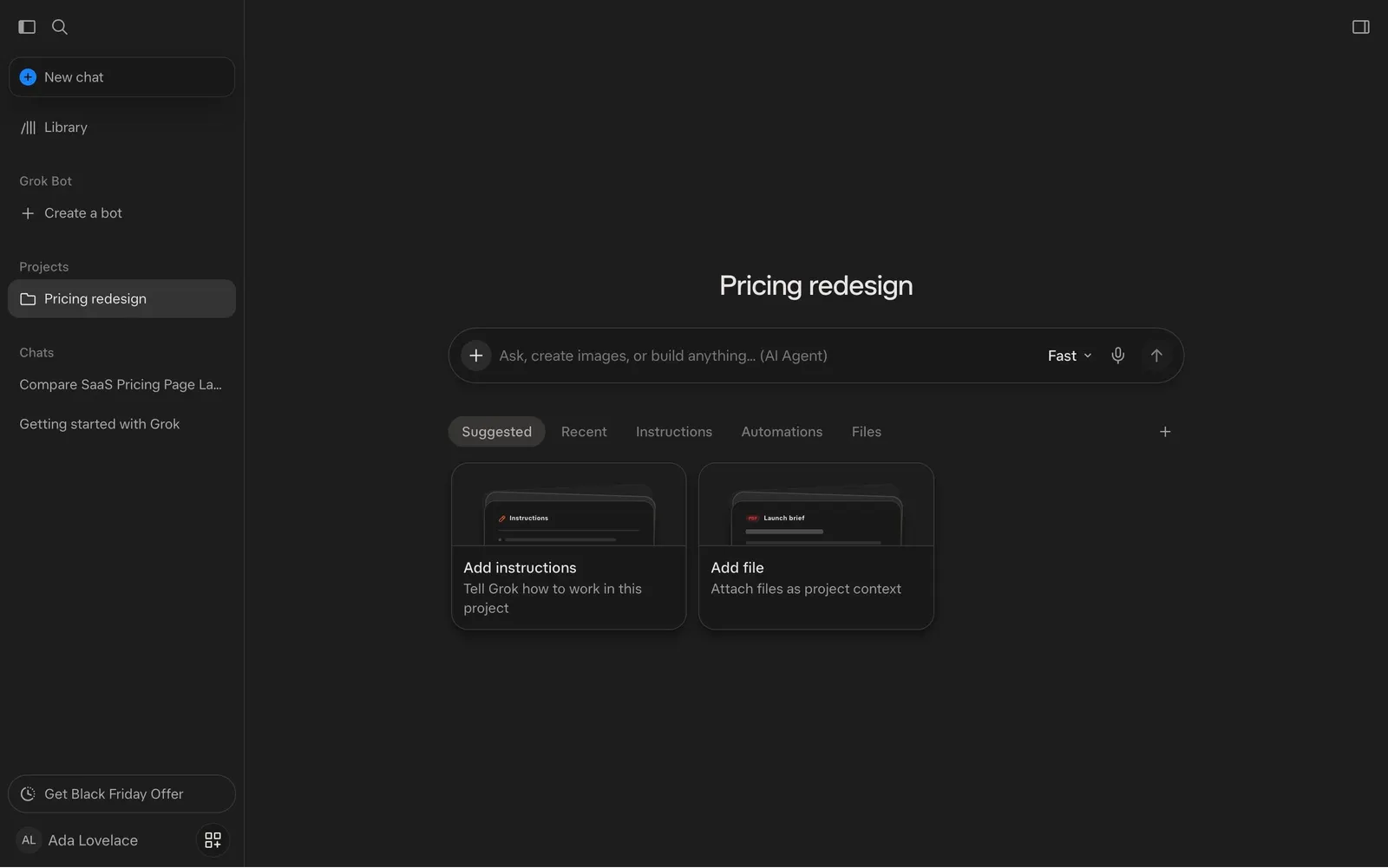
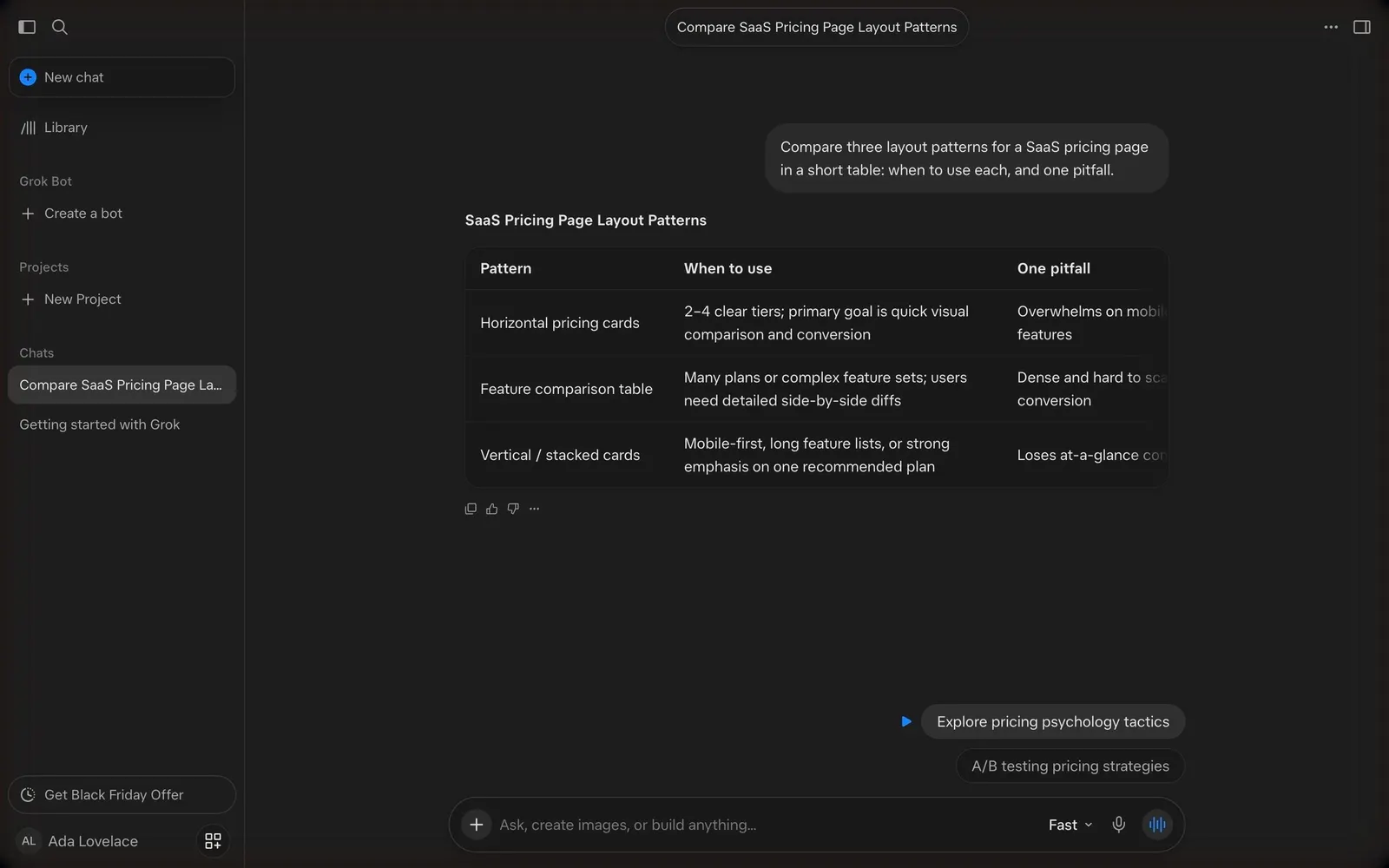
Grok goes from the chat home to a project workspace with its own prompt bar and starter cards, then to a conversation whose answer is a structured table. The near-black interface stays sparse, with pill tabs and one prompt bar repeated on each screen.
Follow xAI’s starting a project in grok flow step by step: 3 real screens captured from the live product, from grok home to grok chat conversation. Use ← → to move between steps, and open any screen to see it in full.