SaaSFrame
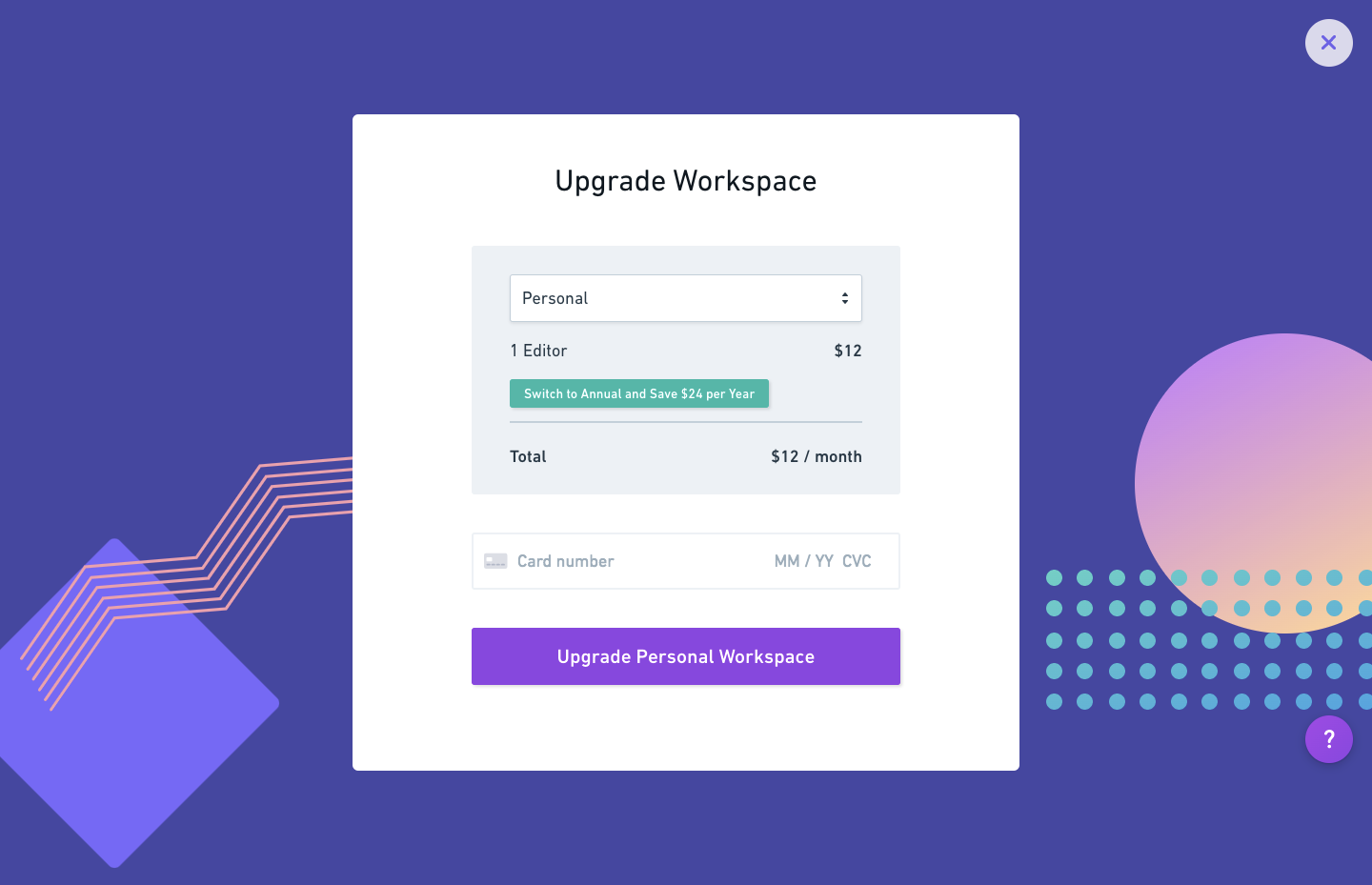
Whimsical Upgrading
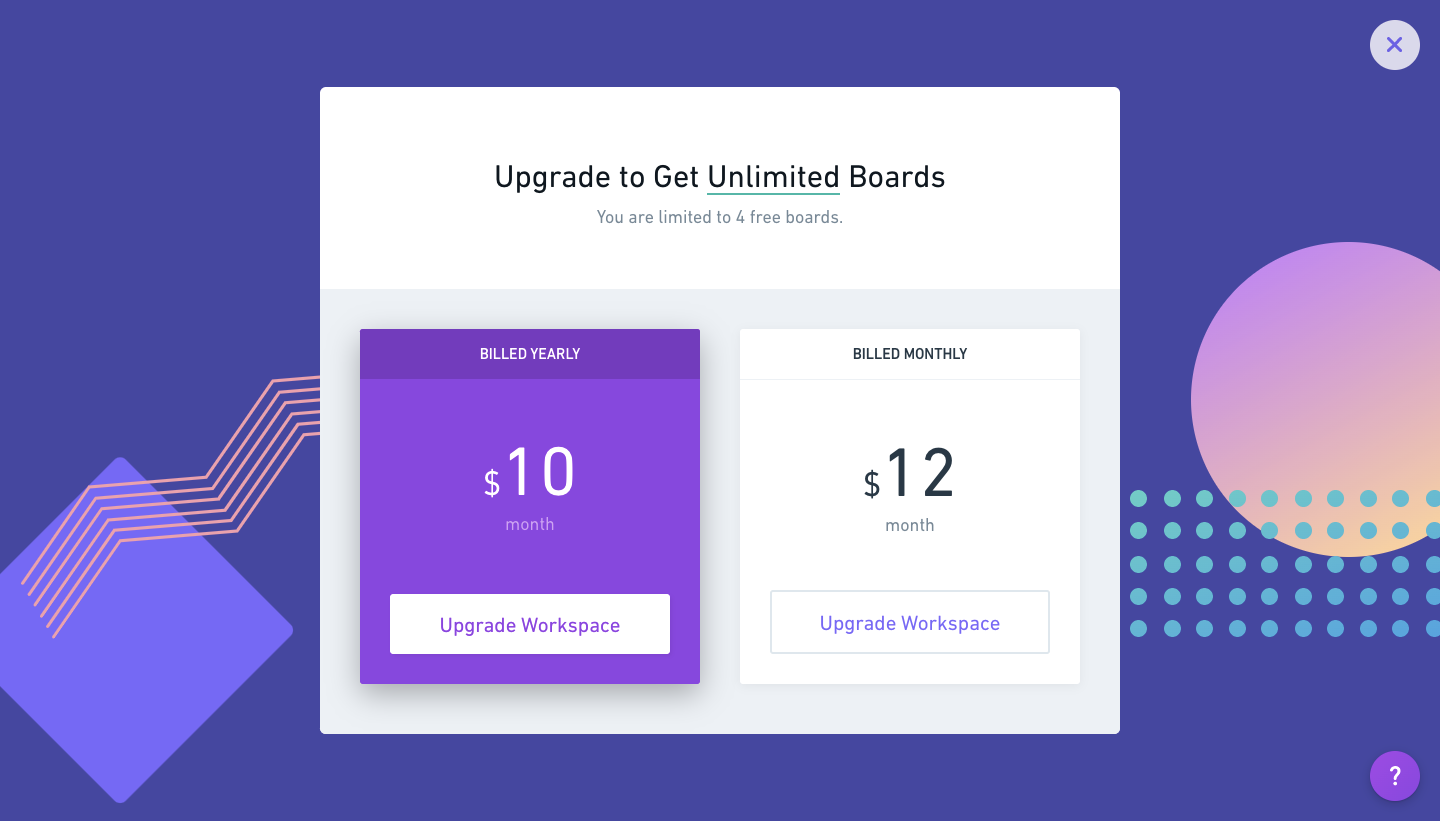
Whimsical's upgrade flow is a two-step modal on a bold purple background with geometric shapes and a peach gradient circle. The first card compares yearly and monthly billing side by side, with the yearly option filled in purple to stand out. The payment step keeps the same frame, summarizing plan, editors and total in a grey box above a single card field and a purple upgrade button.
Follow Whimsical’s upgrading flow step by step: 2 real screens captured from the live product, from upgrading: plan choice to upgrading: payment. Use ← → to move between steps, and open any screen to see it in full.
Steps in this flow
More flows from Whimsical
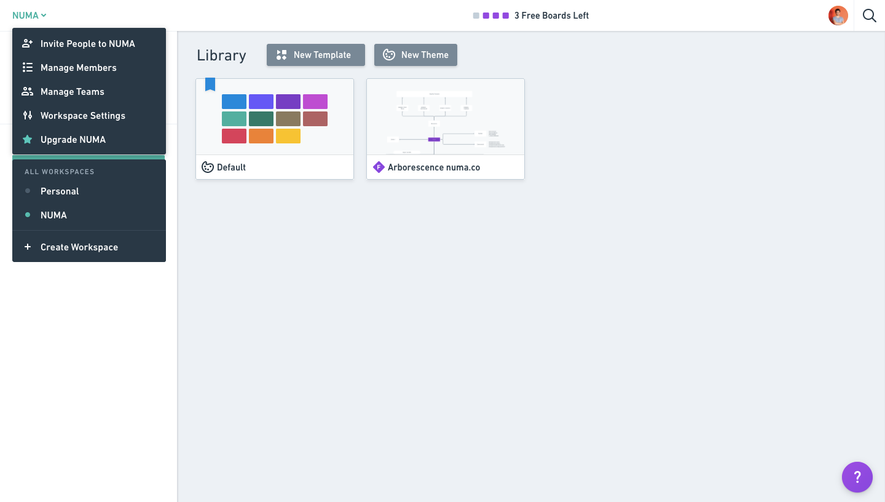
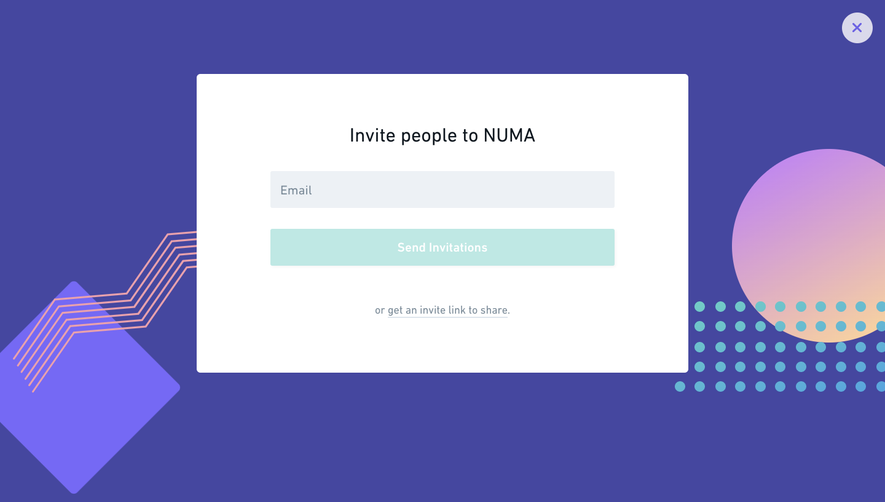
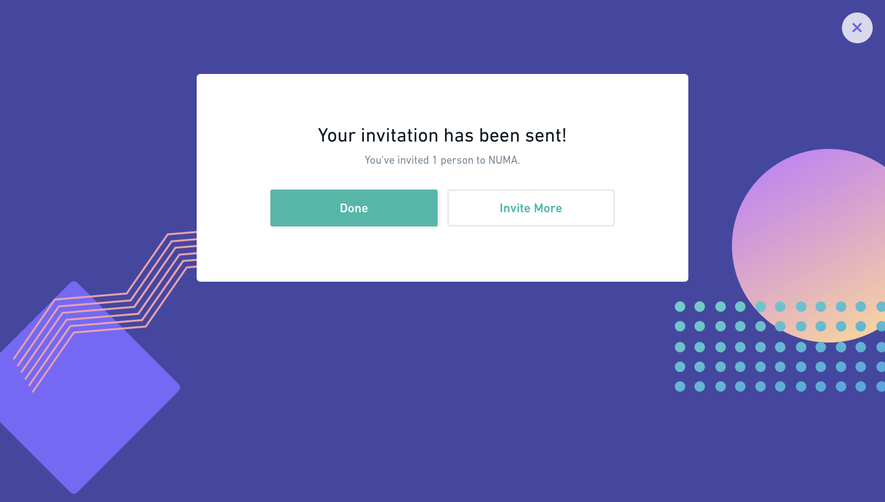
All Whimsical Whimsical Invite Team Members
4 screens