SaaSFrame
1 more step in this flow
Free accounts see the first 3 steps of each flow. Pro unlocks every step of every flow, plus every screen, section and Copy in Figma.
Whimsical Invite Team Members
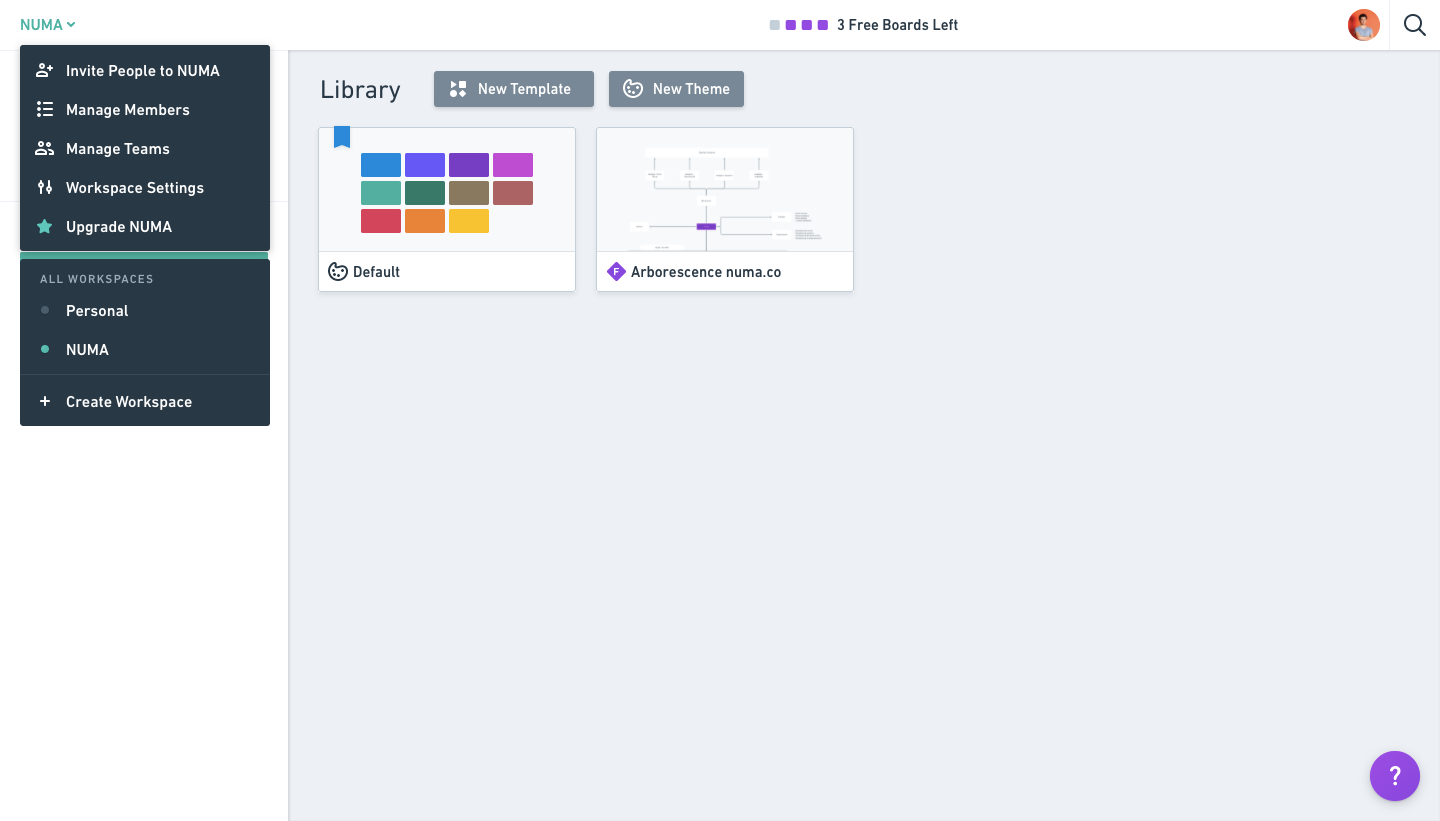
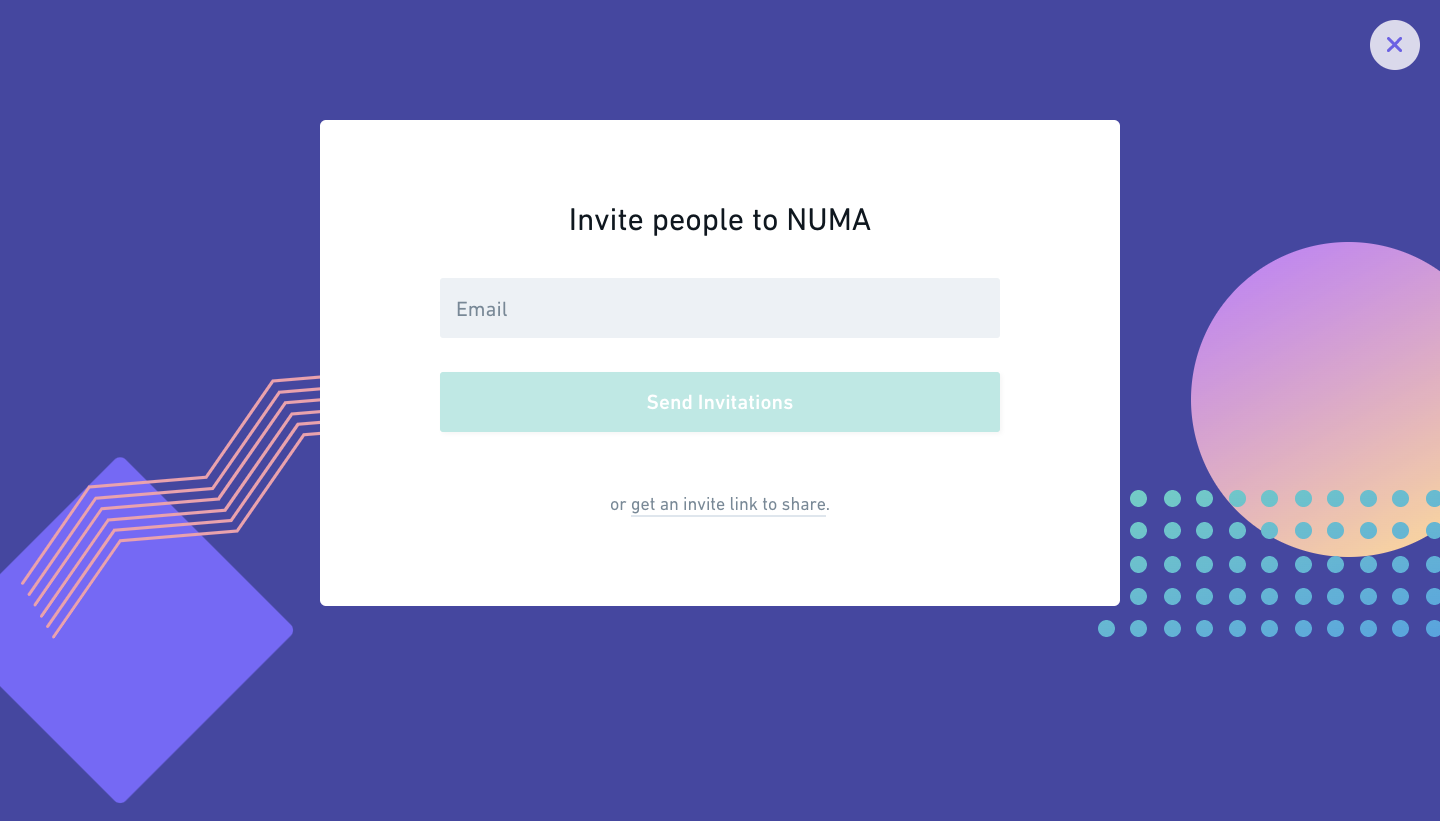
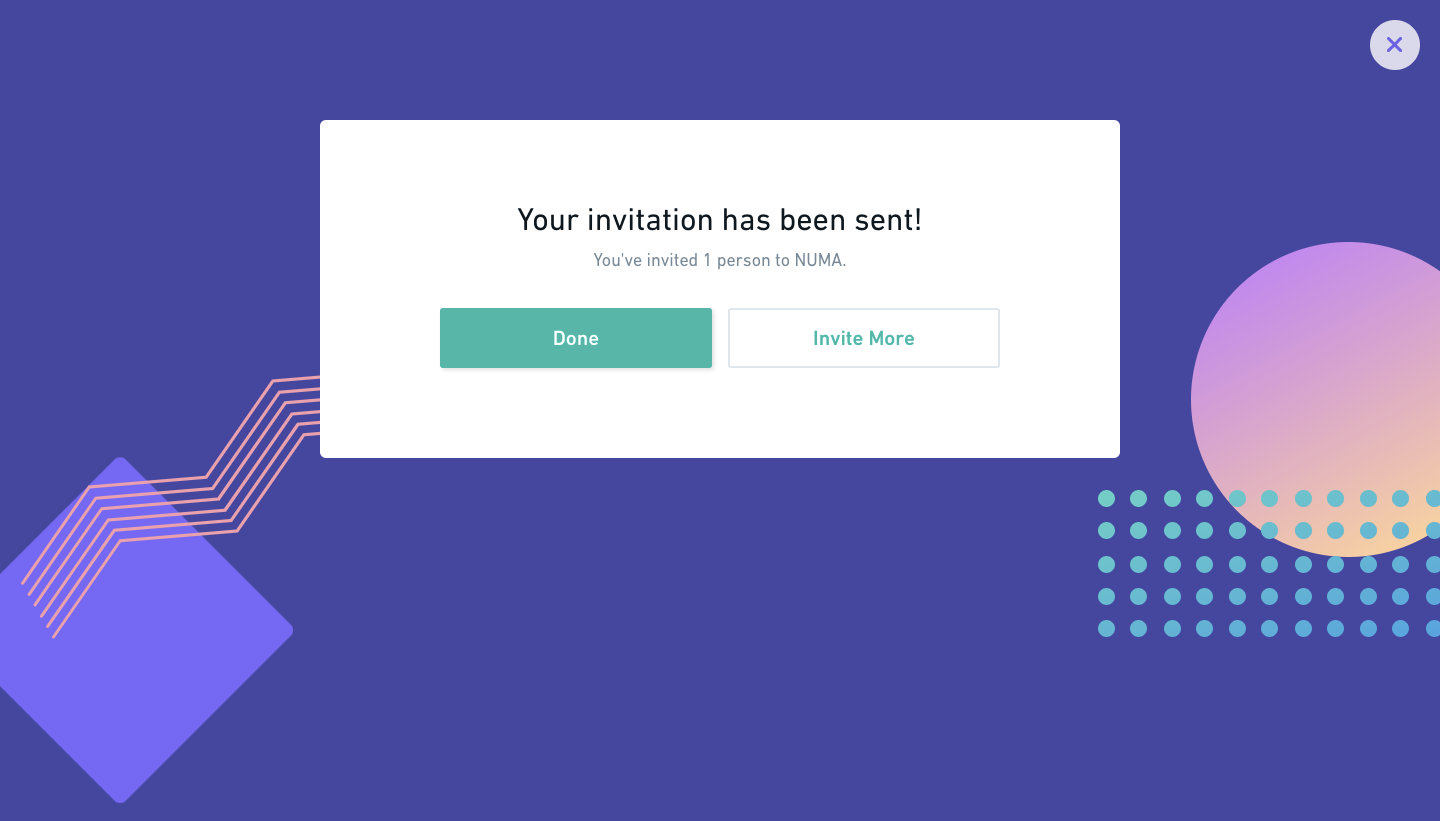
Whimsical's invite flow starts in the workspace menu and runs through a full-screen invite modal to the email a new member gets. The modal and its confirmation float on a violet backdrop with gradient circles and dotted shapes, holding a single email field, a teal button and a fallback invite link. The confirmation offers done or invite more, and the email repeats the teal button under the inviter's avatar.
Follow Whimsical’s invite team members flow step by step: 4 real screens captured from the live product, from invite team members: workspace menu to invite team members: invitation email. Use ← → to move between steps, and open any screen to see it in full.
Steps in this flow
More flows from Whimsical
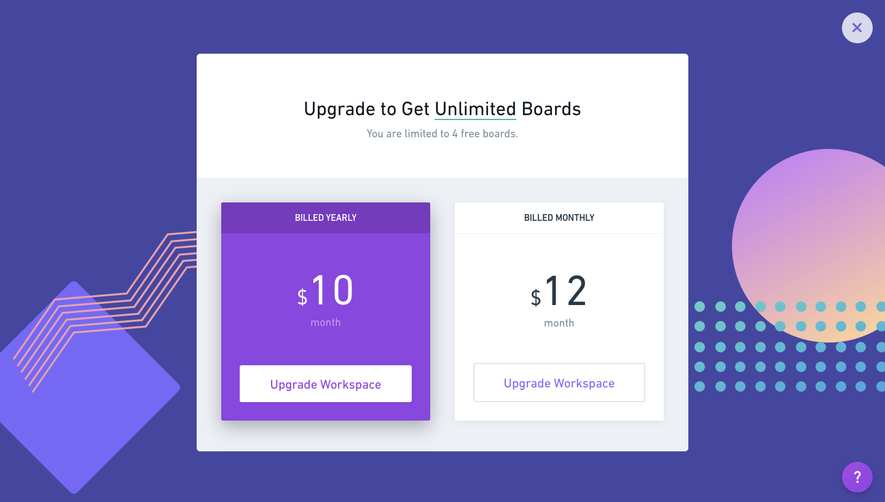
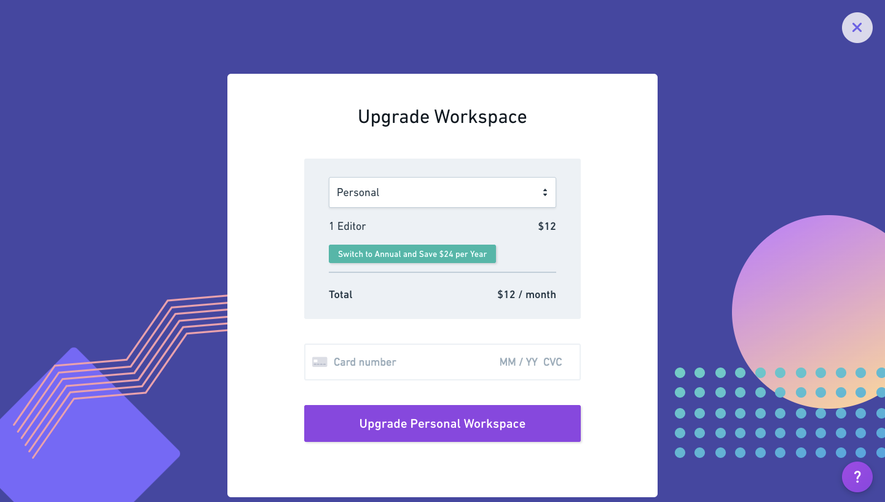
All Whimsical Whimsical Upgrading
2 screens