 SaaSFrame
SaaSFrame Pro
2 more steps in this flow
Free accounts see the first 3 steps of each flow. Pro unlocks every step of every flow, plus every screen, section and Copy in Figma.

Vowel Sign Up Flow
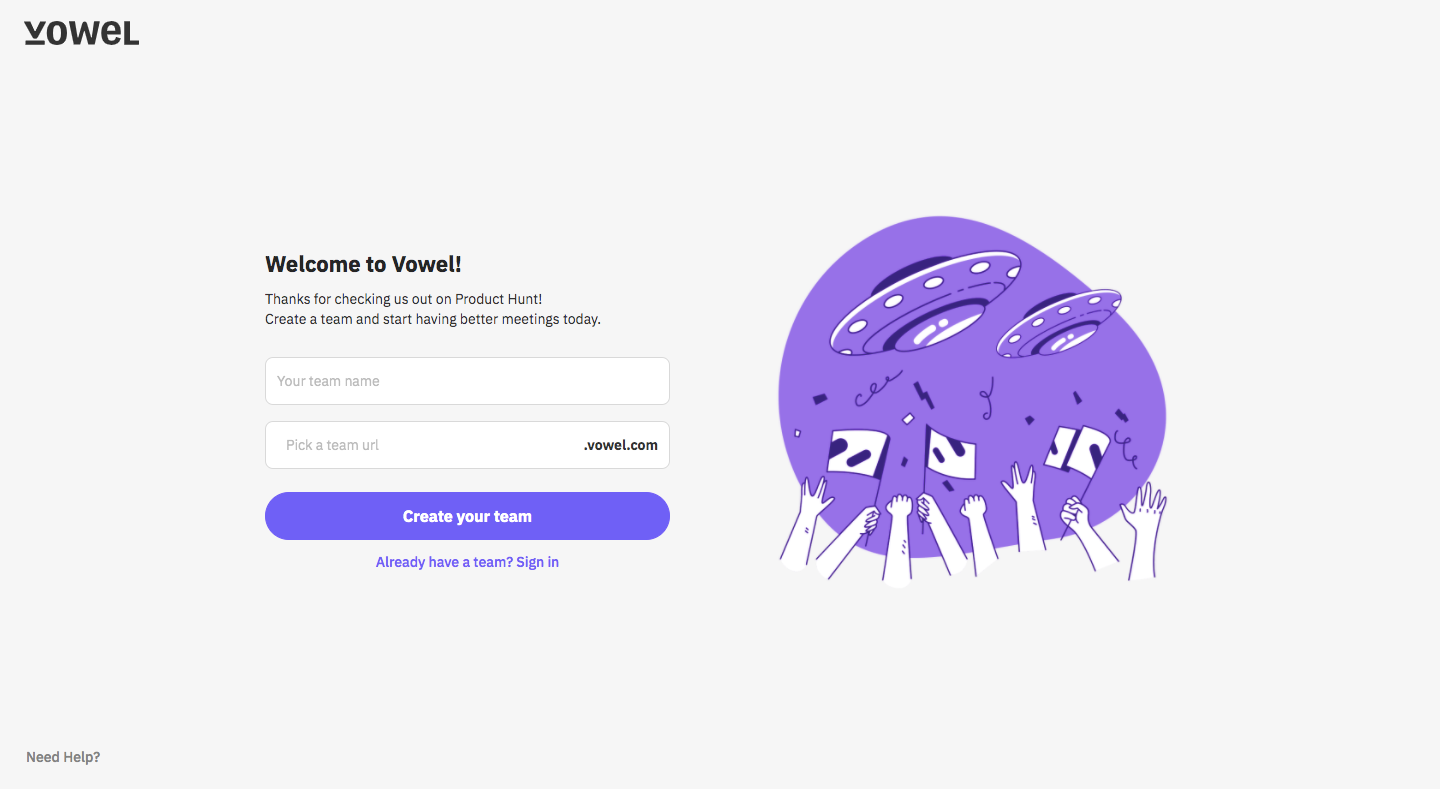
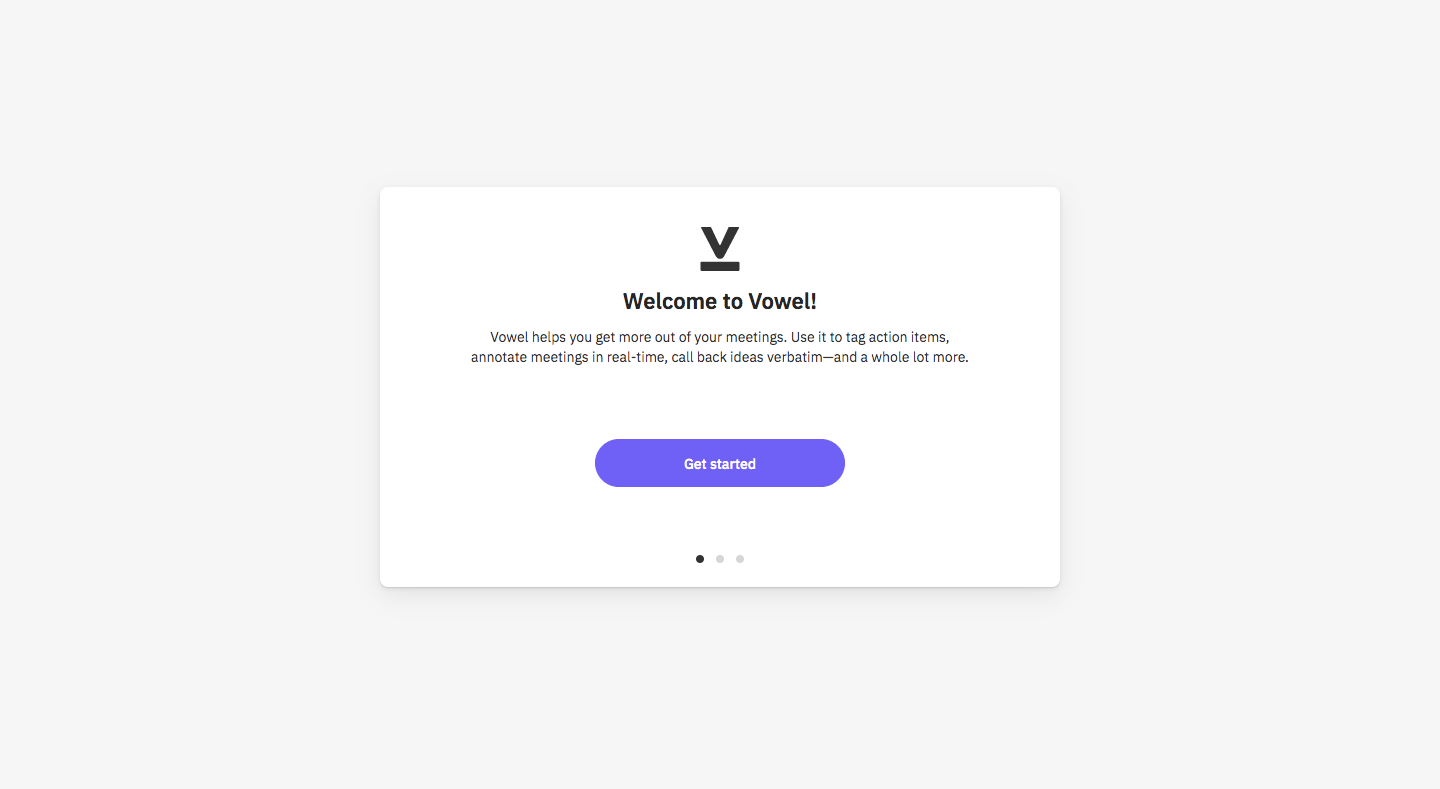
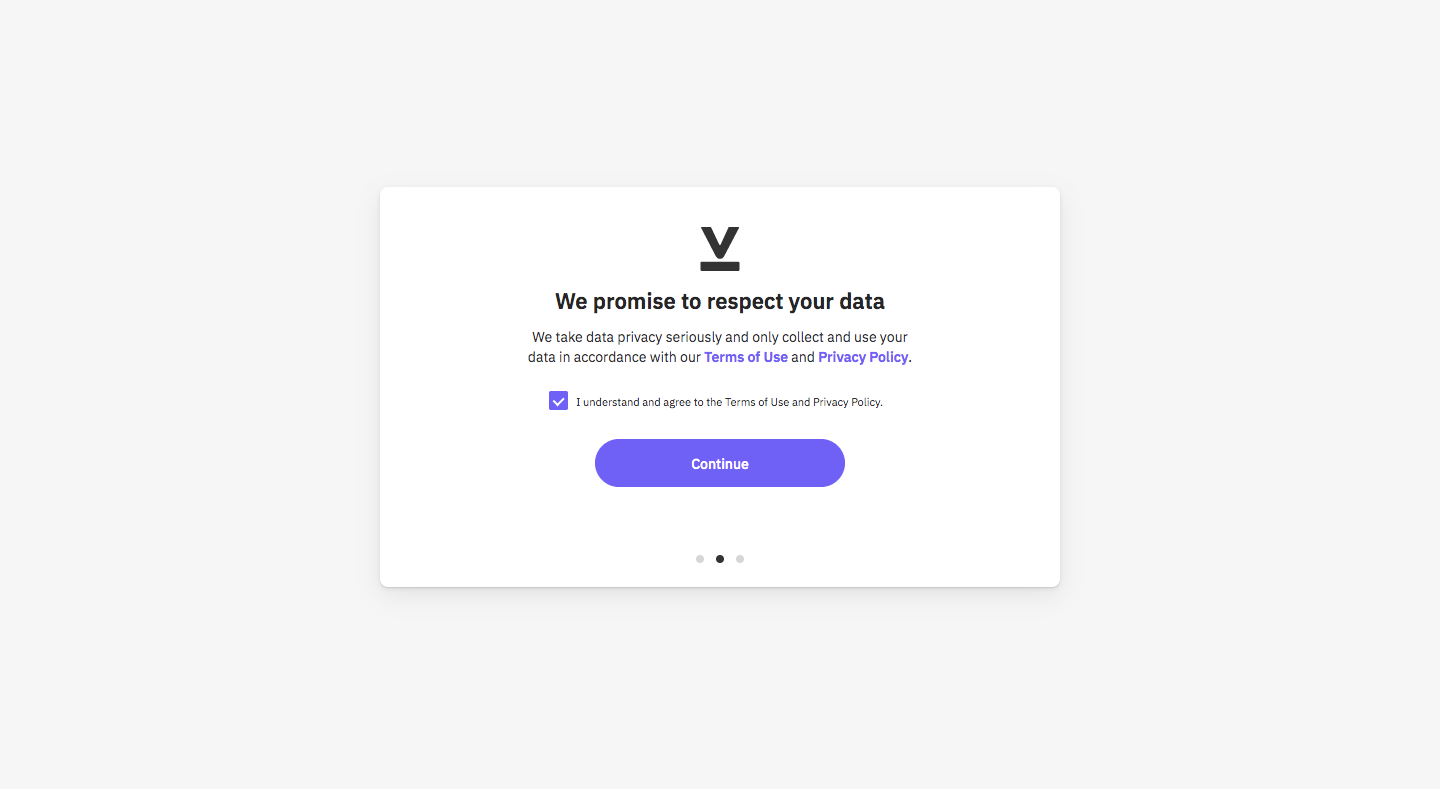
Vowel's sign up flow keeps setup to a few small centered cards after a team creation page with a large purple illustration. Each card holds one idea, welcome, data privacy consent and Google Calendar linking, with a single purple pill button and dots for progress. It ends in the app on a getting started checklist led by a video preview.
Follow Vowel’s sign up flow flow step by step: 5 real screens captured from the live product, from sign up page to sign up flow: getting started checklist. Use ← → to move between steps, and open any screen to see it in full.