SaaSFrame
5 more steps in this flow
Free accounts see the first 3 steps of each flow. Pro unlocks every step of every flow, plus every screen, section and Copy in Figma.
VideoAsk User Onboarding
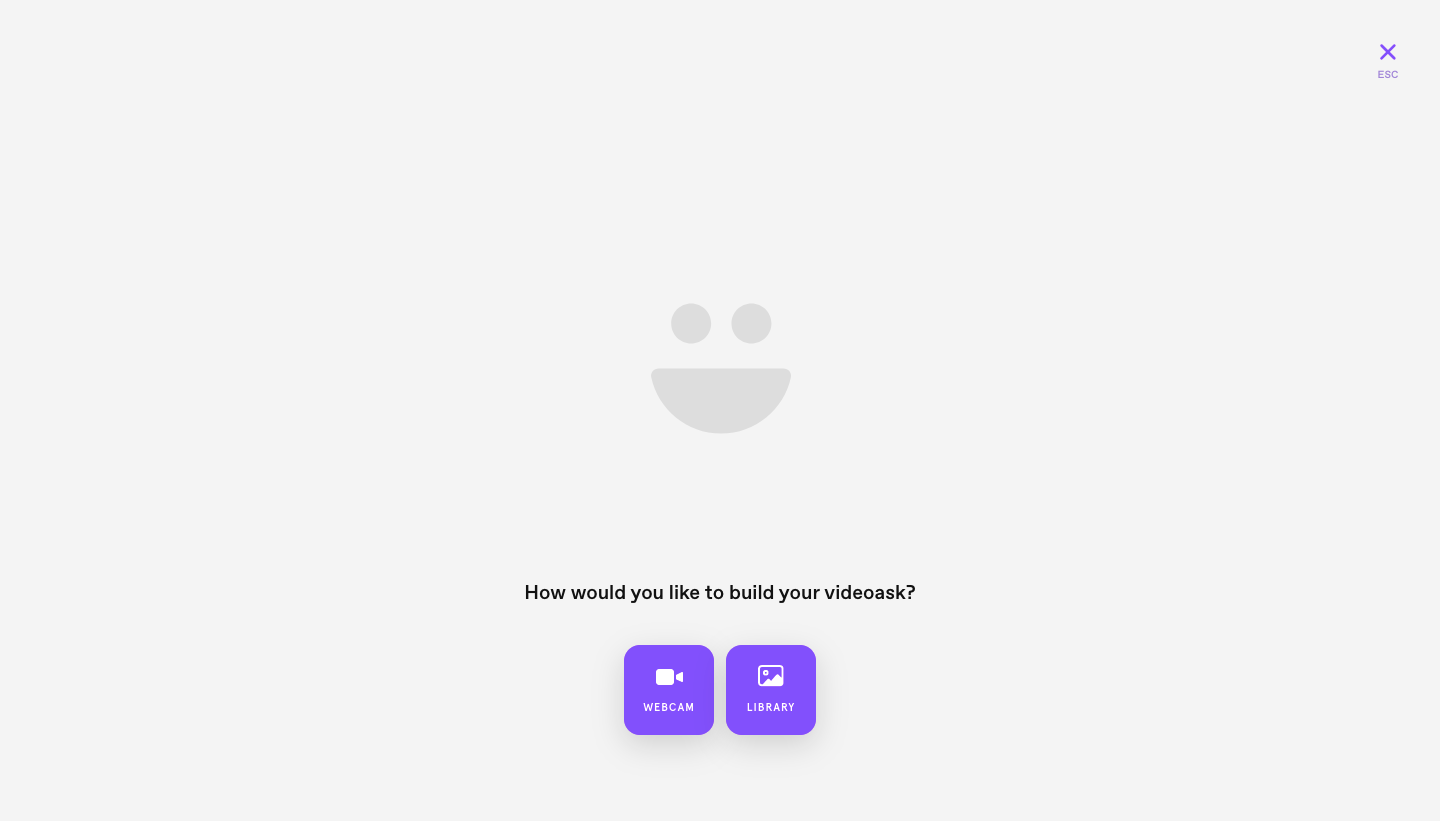
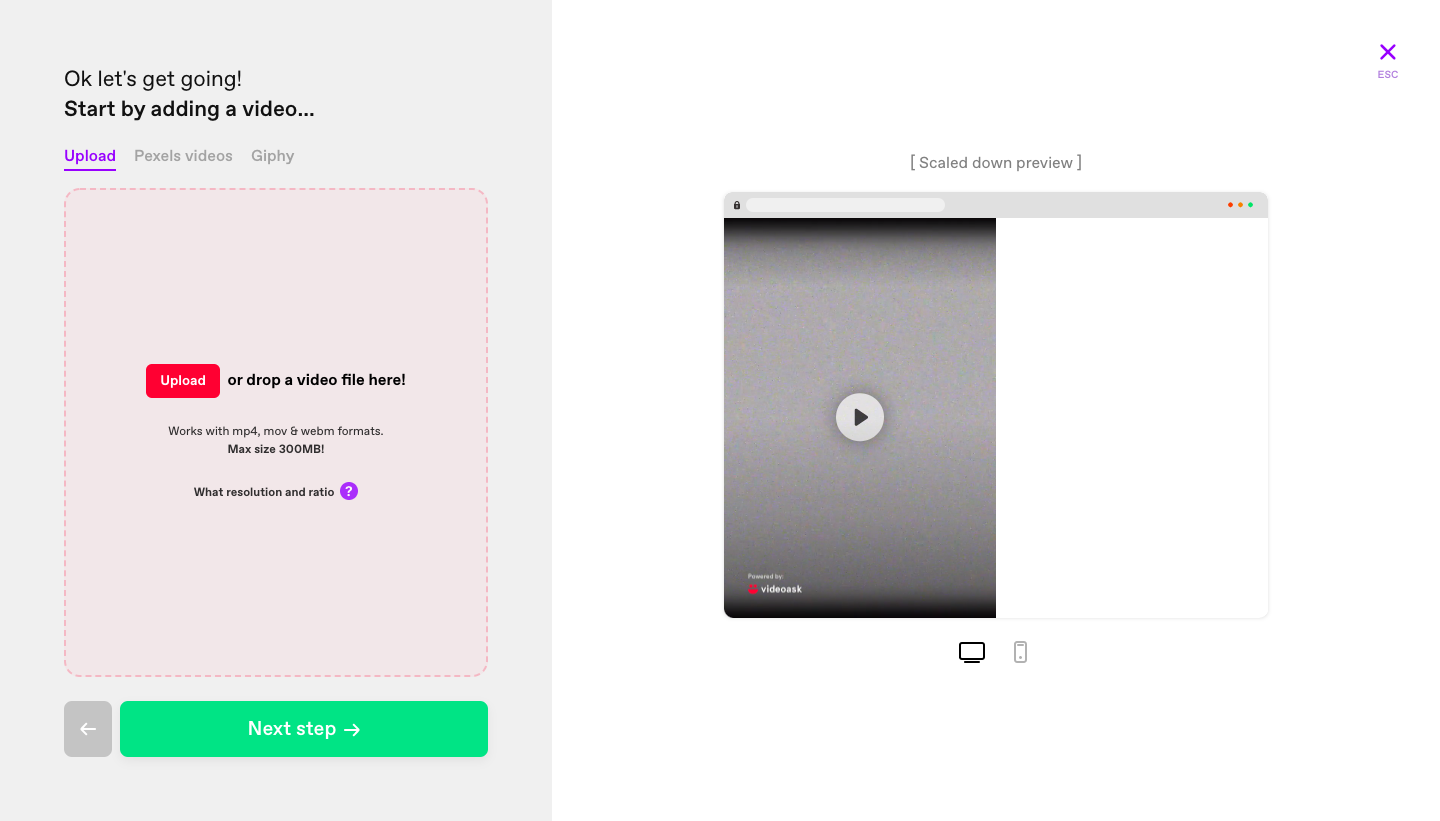
VideoAsk's onboarding builds a first interactive video in eight steps, from an intro video to the live result. After choosing a build method, each step uses a split layout with a narrow settings panel on the left and a phone-sized preview on the right that updates as you go. Answer types appear as square purple icon tiles, format options as toggles, and green buttons move you forward.
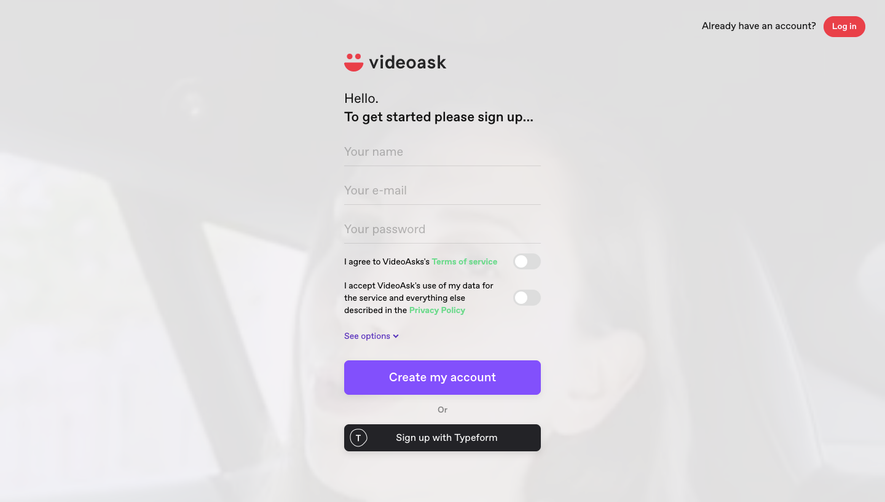
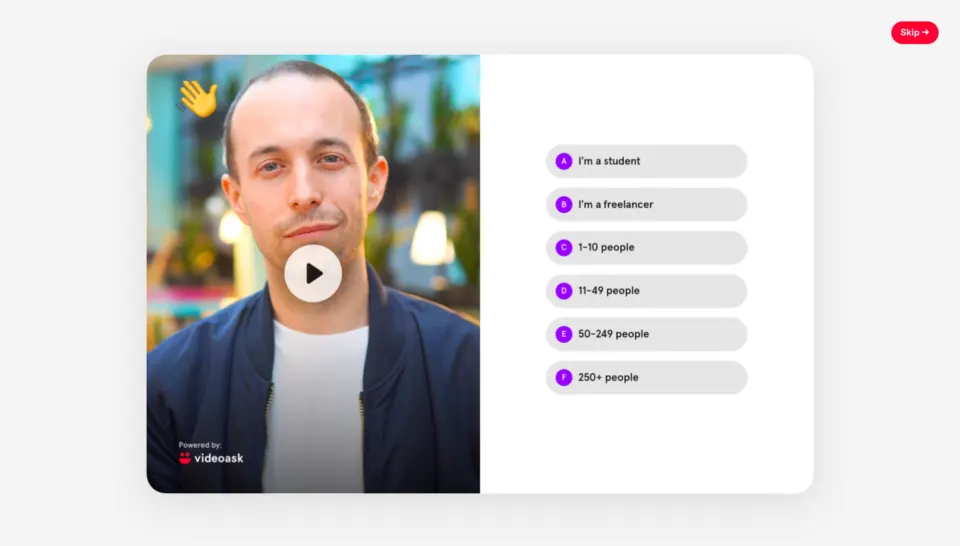
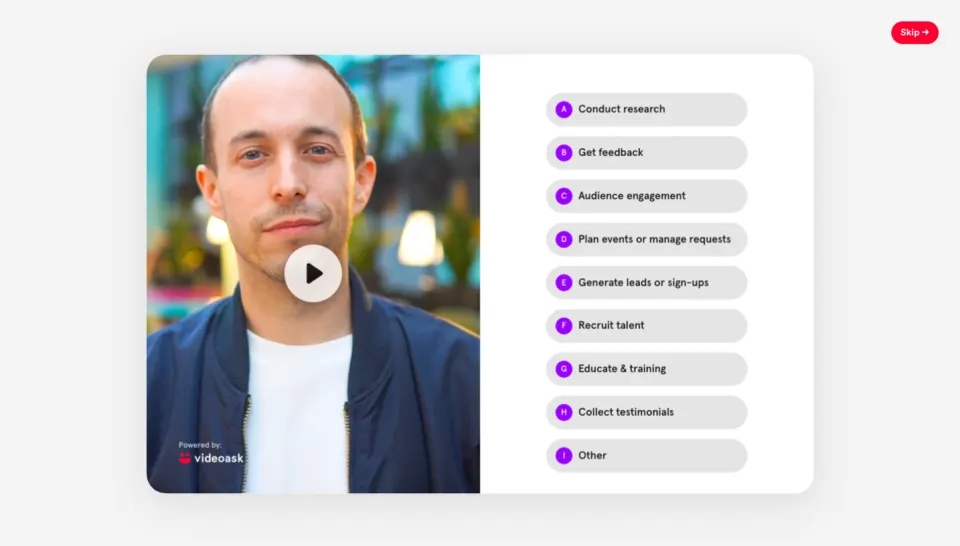
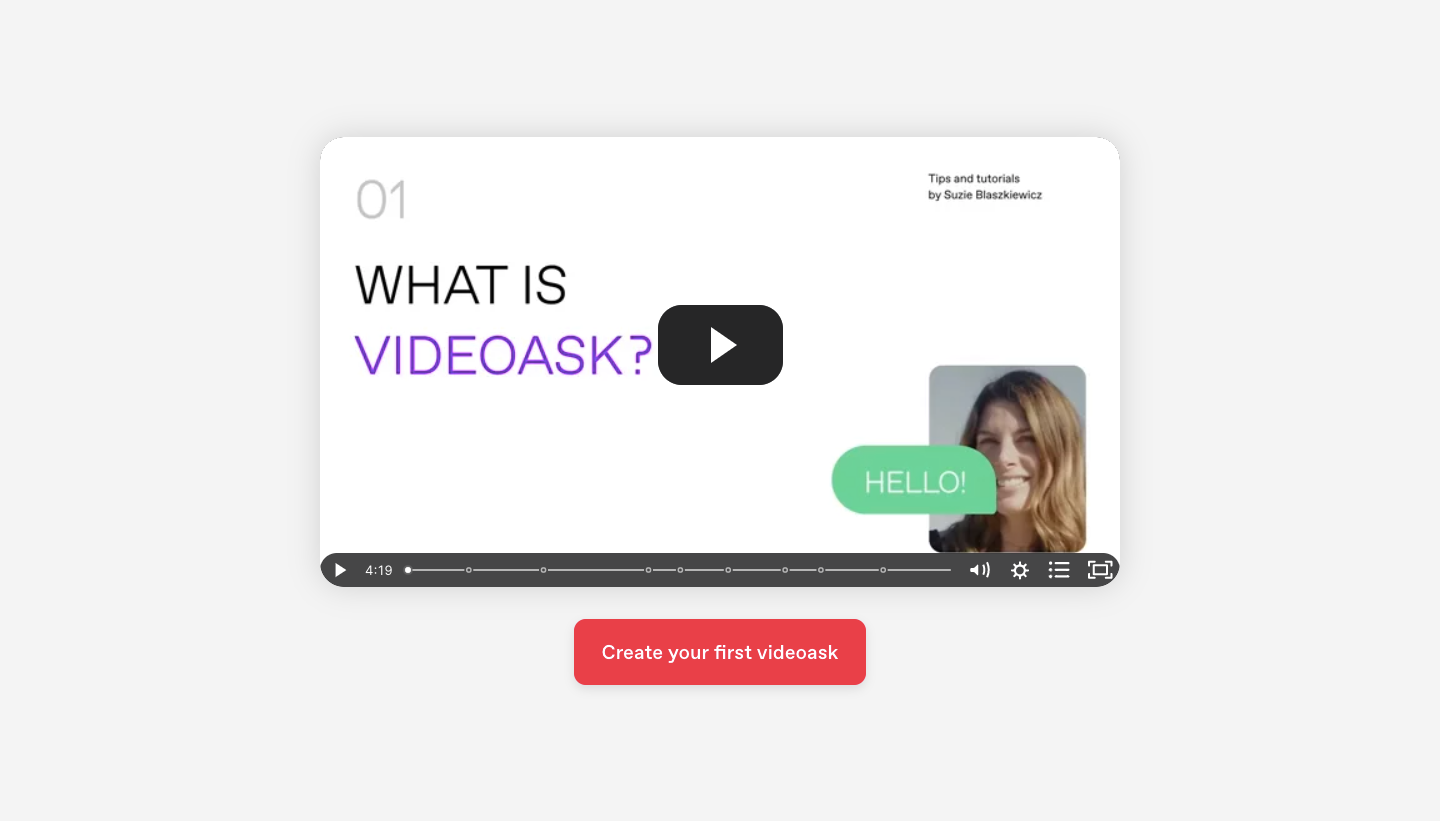
Follow VideoAsk’s user onboarding flow step by step: 8 real screens captured from the live product, from user onboarding: intro video to user onboarding: videoask live. Use ← → to move between steps, and open any screen to see it in full.
Steps in this flow
More flows from VideoAsk
All VideoAsk VideoAsk Sign Up Flow
4 screens