SaaSFrame
SaaSFrame Pro
1 more step in this flow
Free accounts see the first 3 steps of each flow. Pro unlocks every step of every flow, plus every screen, section and Copy in Figma.
VideoAsk Sign Up Flow
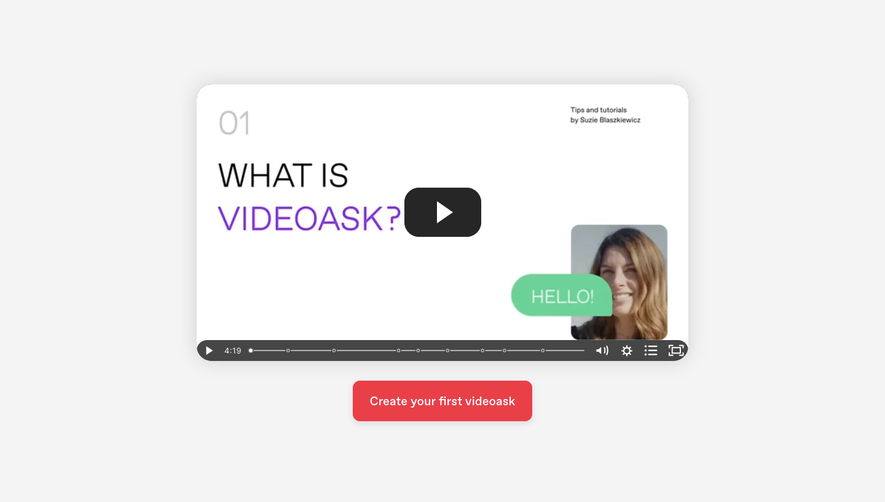
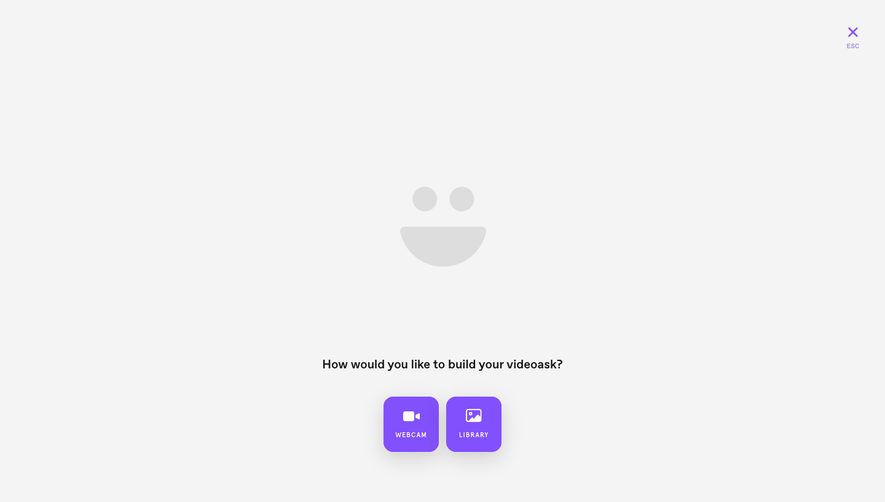
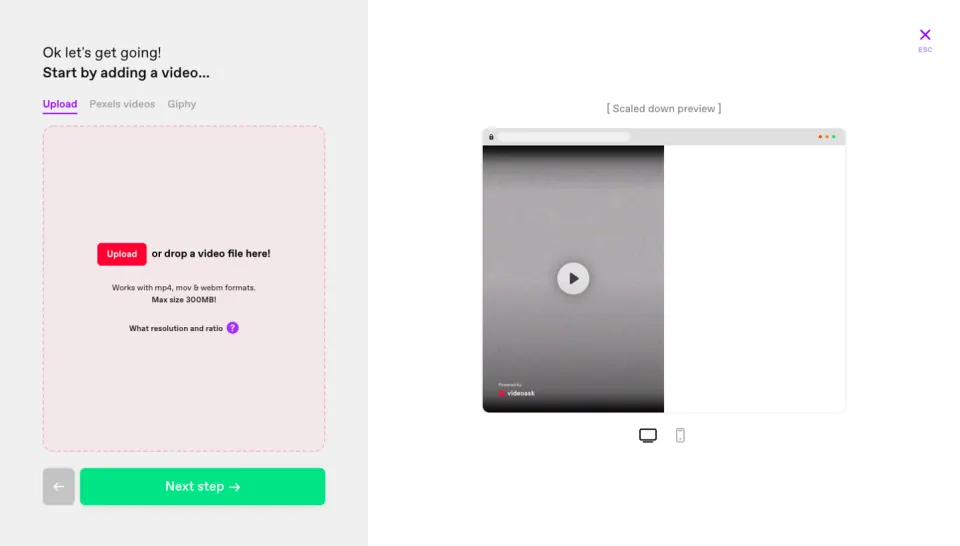
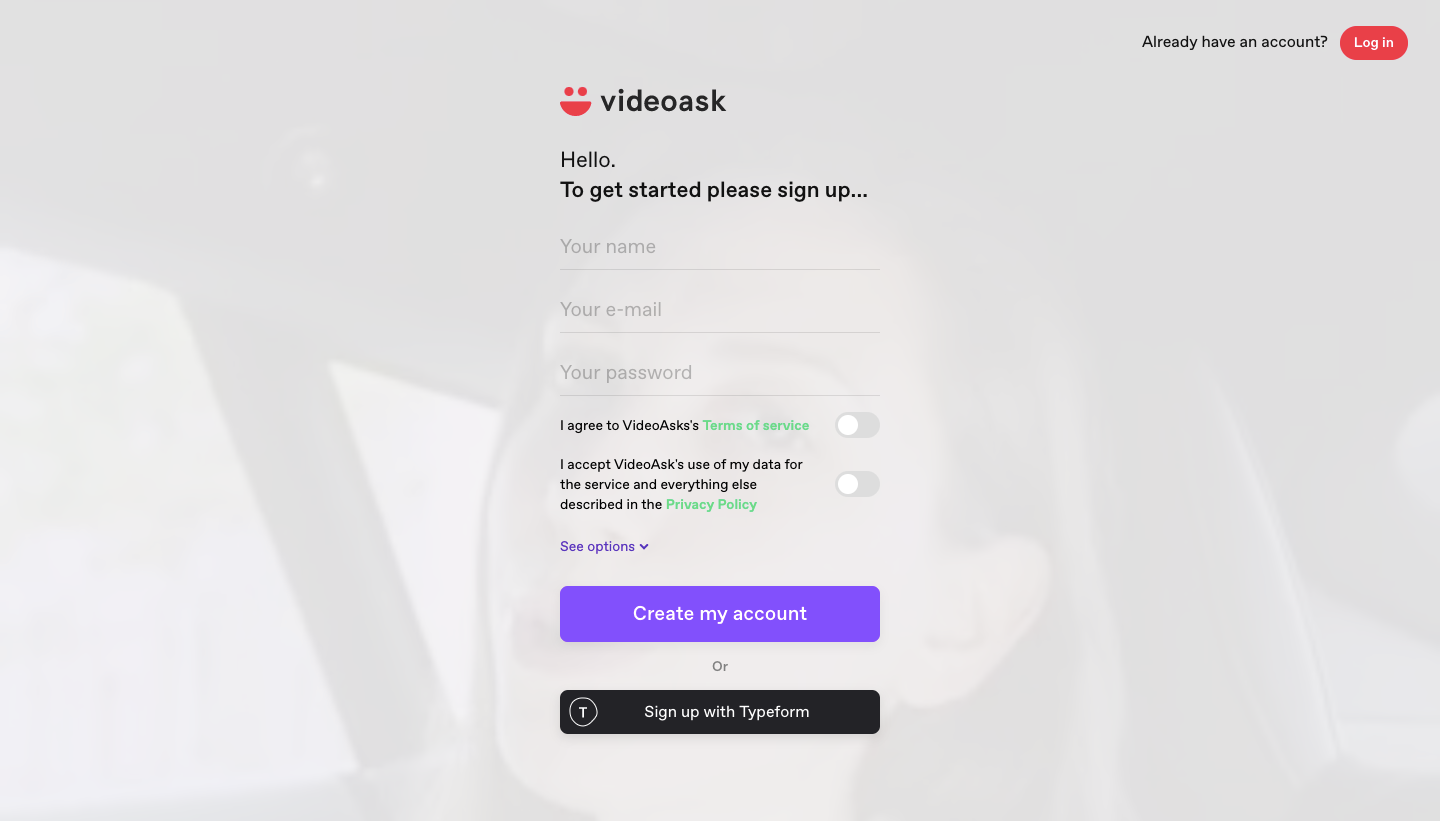
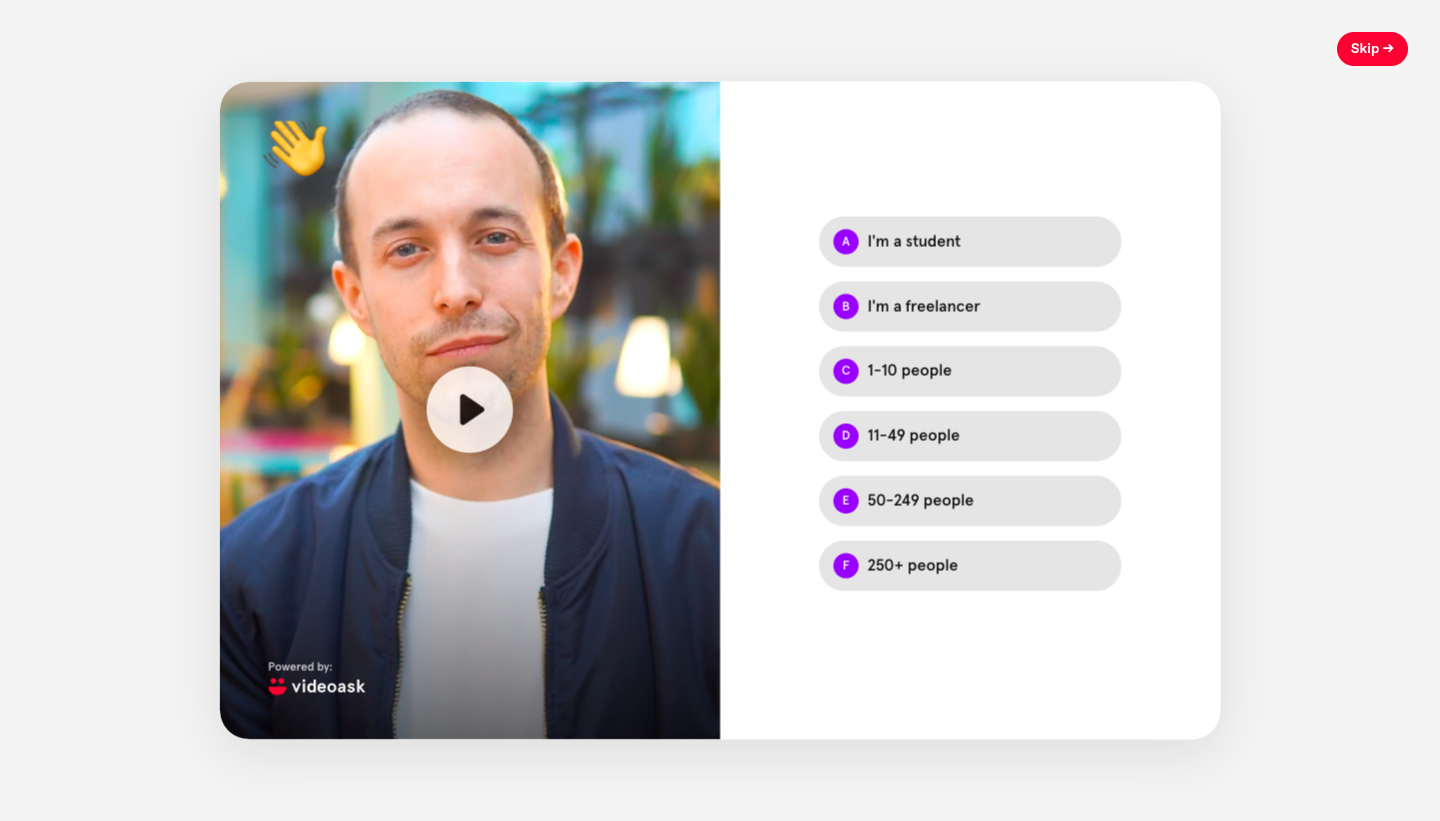
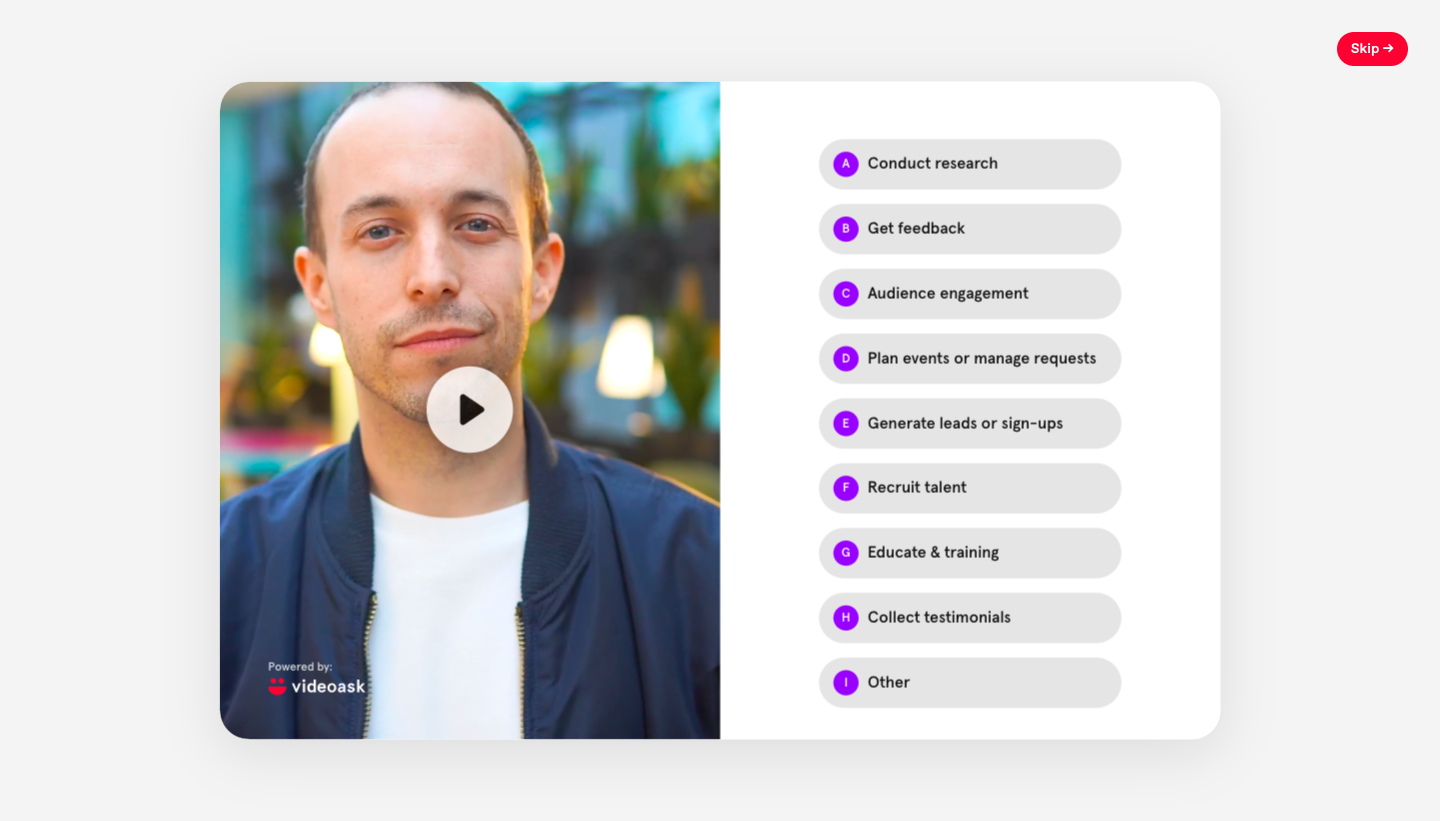
VideoAsk's sign-up flow asks its profiling questions through a recorded video of a person, with answers listed beside the clip. After a light sign-up form with consent toggles, each step shows a large video card on the left and stacked pill options with letter keys on the right. Team size, use case and referral source each take one click, and a small red skip button sits top right.
Follow VideoAsk’s sign up flow flow step by step: 4 real screens captured from the live product, from sign up page to sign up flow: referral source. Use ← → to move between steps, and open any screen to see it in full.
Steps in this flow
More flows from VideoAsk
All VideoAsk VideoAsk User Onboarding
8 screens