SaaSFrame
1 more step in this flow
Free accounts see the first 3 steps of each flow. Pro unlocks every step of every flow, plus every screen, section and Copy in Figma.
Upflow User Onboarding
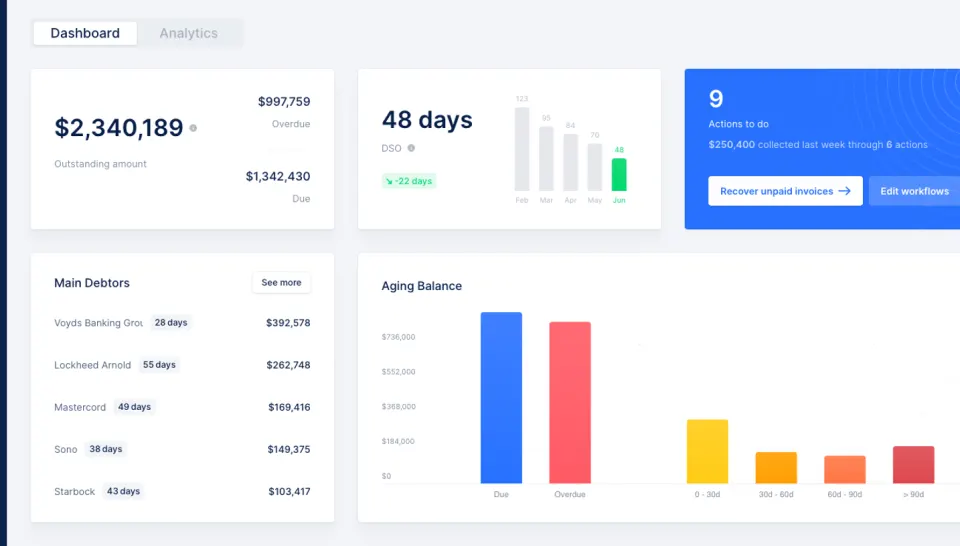
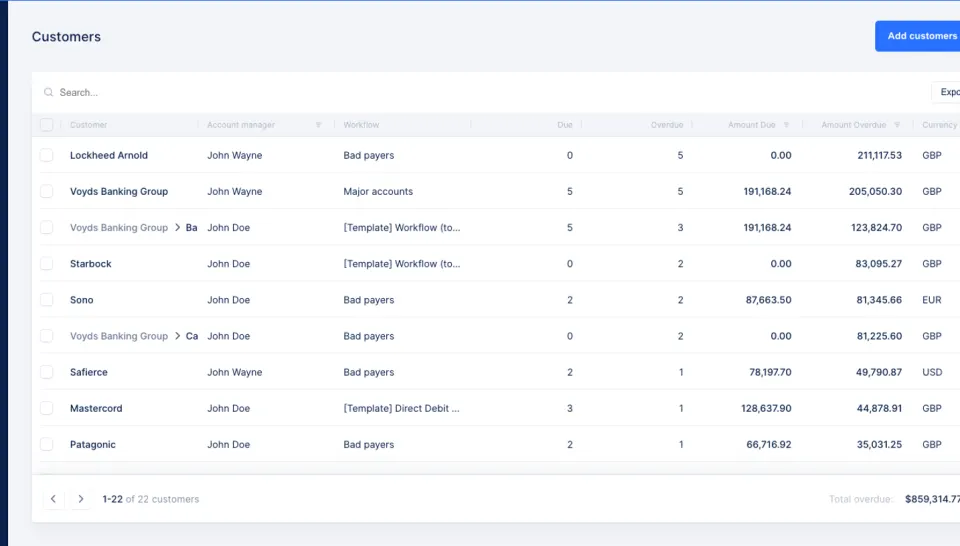
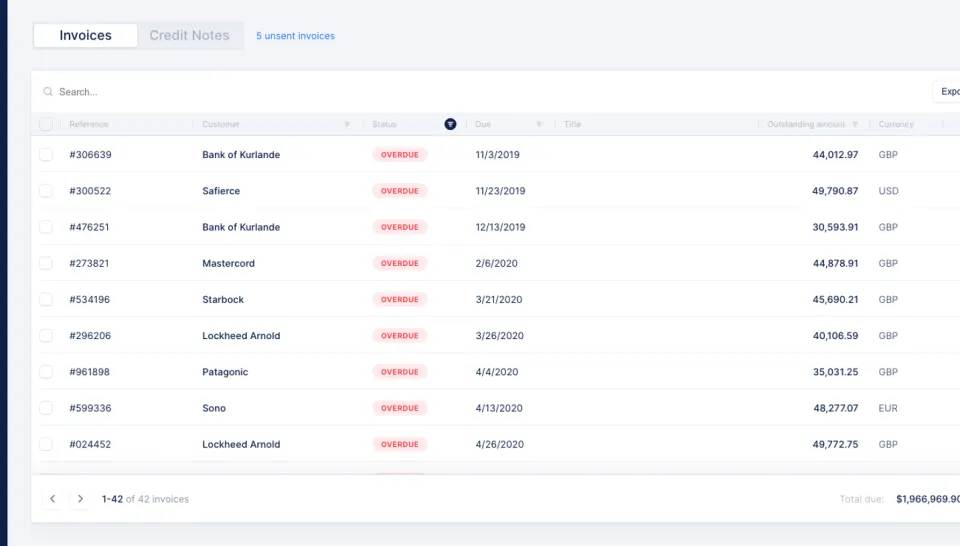
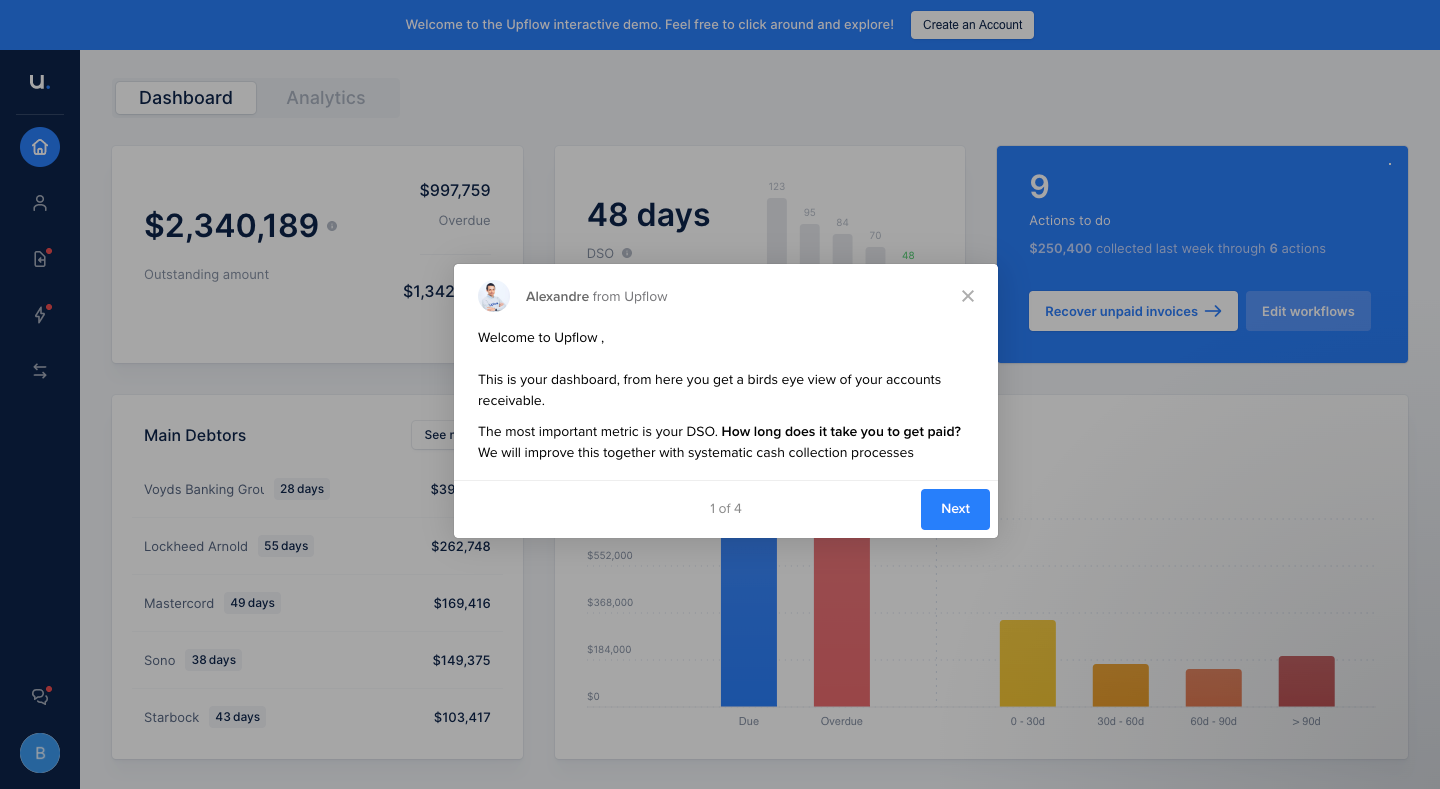
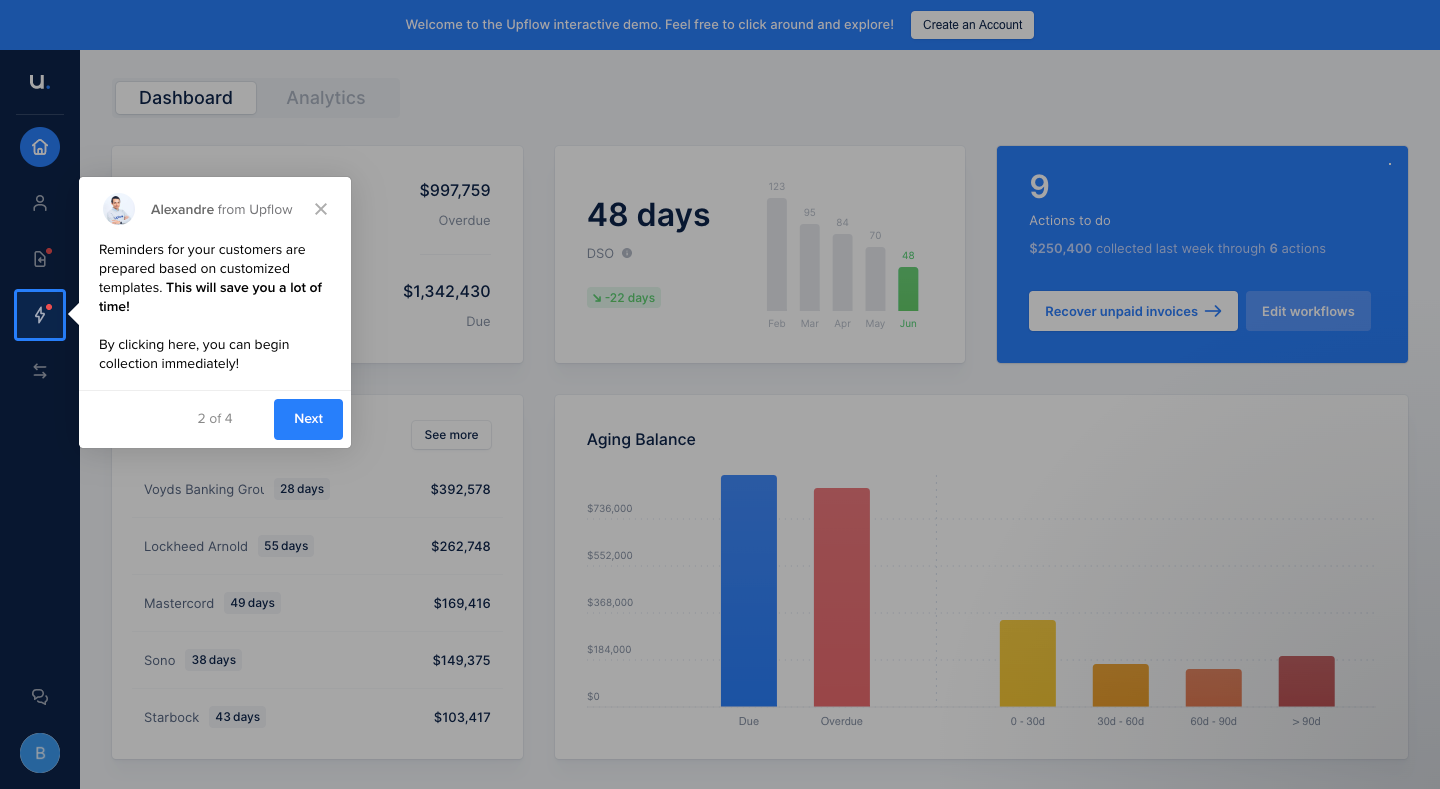
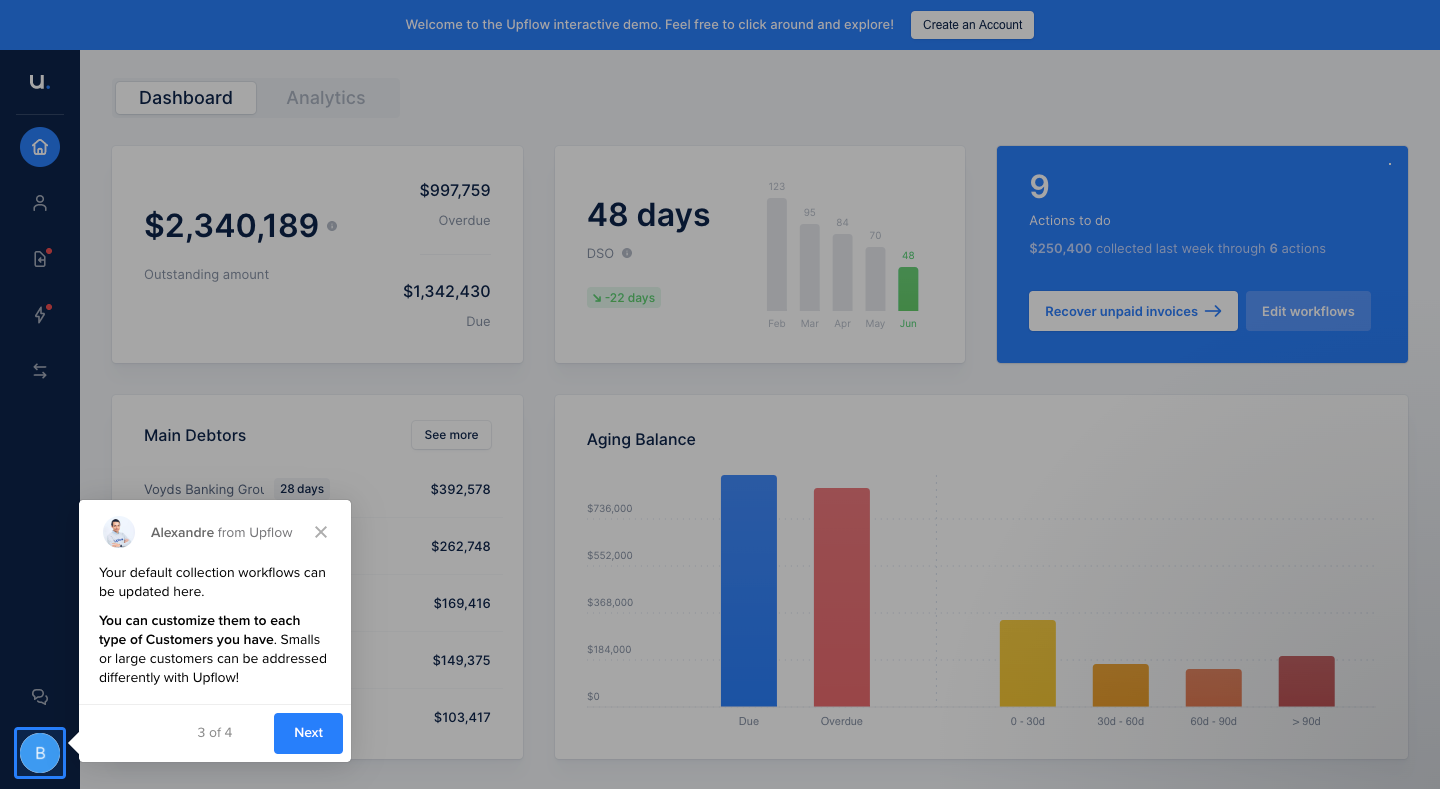
Upflow's onboarding tour uses four tooltips over a dimmed demo dashboard to explain receivables, workflows and help. Each white tooltip carries a small avatar header, a few lines of copy, a step counter and a blue next button. The tooltips hop from the center of the screen to icons in the dark left sidebar, pointing at the exact element they describe while charts and figures stay visible behind.
Follow Upflow’s user onboarding flow step by step: 4 real screens captured from the live product, from user onboarding: welcome tooltip to user onboarding: help tooltip. Use ← → to move between steps, and open any screen to see it in full.
Steps in this flow
More flows from Upflow
All Upflow Upflow Dashboard
5 screens