SaaSFrame
2 more steps in this flow
Free accounts see the first 3 steps of each flow. Pro unlocks every step of every flow, plus every screen, section and Copy in Figma.
Upflow Dashboard
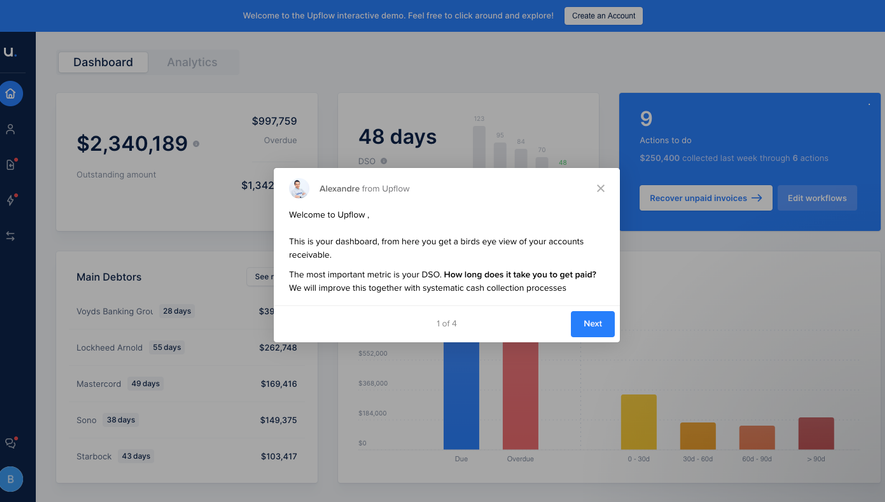
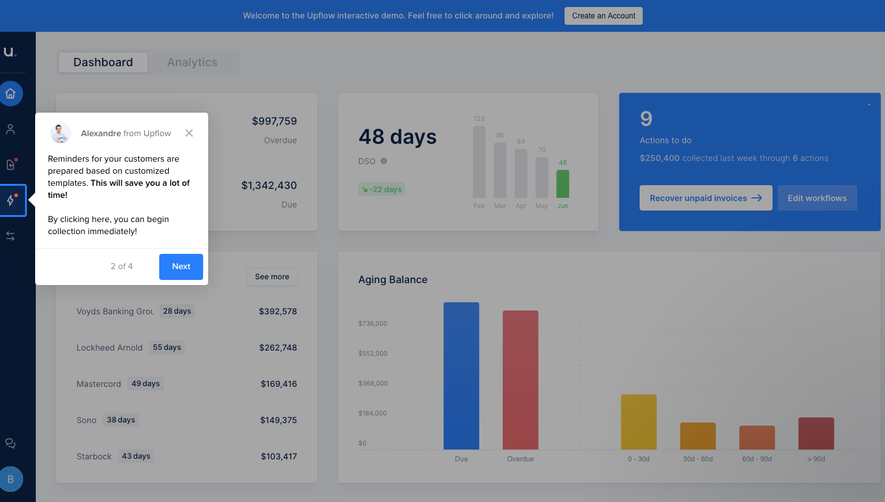
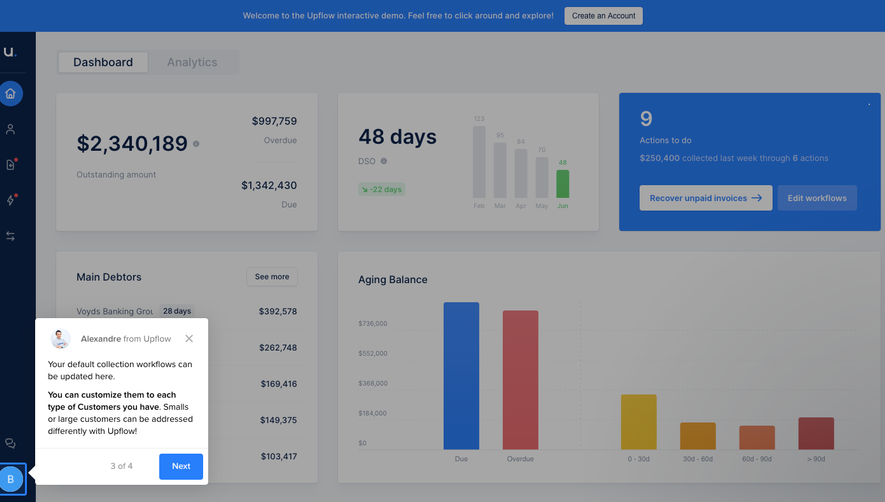
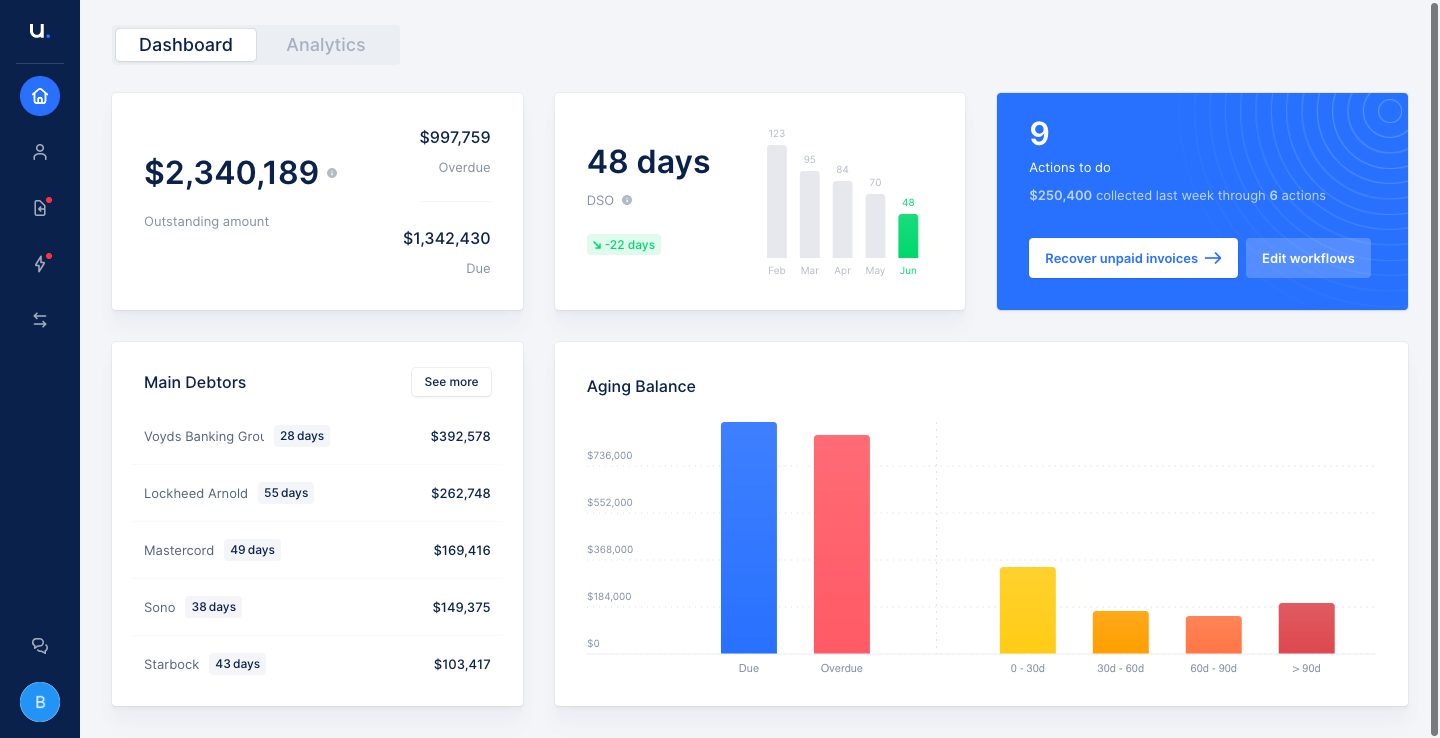
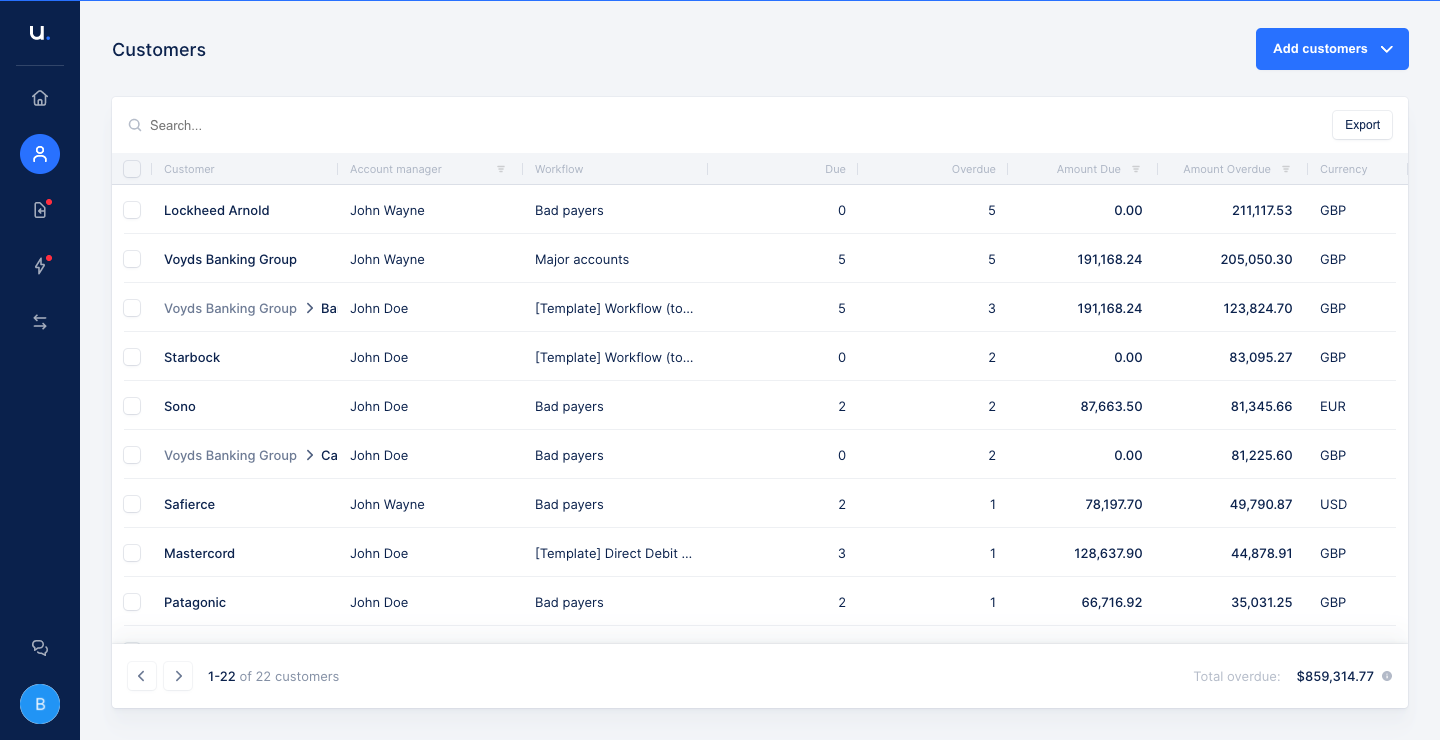
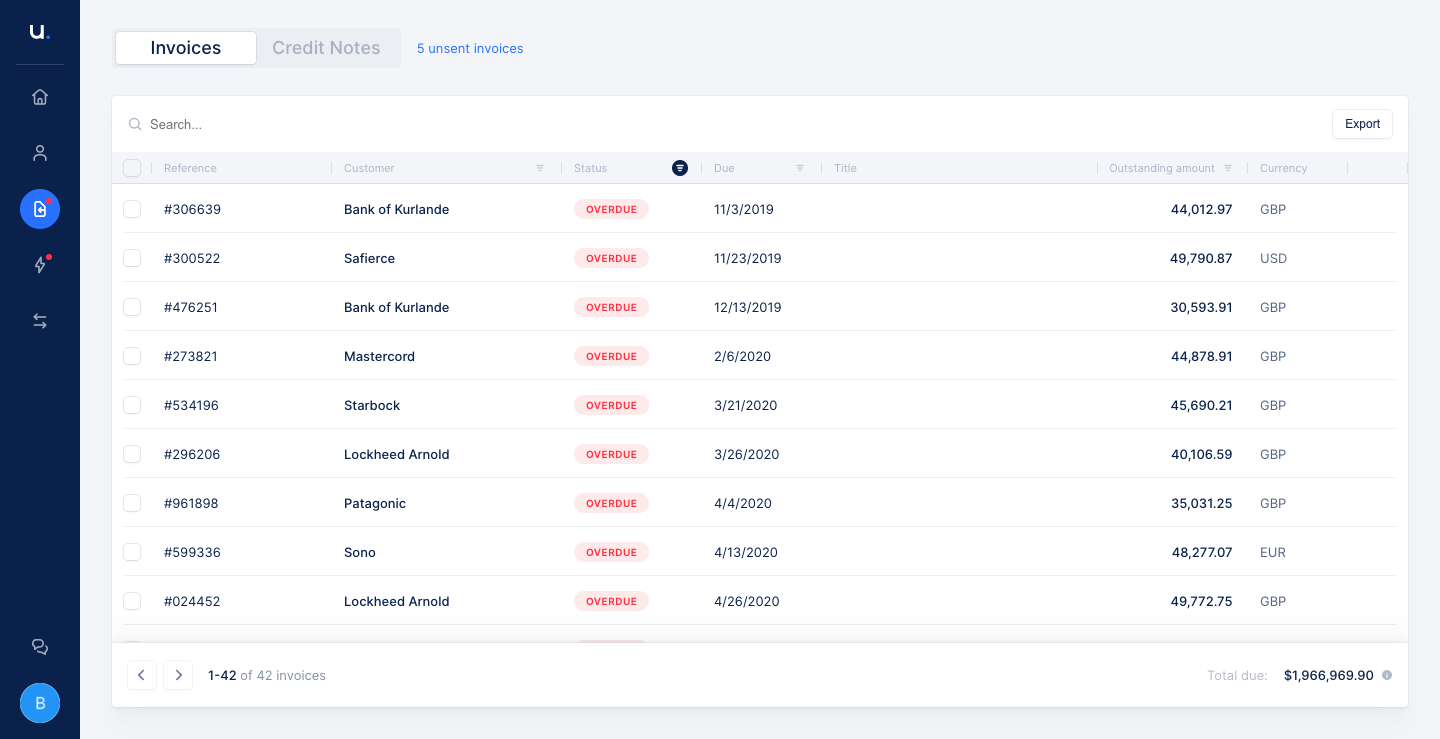
Upflow's dashboard tour covers five views of a receivables app, from a KPI overview to customer, invoice, action and payment lists. The overview uses large figures, a bright blue action card and a colorful aging bar chart. The list views share dense tables with search, pagination and colored status tags, while the collection actions screen splits into a queue, an email composer and a timeline.
Follow Upflow’s dashboard flow step by step: 5 real screens captured from the live product, from dashboard: overview to dashboard: payments list. Use ← → to move between steps, and open any screen to see it in full.
Steps in this flow
More flows from Upflow
All Upflow Upflow User Onboarding
4 screens