 SaaSFrame
SaaSFrame Pro
1 more step in this flow
Free accounts see the first 3 steps of each flow. Pro unlocks every step of every flow, plus every screen, section and Copy in Figma.

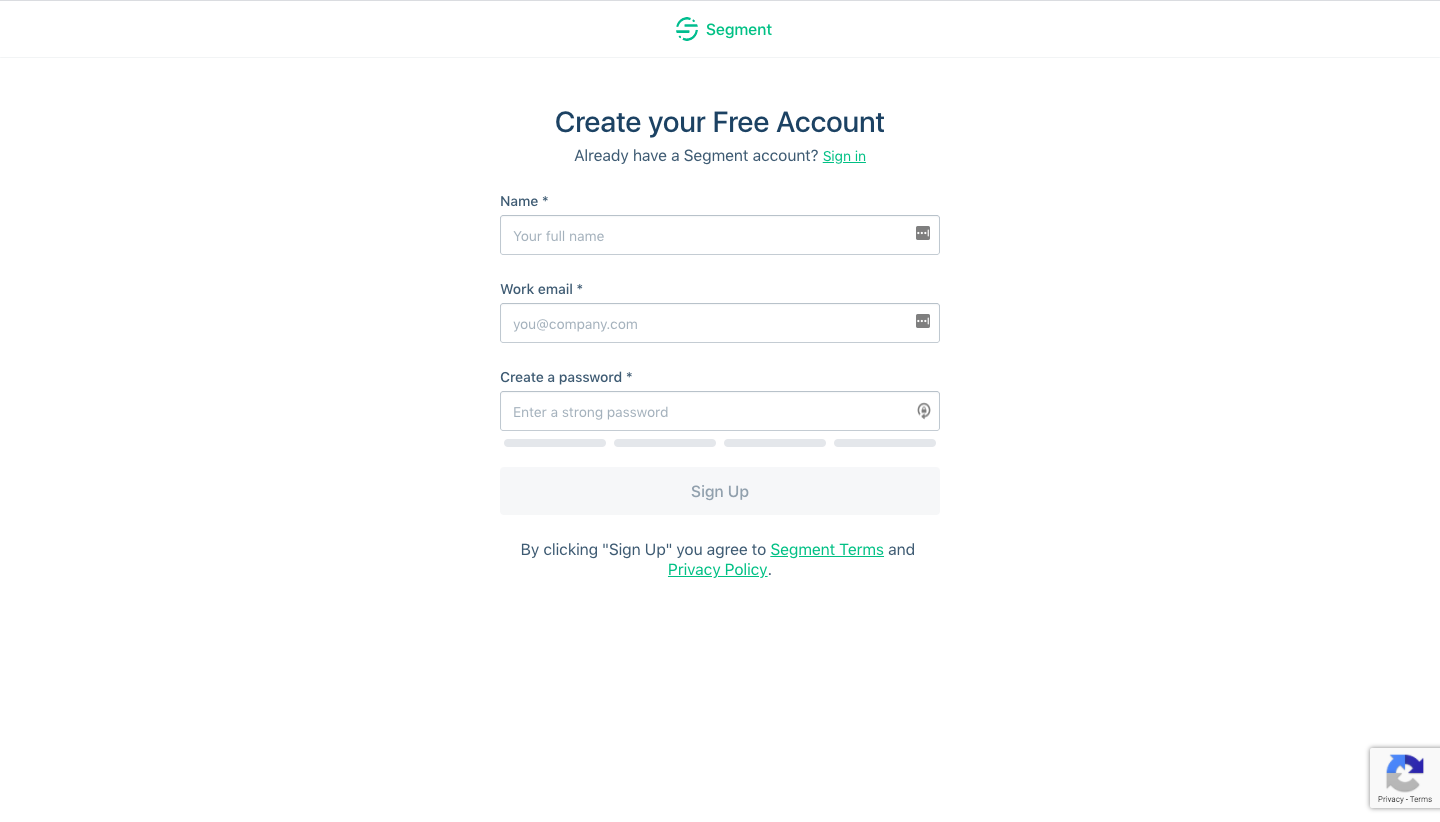
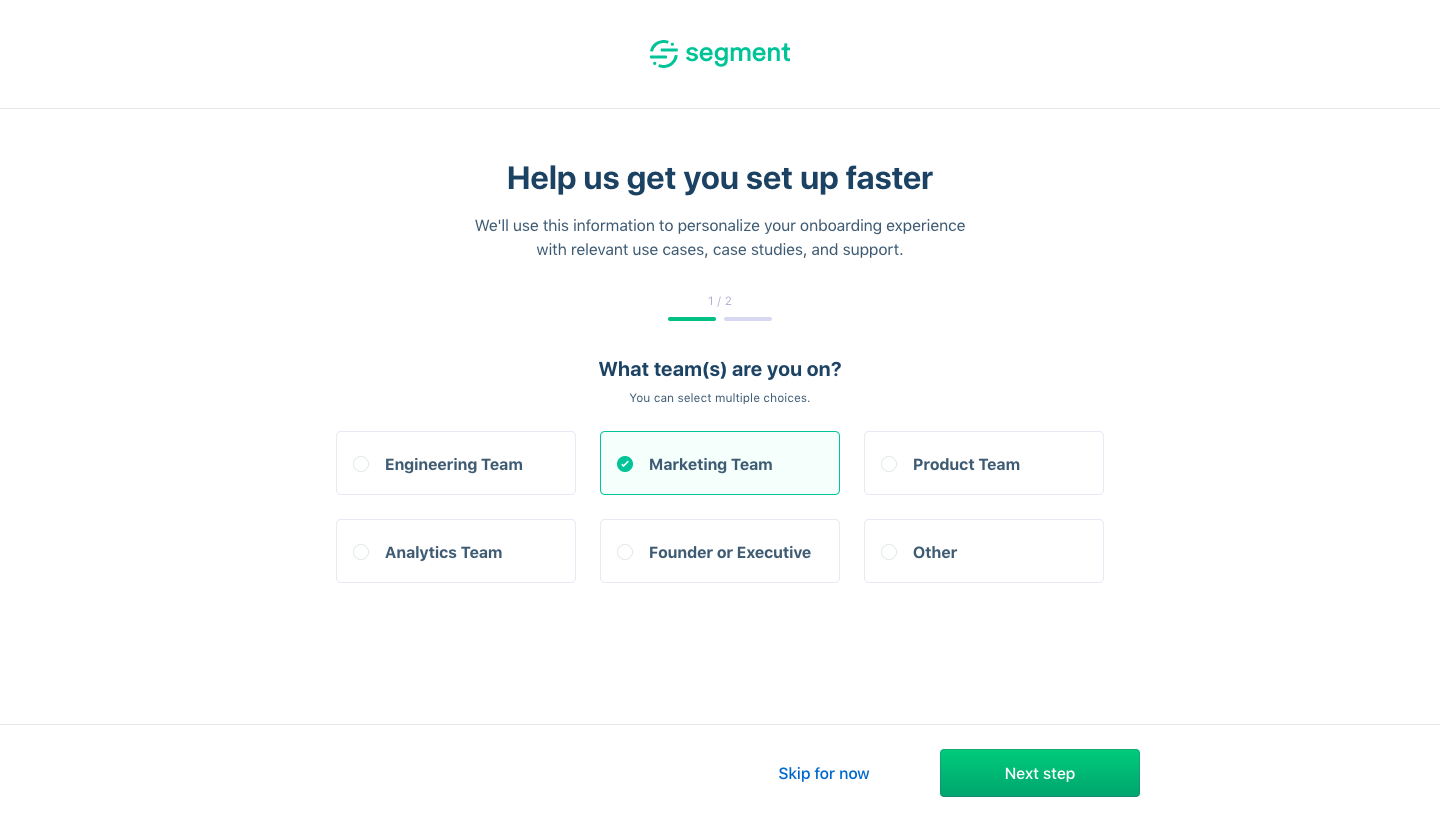
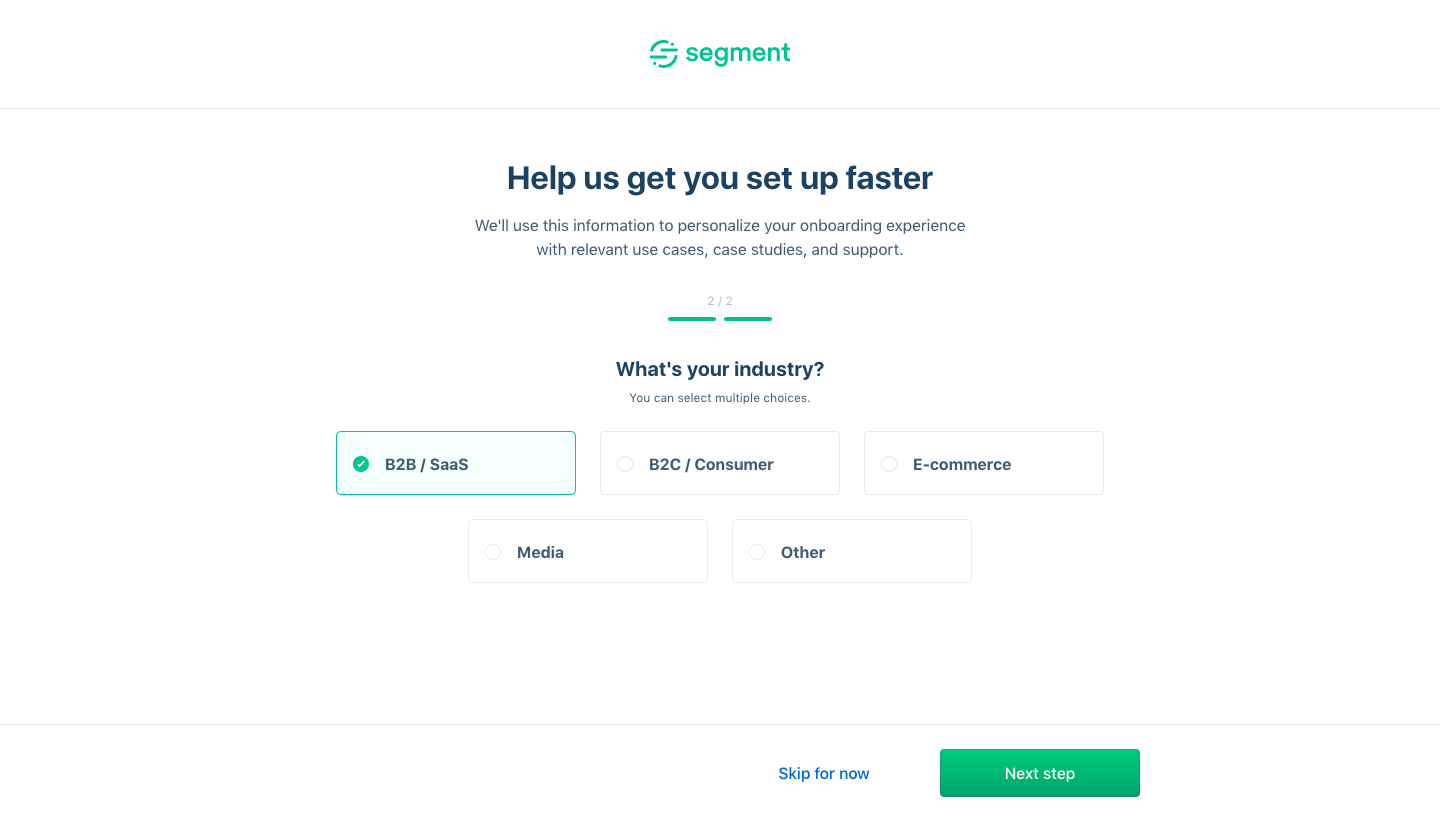
Segment Sign Up Flow
Segment's sign-up flow moves from a plain account form to a getting-started dashboard in four clean screens with green accents. Two personalization steps share one layout: a short progress bar, a grid of selectable chips for team and industry, and a skip link beside the green next button. The final screen lands in the app with a three-column checklist where locked steps wait for the first source.
Follow Segment’s sign up flow flow step by step: 4 real screens captured from the live product, from sign up page to sign up flow: getting started. Use ← → to move between steps, and open any screen to see it in full.