 SaaSFrame
SaaSFrame Pro
3 more steps in this flow
Free accounts see the first 3 steps of each flow. Pro unlocks every step of every flow, plus every screen, section and Copy in Figma.

Retell AI Onboarding
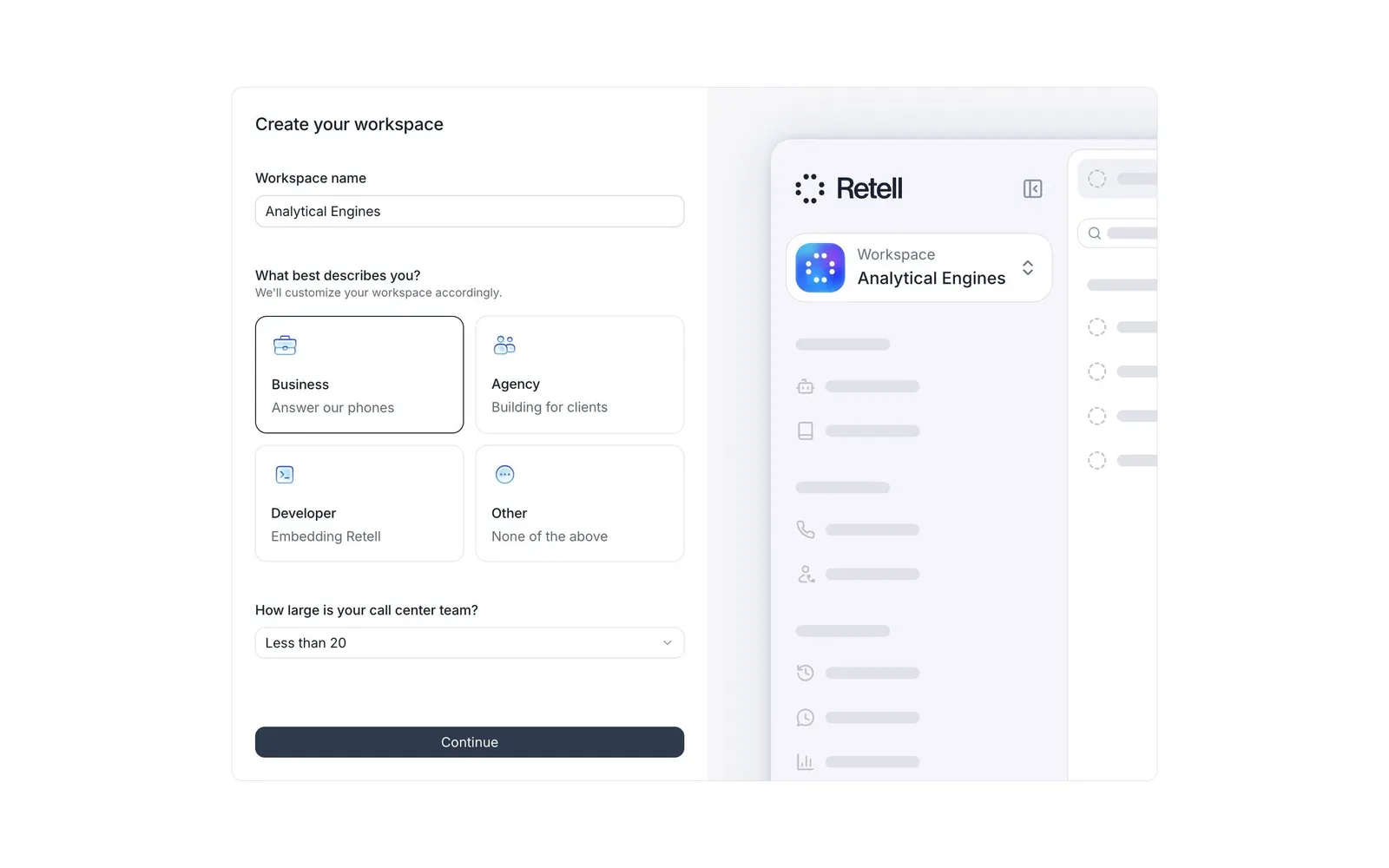
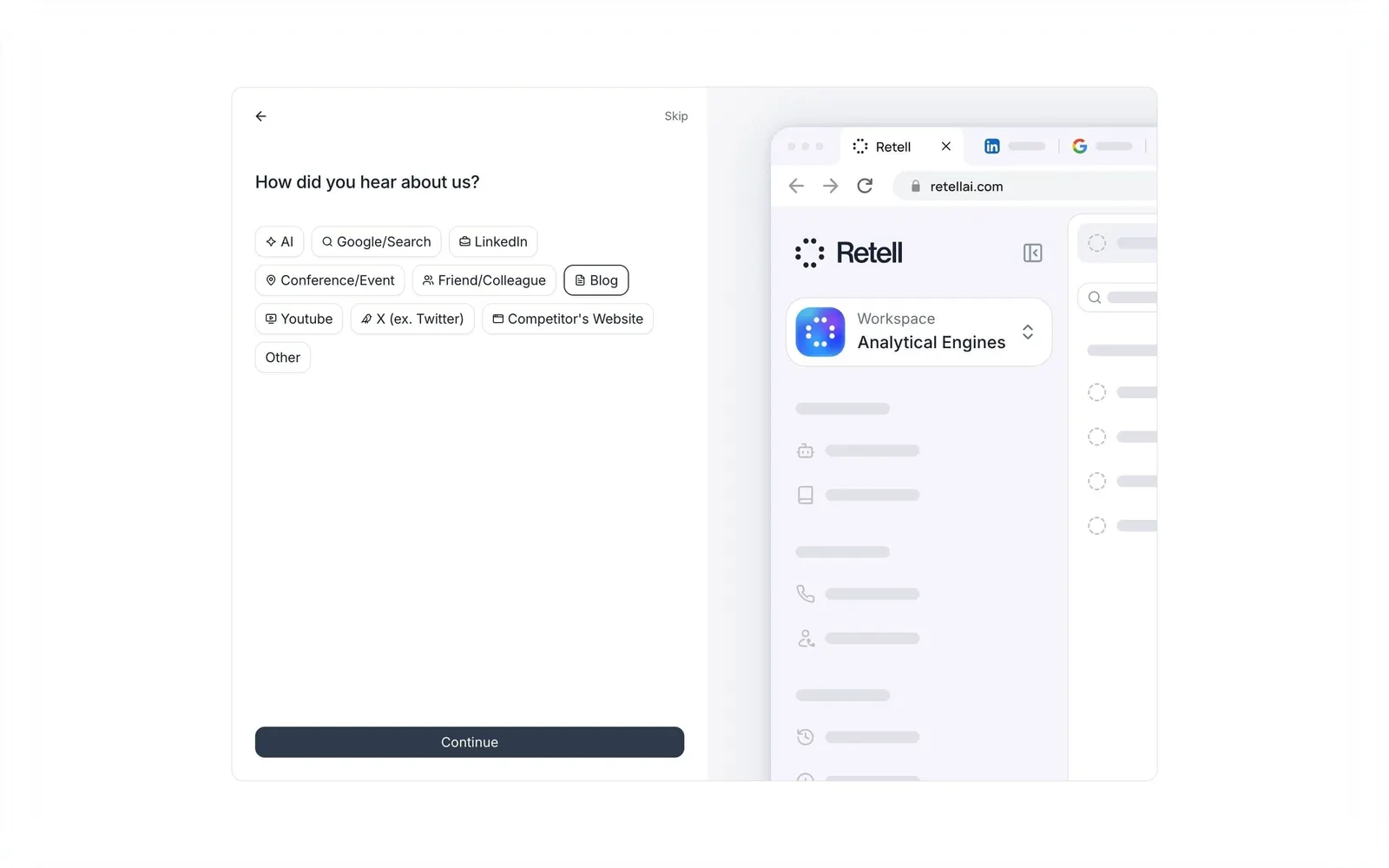
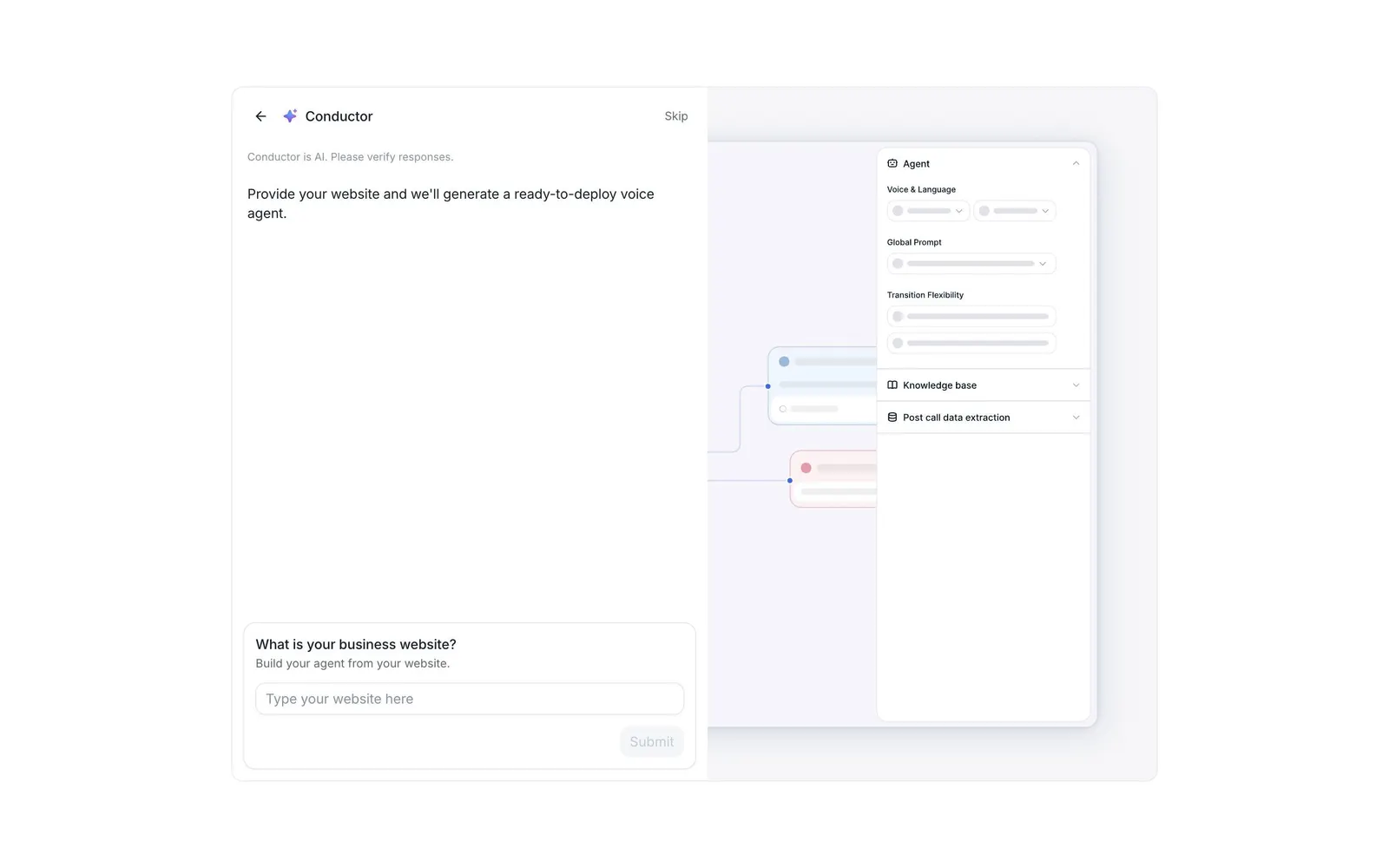
Retell AI's onboarding creates a workspace, asks one attribution question, then hands over to Conductor, its AI assistant, which builds a first voice agent from a website or a short form. The flow ends in the agent builder with a getting-started checklist. Each step pairs a compact form with a live skeleton of the product on a pale lavender background.
Follow Retell AI’s onboarding flow step by step: 6 real screens captured from the live product, from onboarding create workspace to agent builder. Use ← → to move between steps, and open any screen to see it in full.