 SaaSFrame
9 more steps in this flow
Free accounts see the first 3 steps of each flow. Pro unlocks every step of every flow, plus every screen, section and Copy in Figma.

Payfit Invite Team Members
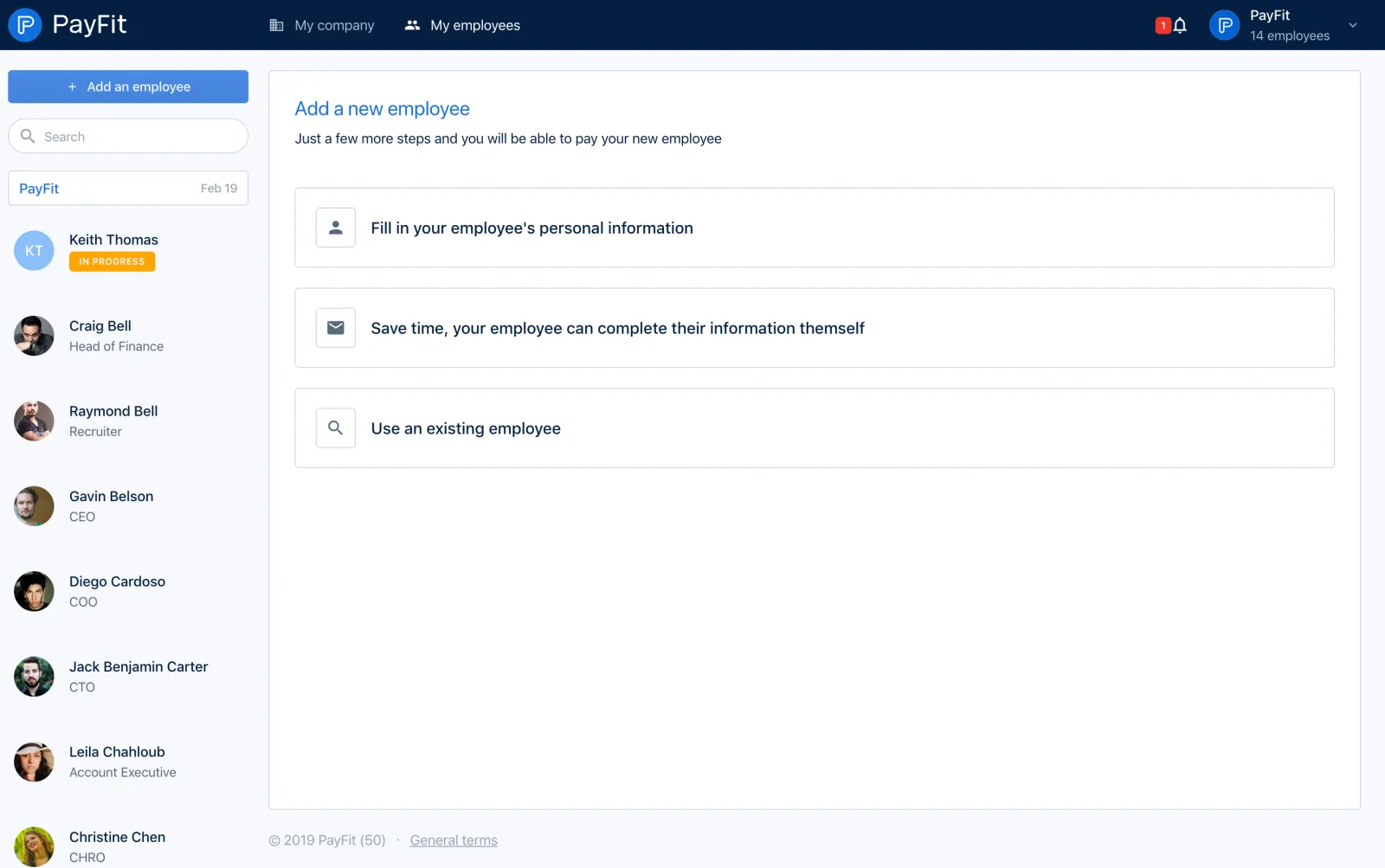
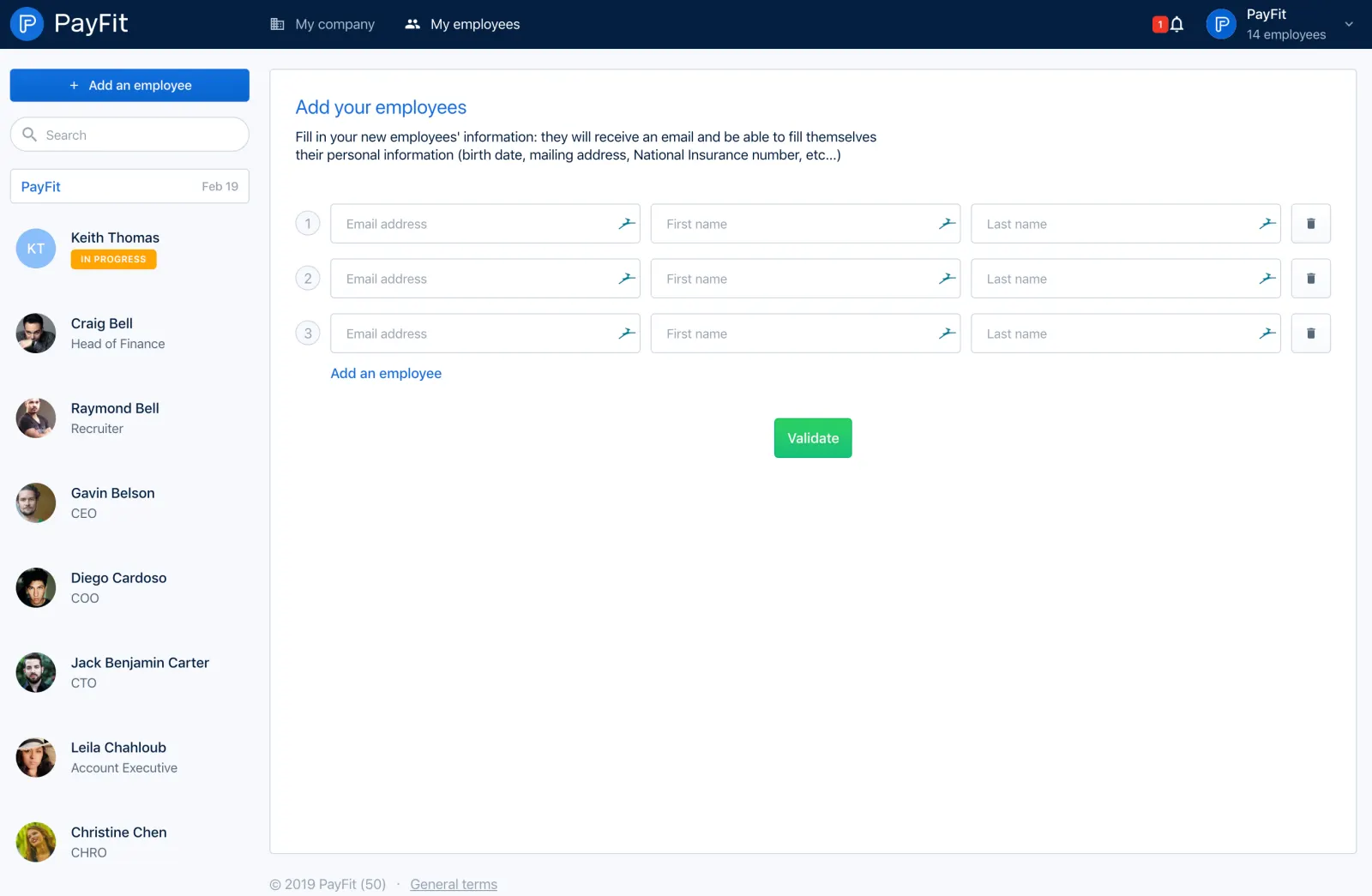
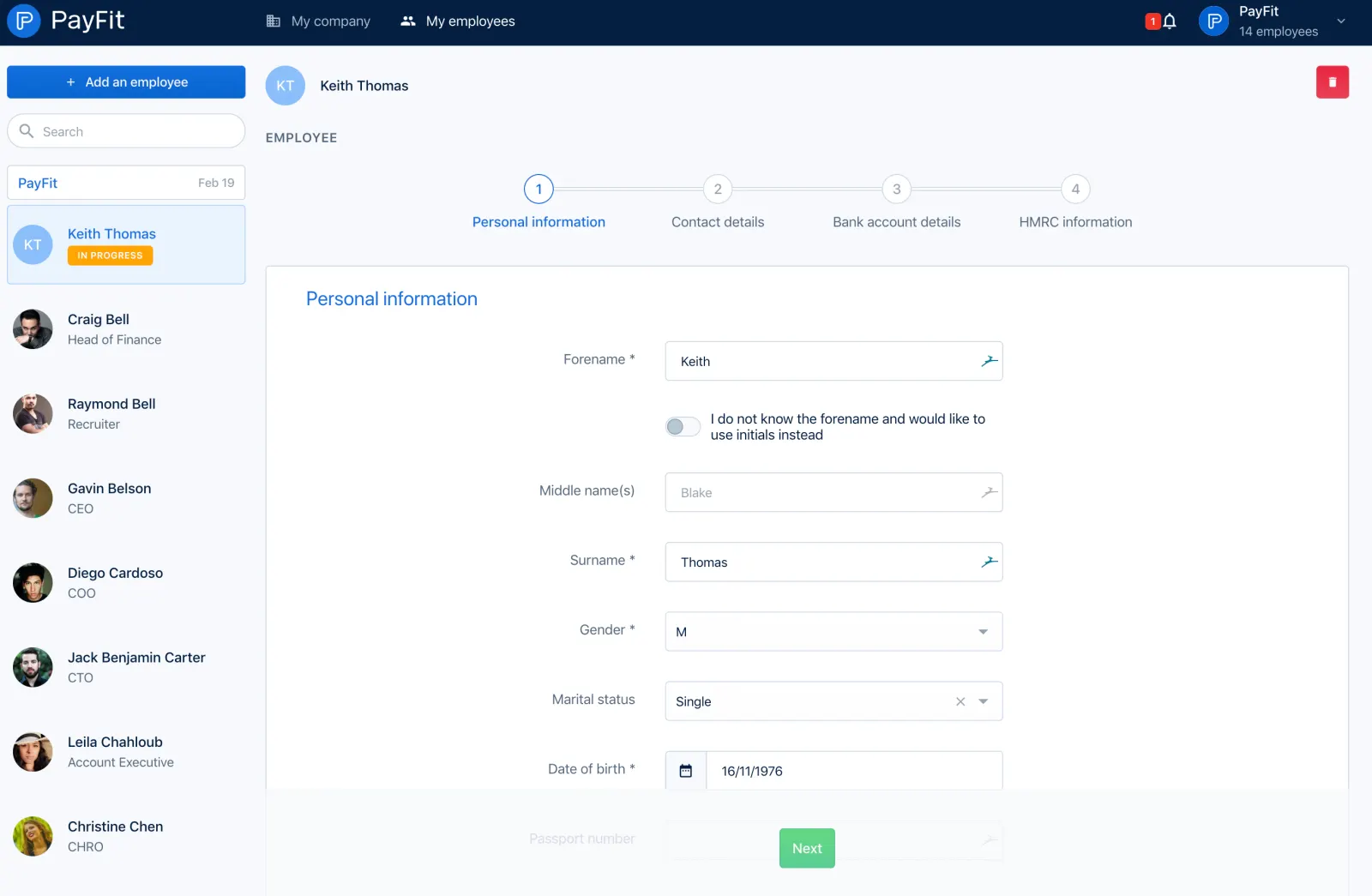
PayFit's add employee flow is a long payroll form, from choosing who fills in the details to UK tax, pension and starter checklist screens. Next to a persistent employee list on the left, each section uses a horizontal stepper, right-aligned labels and green next buttons. Later steps open as full-width modals with yellow notice banners and radio choices for previous employment.
Follow Payfit’s invite team members flow step by step: 12 real screens captured from the live product, from invite team members: choose method to invite team members: starter checklist. Use ← → to move between steps, and open any screen to see it in full.
Steps in this flow
- 1Invite Team Members: Choose Method
- 2Invite Team Members: Employee Emails
- 3Invite Team Members: Personal Information
- 4Invite Team Members: Contact Details
- 5Invite Team Members: Bank Account
- 6Invite Team Members: HMRC Information
- 7Invite Team Members: Salary Details
- 8Invite Team Members: Working Hours
- 9Invite Team Members: Contract General Information
- 10Invite Team Members: Pensions
- 11Invite Team Members: P45 Information
- 12Invite Team Members: Starter Checklist