SaaSFrame
Miro Upgrading
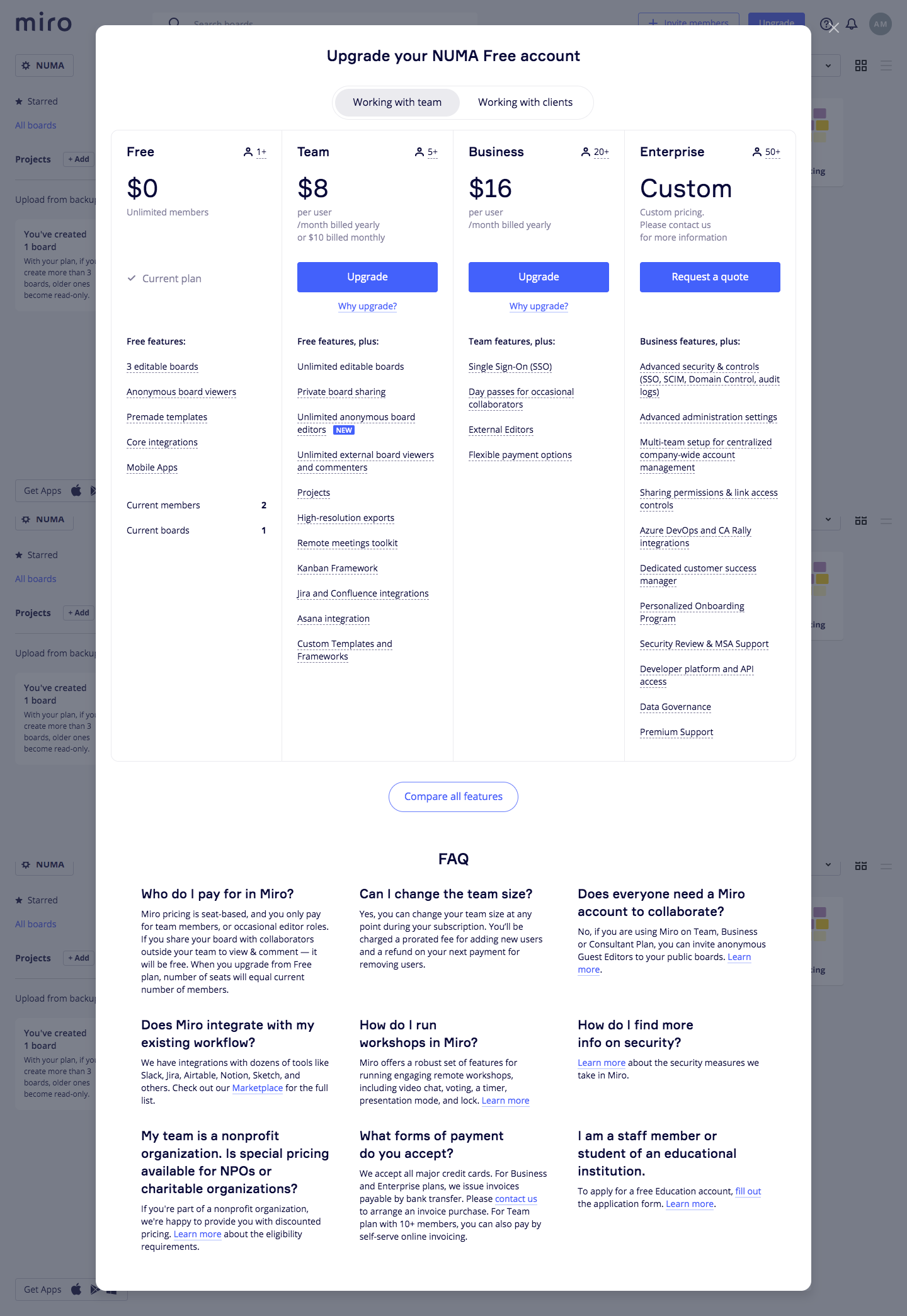
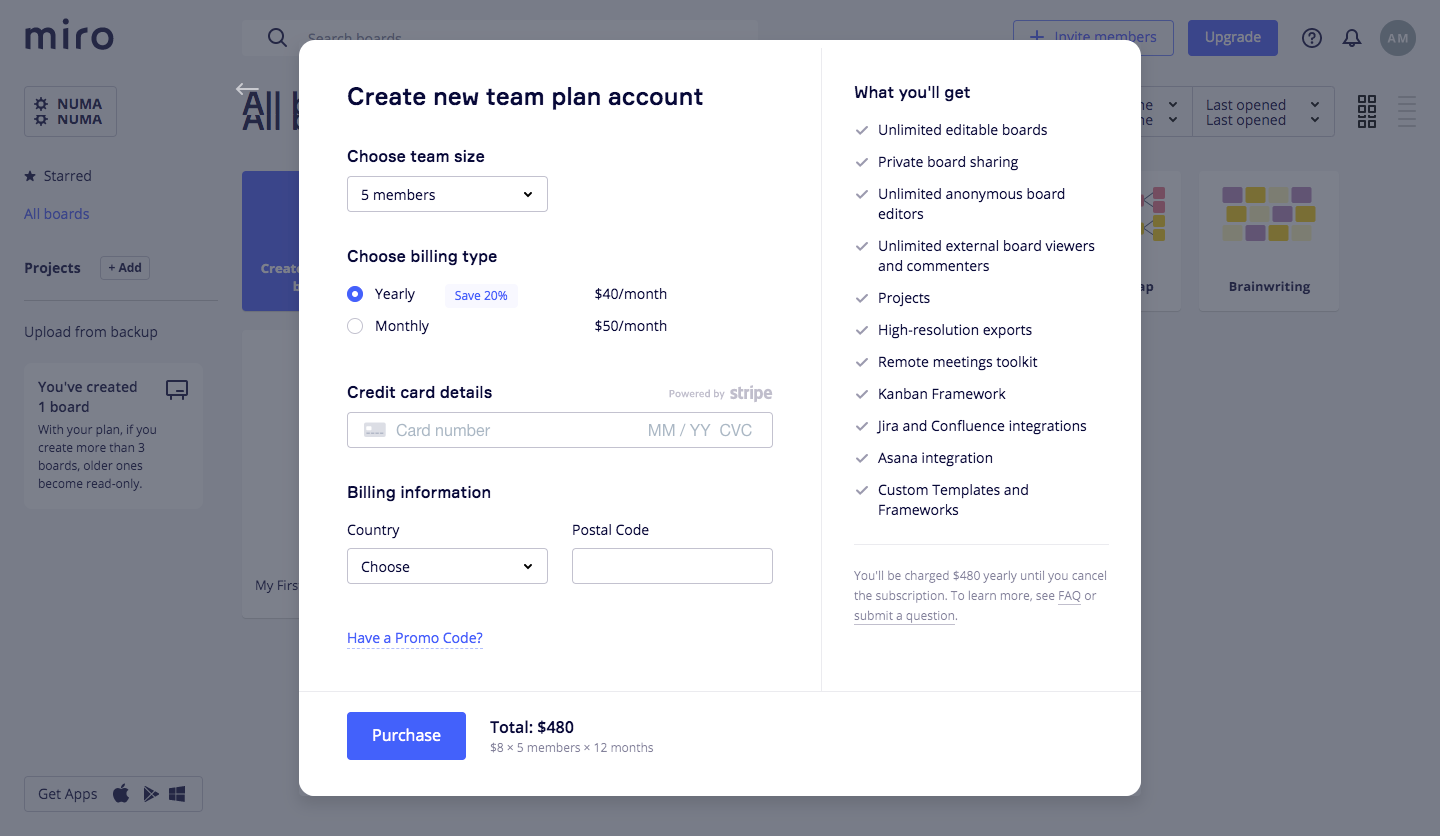
Miro's upgrade flow takes a free workspace to a paid team plan in two modal steps over the dimmed board view. The first modal compares Free, Team, Business and Enterprise in four columns with large prices, blue Upgrade buttons and feature lists, plus a team or clients toggle. Checkout splits into team size, billing period radios, card and billing fields on the left and a checklist of included features on the right.
Follow Miro’s upgrading flow step by step: 2 real screens captured from the live product, from upgrading to checkout. Use ← → to move between steps, and open any screen to see it in full.
Steps in this flow
More flows from Miro
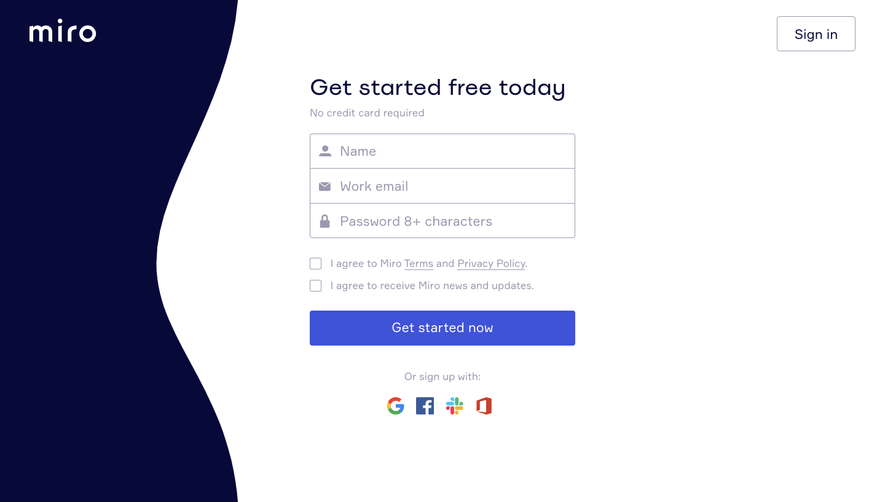
All Miro Miro Sign Up Flow
7 screens
Miro Invite Team Members
1 screen