SaaSFrame
4 more steps in this flow
Free accounts see the first 3 steps of each flow. Pro unlocks every step of every flow, plus every screen, section and Copy in Figma.
Miro Sign Up Flow
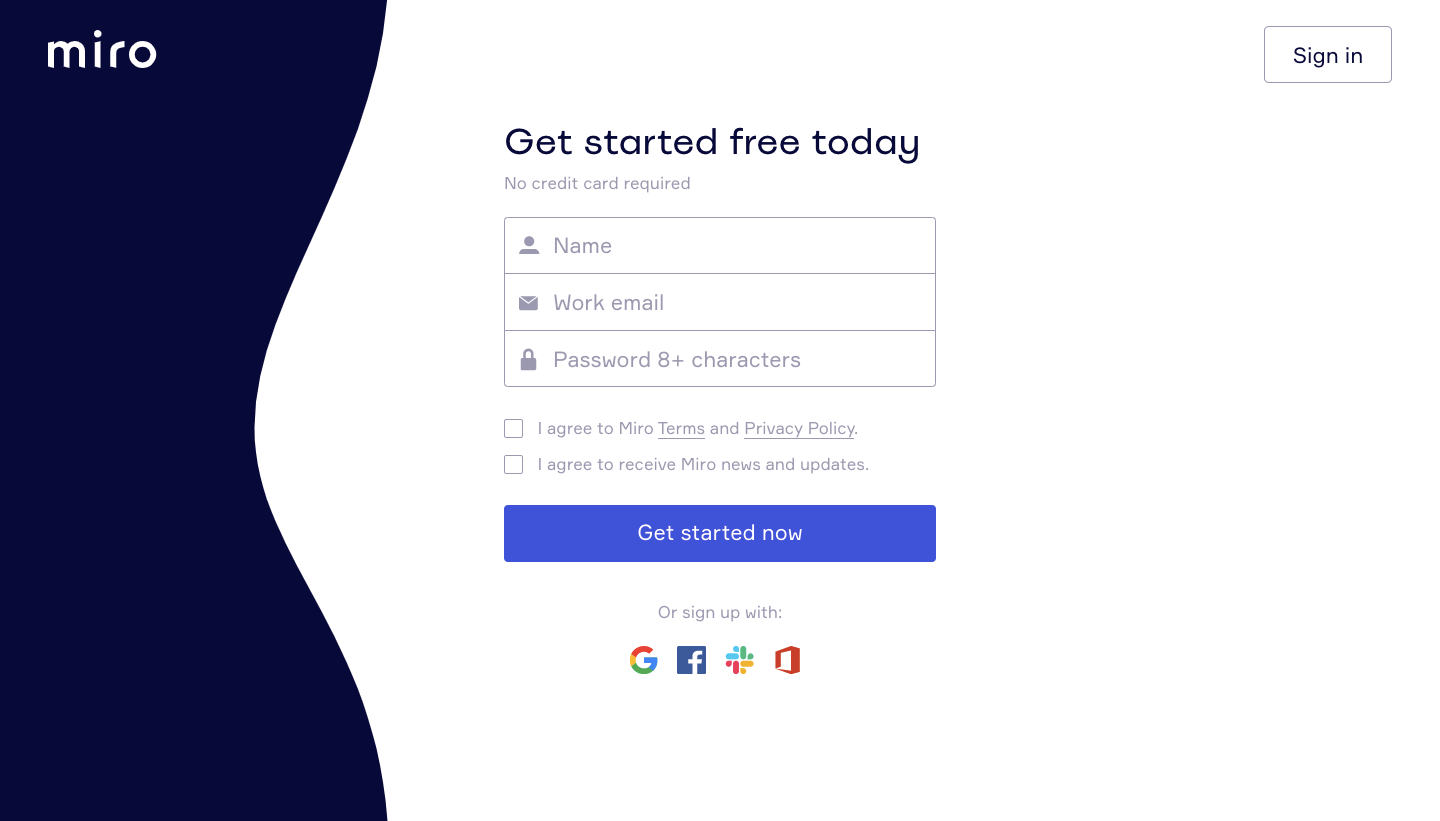
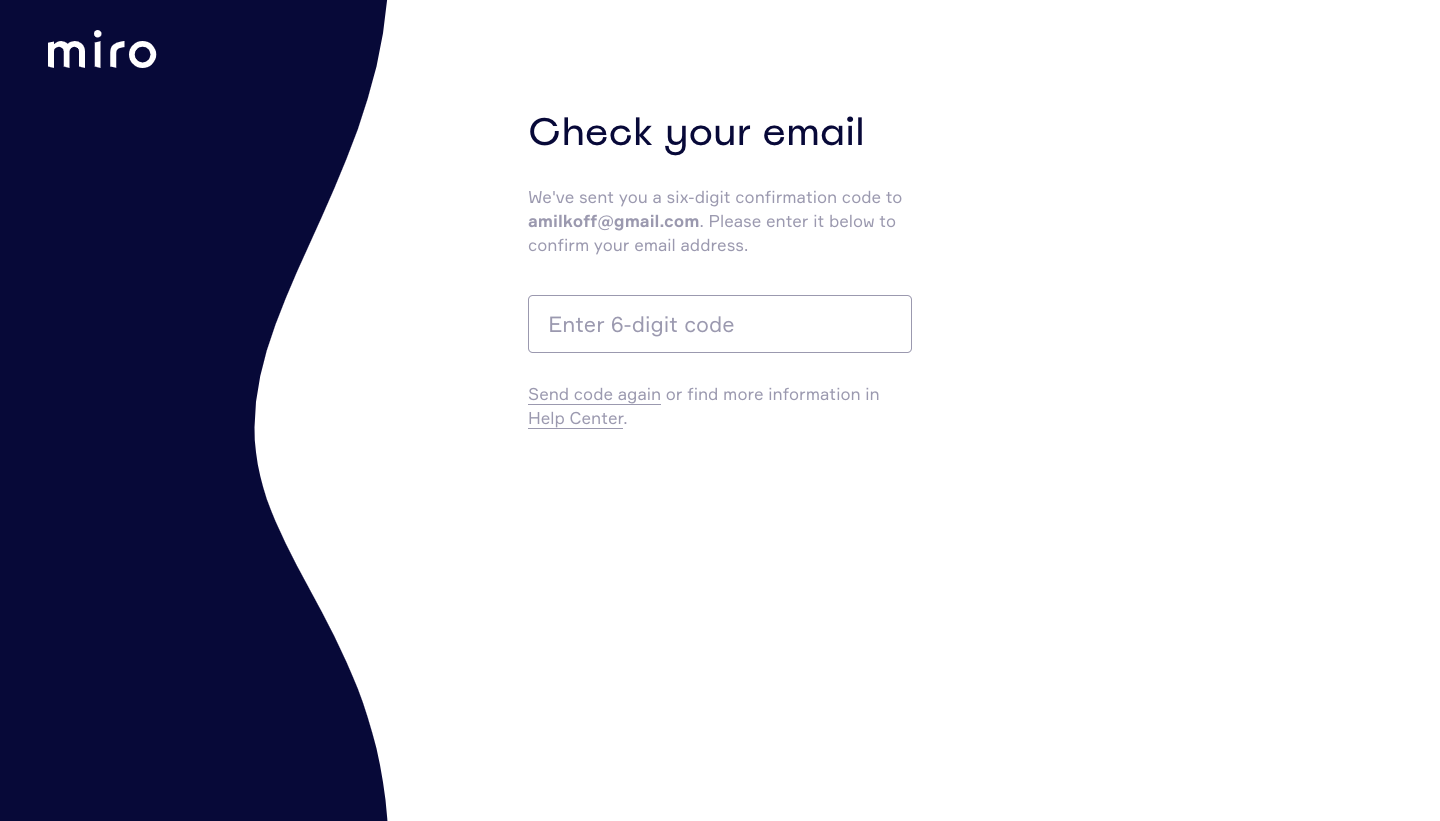
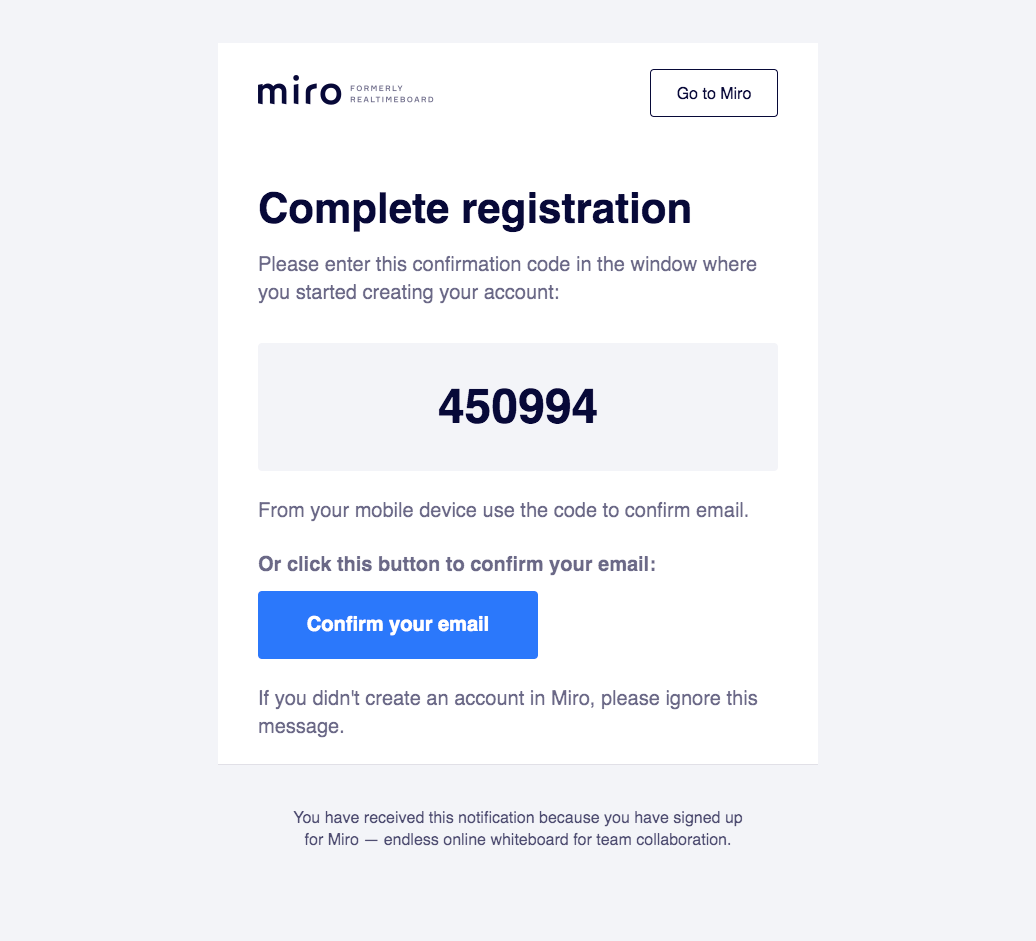
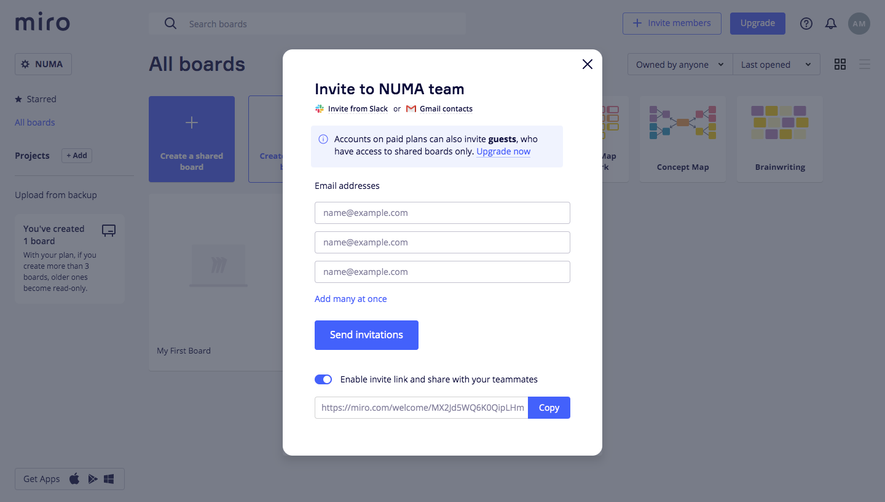
Miro's sign up flow goes from a split-screen form to an email code check, team setup and a first board with a template picker. A dark navy wave panel on the left carries numbered steps during team setup and teammate invites, with company size picked from a grid of buttons. The confirmation email shows a large six-digit code, and the board opens with a template gallery and a learning side panel.
Follow Miro’s sign up flow flow step by step: 7 real screens captured from the live product, from sign up page to sign up flow: learn and inspire panel. Use ← → to move between steps, and open any screen to see it in full.
Steps in this flow
More flows from Miro
All Miro Miro Invite Team Members
1 screen
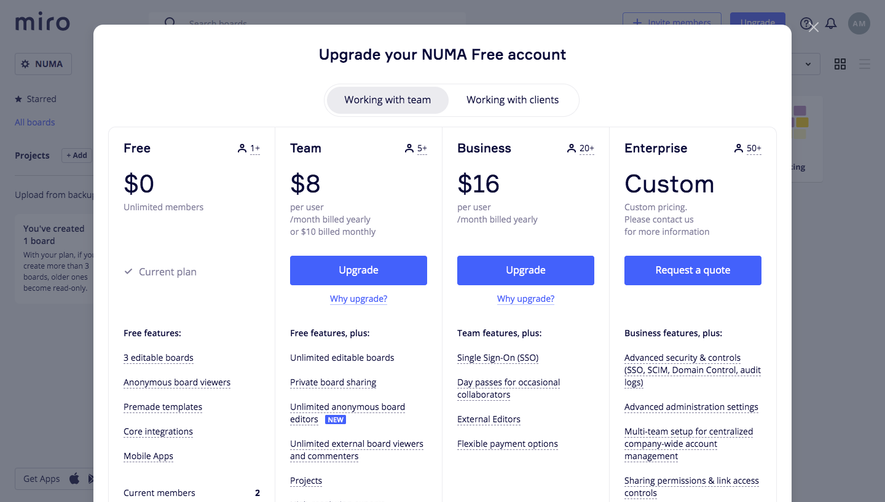
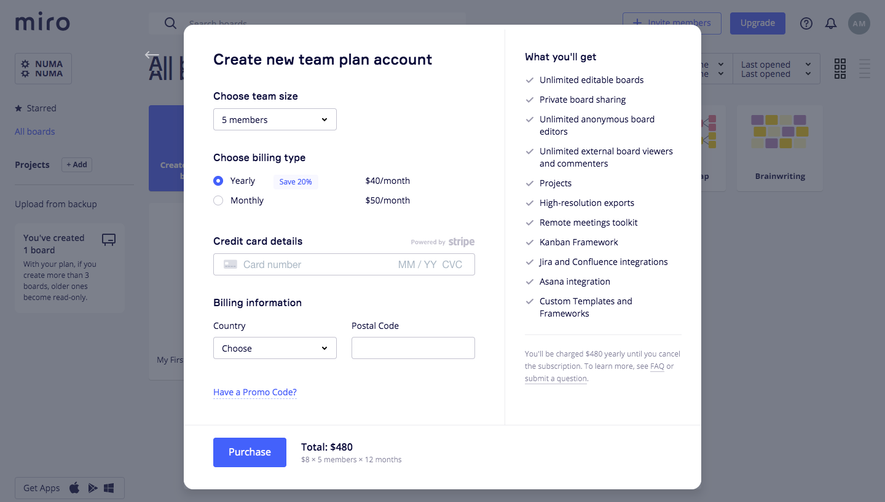
Miro Upgrading
2 screens