SaaSFrame
SaaSFrame Pro
8 more steps in this flow
Free accounts see the first 3 steps of each flow. Pro unlocks every step of every flow, plus every screen, section and Copy in Figma.
Melio Sign Up Flow
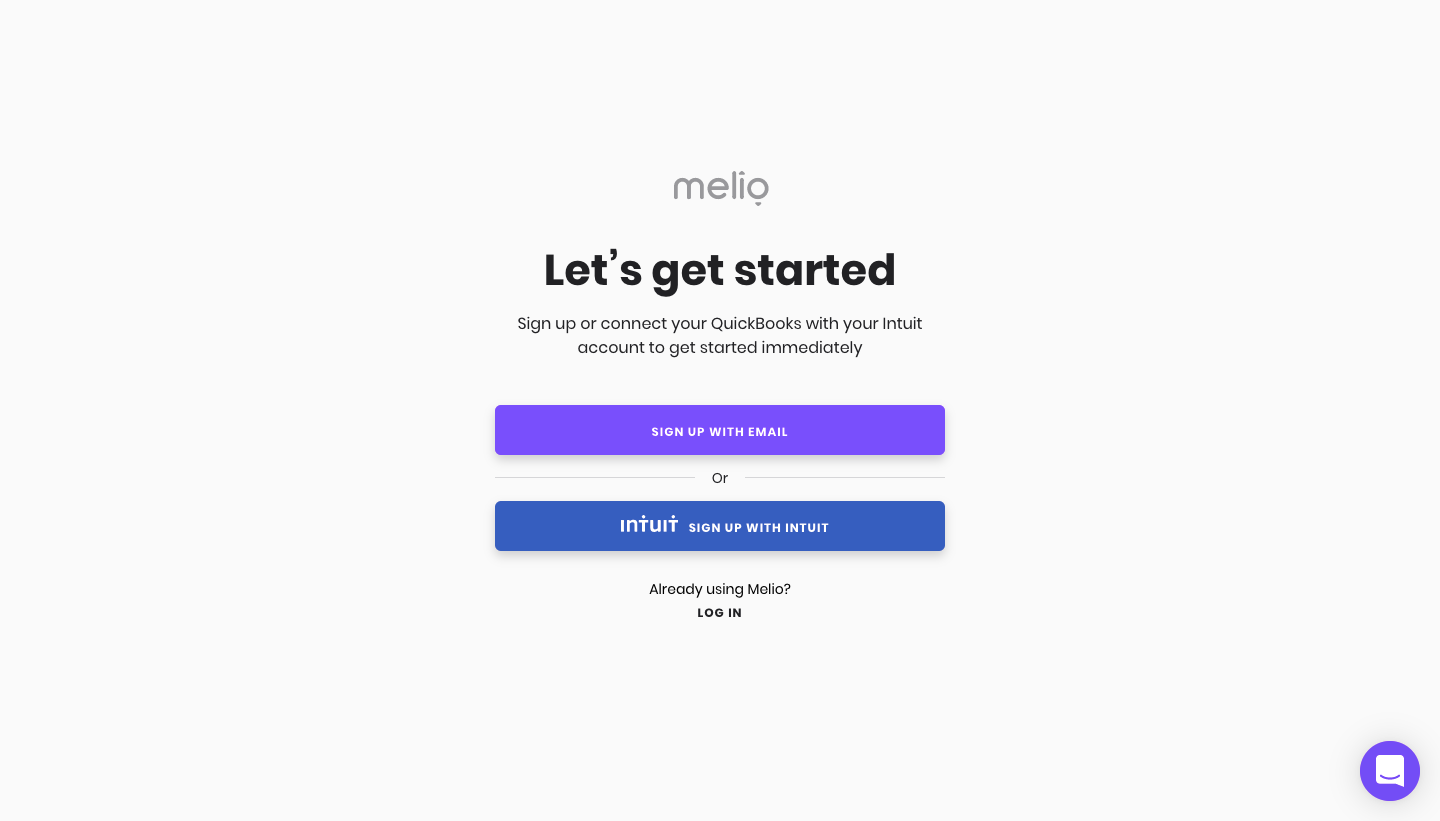
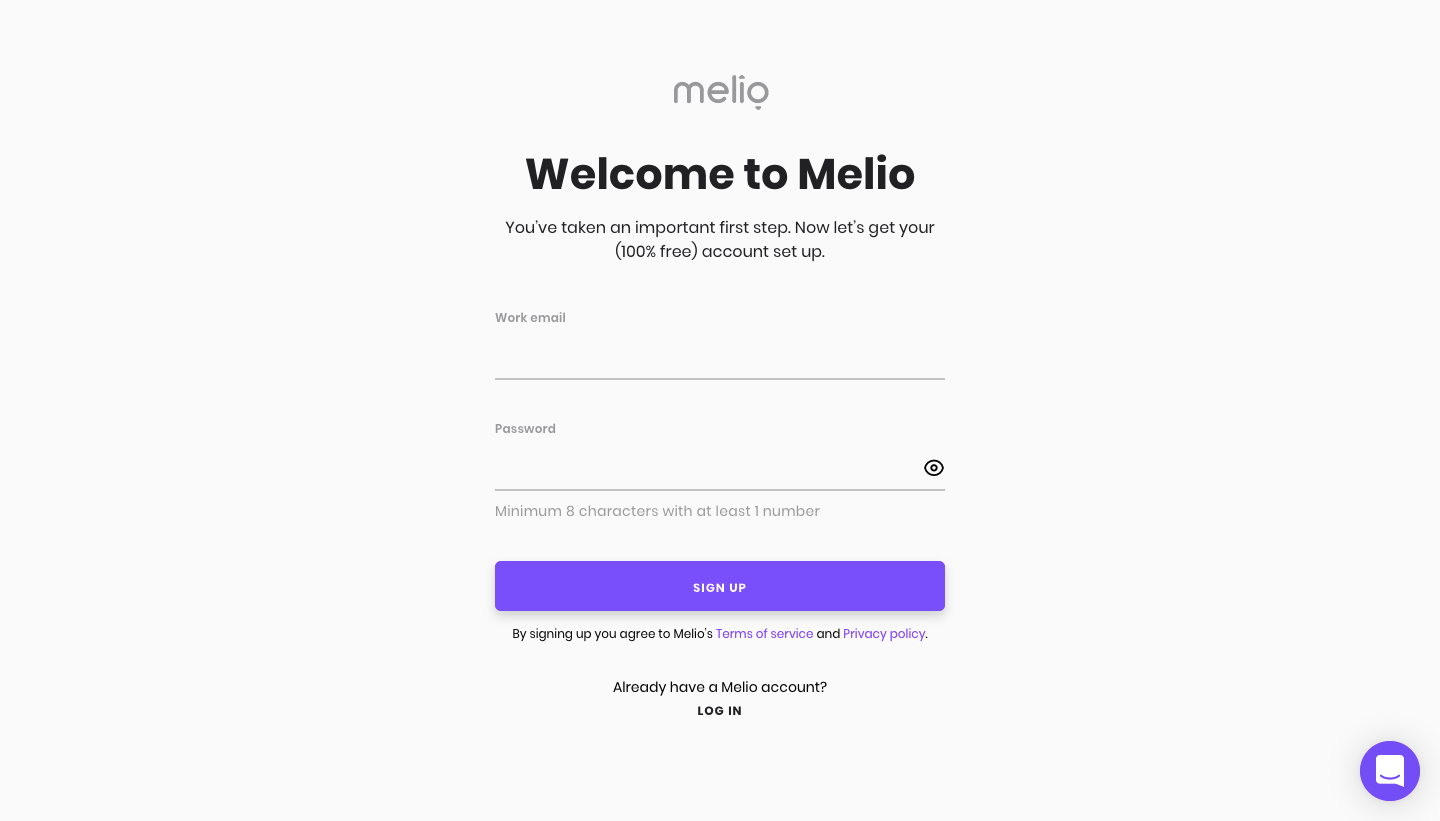
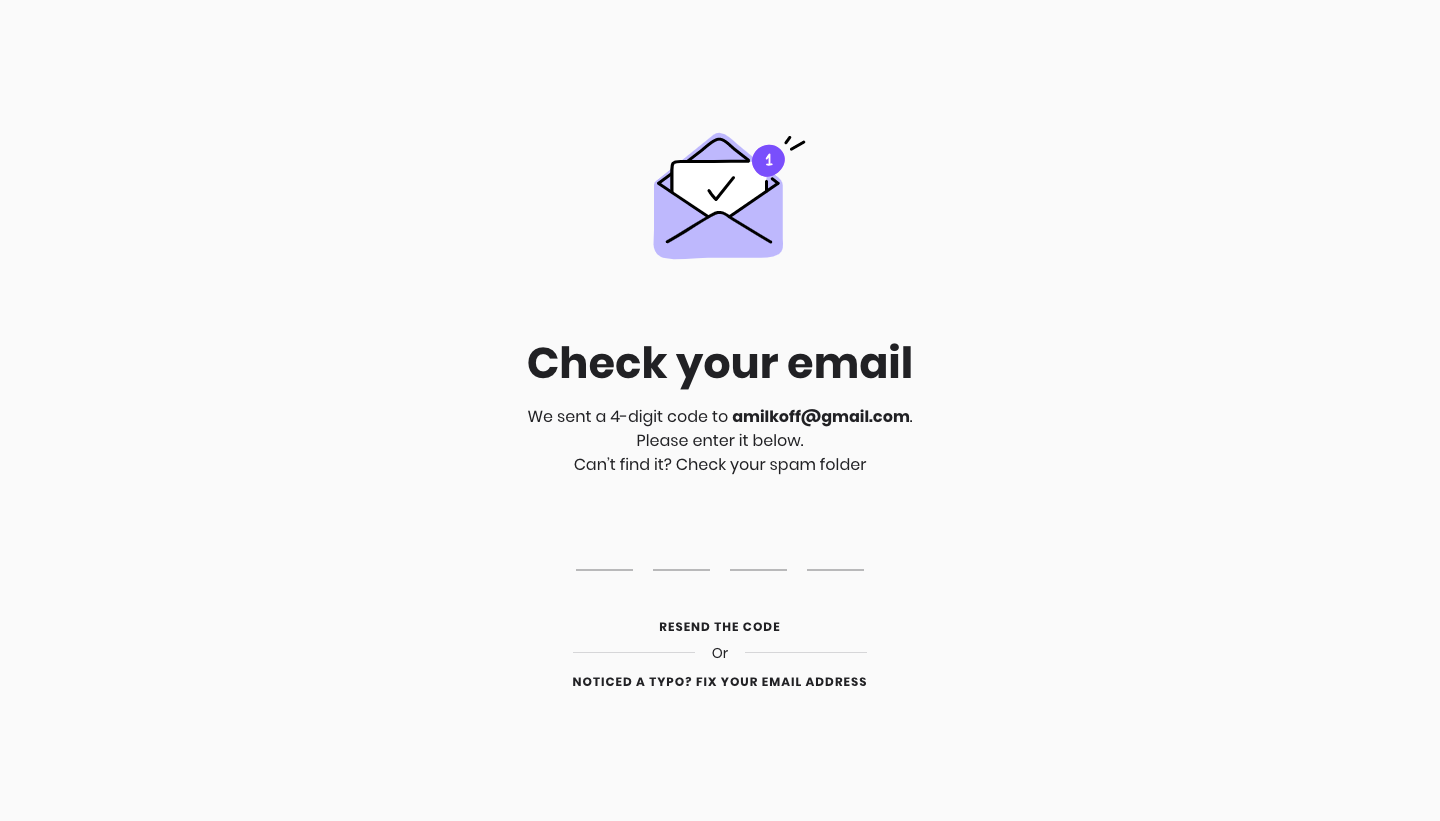
Melio's sign-up flow takes a new business account from email and password to an empty payments inbox in eleven sparse, purple-accented steps. A four-digit email code and a high-five illustration come first. Business questions then appear one per screen with a thin progress bar, one underlined field and a purple Continue button, with a small map preview for the address step.
Follow Melio’s sign up flow flow step by step: 11 real screens captured from the live product, from sign up page to sign up flow: empty pay inbox. Use ← → to move between steps, and open any screen to see it in full.
Steps in this flow
More flows from Melio
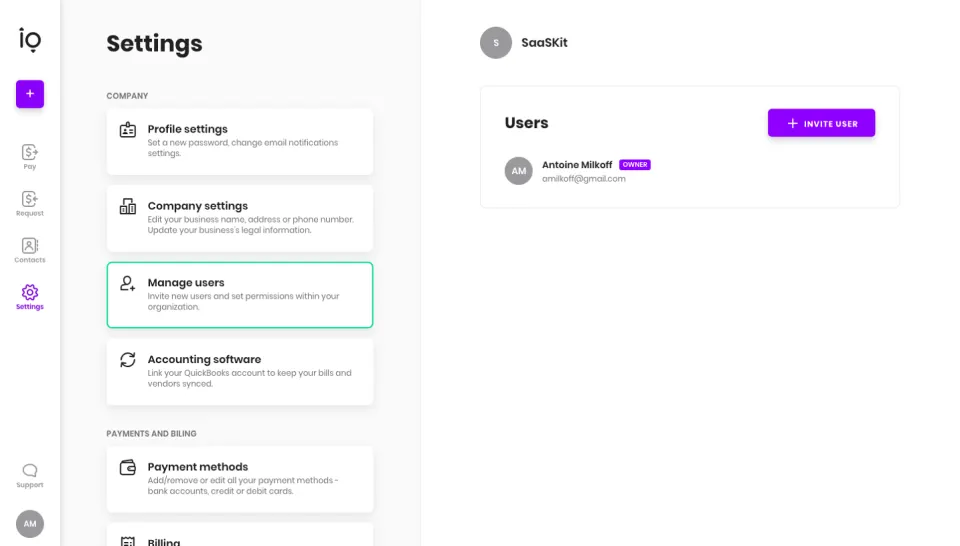
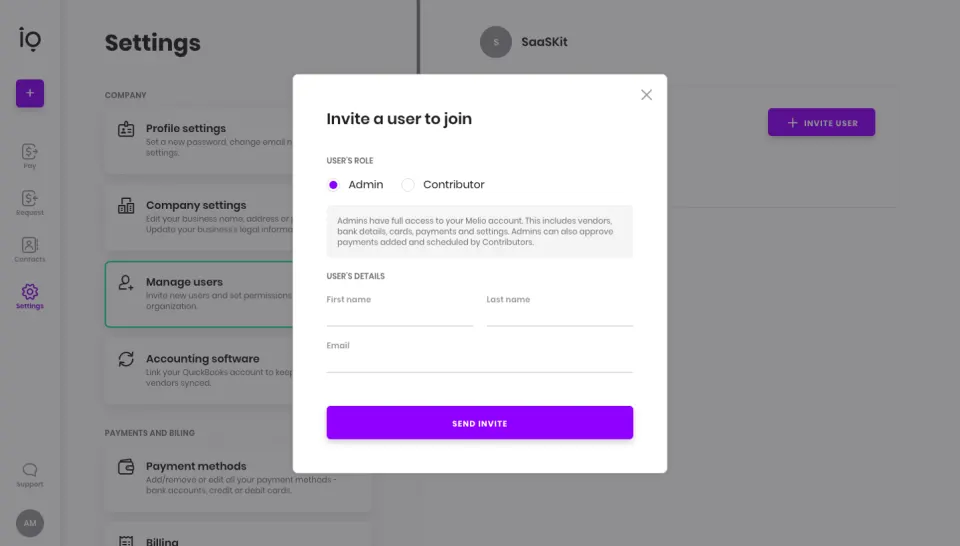
All Melio Melio Invite Team Members
2 screens