SaaSFrame
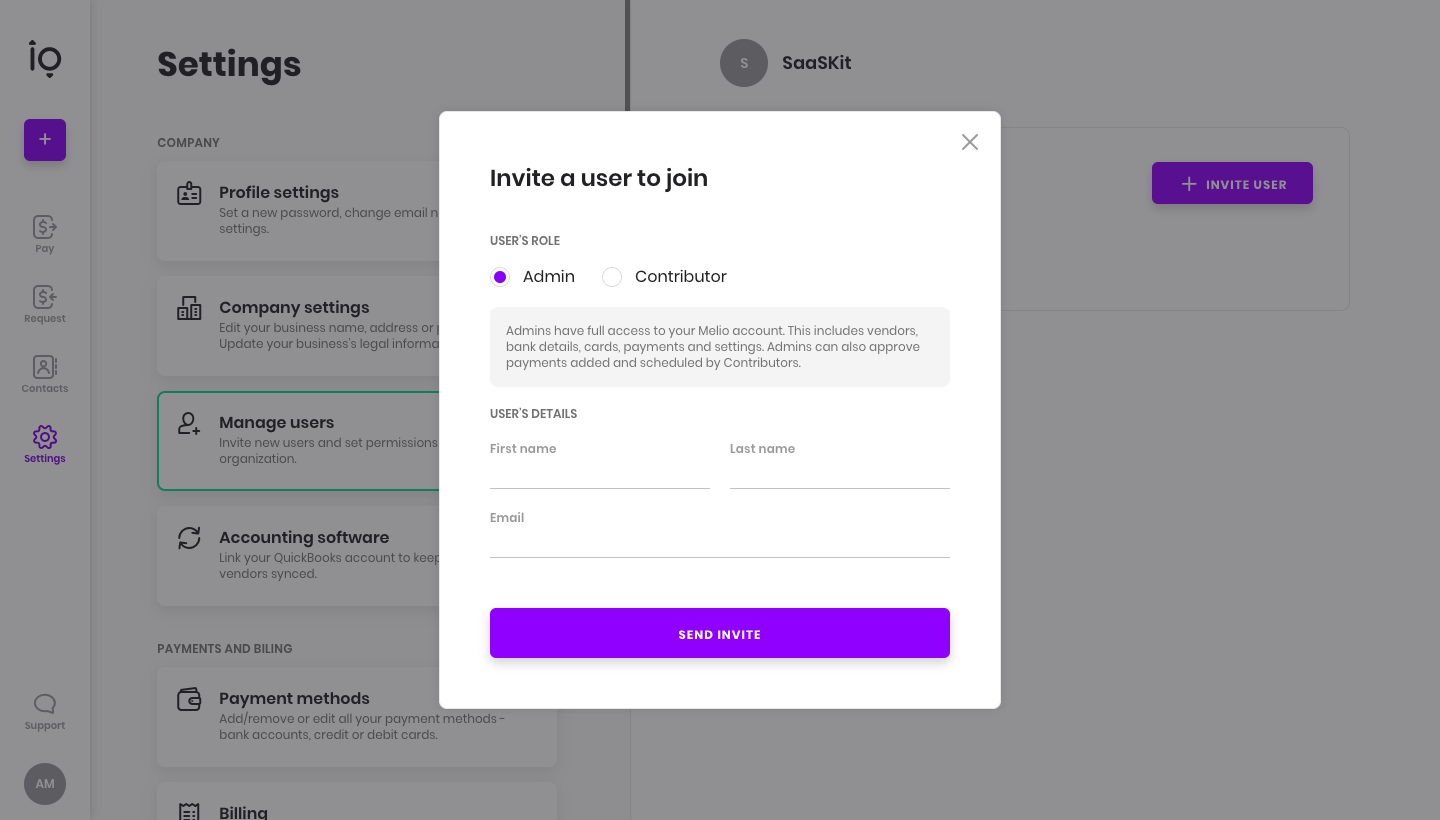
Melio Invite Team Members
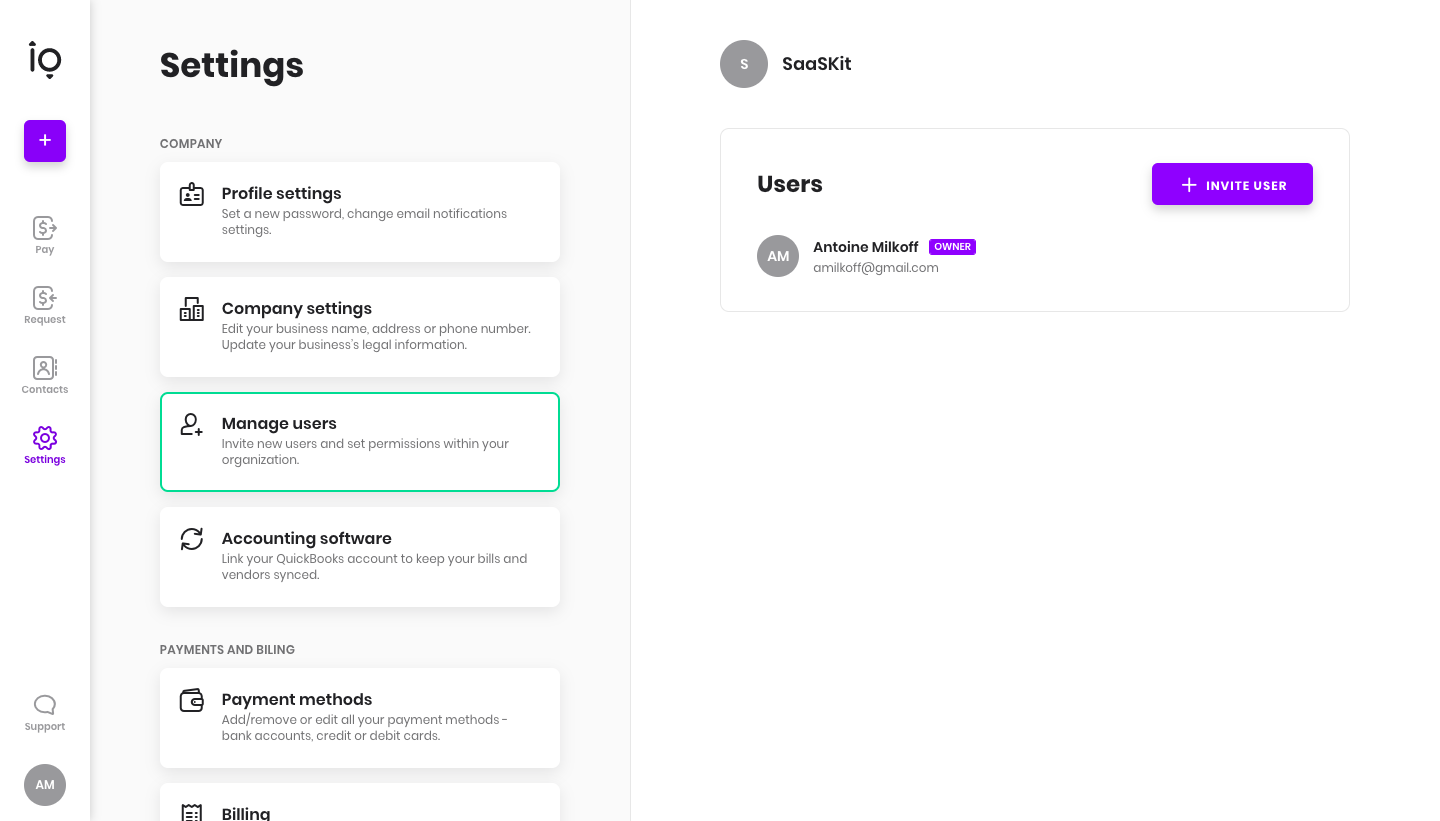
Melio's invite flow adds a user from settings through a short modal, then shows the invitation email. Settings sections appear as stacked cards with the active one outlined in green, and the purple invite button opens a modal with admin or contributor radio options, name and email fields. The email centers an initials avatar, a bold headline and a purple accept button with an expiry note.
Follow Melio’s invite team members flow step by step: 2 real screens captured from the live product, from invite team members: manage users to invite team members: invite modal. Use ← → to move between steps, and open any screen to see it in full.
Steps in this flow
More flows from Melio
All Melio Melio Sign Up Flow
11 screens