SaaSFrame
Mangools Upgrading
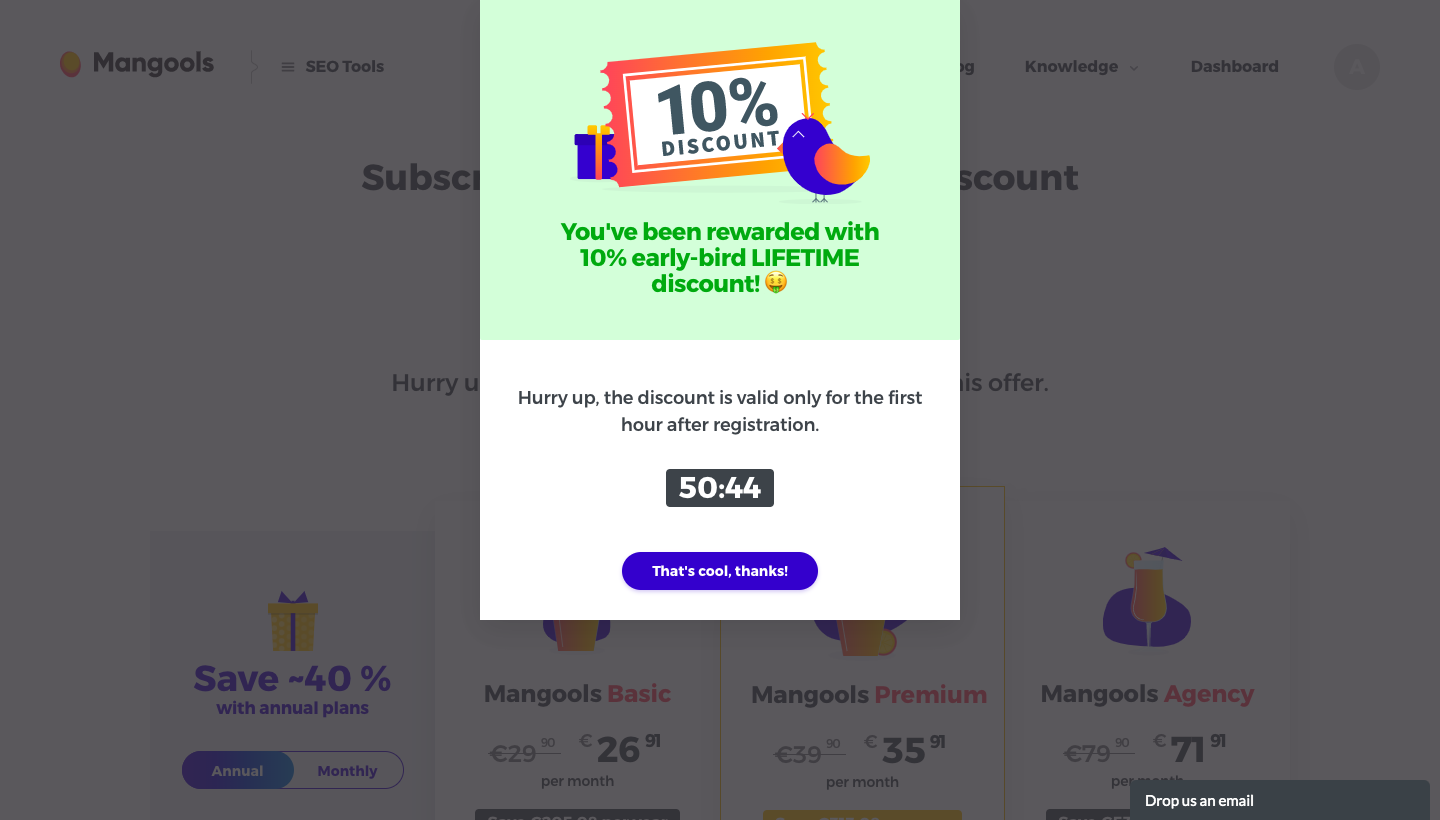
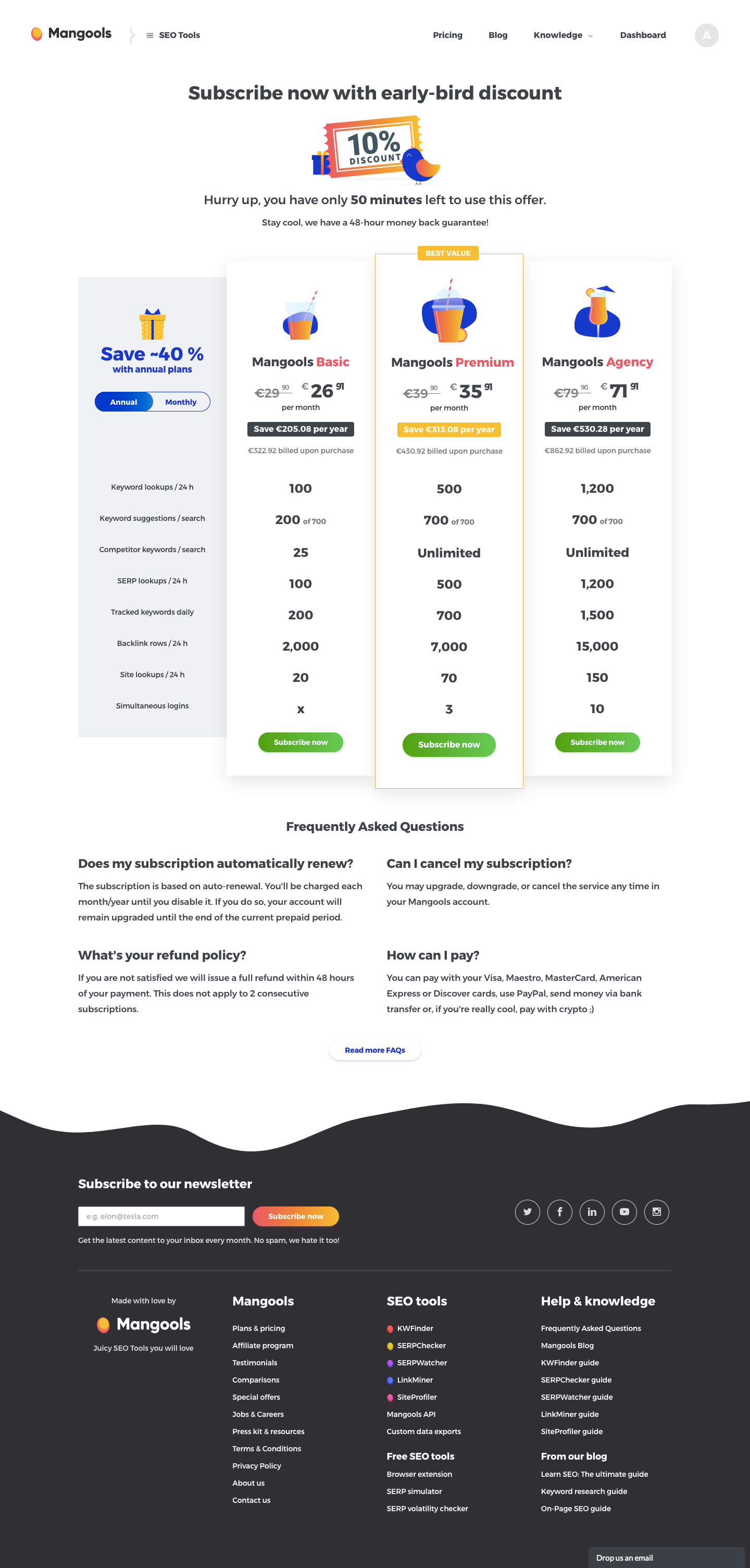
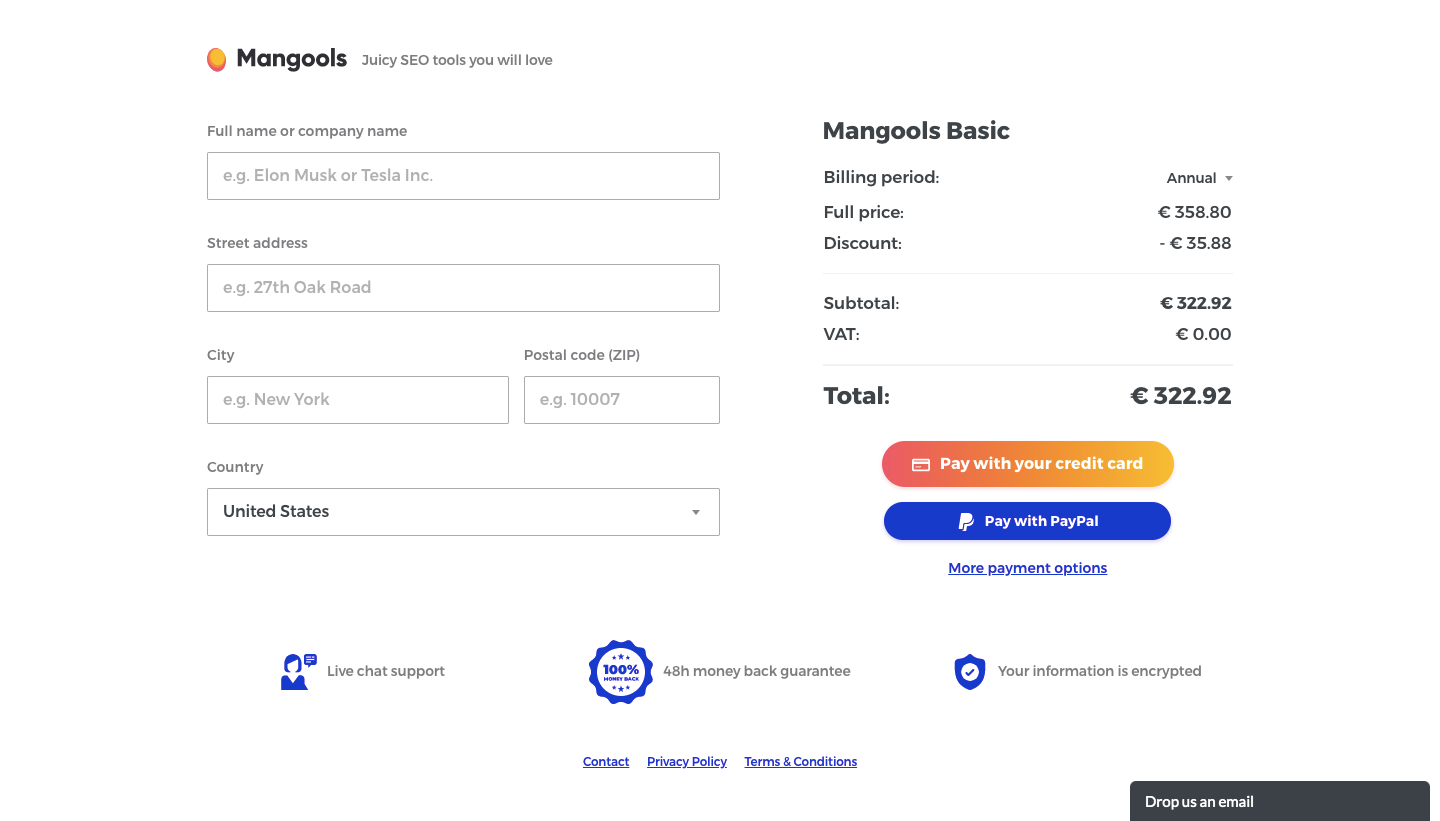
Mangools's upgrade flow pushes a time-limited early-bird discount from a popup through pricing to checkout in three steps. The popup shows a 10% ticket illustration on a mint banner with a live countdown and a purple button over a dimmed pricing page. Plans then appear as illustrated cards with struck-through prices, and checkout splits billing fields from an order summary with card and PayPal buttons.
Follow Mangools’s upgrading flow step by step: 3 real screens captured from the live product, from upgrading: discount popup to upgrading: billing details. Use ← → to move between steps, and open any screen to see it in full.
Steps in this flow
More flows from Mangools
All Mangools Mangools Sign Up Flow
5 screens