SaaSFrame
SaaSFrame Pro
2 more steps in this flow
Free accounts see the first 3 steps of each flow. Pro unlocks every step of every flow, plus every screen, section and Copy in Figma.
Mangools Sign Up Flow
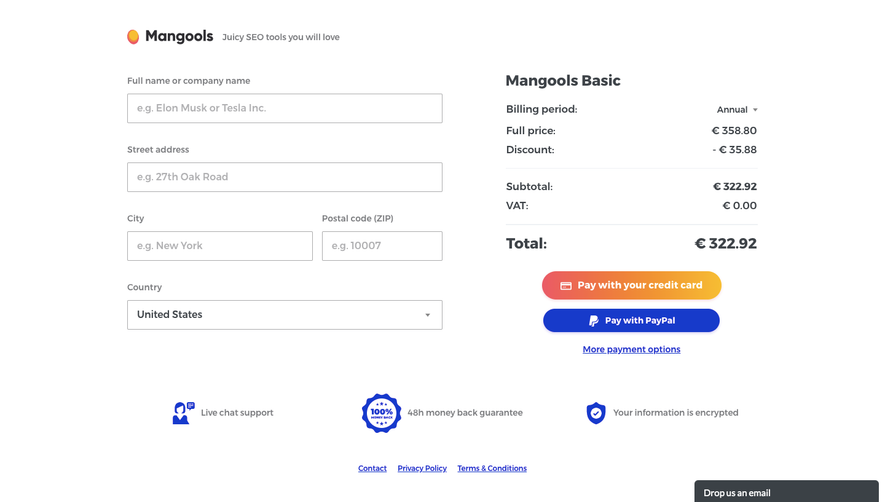
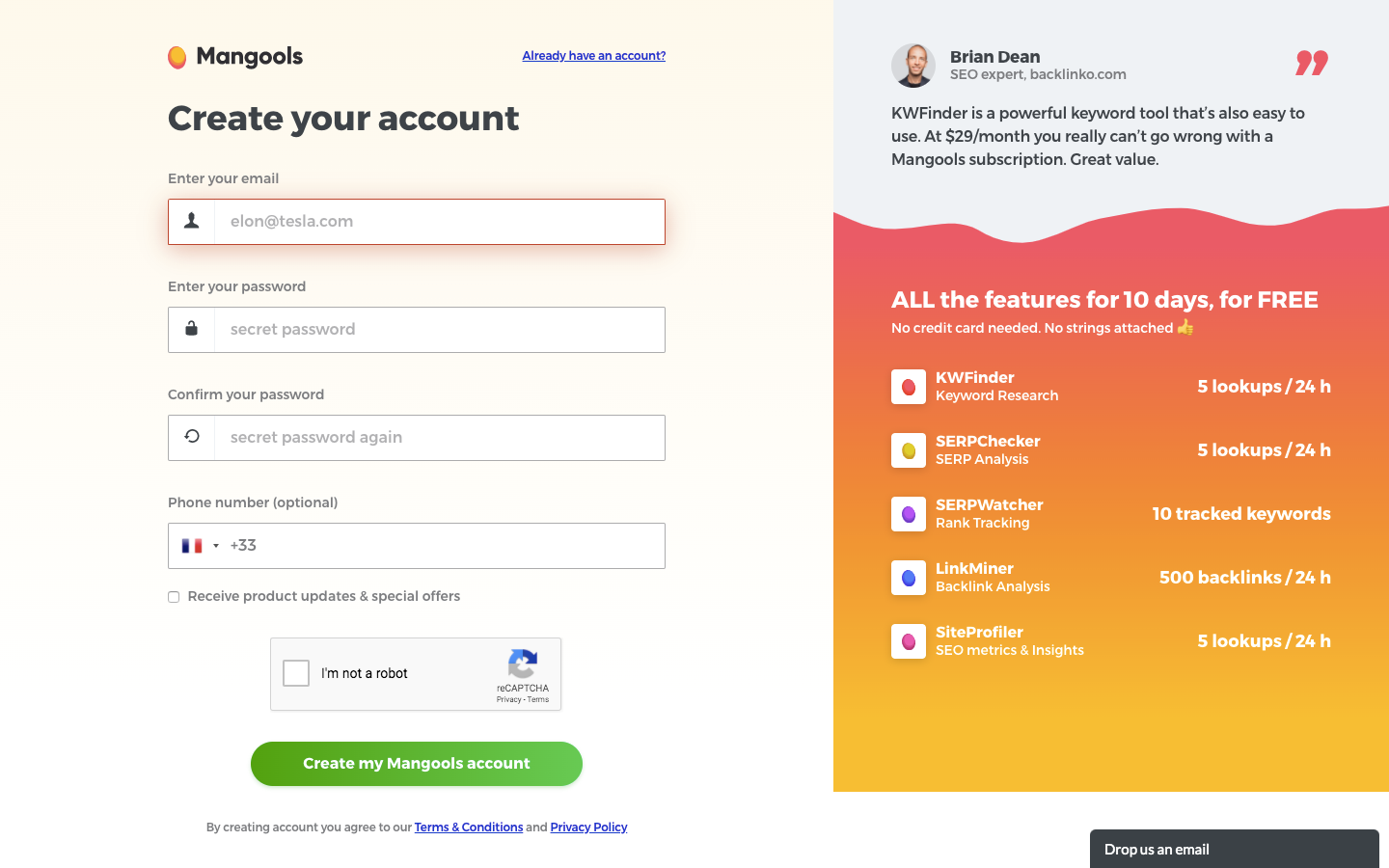
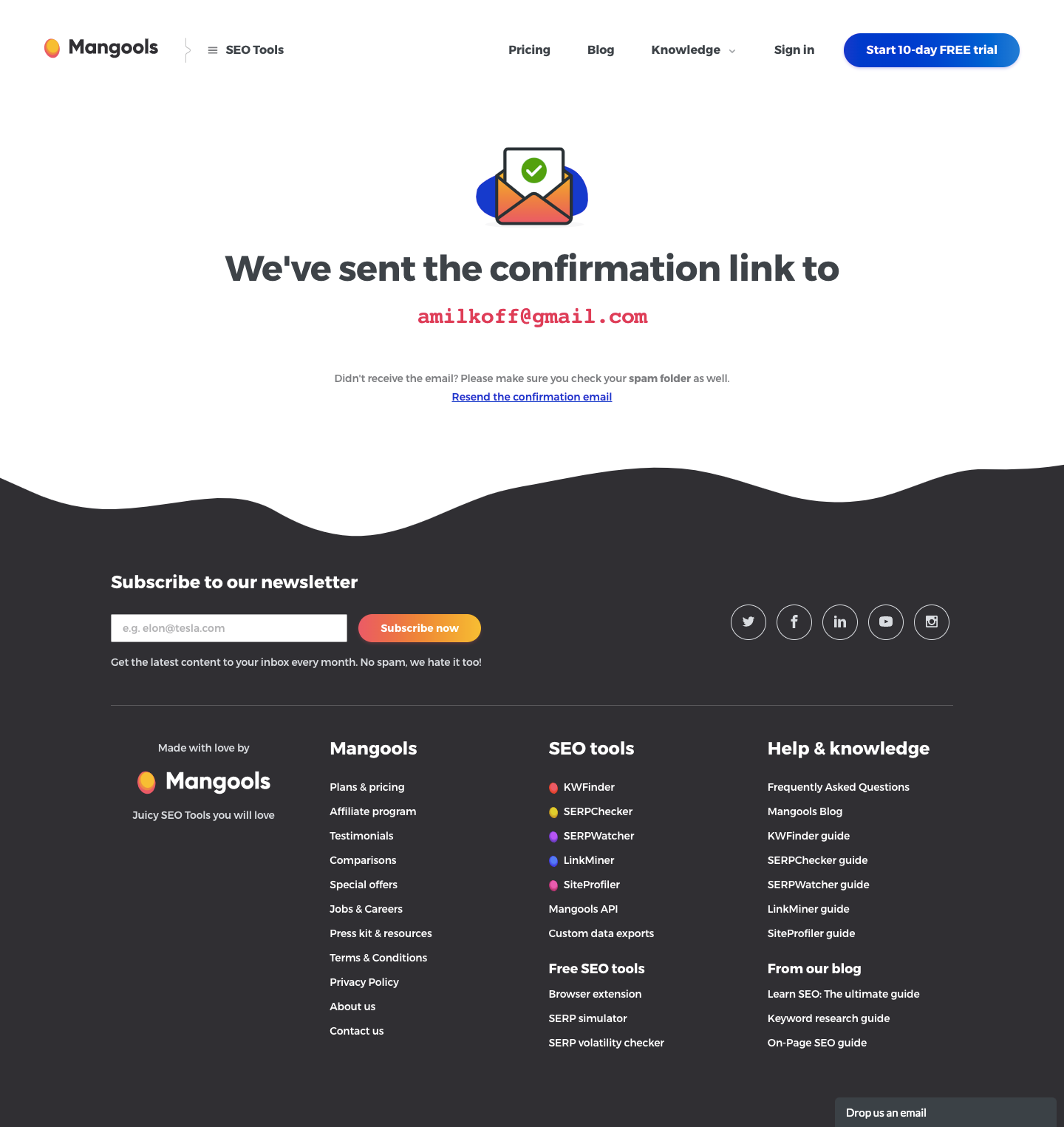
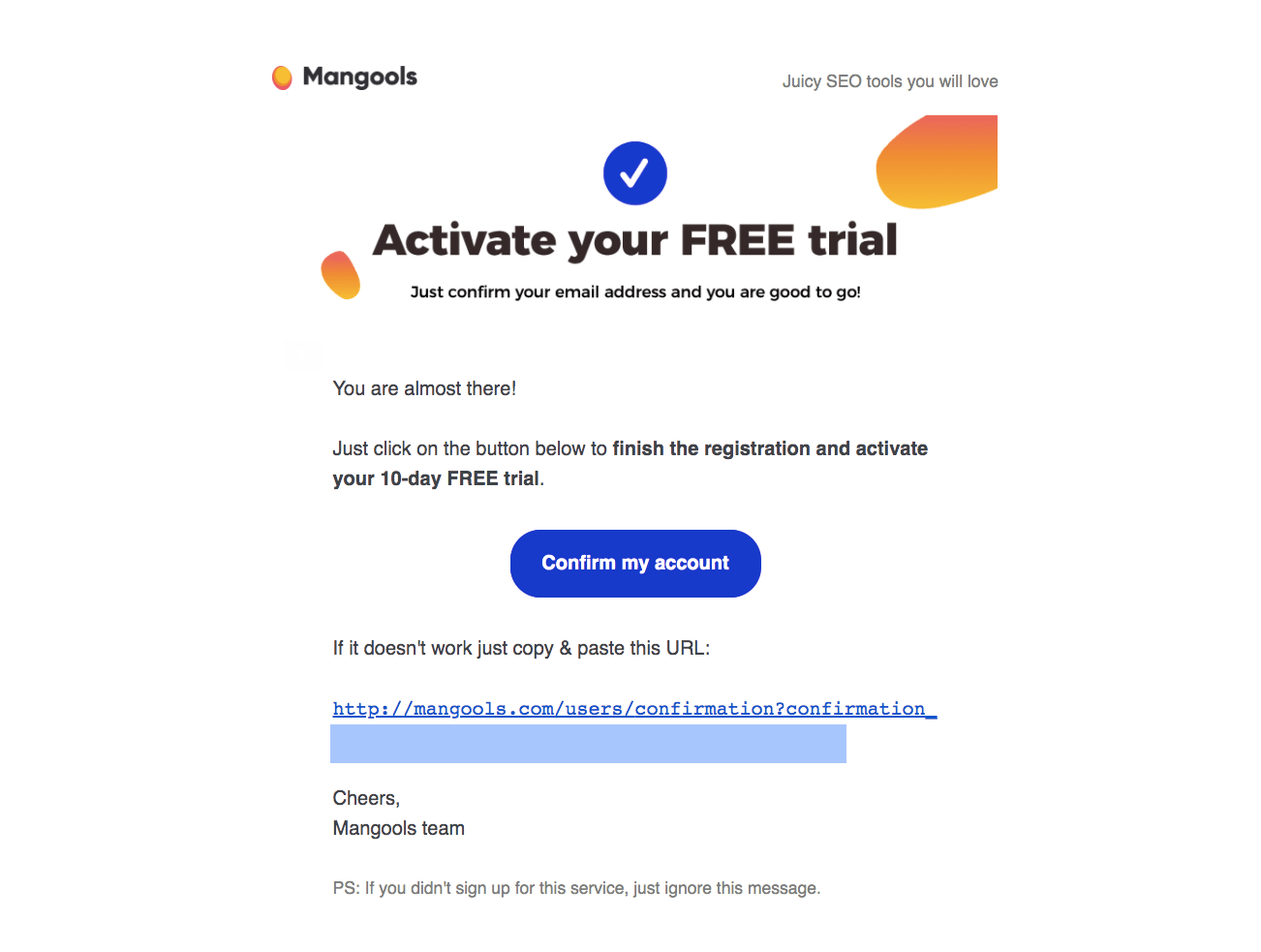
Mangools' sign-up flow goes from account form to activated trial in five screens, with warm orange gradients and playful 3D illustrations. A split-screen form pairs fields with a list of free-trial limits, followed by a check-your-inbox screen and a confirmation email. An early-bird pricing page with a countdown and a 10% badge precedes a dashboard banner confirming the 10-day trial.
Follow Mangools’s sign up flow flow step by step: 5 real screens captured from the live product, from sign up page to sign up flow: trial activated. Use ← → to move between steps, and open any screen to see it in full.
Steps in this flow
More flows from Mangools
All Mangools Mangools Upgrading
3 screens