 SaaSFrame
SaaSFrame Pro
3 more steps in this flow
Free accounts see the first 3 steps of each flow. Pro unlocks every step of every flow, plus every screen, section and Copy in Figma.

Loom Sign Up Flow
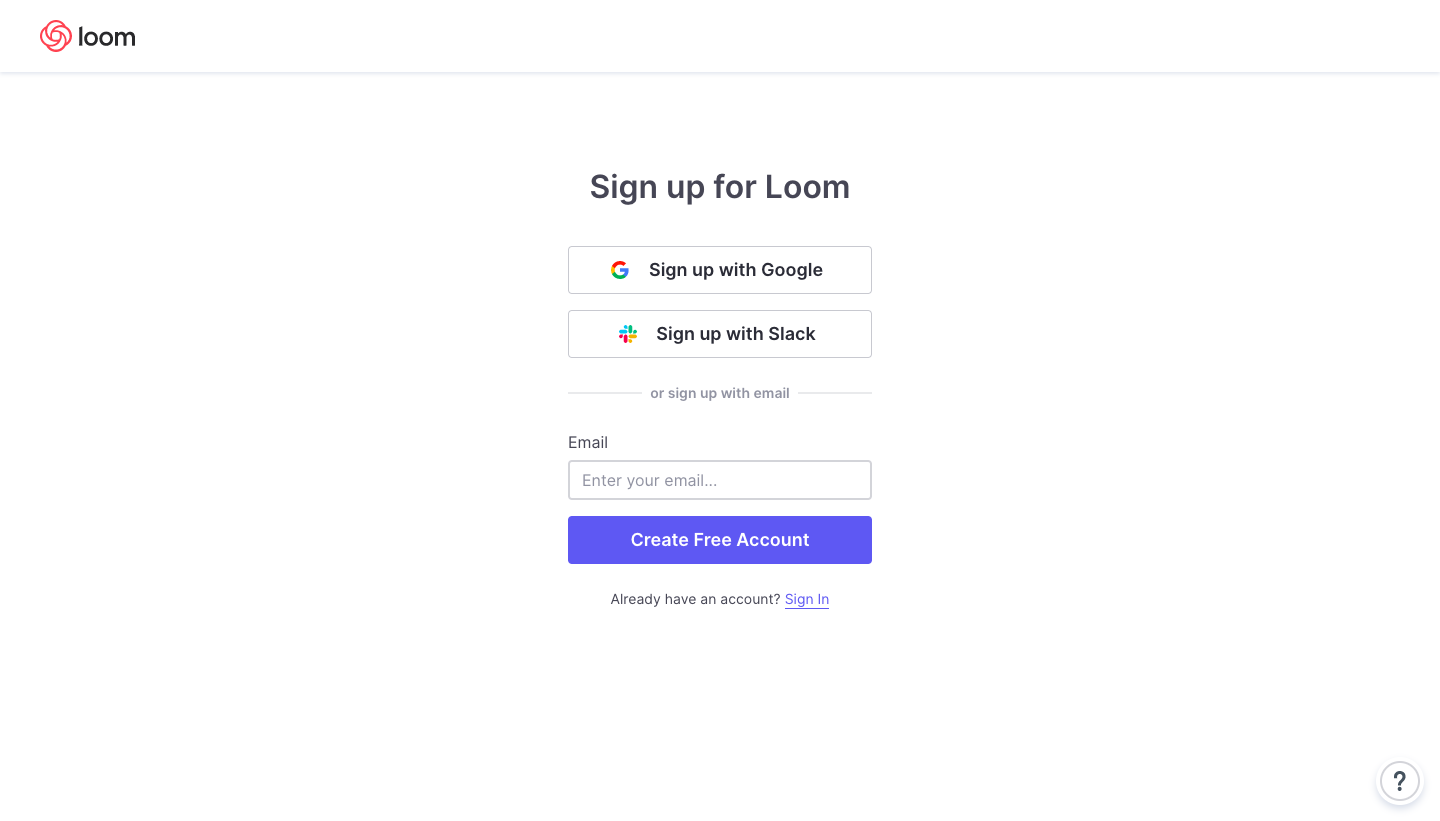
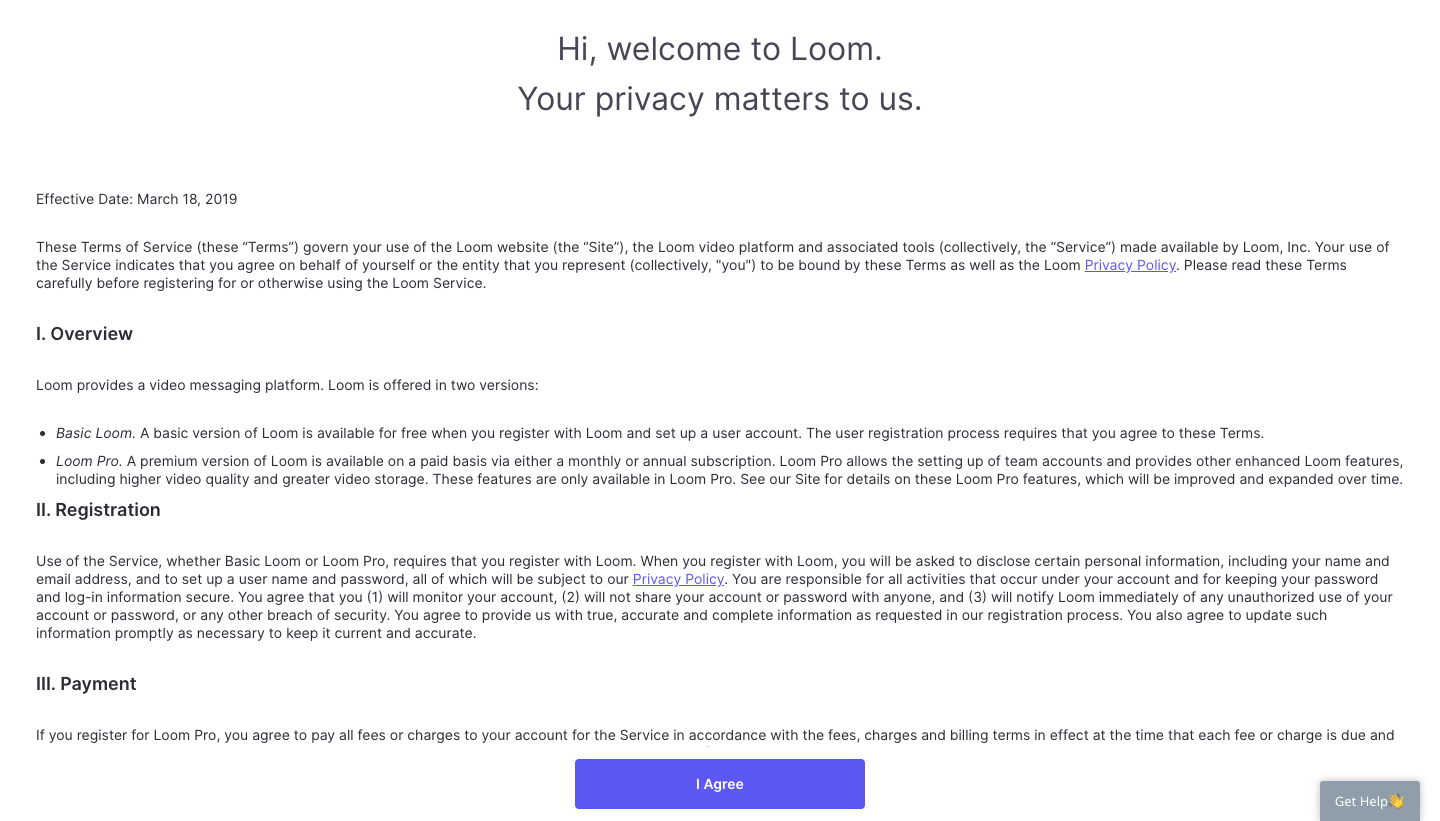
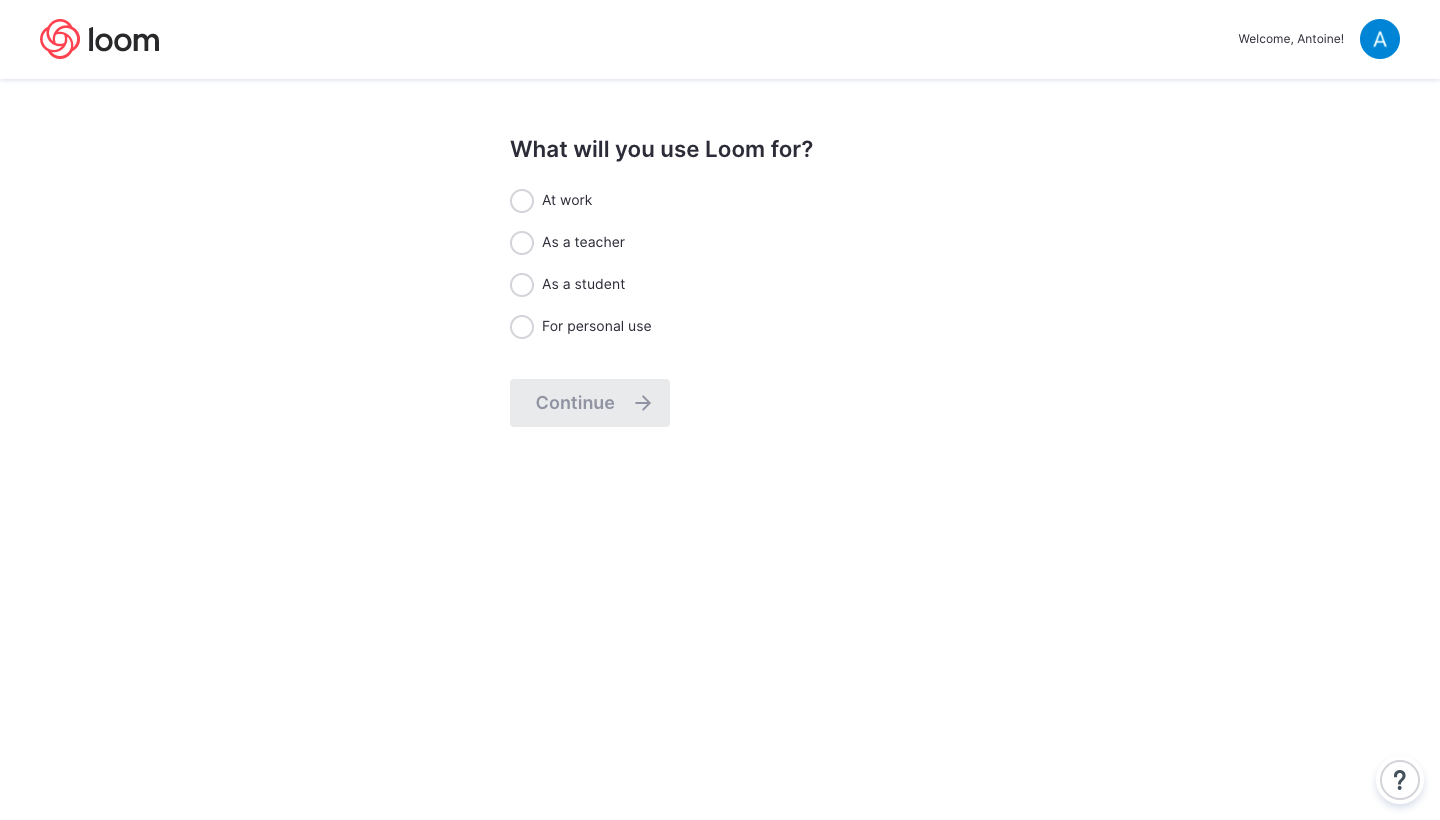
Loom's sign-up flow goes from account creation to an empty video library in six plain white steps with a single violet accent. After Google, Slack or email sign-up, a full-page terms screen asks you to agree before two short questionnaires. Two illustrated cards then compare the desktop app and Chrome extension, and the library opens on an empty state with a red record button.
Follow Loom’s sign up flow flow step by step: 6 real screens captured from the live product, from sign up page to sign up flow: empty library. Use ← → to move between steps, and open any screen to see it in full.