3 more steps in this flow
Free accounts see the first 3 steps of each flow. Pro unlocks every step of every flow, plus every screen, section and Copy in Figma.
Lettria Create A Dictionary
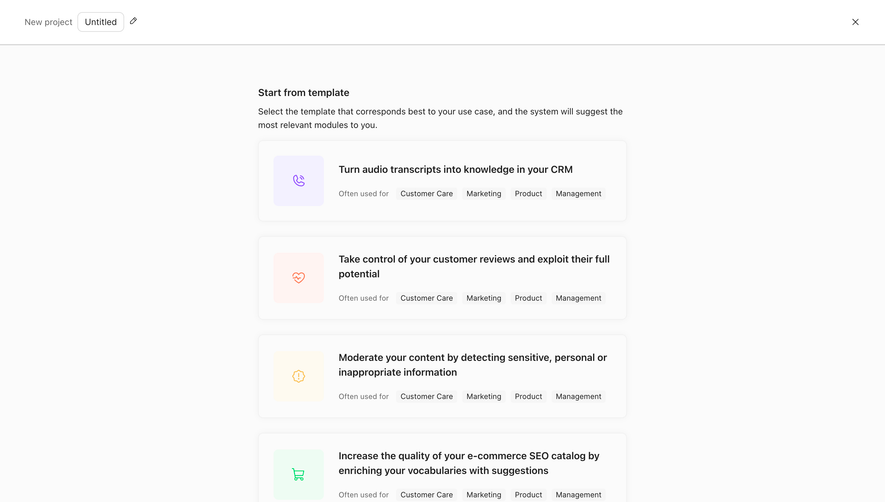
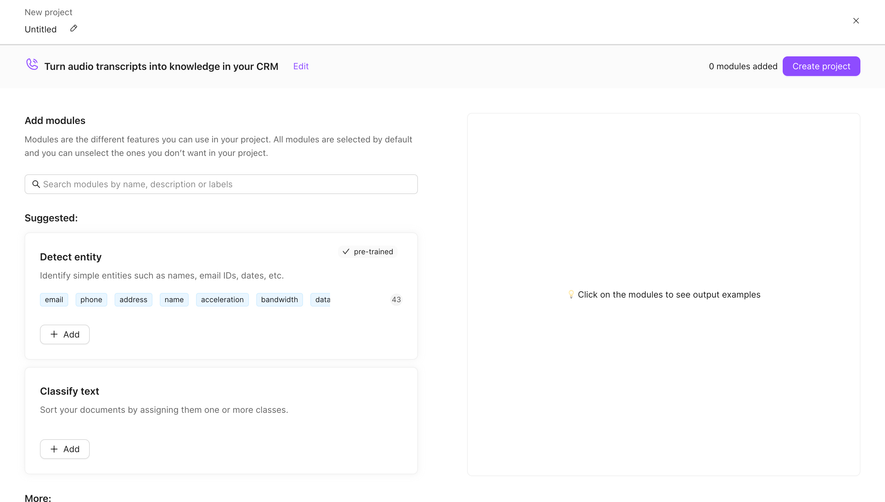
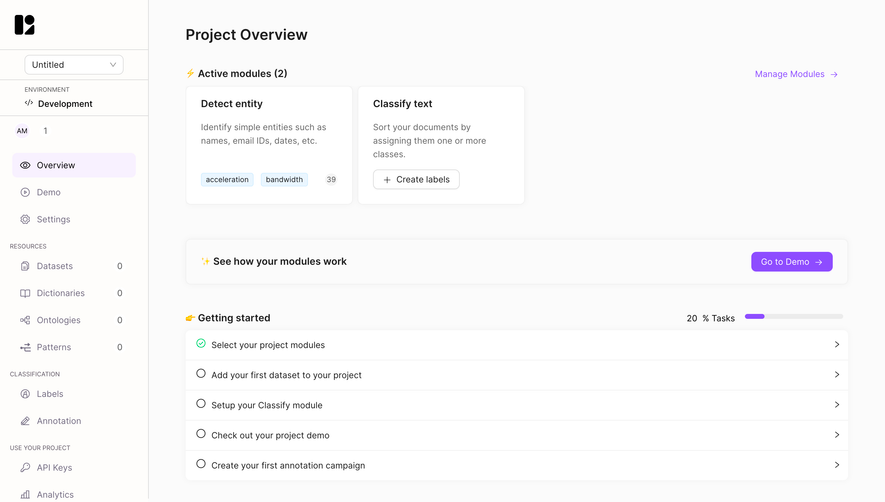
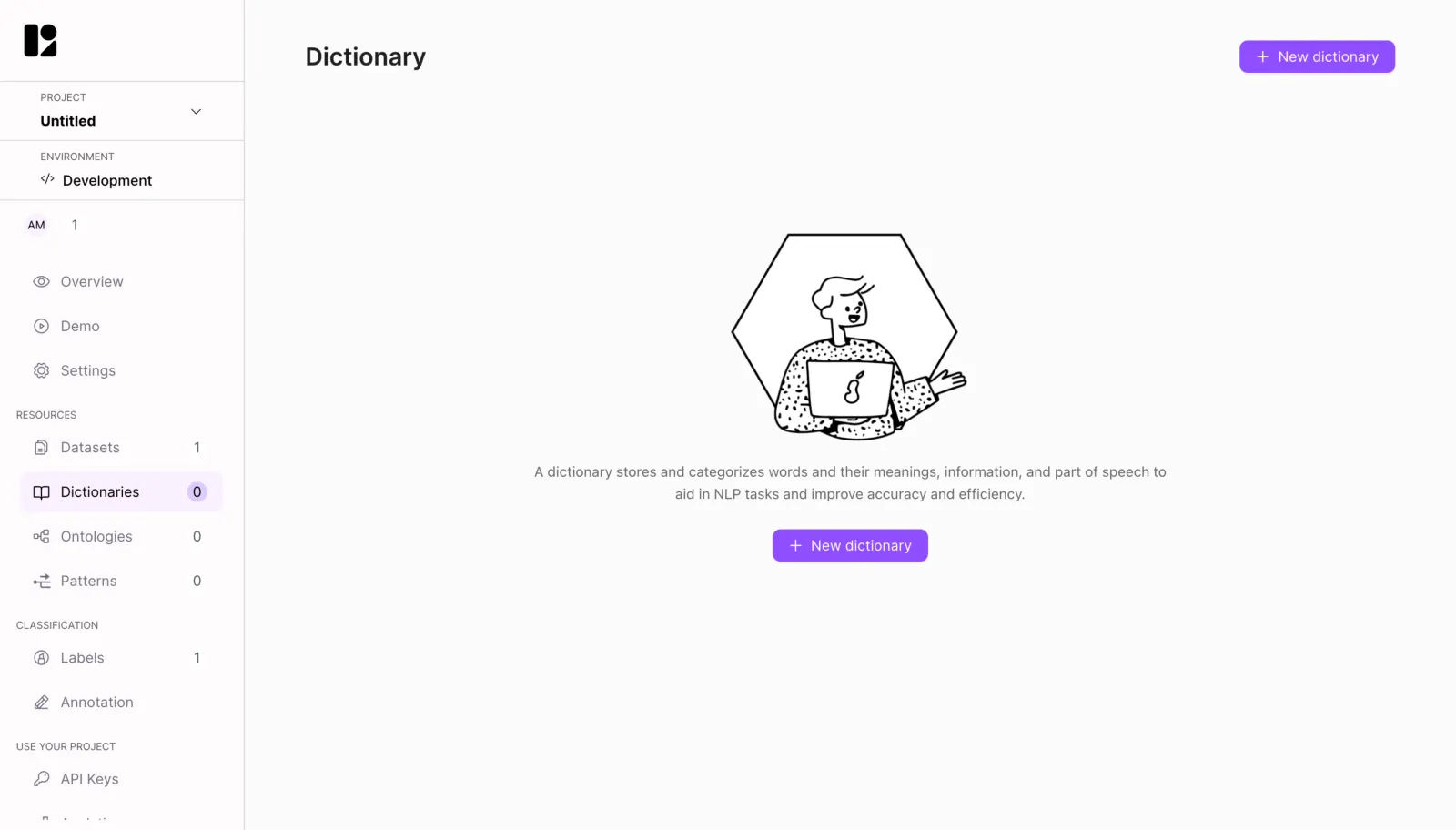
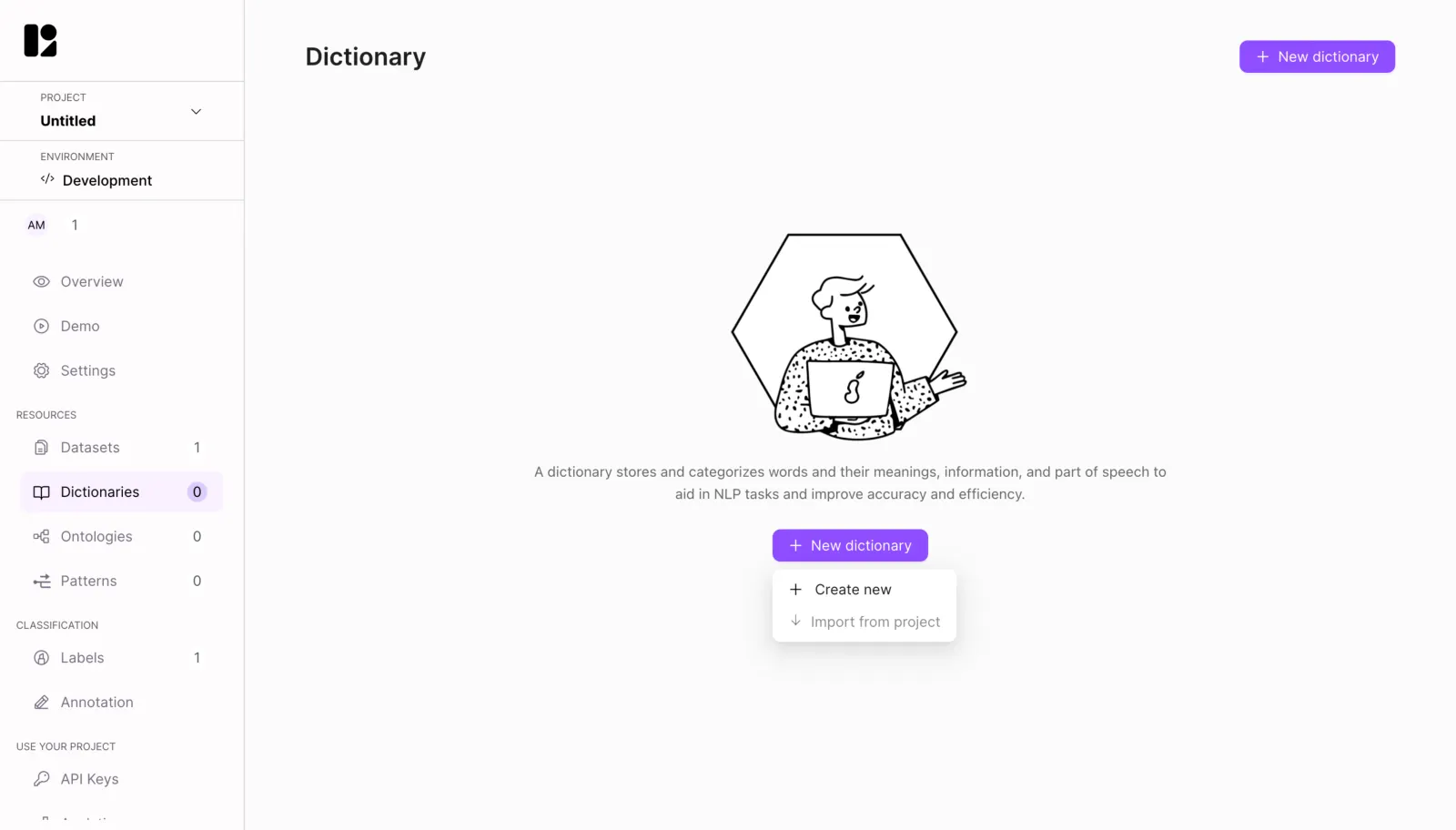
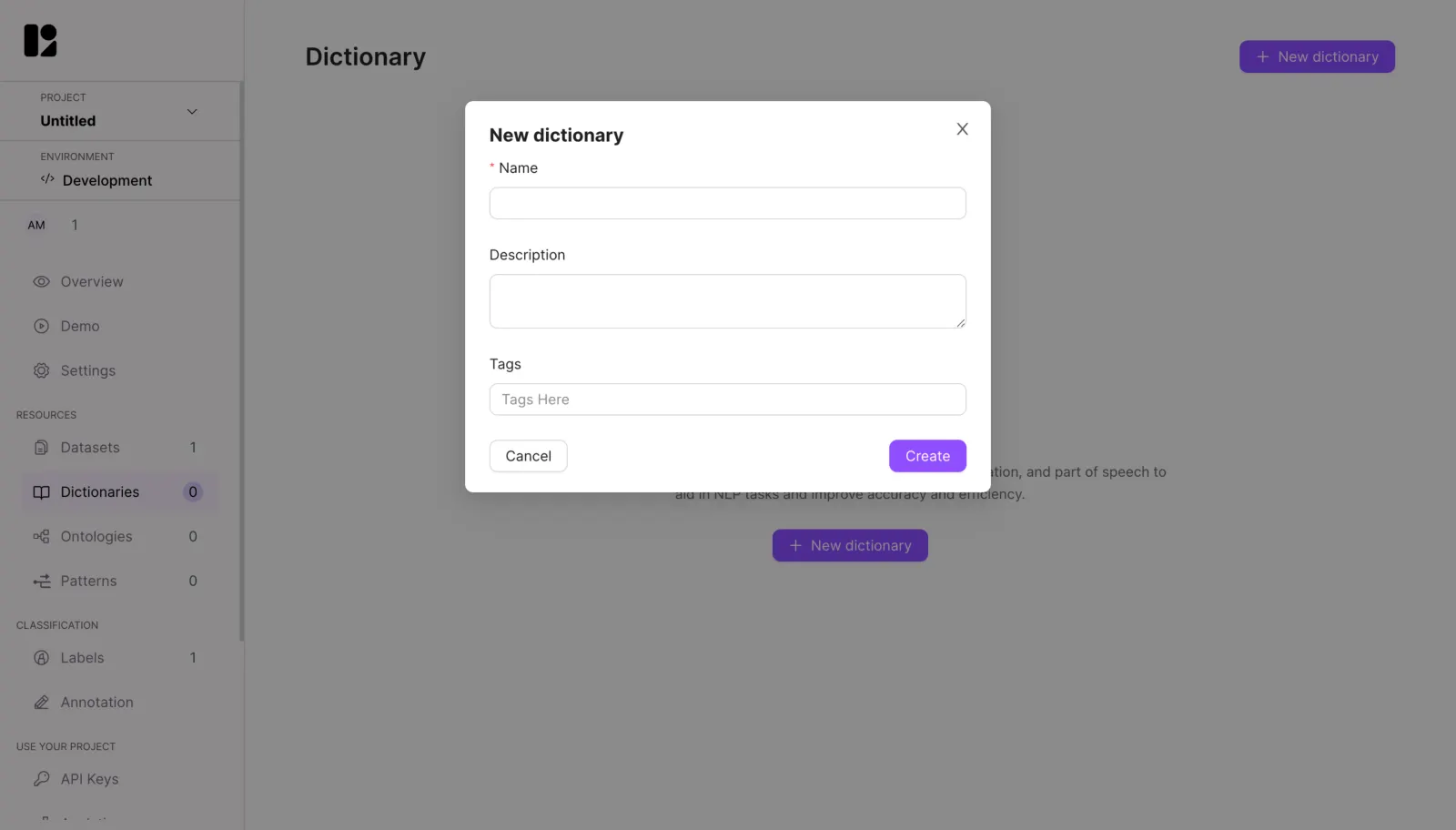
Lettria's dictionary flow starts from an illustrated empty state and ends in a word parameters modal, all within a purple-accented workspace. Six screens show a dropdown on the New dictionary button, a short creation modal, an empty word list with a success toast, and a compact entry dialog. The final modal lays out grammatical parameters as rows of selects and tag chips.
Follow Lettria’s create a dictionary flow step by step: 6 real screens captured from the live product, from create a dictionary: empty state to create a dictionary: word parameters. Use ← → to move between steps, and open any screen to see it in full.
Steps in this flow
More flows from Lettria
All Lettria Lettria Create A NLP Project
11 screens