 SaaSFrame
SaaSFrame Pro
5 more steps in this flow
Free accounts see the first 3 steps of each flow. Pro unlocks every step of every flow, plus every screen, section and Copy in Figma.

Fullstory Sign Up Flow
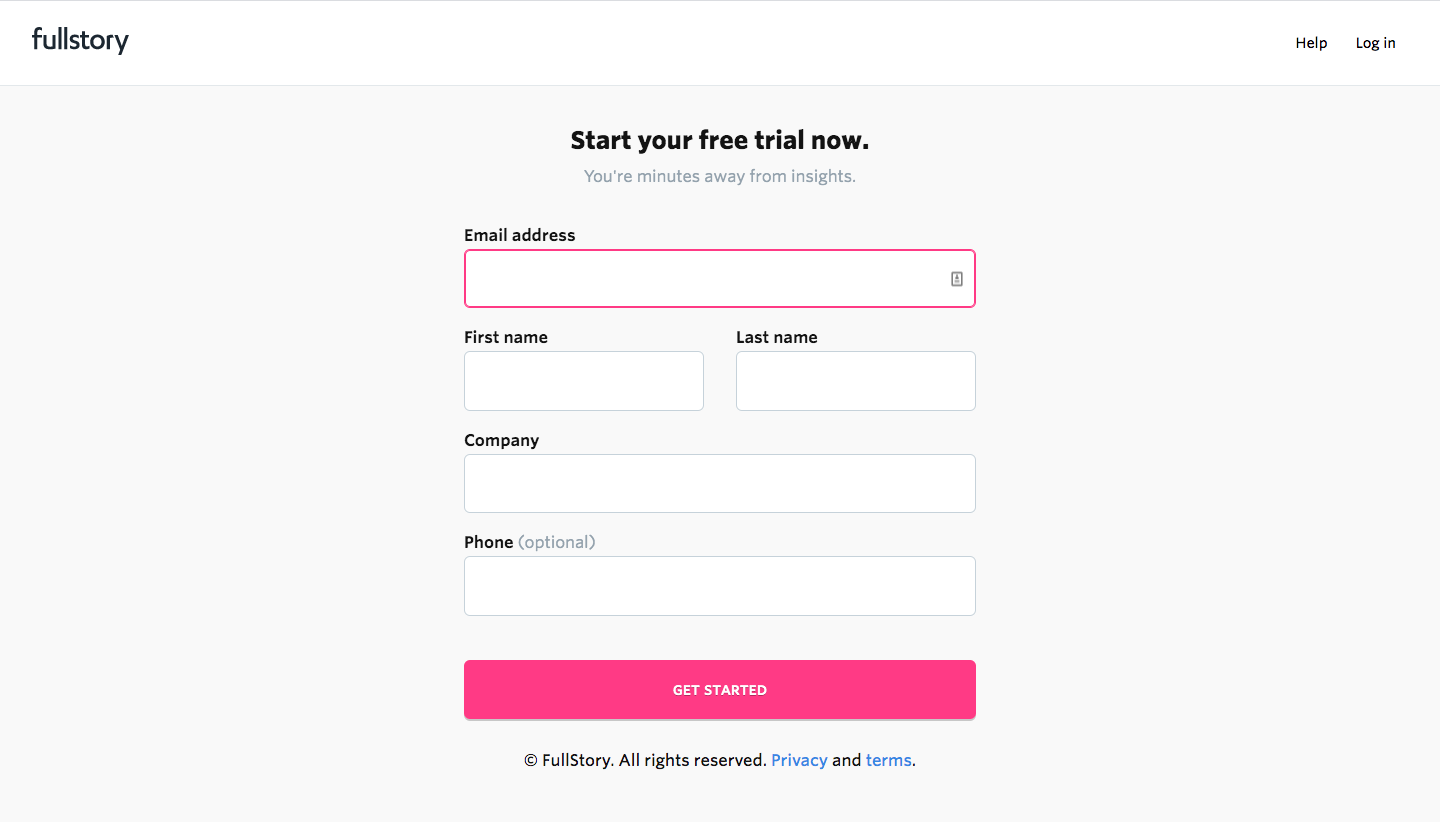
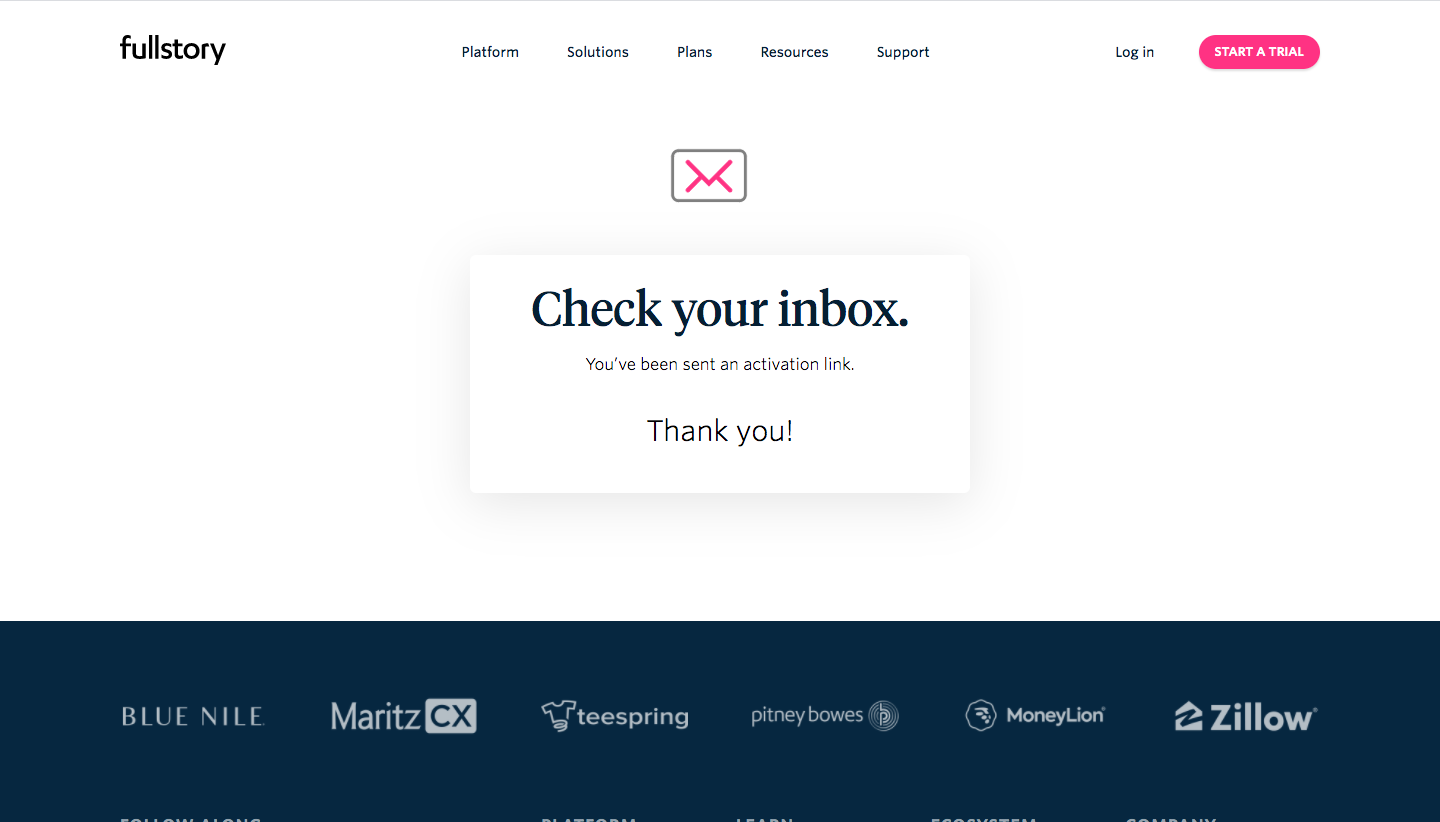
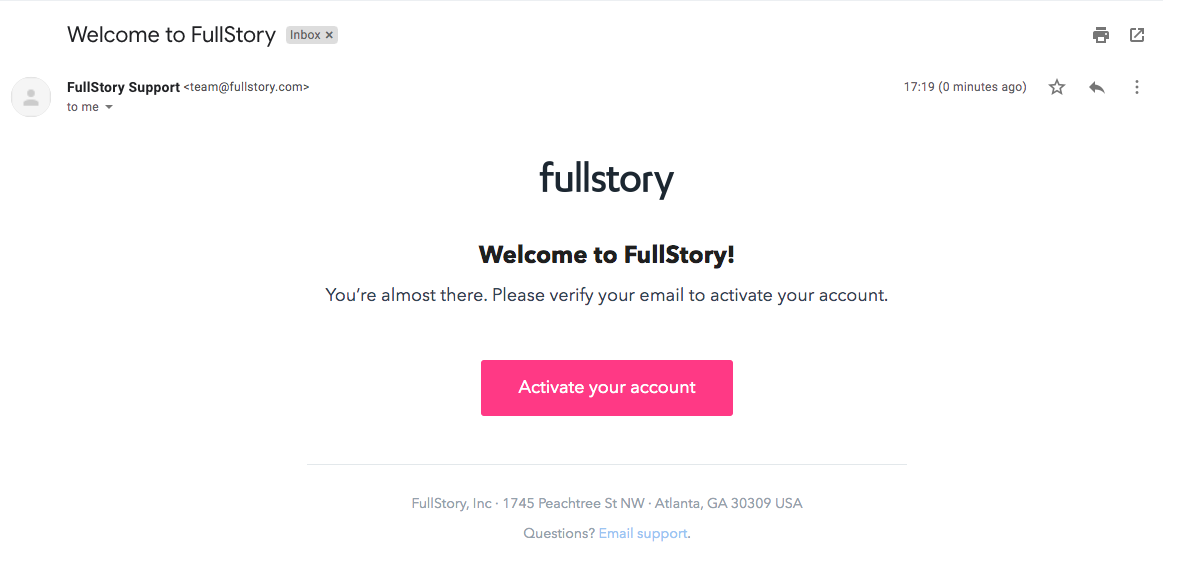
FullStory's sign-up flow spans eight steps, from trial form and inbox check to installing the snippet and setting privacy rules. Early screens are minimal white forms with pink buttons, broken by a vivid pink-to-orange gradient on the password step. Setup steps add a three-stage stepper at the top, selectable role chips, a code block with a copy action and a masked-field preview for privacy.
Follow Fullstory’s sign up flow flow step by step: 8 real screens captured from the live product, from sign up page to sign up flow: privacy. Use ← → to move between steps, and open any screen to see it in full.