SaaSFrame Pro
1 more step in this flow
Free accounts see the first 3 steps of each flow. Pro unlocks every step of every flow, plus every screen, section and Copy in Figma.

Forest Onboarding
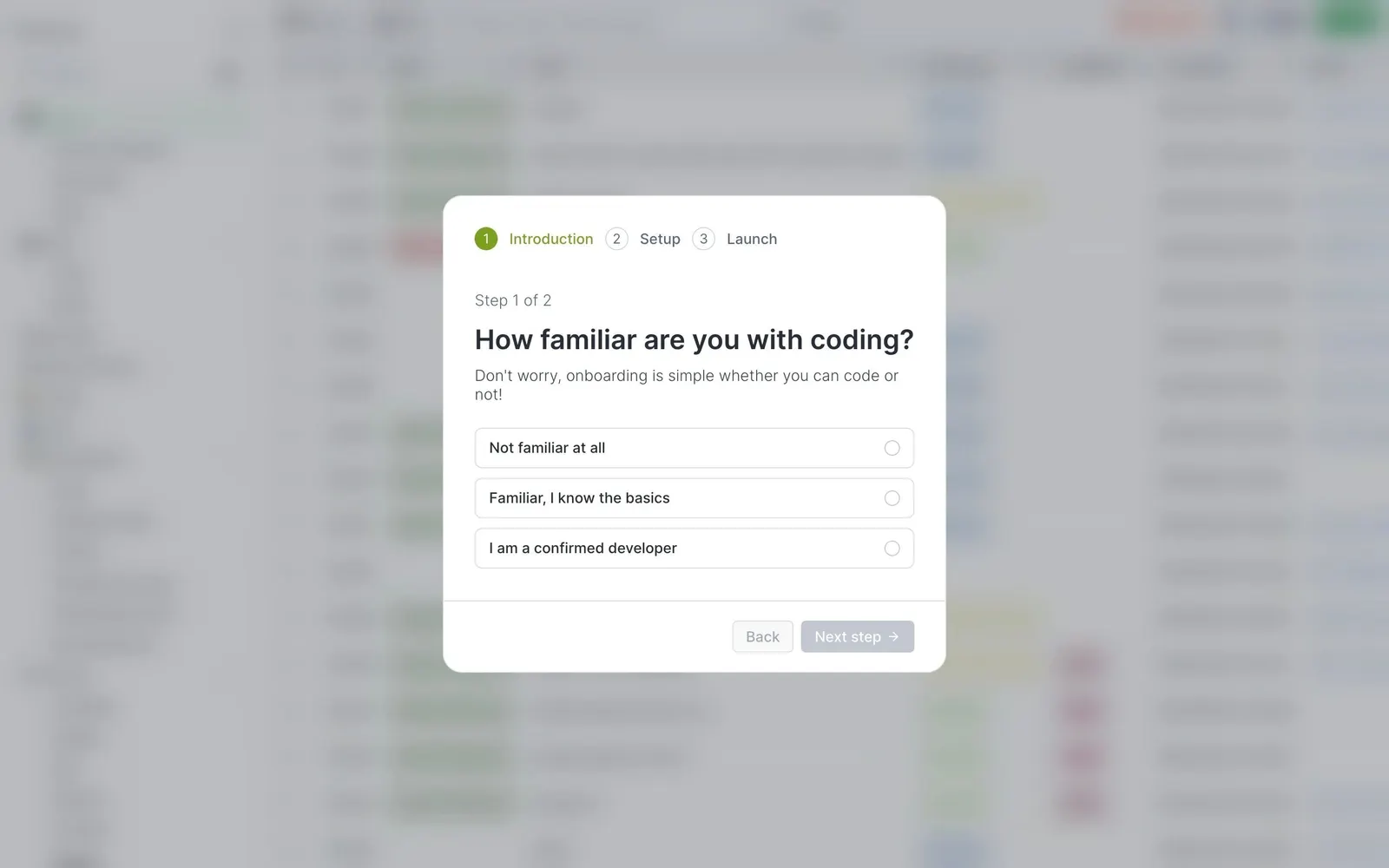
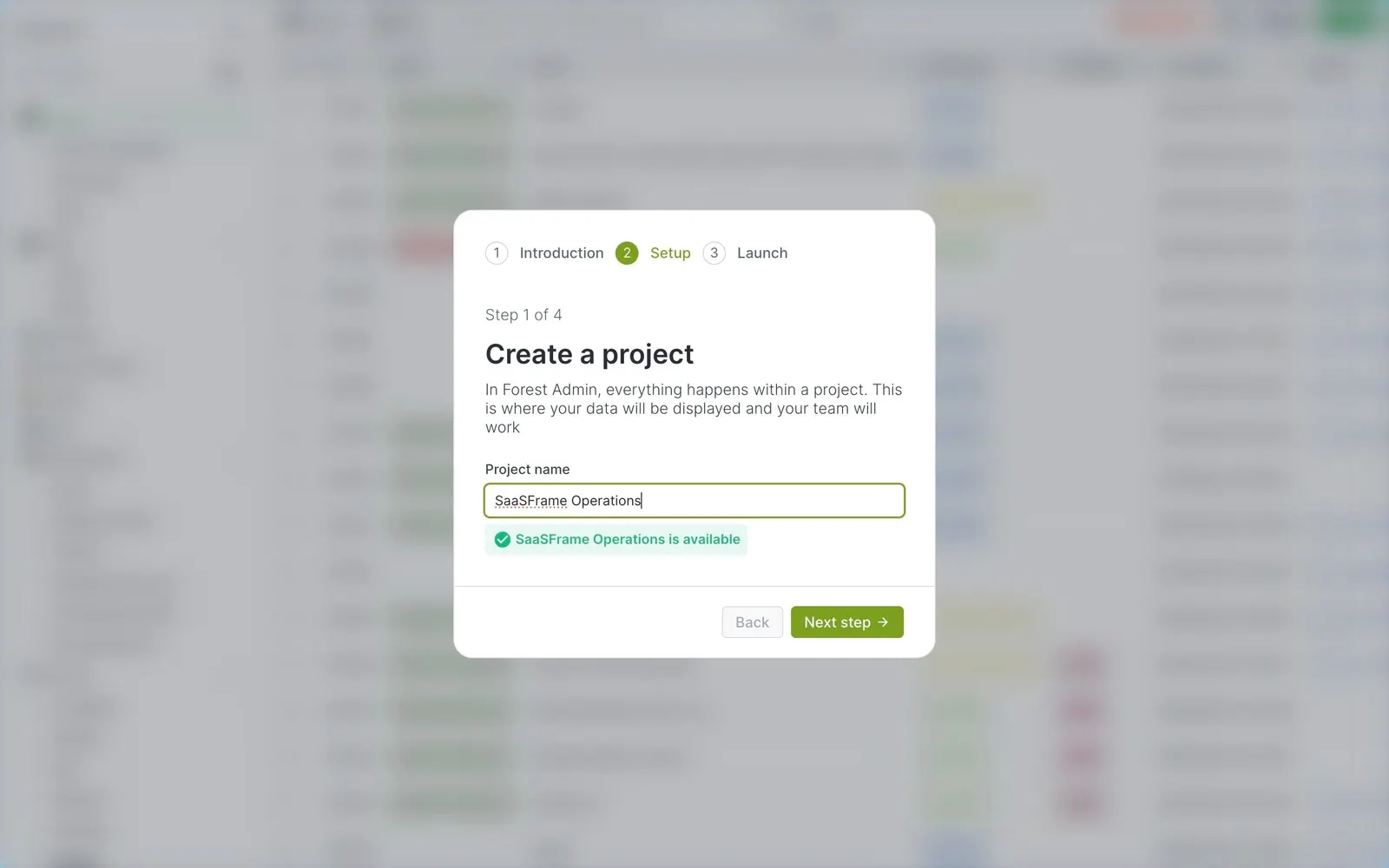
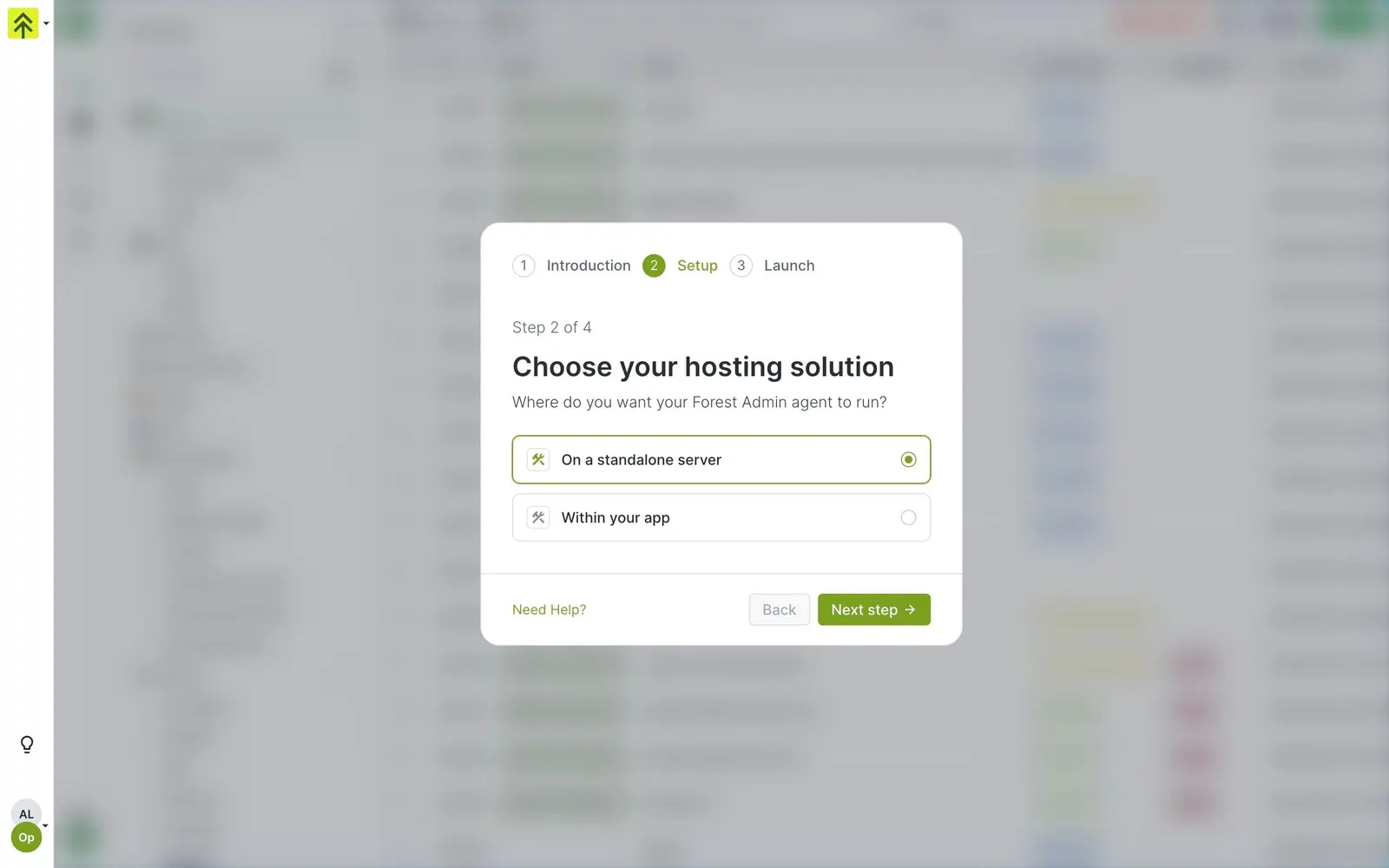
Forest's onboarding runs in a white modal over a blurred preview of the admin panel: a coding familiarity question, project creation with inline name validation, a hosting choice and a database picker. A three-stage stepper stays at the top and the green button activates once each step is answered.
Follow Forest’s onboarding flow step by step: 4 real screens captured from the live product, from onboarding coding familiarity to onboarding database choice. Use ← → to move between steps, and open any screen to see it in full.