SaaSFrame
4 more steps in this flow
Free accounts see the first 3 steps of each flow. Pro unlocks every step of every flow, plus every screen, section and Copy in Figma.
Fellow Sign Up Flow
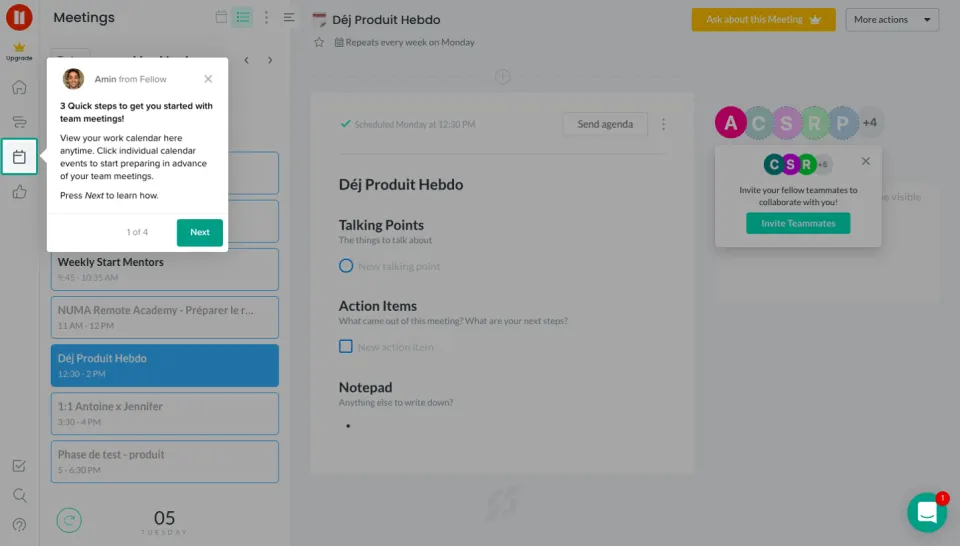
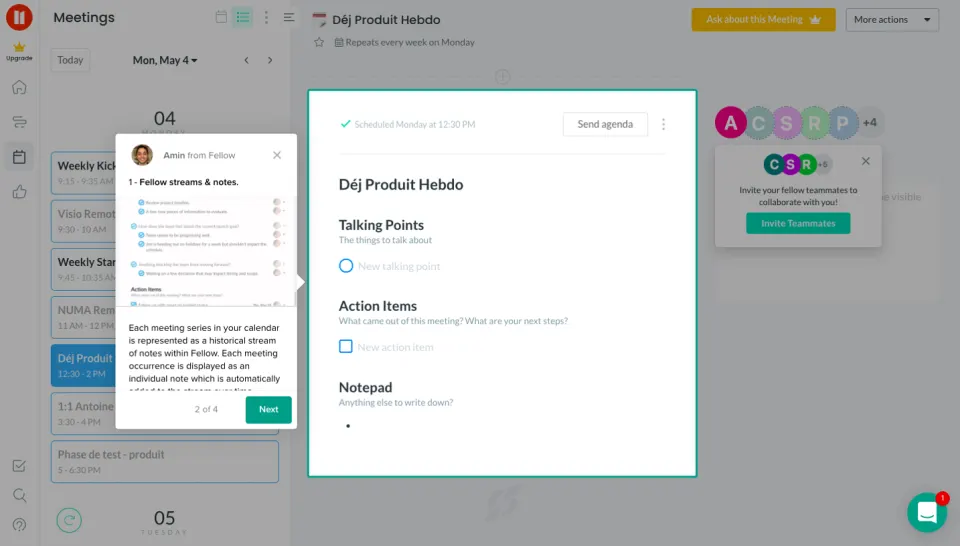
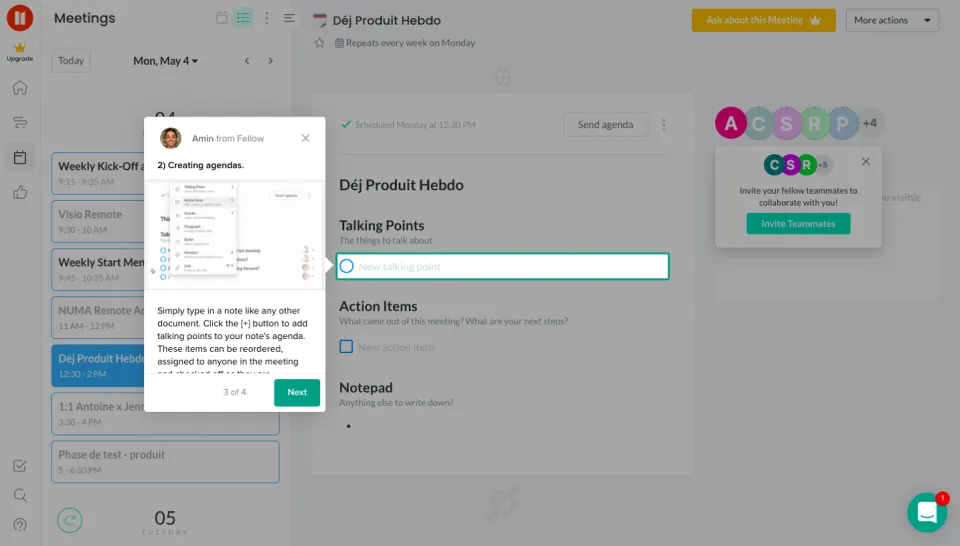
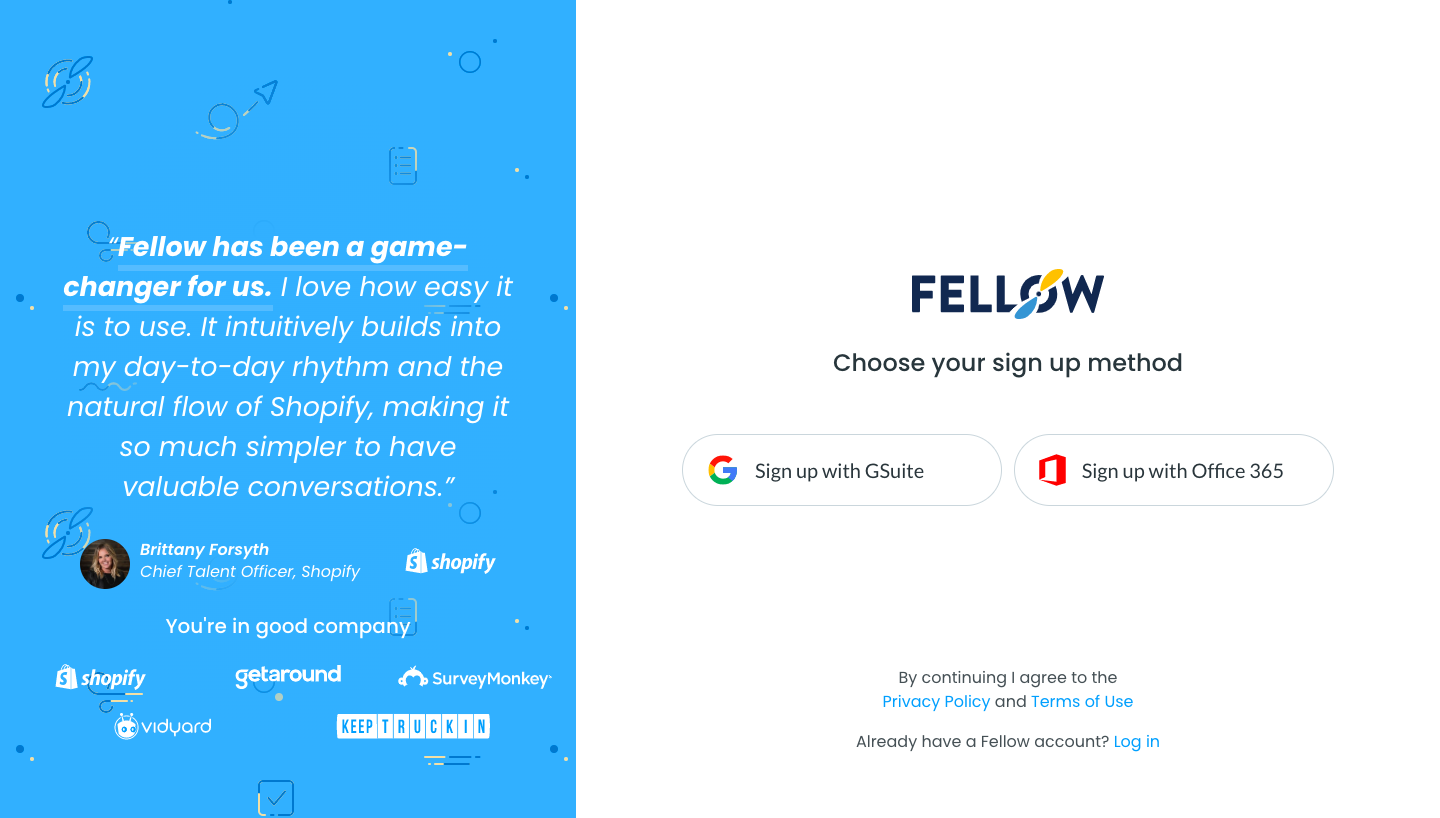
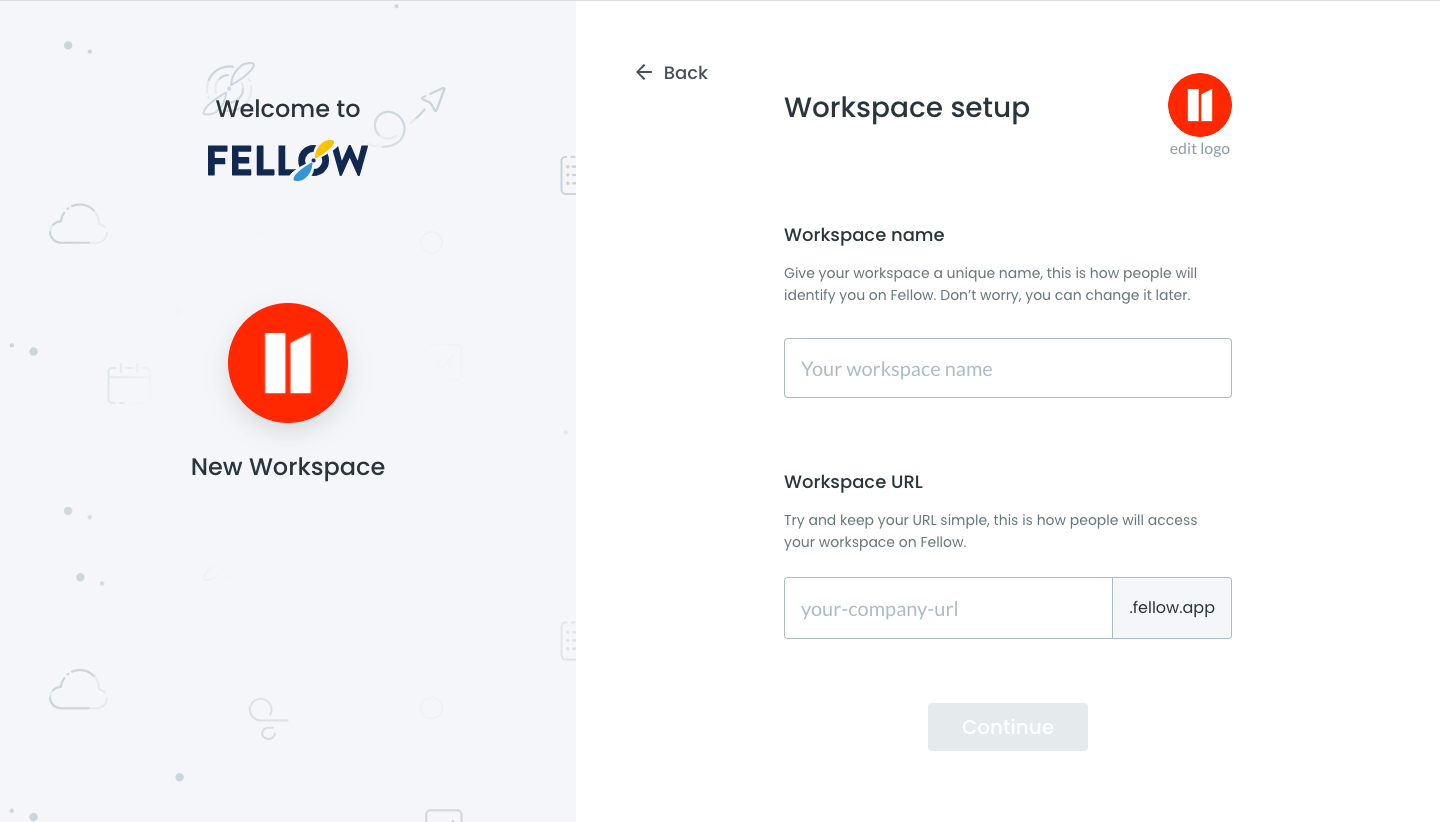
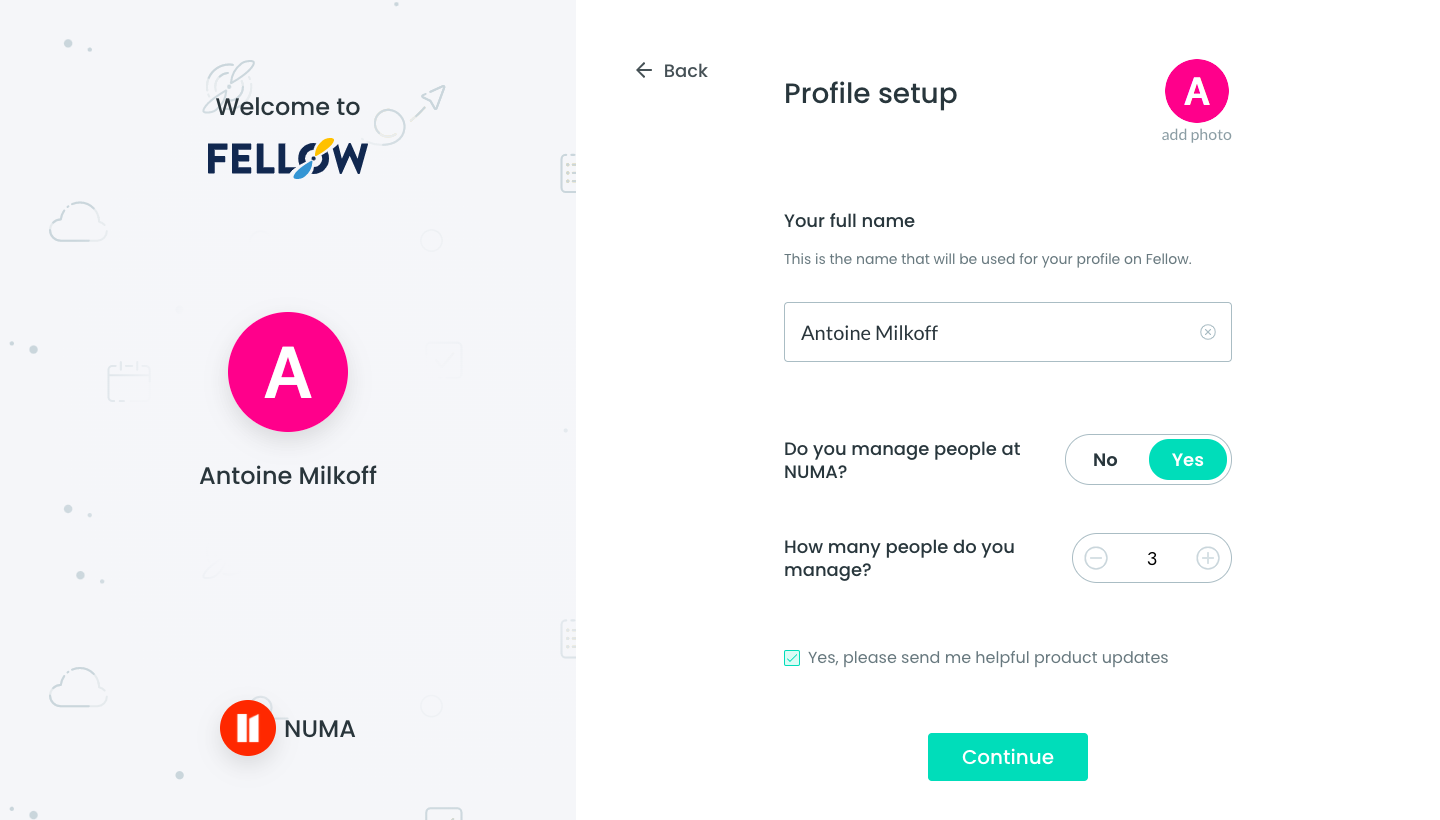
Fellow's sign-up flow sets up a workspace, profile and calendar connection on a split screen, with a live preview card on the left. The left panel updates as you go, showing the workspace logo, then your avatar and name, while the right holds one short form. Later steps add a calendar loading spinner, a list of direct report email fields and a final picker of upcoming meetings to prepare an agenda.
Follow Fellow’s sign up flow flow step by step: 7 real screens captured from the live product, from sign up page to sign up flow: prepare first agenda. Use ← → to move between steps, and open any screen to see it in full.
Steps in this flow
More flows from Fellow
All Fellow Fellow User Onboarding
4 screens