 SaaSFrame
2 more steps in this flow
Free accounts see the first 3 steps of each flow. Pro unlocks every step of every flow, plus every screen, section and Copy in Figma.

Drip Sign Up Flow
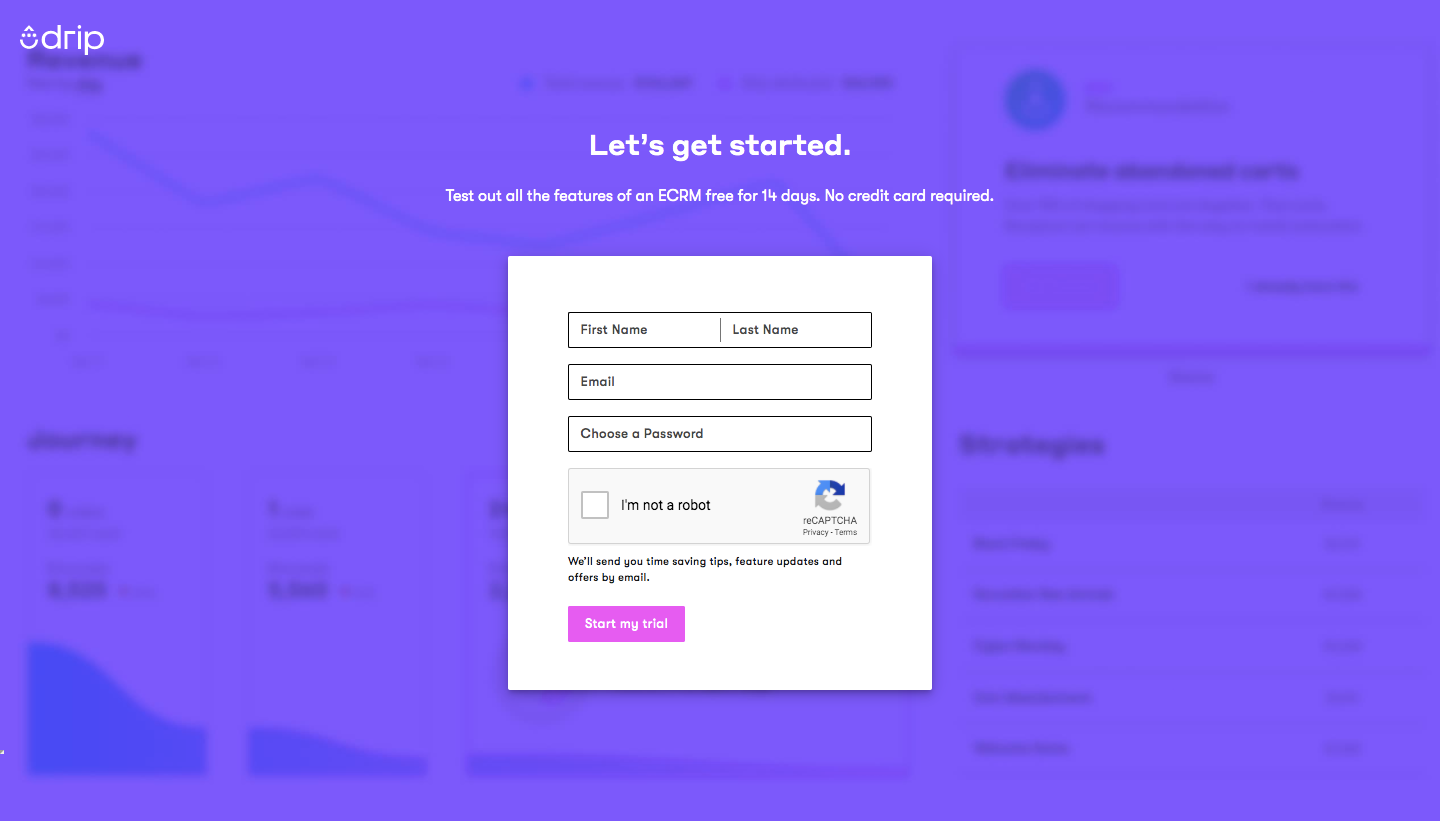
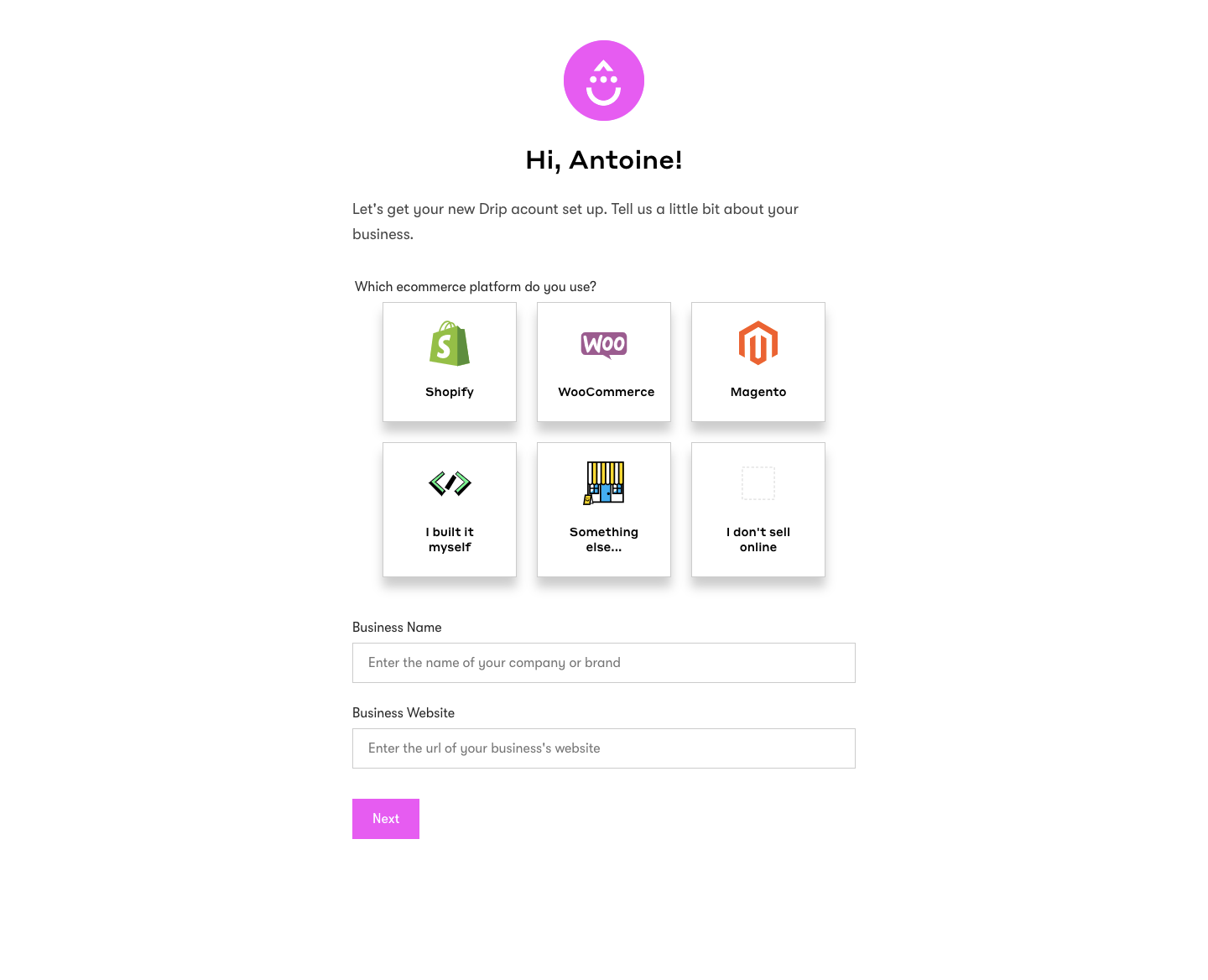
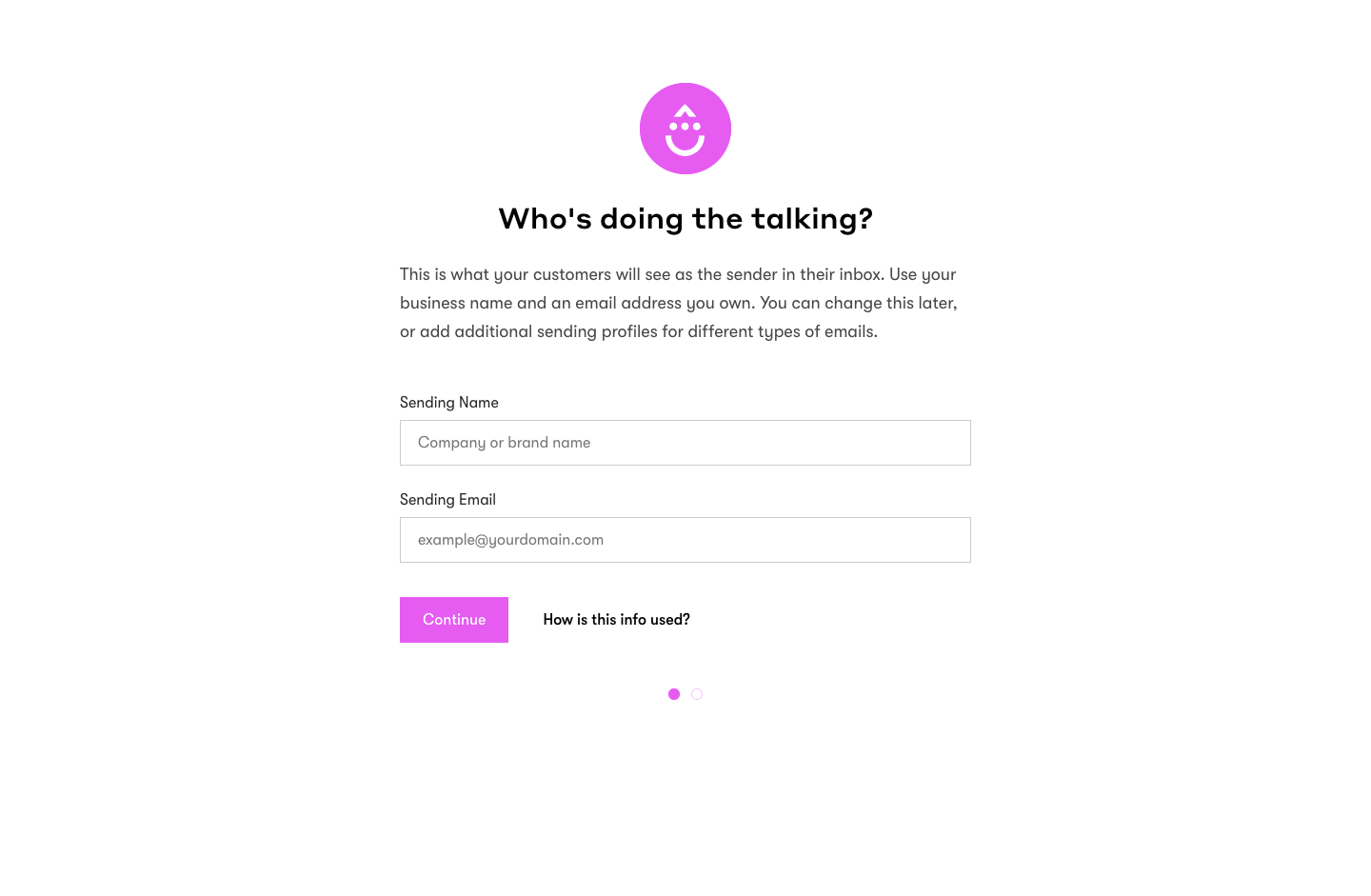
Drip's sign-up flow goes from a purple signup modal to a welcome checklist in five screens fronted by a friendly magenta mascot. The first form floats over a blurred, purple-tinted dashboard; the next three are centered one-question pages with a grid of e-commerce platform tiles, sender fields and an address box, tracked by small pagination dots. It ends on stacked checklist cards with outline buttons.
Follow Drip’s sign up flow flow step by step: 5 real screens captured from the live product, from sign up page to sign up flow: welcome checklist. Use ← → to move between steps, and open any screen to see it in full.